
Commercial-First Planning
Projects are planned around property operations, infrastructure and the people responsible for the system.
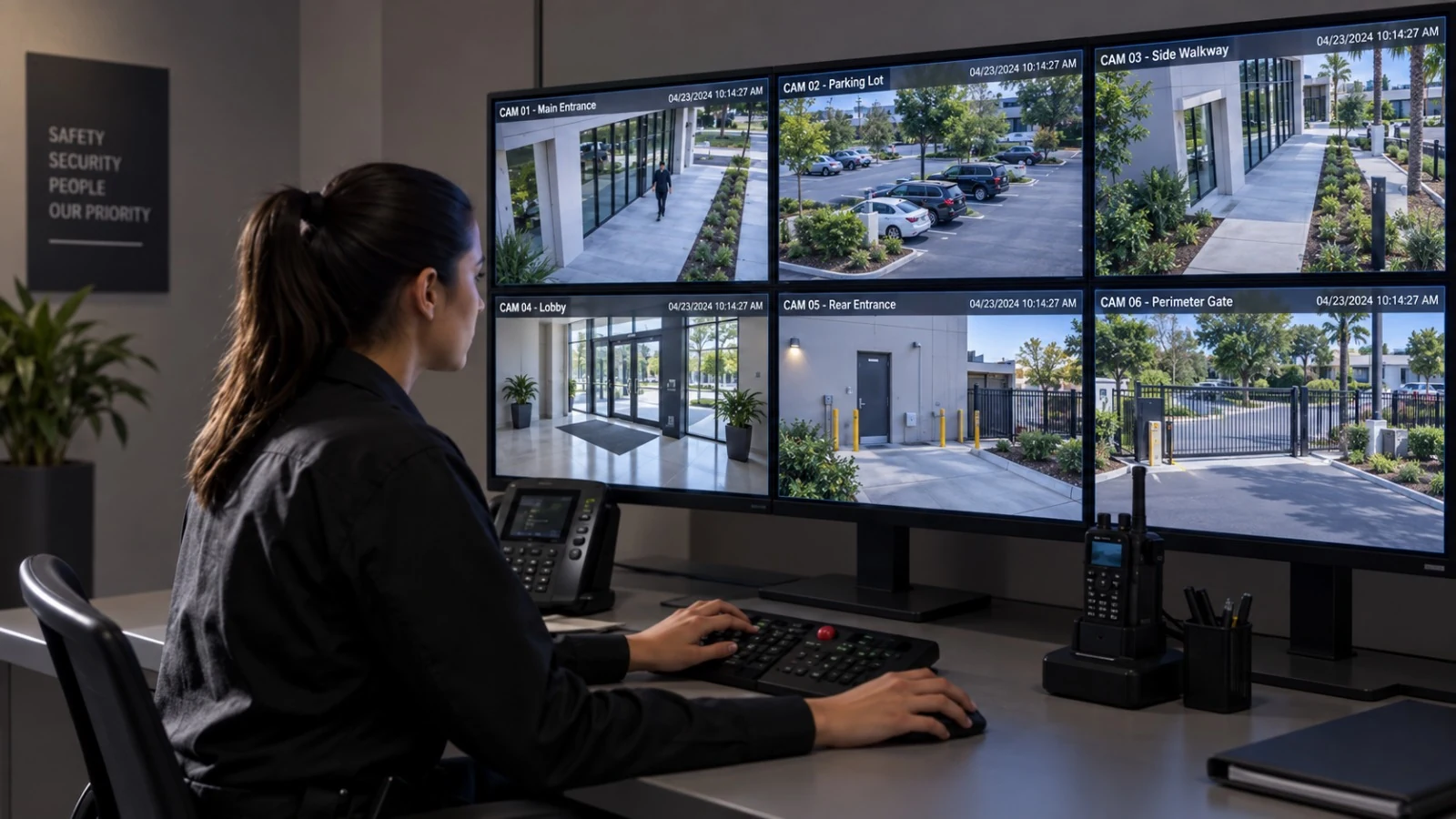
Commercial Camera Resource | Monitoring and remote access
Camera monitoring is an operating workflow, not simply watching live video. A property must decide which events matter, who receives notifications, how after-hours issues are escalated, what gets annotated and how the response record is reviewed.
A property manager may route an after-hours door alert to an on-call supervisor while daytime activity remains available only for incident review. More alerts can increase awareness, but poorly tuned rules and unclear ownership create fatigue and missed events.
Projects are planned around property operations, infrastructure and the people responsible for the system.
Data Pro Communications operates under FL License #EC13016138.
Testing, labeling, credentials and known limitations are organized for the people who will operate and support the system.
Camera monitoring is an operating workflow, not simply watching live video. A property must decide which events matter, who receives notifications, how after-hours issues are escalated, what gets annotated and how the response record is reviewed.
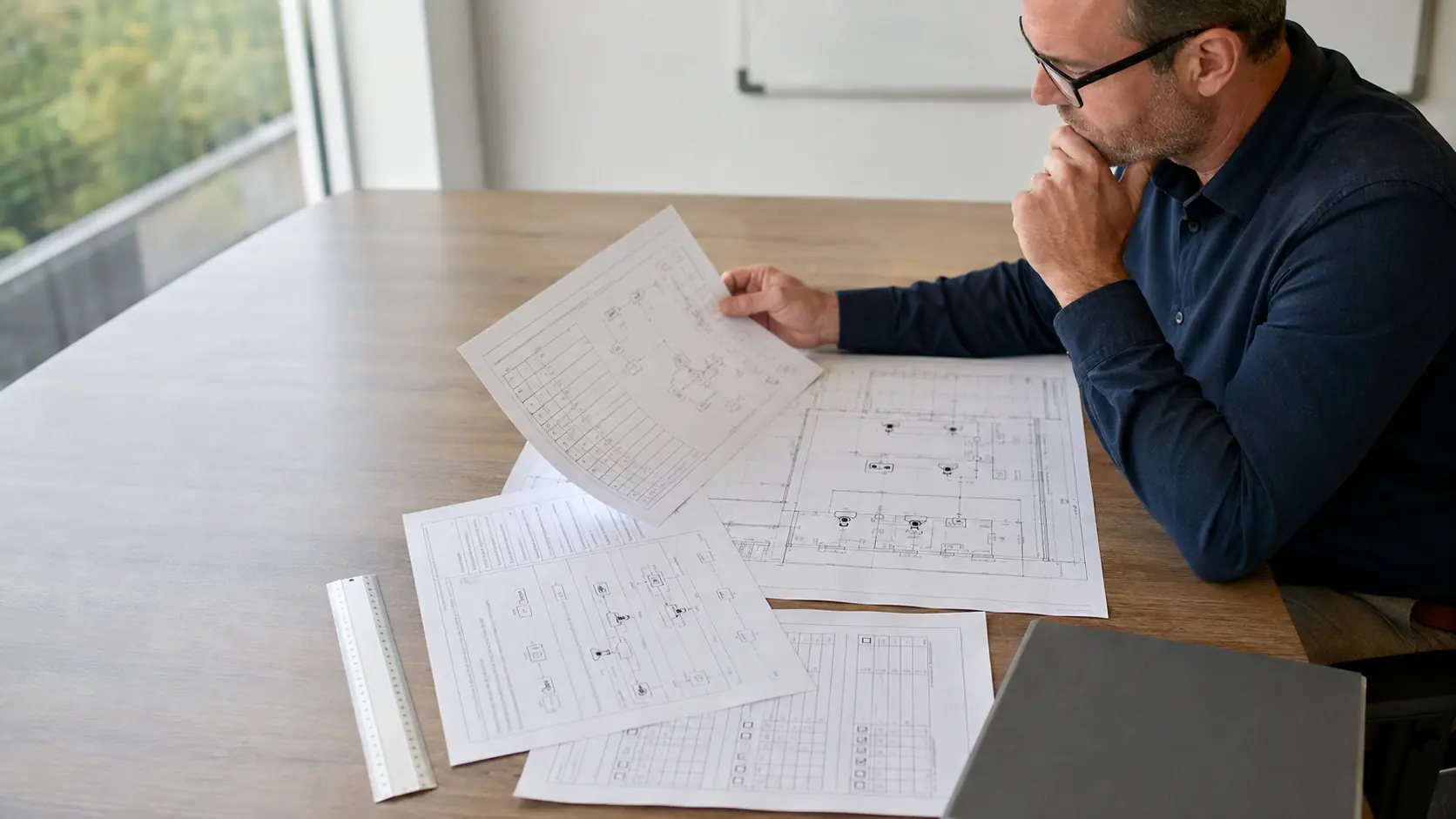
Monitoring alerts lose value when nobody is assigned to review the event, decide whether action is needed and close the incident record.
Rules that are too broad create nuisance alerts; rules that are too narrow miss the activity staff intended to review. Test schedules, zones and thresholds against normal traffic.
An alert can stall when the first recipient is unavailable or lacks authority to act. Define backup contacts, response windows and escalation conditions.
After-hours events need an on-call role with access to footage and a clear threshold for contacting property staff or emergency services.
Incomplete annotations make later review difficult and can separate an exported clip from the action it prompted. Record time, cameras, observations, response and follow-up.
Without alert and response history, managers cannot see nuisance trends, missed events or slow acknowledgments. Retain the records needed to tune the workflow.
Assign alert and footage review to a specific role, with an escalation path for events that cannot be closed at the first review.
Tune schedules, zones and thresholds with representative activity and document the recipient and expected response for each notification type.
Name the primary and backup contacts, response windows, escalation triggers and record required when an event changes hands.
Assign an on-call role with the permissions and authority needed to review, contact property staff and escalate after-hours events.
Record event time, cameras reviewed, observations, action, exported clip reference and follow-up owner without altering source footage.
Retain alert history, acknowledgments, response times, escalations, exports and rule changes so missed and nuisance events can be reviewed.
A property manager may route an after-hours door alert to an on-call supervisor while daytime activity remains available only for incident review.
A loading facility may flag activity outside scheduled delivery windows, then require staff to confirm whether the event needs escalation.
A managed property needs named viewing roles and a clear division between property staff, system administrators and outside service providers. Assign the first recipient, backup contact and escalation threshold for property events, then test the path during an occupied period.
Remote access across several sites depends on consistent account roles, secure connectivity and camera names that make the correct property unmistakable. Use consistent site and camera names, local contacts and after-hours roles so a remote operator can act at the correct property.
Parking footage is useful remotely only when time, camera names, permissions and export procedures are consistent with the incident workflow. Record the event time, lane or level, cameras reviewed, action taken and exported clip reference without altering the source footage.
An incident export must preserve the correct time window, camera identity and playback quality while remaining accessible only to authorized users. Retain alert, acknowledgment and export records long enough to review nuisance rules, missed events and response gaps.
Define which events require review, the responsible role, review window, evidence created and how unresolved events move to another owner.
Notification design should specify event type, zone, schedule, threshold, suppression period, recipient, backup recipient and response expectation.
Document the primary contact, backup contact, response deadline, authority to act, escalation condition and final incident record.
After-hours planning should identify on-call roles, viewing permissions, property contacts, emergency threshold, response logging and next-day review.
Annotation fields should capture time, cameras reviewed, observation, action, linked export, reviewer and follow-up without modifying the source recording.
Useful audit records include alert generation, delivery, acknowledgment, response, escalation, export, rule changes and periodic review of missed or nuisance events.
The operating workflow for camera-monitoring workflows may rely on notification rules, staff escalation workflow and after-hours response. Define which team owns configuration, connectivity and event response so a system alert reaches someone able to act.
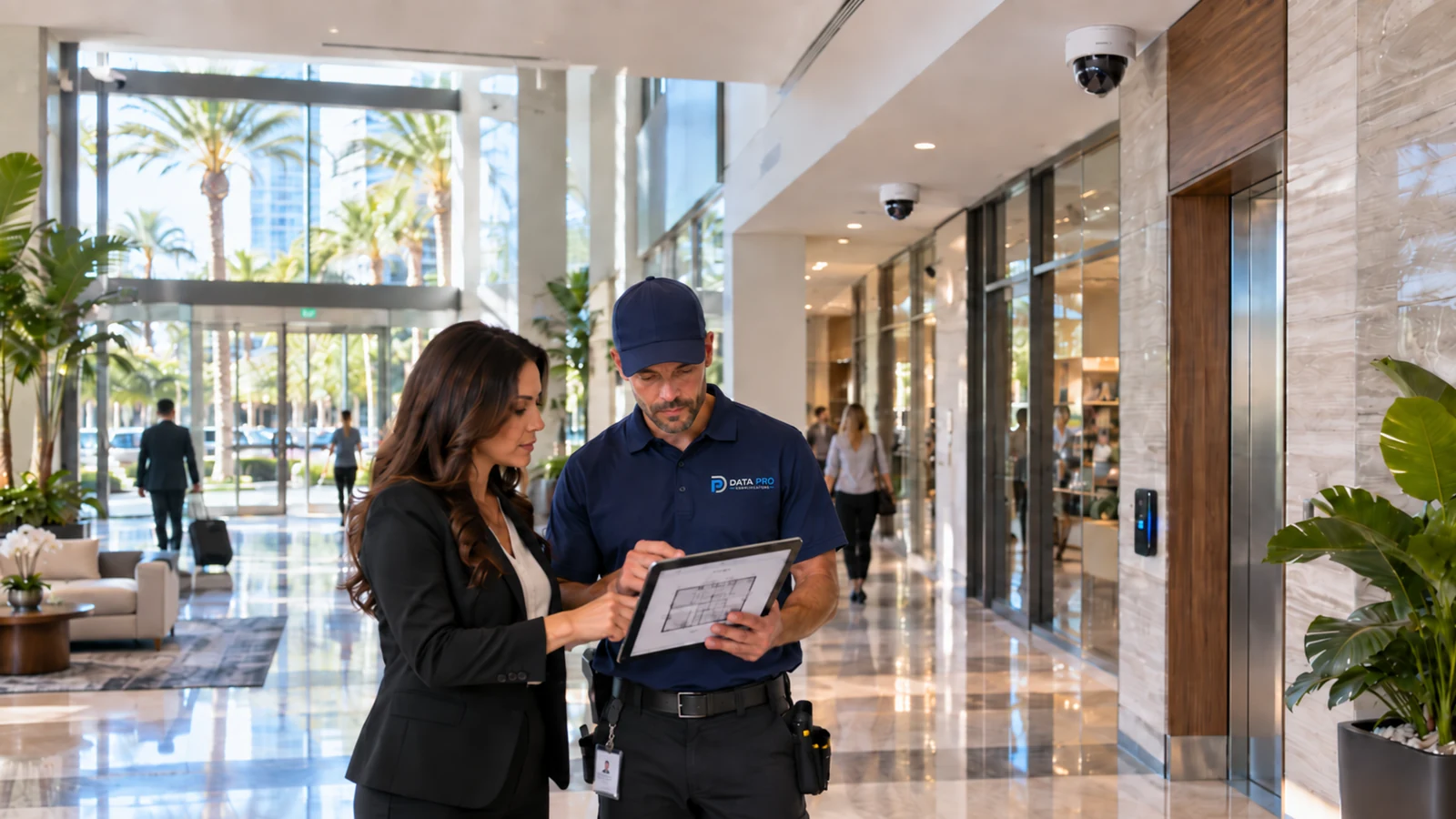
For Orlando properties using active camera monitoring, the local installation is only one part of the workflow. The property team should define who receives events, how staff distinguish authorized from suspicious activity, when an issue is escalated and what incident record must be available for later review.
Readers working on monitoring can continue into remote viewing, user permissions, retention and troubleshooting when the response workflow exposes a technical dependency.
Camera Services can address recorder configuration, remote access or device faults when the camera-monitoring workflows workflow cannot be corrected through operating rules alone.
A project consultation can resolve platform, connectivity and account questions when the operating team cannot establish a dependable camera-monitoring workflows response path.
The operating model succeeds when ownership for event-review responsibility, notification rules and staff escalation workflow is clear and the records represented by incident annotation and monitoring audit records remain usable after handoff.
List the activity that should trigger review, such as after-hours entry, perimeter movement or another defined event, and separate it from normal business activity. Monitoring rules are useful only when staff know what counts as actionable.
Decide who receives an event first, who is contacted if that person does not respond and what information the reviewer needs before escalating. Schedules should reflect who is actually responsible during nights, weekends or other monitored periods.
Run a controlled event through detection, review, notification and escalation. Confirm that nuisance activity does not overwhelm the workflow and that the intended contact can receive enough information to make a decision.
Use monitoring records to identify missed events, repeated false alarms or slow handoffs, then refine schedules, zones or escalation instructions. A monitoring program should improve from actual event history rather than remain fixed after initial setup.
Data Pro Communications - South Orlando is operated by Data Pro Communications. Florida low-voltage work is performed under FL License #EC13016138.
Assign an operating owner who can define reviewable events, business hours, escalation thresholds and the record kept after review.
Test them against normal traffic and likely nuisance motion, then document schedules, recipients, suppression periods and the response expected for each alert.
Name the first recipient, backup contact, response window, circumstances requiring management or emergency escalation and how the action is recorded.
Assign an on-call role with authority to review video, contact property personnel and escalate according to the event type and site procedure.
Record the event time, cameras reviewed, observations, action taken, exported clip reference and any follow-up owner without changing the source footage.
Retain alert history, acknowledgments, response times, escalations, exports, rule changes and periodic reviews of missed or nuisance events.
Assign a named role to event-review responsibility and document when an event or exception is escalated, exported and closed.
Tune rules against representative activity and review how notification rules and staff escalation workflow behave during busy and quiet periods.
Keep the event or change time, reviewer, action taken, exception and evidence required by incident annotation and monitoring audit records.
No. In camera-monitoring workflows, video and system events can provide awareness and evidence, but they still depend on a defined human response and other property controls.
If ownership for event-review responsibility, notification rules or staff escalation workflow remains unclear, request a project review that includes the operating manager and the responsible IT or facilities contact.