
Commercial-First Planning
Commercial projects are evaluated by system purpose first, then by the pathways, telecom rooms, power and network resources that the selected solution actually needs.
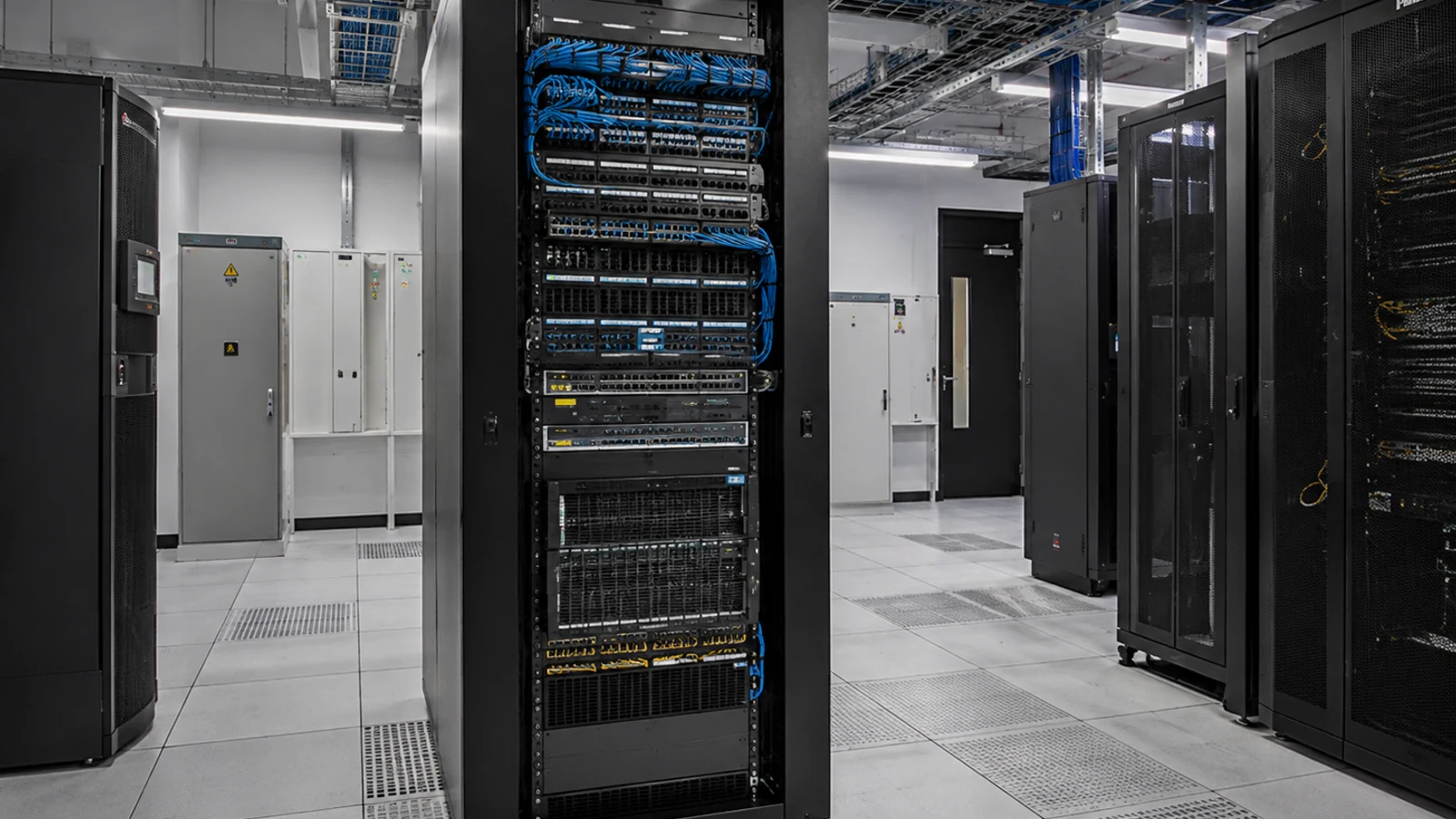
Orlando Commercial Systems Navigation
Data Pro Communications - South Orlando brings together commercial low-voltage systems that often share pathways, telecom rooms, power and network resources. The right starting point is the business need: connectivity, controlled entry, communications, audiovisual use, structured cabling, fiber backbone or ongoing system support.
Use this hub to choose the solution that matches the problem at the property. Each solution page goes deeper into its own system; here you can see how they fit together and where to go next.
Commercial projects are evaluated by system purpose first, then by the pathways, telecom rooms, power and network resources that the selected solution actually needs.
Data Pro Communications operates under FL License #EC13016138.
Closeout requirements vary by system, but the goal is the same: give the owner clear records for the equipment, pathways, settings and responsibilities that matter after installation.
The Solutions portfolio covers the infrastructure and building-technology systems that support day-to-day commercial operations: structured cabling, network infrastructure, fiber, access control, intercom, audiovisual systems and service or maintenance. The best path depends on whether the project is creating physical connectivity, moving data, controlling an opening, enabling communication, supporting a room experience or restoring an existing system.
A camera problem, access problem and network problem can look similar to a user while requiring completely different work. Defining the operational problem first prevents a project from being routed to the wrong system category.
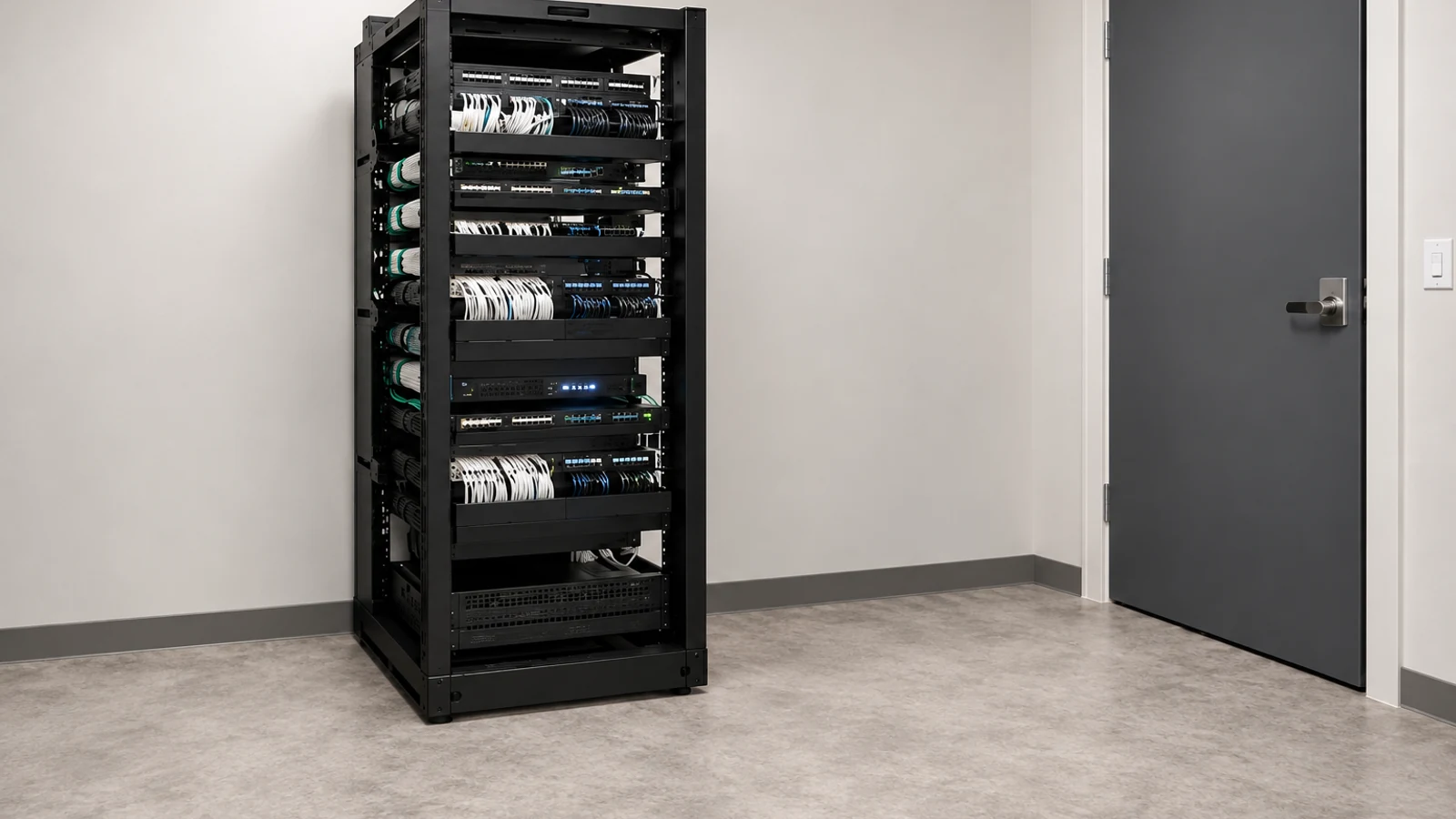
Multiple low-voltage systems may need the same sleeves, trays, racks or telecom rooms. Capacity and pathway conflicts should be identified before several scopes compete for the same physical space.
Some solutions depend on PoE, switching, UPS power or third-party network services; others do not. The owner should know which team is responsible for those resources before equipment is selected.
Access control may interact with intercoms, cameras may depend on the network, and AV may use structured cabling or IP transport. Each interface needs a defined function rather than a general promise that systems will integrate.
A copper link, fiber backbone, controlled door and conference room require different acceptance checks. Testing should match the actual system instead of relying on one universal closeout checklist.
Owners need different records for different systems: cable test results, port maps, credential administration, equipment lists, fiber test data or service history. Closeout should reflect what future operators will actually need.
Start with the result the property needs, such as reliable device connectivity, controlled entry, visitor communication, room collaboration, backbone capacity or restoration of an existing system.
Match that need to the appropriate child solution so deep technical decisions are made on the page and scope that owns them.
When several systems share pathways, racks, power or network resources, coordinate those common elements before installation sequencing is locked.
Document what Data Pro is providing and what remains with the customer, IT team, door-hardware vendor, internet provider or another trade.
Use the validation method that fits the solution: cable certification, optical testing, door-function testing, network checks, AV commissioning or service verification.
Provide records that make the installed system supportable after handoff, without forcing unrelated documentation onto every project.
An office may need structured cabling for workstations, network improvements for connected devices, access control at selected doors or AV in conference rooms. The user need determines which solution owns the project.
Property managers often operate cameras, access, intercoms and networks across common areas and tenant spaces. Clear system boundaries help avoid service requests bouncing between vendors.
Campuses and multi-building properties may depend on fiber uplinks, distributed telecom rooms and shared pathways. Those infrastructure decisions can affect several child solutions at once.
When IT manages switching but a low-voltage system uses PoE or VLANs, the handoff should make that ownership visible before installation and future service.
Repeatable testing standards are useful across portfolios, but the actual test must fit the system: a door sequence is not validated the same way as a fiber link or copper channel.
Multi-building environments benefit from consistent labels, room names, device identifiers and records so a future technician can locate the correct system quickly.
The operational use case decides which solution should lead. Do not select a product category before the property problem is clear.
Check whether sleeves, trays, conduits, racks and telecom rooms have the space needed for the selected systems and future service access.
Confirm which solutions need PoE, dedicated power, UPS support, switching, internet connectivity or customer-managed network services.
Identify interfaces to locks, gates, fire/life-safety systems, internet services, building networks or other vendors where responsibilities cross scopes.
Agree on the evidence that will show each installed solution works as intended, using the correct test method for that technology.
Decide what records the property team needs for operation and service, including labels, test results, equipment information, credentials or configuration ownership as applicable.
Integrated low-voltage work is most useful when shared resources are coordinated without blurring system ownership. Structured cabling may carry network traffic, fiber may connect telecom rooms, the network may support cameras or intercoms, and access control may receive an entry-release command. Each relationship should identify the interface, responsible party and functional test.

For Orlando commercial properties, the most useful local decision is not a generic city assumption; it is selecting the solution that fits the building, users and existing infrastructure at the actual address. This hub helps route that decision before deeper technical planning begins.
The Solutions hub is already the portfolio map; use the child cards on this page to move into the system that owns the technical decision.
A project consultation is appropriate when the property has several overlapping needs or the current condition makes the correct solution path unclear.
Camera Services is a separate family for surveillance-specific planning, installation, recording, analytics, upgrades and troubleshooting.
The recommendation changes with building use. Offices emphasize user connectivity and meeting spaces, managed properties often combine access and communications workflows, and multi-building sites may depend more heavily on fiber, distributed network rooms and standardized documentation.
Clarify the property problem and identify which low-voltage system should own the next technical decision.
Review the existing pathways, telecom rooms, power, network resources and third-party interfaces that affect the selected solution.
Develop the child-solution scope and coordinate shared infrastructure only where systems genuinely intersect.
Validate each system with its appropriate test method and organize the records the owner will need after handoff.
Data Pro Communications - South Orlando is operated by Data Pro Communications. Florida low-voltage work is performed under FL License #EC13016138. Final recommendations depend on the approved scope, site conditions and the responsibilities stated in the project documents.
Start with the operational problem. Use Structured Cabling for permanent copper pathways and terminations, Network Infrastructure for switching and topology, Fiber for optical backbones, Access Control for controlled openings, Intercom for entry communication, AV for room audio/video, and Service & Maintenance for existing-system support.
Structured cabling is the physical copper pathway, patch-panel and jack infrastructure. Network infrastructure covers active components and design such as switches, routing, VLANs, PoE capacity and uplinks.
Fiber is typically considered when distance, backbone capacity, electrical isolation or building-to-building connectivity makes copper impractical. Fiber type, strand count and optics still need to match the application.
Yes, when the intercom workflow includes visitor verification followed by an authorized door or gate release. The entry command, locking hardware and access-control permissions should have clearly defined responsibilities.
Some AV systems use IP transport or network management, while others use dedicated signal paths. The AV design should identify which traffic and control functions depend on the customer network.
No. Copper data, fiber, speaker cable, control wiring and door-related conductors serve different purposes. Cable type and pathway should follow the system requirements rather than a universal standard.
Coordinate them when they share pathways, telecom rooms, power, racks, network resources or user workflows. Planning together should resolve shared dependencies without merging distinct system responsibilities.
Review the property use case, existing infrastructure, shared pathways, telecom rooms, power, network resources and third-party interfaces. Deeper checks then move to the child solution that owns each technical decision.
Testing should match the system: copper certification, fiber loss testing, network connectivity checks, door-function tests, intercom call/release tests, AV commissioning or service verification as applicable.
Provide the property type, systems involved, current equipment or known problems, desired outcome and any available drawings or photos. That helps identify the right solution path before detailed field work.
Tell us what the property needs to accomplish and what systems already exist. We can use that information to identify the most relevant solution path and the field information needed next.