
Property-Specific Guidance
Industry pages organize the site around real operating differences such as public access, staff movement, loading activity, guest areas, restricted zones and business hours.
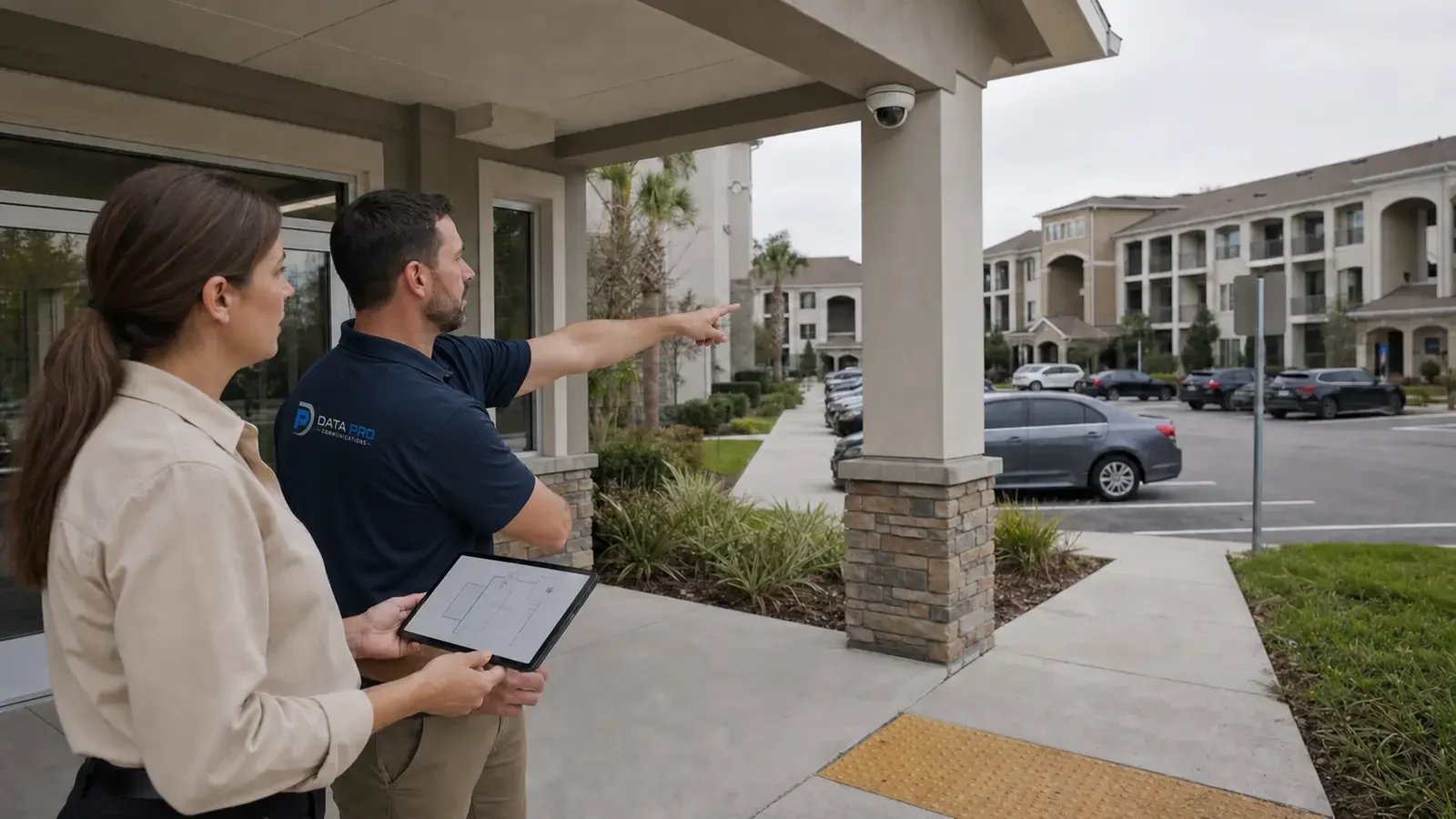
Security and Low-Voltage by Property Type
A camera or low-voltage system should fit the property it serves. This hub helps Orlando buyers find industry-specific guidance based on how people move through the site, which areas are public or restricted, when the property operates and what infrastructure supports daily work.
Choose the property category closest to your project to see more focused considerations for security cameras, access, connectivity and implementation. The individual industry pages provide the detail; this page is the navigation point.
Industry pages organize the site around real operating differences such as public access, staff movement, loading activity, guest areas, restricted zones and business hours.
Data Pro Communications operates under FL License #EC13016138.
Use this hub to identify the closest property category, then move to the dedicated industry page for more specific recommendations and FAQs.
The same technology can serve a very different purpose depending on the property. A school, warehouse, hotel, restaurant, retail store and manufacturing facility differ in occupants, operating schedules, restricted areas, incident workflows, network needs and installation constraints. Those differences are why the industry pages are separated rather than treated as one generic commercial use case.
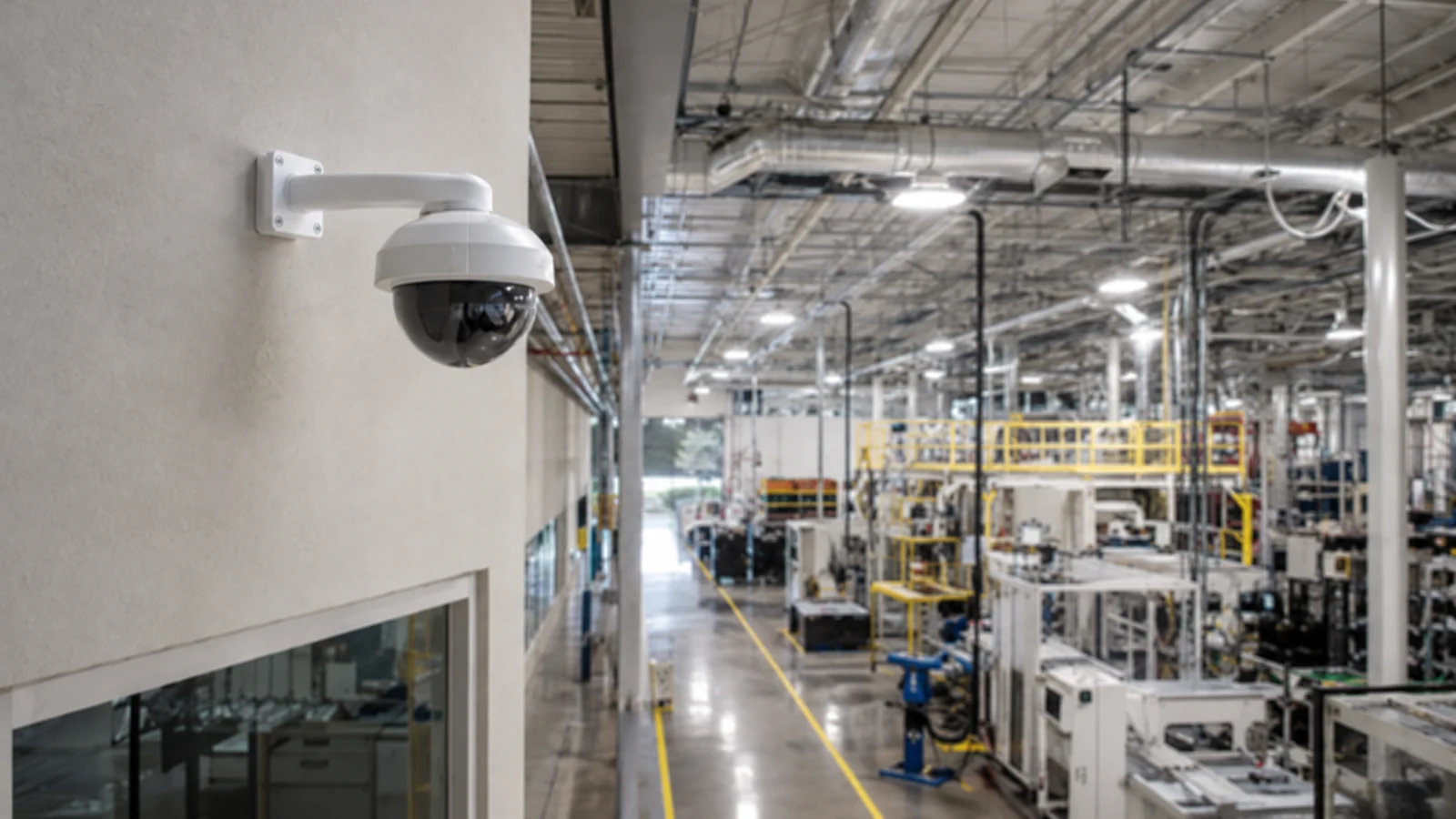
Consider whether the site is used by employees, customers, students, residents, guests, contractors, visitors or a mix of groups. User patterns influence where visibility, entry control and communication matter most.
Lobbies, sales floors, classrooms, loading docks, yards, production areas and staff-only spaces create different security and access priorities. Choose the industry page that best reflects the zones you need to manage.
A 24-hour facility, a school-day campus, an evening restaurant and a standard office schedule create different monitoring, access and installation-window requirements.
Some properties emphasize incident review, others perimeter activity, visitor control, staff access, loading operations or multi-site oversight. The right industry page should match the operating workflow, not just the building label.
Existing cabling, network rooms, fiber, PoE capacity, door hardware and other infrastructure can affect how a system is implemented. Industry pages put those dependencies in the context of the property.
Occupied facilities may require phased work, after-hours access or coordination around guests, students, customers, production or tenant activity. Those constraints are often as important as the equipment itself.
These properties often balance customer experience with visibility at entrances, sales or dining areas, point-of-sale zones, receiving, back-of-house spaces and parking.
Hospitality and managed properties may combine guest or resident areas, staff/service access, parking, common spaces and property-wide network requirements.
Education environments can include classrooms, offices, common areas, exterior circulation and controlled access points with schedules and stakeholder requirements that differ from ordinary commercial space.
Industrial properties often add loading docks, yards, production areas, elevated mounting, long cable paths, network distribution and operational zones that require purpose-built coverage and infrastructure.
Construction environments may need temporary or permanent surveillance, coordinated pathways, future device locations and work sequenced around active trades and changing site conditions.
Public-sector and operational facilities can have controlled areas, public interfaces, documentation needs and infrastructure dependencies that require more deliberate stakeholder coordination.
Start with Retail, Restaurants, Hospitality or Commercial Businesses when the site has significant public traffic and the project needs to balance security with normal customer or guest activity.
Start with Industrial, Manufacturing, Warehouse, Transportation or Critical Infrastructure when loading, production, perimeter activity, restricted zones or operational continuity drives the project.
Property Management and related industry pages are useful when a team is responsible for multiple buildings, shared spaces, tenant coordination, account ownership or repeatable standards.
Use the Education page when the property has student, staff and visitor workflows, campus circulation or operational requirements specific to a learning environment.
Use the Construction page when changing site conditions, temporary access, materials, equipment or project sequencing are central to the security requirement.
Choose the page that best represents the dominant operating environment, then use related service and solution pages for technical detail. A mixed-use property may reasonably draw from more than one industry context.
Retail may prioritize entrances, transactions and receiving while a warehouse may prioritize docks, yards and inventory movement. The industry page should connect coverage to the events the property actually needs to review.
Staff-only rooms, tenant spaces, campuses, production zones and guest areas create different access requirements. The property type helps clarify who needs entry, when and through which openings.
Large facilities, campuses, multi-building sites and high camera counts may require different network distribution, PoE or fiber strategies than a small commercial space.
Business hours, classes, guest occupancy, production shifts and construction sequencing can determine when work can occur and how disruptive activities should be phased.
A single-site owner, corporate security team, school administrator and property-management company may assign user access, credentials and system administration differently. Those responsibilities should fit the organization using the system.
The condition of existing cabling, cameras, network equipment, door hardware and pathways can affect whether the project is an upgrade, expansion or new implementation. Industry context helps determine which existing assets matter most.
Industry pages explain the operating context; service and solution pages explain the technology in greater detail. A warehouse page can describe dock and yard workflows, for example, while Camera Services or Network Solutions can explain the surveillance or connectivity choices used to support them.
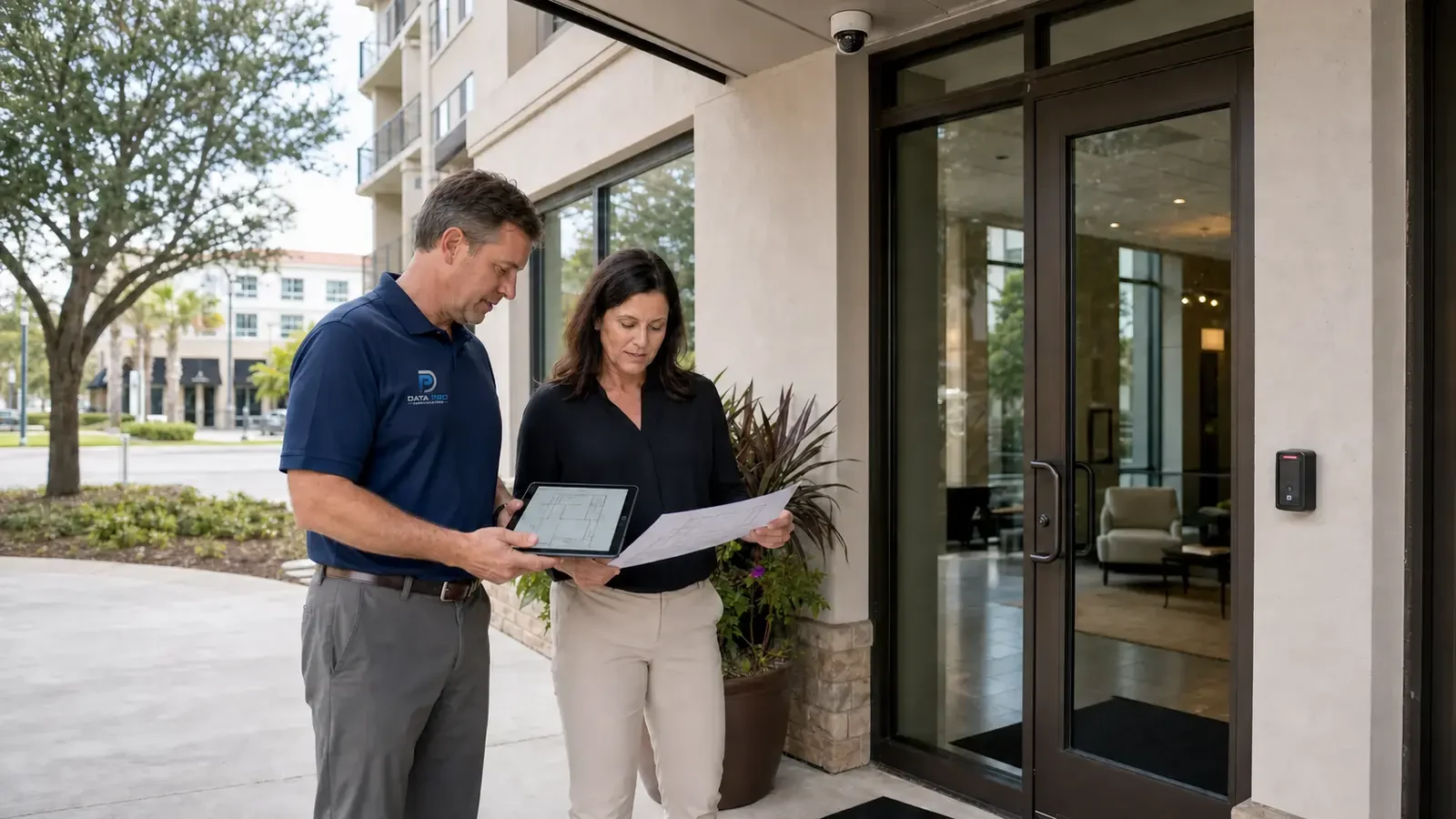
This hub is organized for Orlando commercial buyers, but the industry guidance is driven by property use rather than unsupported assumptions about every Orlando site. The dedicated industry pages should be selected according to the actual property and operating model.
Move to Camera Services when the main question is camera installation, CCTV, IP video, recording, remote viewing, analytics, upgrades or troubleshooting.
Move to Solutions when the project centers on structured cabling, fiber, network infrastructure, access control, intercom or another supporting low-voltage system.
Contact the Orlando team when the property spans multiple systems or the field conditions need to be discussed before a useful project path can be selected.
The dedicated pages help buyers recognize property-specific priorities, but the final system still depends on the individual site. Two warehouses or two hotels can differ materially in layout, infrastructure, staffing and operating workflow even when they share the same industry label.
Choose the industry category that best matches how the property is used, who occupies it and which operations matter to the project.
Use the child industry page to understand the common property areas, workflows and implementation considerations associated with that environment.
Use Camera Services or Solutions for deeper technical information about the system you are evaluating, while keeping the industry context in mind.
If the recommendation depends on the actual property, existing infrastructure or cross-system coordination, contact the Orlando team with the project details so the next step can be based on field conditions.
Data Pro Communications - South Orlando is operated by Data Pro Communications. Florida low-voltage work is performed under FL License #EC13016138.
Property type changes who uses the space, which areas are public or restricted, when the site operates, how incidents are reviewed and what infrastructure is available. Those differences can change coverage, access, network and installation decisions.
Choose the page that best matches the property's dominant operating environment. If the site spans more than one category, start with the closest match and use the related service or solution pages for system-specific detail.
No. This page is a navigation and orientation hub. The dedicated industry pages provide the property-specific detail for retail, hospitality, education, warehouses, construction and other commercial environments.
Operating hours can change monitoring priorities, user access and the windows available for installation. A hotel, school, restaurant and 24-hour industrial facility may need work sequenced very differently.
Existing cabling, network rooms, PoE capacity, fiber, cameras, recorders or door hardware can influence whether a project is an upgrade, expansion or new installation and which technical path is practical.
Yes. Camera systems can depend on cabling, network infrastructure or fiber, and some properties may also need access control or intercom. The approved scope should include only the systems and interfaces that are actually required.
Know the property type, the areas involved, who uses them, the current system or infrastructure and what you want to improve. Those facts make the industry guidance easier to apply to the real project.
No. Layout, hours, access patterns, lighting, network infrastructure, existing equipment and customer priorities can differ substantially even within the same industry.
A site survey is useful when camera views, mounting, pathways, network rooms, cable distances, door conditions or other physical details can change the recommendation.
Review the relevant service or solution page for technical detail, or contact the Orlando team when the project needs field verification, a site survey or a broader project consultation.
Choose the property category that best matches your Orlando project. If the site has mixed uses or the system crosses several technical areas, contact the team with the property details and the outcome you need.