
Installation Against an Approved Design
Mounting, cabling and camera connection follow defined locations and pathways so the field team is executing the project rather than redesigning it during installation.
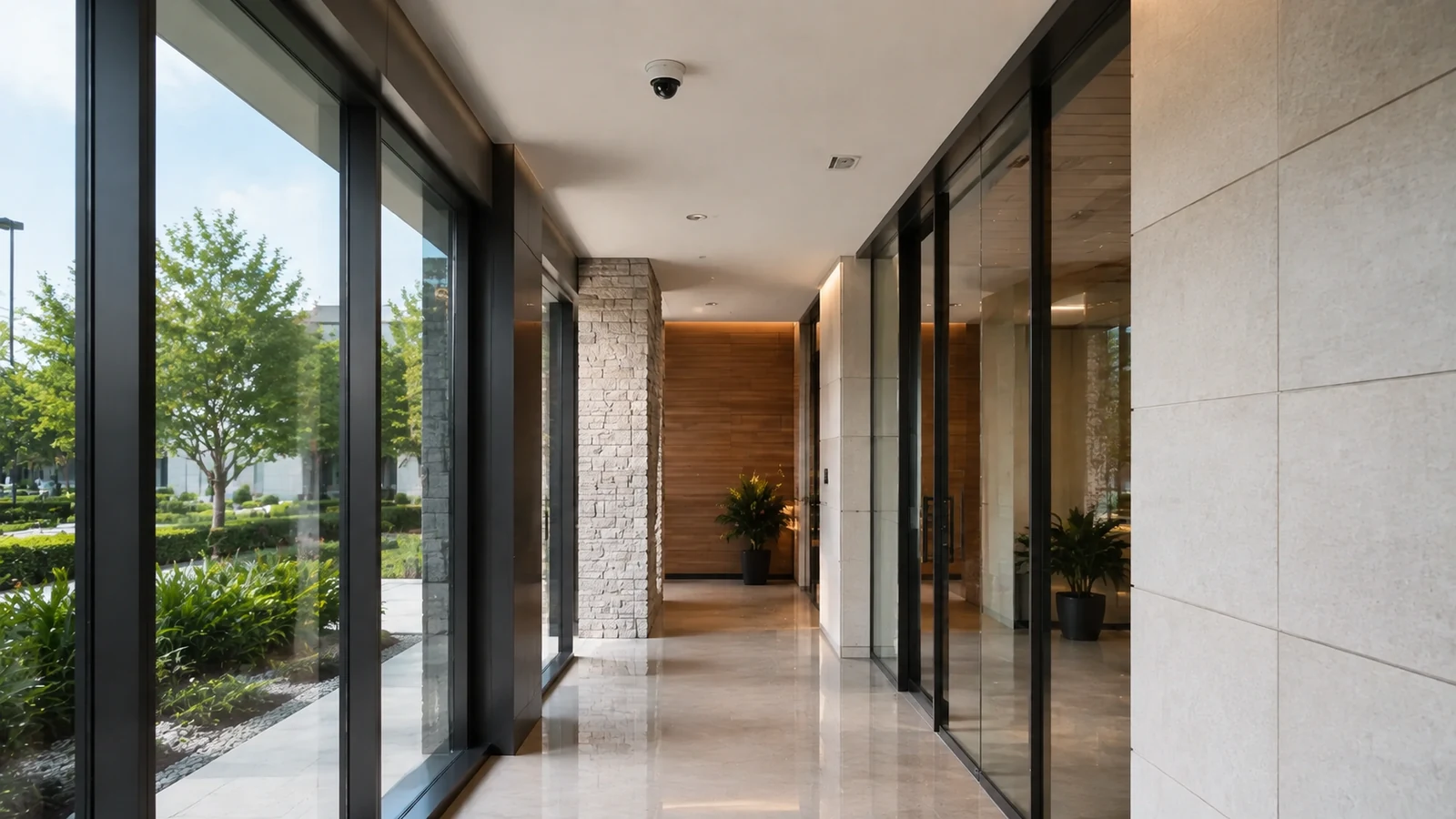
Professional Commercial Camera Installation
Once the camera scope is defined, implementation is about executing it consistently: mount devices at the approved locations, install and terminate cabling, connect PoE/network and recording components, commission the cameras and prove the required functions before handoff.
This page is the installation-process route. It does not replace the Orlando camera-planning page, which owns survey, coverage objectives and design decisions made before the field work begins.
Mounting, cabling and camera connection follow defined locations and pathways so the field team is executing the project rather than redesigning it during installation.
Data Pro Communications operates under FL License #EC13016138.
Required views, recording, playback, naming, permissions and other scoped functions are tested before the installed system is turned over to the customer.
Professional implementation converts the approved design into a working system. That includes mounting, pathways, terminations, camera connection, recorder/VMS enrollment, permitted configuration work, functional testing and documentation of the installed system.
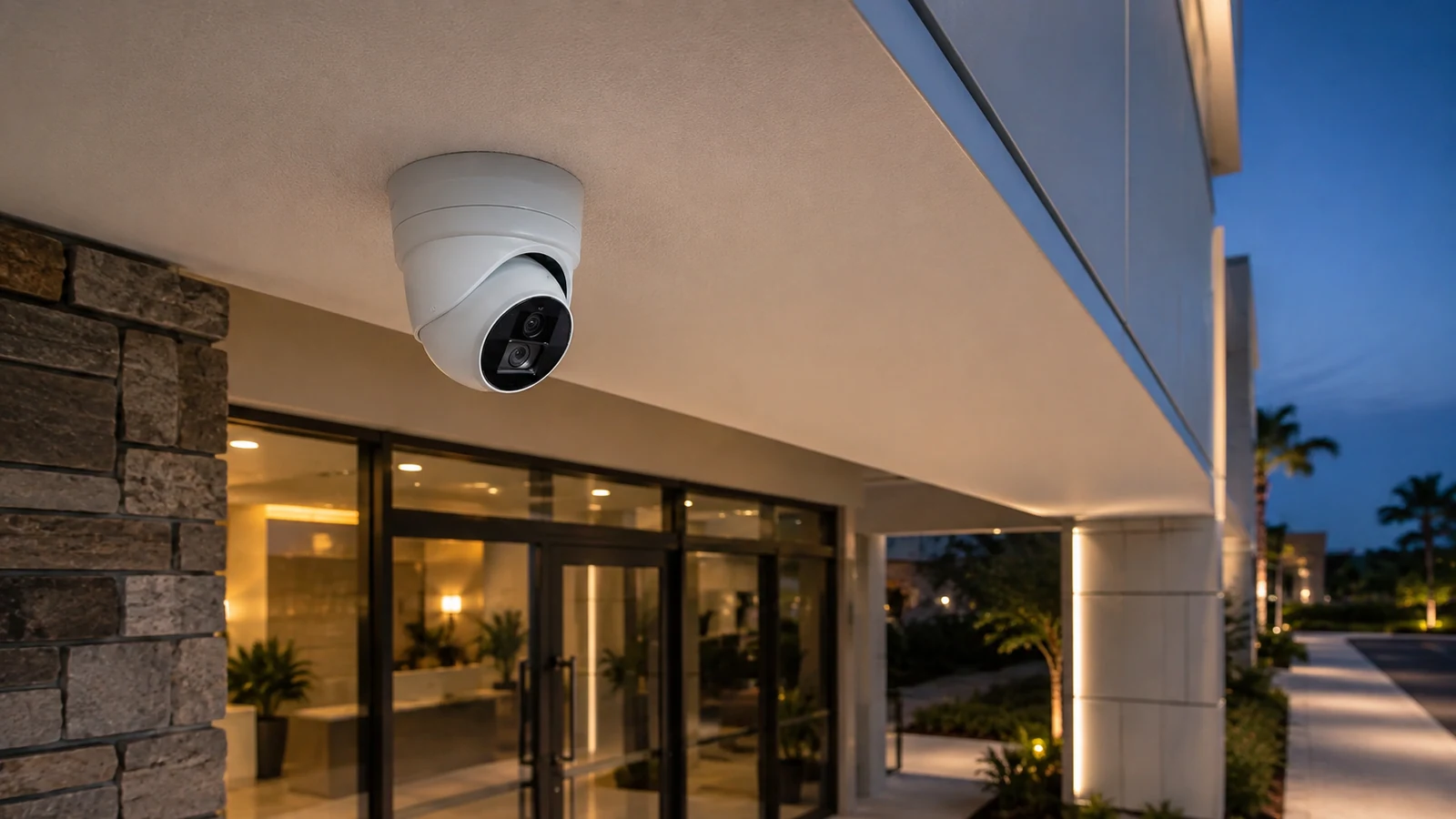
A camera can be installed securely and still fail its purpose if height, angle or final field of view differs from the design objective.
Unclear labels and weak terminations make commissioning and future troubleshooting harder, especially when multiple cameras land in the same rack or IDF.
A connected device may still have unstable power, link errors, addressing conflicts or insufficient switch capacity that only appears during operation.
Installation should distinguish camera enrollment and required settings from customer IT, cybersecurity or third-party programming responsibilities.
Seeing live video is not enough. Each camera should be checked for recording, playback, time synchronization and the functions included in the approved scope.
Without camera names, recorder/VMS information, account ownership and known limitations, the installed system becomes harder for the customer to operate and service.
Use the specified mounting method, hardware and orientation, then confirm the final view against the approved coverage objective.
Route, support, terminate and label camera cabling according to the approved pathway and the infrastructure provided for the project.
Land camera connections on the designated switches or recorder interfaces and verify link, power and addressing as applicable.
Add devices to the approved recording platform and apply naming, streams and settings included in the installation scope.
Verify live view, recording, playback, time, camera naming and any scoped remote access, analytics or export functions.
Provide the customer with the relevant device labels, account-ownership information, as-built changes and known limitations from commissioning.
Installation may require coordinated access to occupied ceilings, telecom rooms and shared spaces while maintaining a clean work area during business operations.
Work sequencing may need to avoid guest or customer traffic, protect finished surfaces and coordinate entrance or service-area access.
High ceilings, lifts, long pathways and active dock or production areas can affect mounting sequence and daily work zones.
Installation may involve several IDFs, fiber uplinks or distributed PoE switches that need to be commissioned together with the camera endpoints.
New devices should be labeled and enrolled consistently with the existing recorder/VMS so the expanded system remains understandable to users and service staff.
When areas cannot all be taken offline at once, camera and recorder cutovers should be sequenced so required coverage and recording are maintained where possible.
The field team needs defined mounting points and view objectives; unresolved design decisions should be returned to planning rather than improvised during installation.
Confirm ceiling access, conduit, telecom rooms, lifts and work windows needed to reach each camera location.
Designated PoE ports, network configuration or recorder inputs should be available according to the approved system architecture.
Camera models, recorder/VMS support, licenses and stream requirements should be resolved before commissioning begins.
Define which camera/recorder settings are included and which firewall, network, cybersecurity or third-party programming tasks remain customer or vendor owned.
State the functions to be proven at handoff so commissioning checks more than physical installation alone.
Installation may touch switches, structured cabling, fiber, access control or customer IT systems, but each interface should follow the approved scope. Field changes should not silently expand surveillance work into unrelated network or third-party responsibilities.
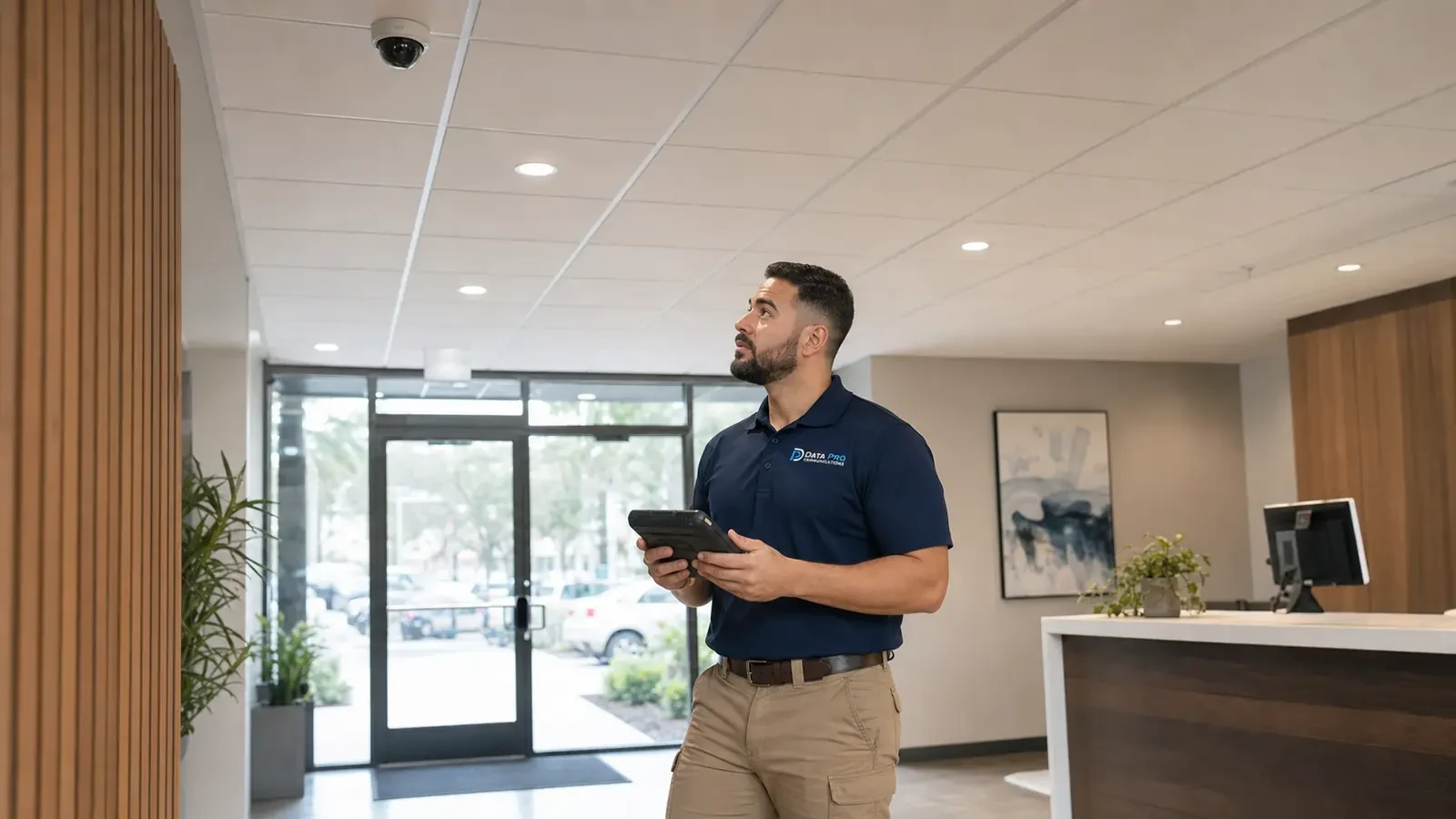
Orlando commercial installations often have to work around active business areas, restricted ceilings, lifts and telecom-room access. These are implementation constraints; the camera-planning route should already have established the view and design intent before work starts.
The Camera Services hub remains the parent route for comparing installation with planning, CCTV, IP video, upgrades and troubleshooting.
The camera-planning page is the correct related route when coverage objectives, locations, pathways or recorder requirements are not yet defined.
Structured Cabling or Network Infrastructure may be related when the approved camera scope includes new pathways, PoE switching or customer-network coordination.
The same approved design can require very different field execution in a finished office, busy retail floor or high-bay warehouse. Installation planning should account for access and sequencing without reopening the camera-intent decisions already made during design.
Review camera locations, pathways, device schedule, recorder/VMS requirements and work-access constraints before field installation starts.
Mount cameras, install and terminate cabling, label endpoints and connect the specified PoE, network or recorder interfaces.
Enroll devices in the recording platform and apply the naming, stream and configuration settings included in the approved implementation scope.
Verify required views, live video, recording, playback, time sync, permissions and scoped remote functions, then deliver documentation and known limitations.
Data Pro Communications - South Orlando is operated by Data Pro Communications. Florida low-voltage work is performed under FL License #EC13016138. Final recommendations depend on the approved scope, site conditions and the responsibilities stated in the project documents.
The installation team verifies access and pathways, mounts the cameras, installs and labels cabling, connects the required PoE/network or recorder interfaces and proceeds into commissioning.
Yes. Final mounting height and angle should be compared with the approved coverage objective before the location is considered complete.
Camera cable endpoints, patch-panel or switch references and device names should be labeled consistently enough for commissioning and future service.
Yes when included in the approved scope. Cameras should be enrolled in the designated platform and configured for the required streams and recording functions.
That responsibility should be defined in the project scope. Camera installation should not assume authority over customer cybersecurity or third-party network policy.
Testing typically includes required field of view, live stream, recording, playback, time synchronization, camera naming and any scoped permissions, remote access, analytics or export functions.
Yes, when the project plan identifies occupied areas, work windows and any camera coverage that needs to remain available during the sequence.
The difference should be documented and resolved before the field team makes a change that affects camera view, pathway, equipment or system responsibility.
Handoff should identify installed devices, labels, relevant as-built changes, recorder/VMS information, account ownership and known limitations or follow-up items.
Before installation begins, the approved camera locations, cable pathways, mounting and access conditions, equipment compatibility, PoE/network/recorder interfaces, configuration responsibilities, and acceptance criteria should be confirmed. That gives the crew a clear field scope and identifies any coordination that must be resolved before mounting or cabling starts.
Share the camera locations or device count, pathway and recorder/VMS information if available, plus any work-access constraints. We can use the defined scope to plan mounting, cabling, commissioning and handoff.