
Commercial Security Focus
The Orlando team focuses on professionally scoped camera and low-voltage work for businesses, managed properties and other commercial environments.
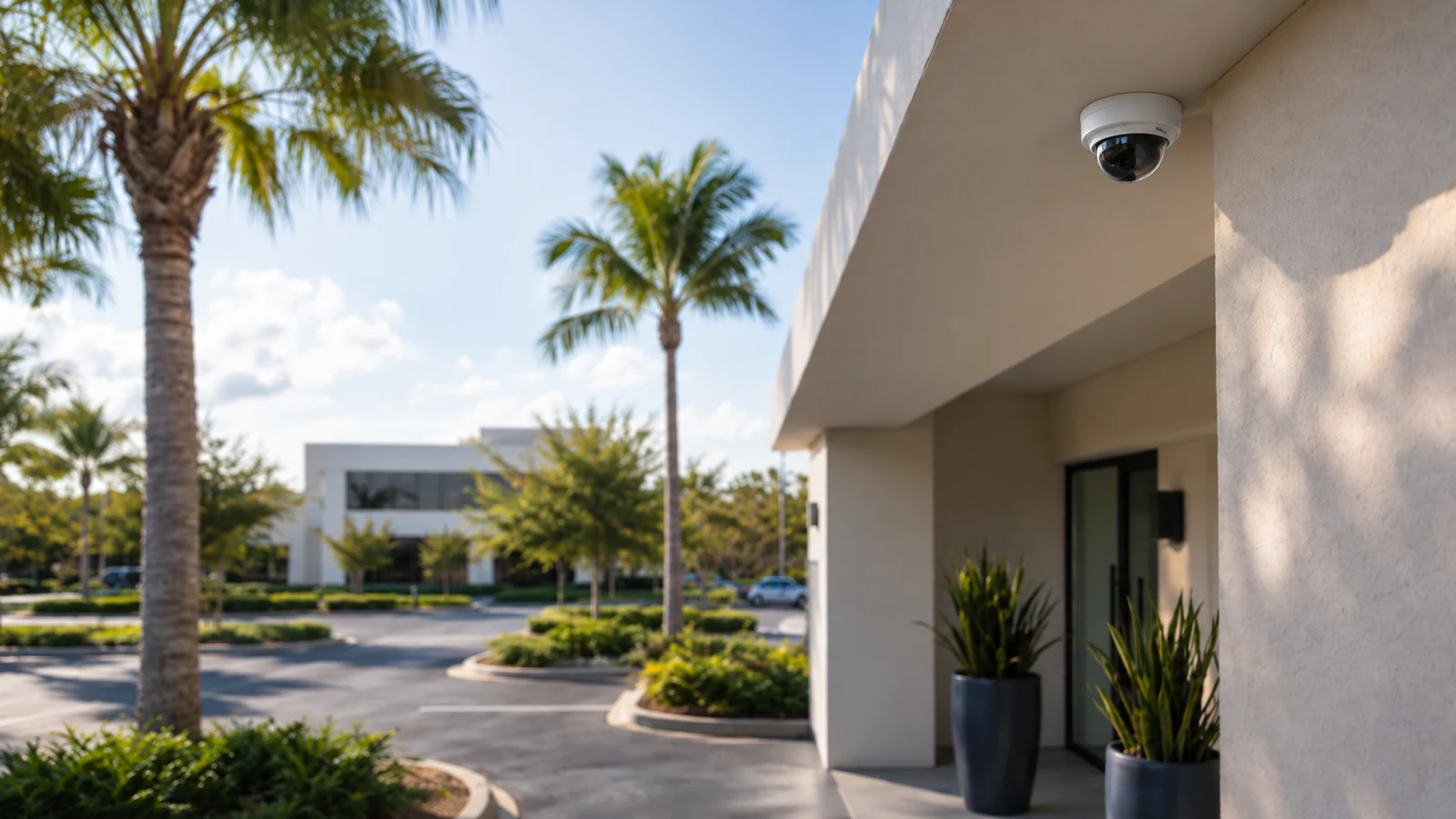
Orlando Commercial Security Camera Systems
Data Pro Communications - South Orlando plans and installs professional security camera systems for businesses and commercial properties across Orlando. We help owners, facility teams, property managers and contractors turn coverage goals into a practical system built around the property and the way it operates.
Projects can include IP cameras, commercial CCTV, recording, remote viewing, video analytics and the network or low-voltage infrastructure that supports them. Start with a site survey when camera locations, existing equipment, pathways, network capacity or recording requirements need to be verified in the field.
The Orlando team focuses on professionally scoped camera and low-voltage work for businesses, managed properties and other commercial environments.
Data Pro Communications operates under FL License #EC13016138.
Completed work is tested and documented so the customer knows how to view the system, who owns the accounts or credentials, and what equipment remains in service.
A useful camera system starts with the areas that matter to the business: entrances, parking, customer areas, loading zones, interior circulation, inventory, restricted spaces or other operational points. From there, the design can match camera type, field of view, recording, network connectivity and access permissions to the actual use case.
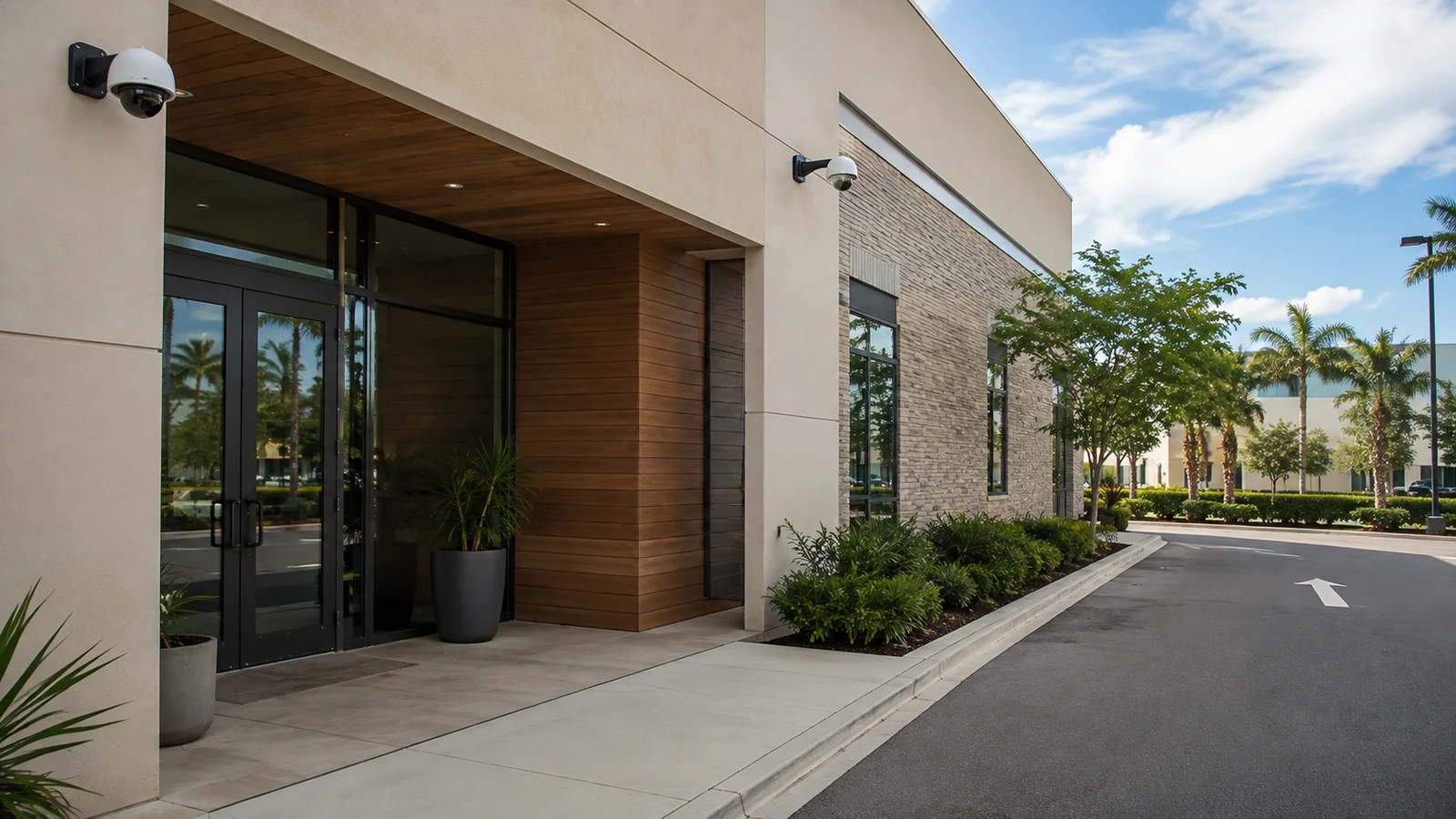
A camera should have a defined job. Wide-area awareness, facial detail at an entrance, vehicle activity, transaction review and perimeter visibility require different placement and lens choices. Mounting cameras simply where installation is easiest can leave critical areas unusable when video is needed.
IP cameras depend on more than cable. Available PoE power, switch capacity, uplinks, network segmentation and pathway conditions can affect how many devices a property can support and whether the system remains stable as it grows.
Retention targets, camera count, resolution, frame rate and event settings all affect storage. A recorder should be sized around how long footage needs to remain available and how users expect to search, export and review it.
Remote viewing is most useful when user roles and account ownership are clear. The project should identify who can view live video, review recordings, export evidence and administer the system instead of leaving shared credentials as the long-term operating model.
Existing cameras, recorders, cabling and network hardware may be reusable, but compatibility should be confirmed before they are included in the final design. Hybrid or phased upgrades can be practical when the retained equipment still supports the required functions.
Camera names, locations, network details, recorder access and known limitations should be organized at handoff. That baseline makes later troubleshooting, expansion and staff turnover easier to manage.
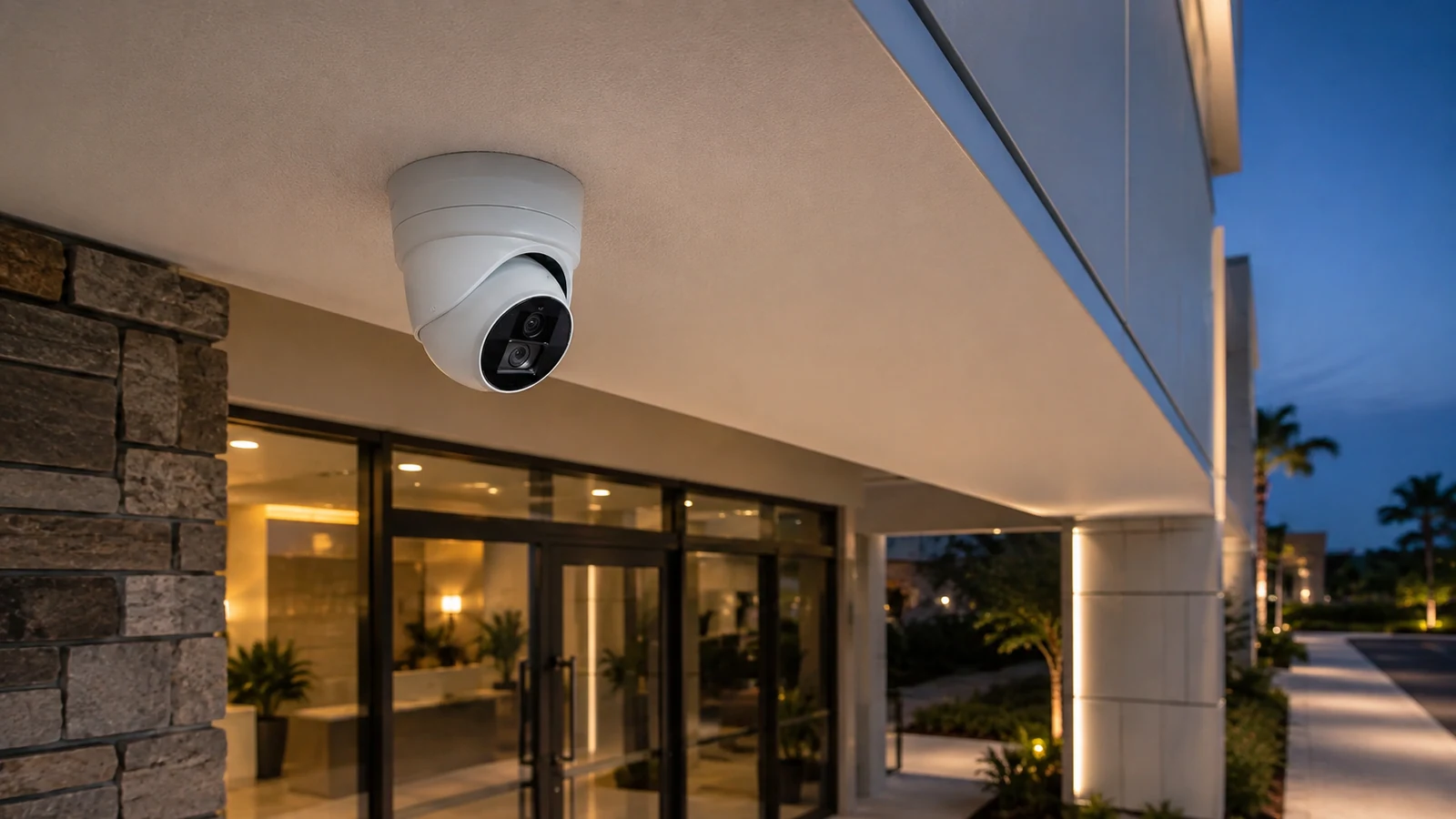
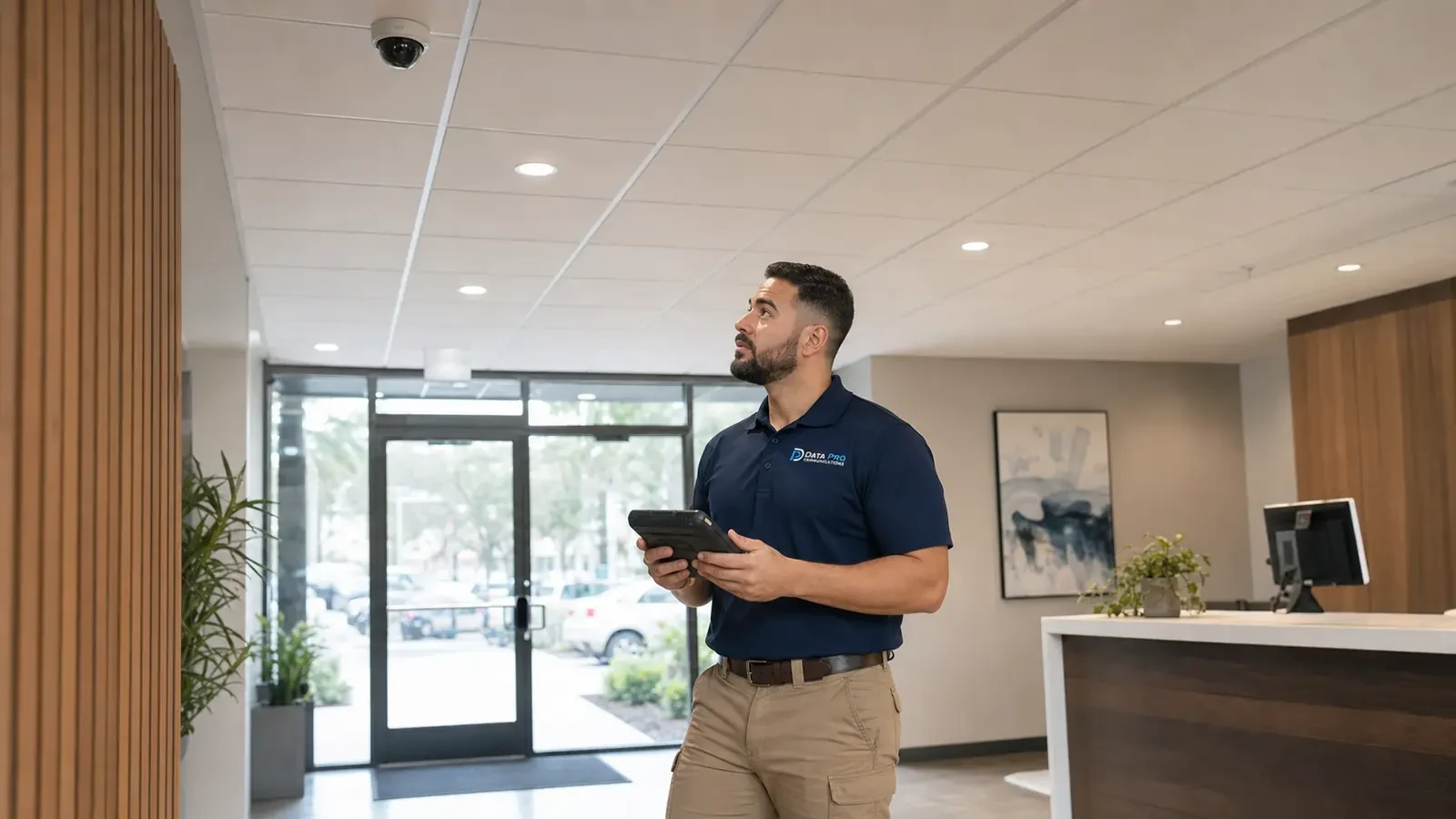
A site survey can confirm mounting locations, viewing angles, lighting, obstructions, cable pathways and the areas that need usable video. The result is a layout tied to specific coverage goals rather than a generic camera count.
Fixed, multi-sensor, panoramic, PTZ and other camera types solve different problems. Selection should consider the scene, required detail, lighting, mounting height, weather exposure and how operators will use the video.
For IP video, the design may include structured cabling, PoE switching, uplinks, rack connectivity and coordination with the customer network. Existing infrastructure can be tested and incorporated when it is suitable for the final system.
Recorder sizing, retention, user permissions, export workflows and remote connectivity are planned around the property and the people who need access to footage.
Analytics can help filter activity, accelerate search or create event rules when the scene and platform support them. Useful analytics depend on camera position, lighting, movement patterns and realistic alert criteria.
Before closeout, the project should verify live and recorded video, device naming, user access and the functions included in the approved scope. The customer receives a clearer operating baseline for day-to-day use and future service.
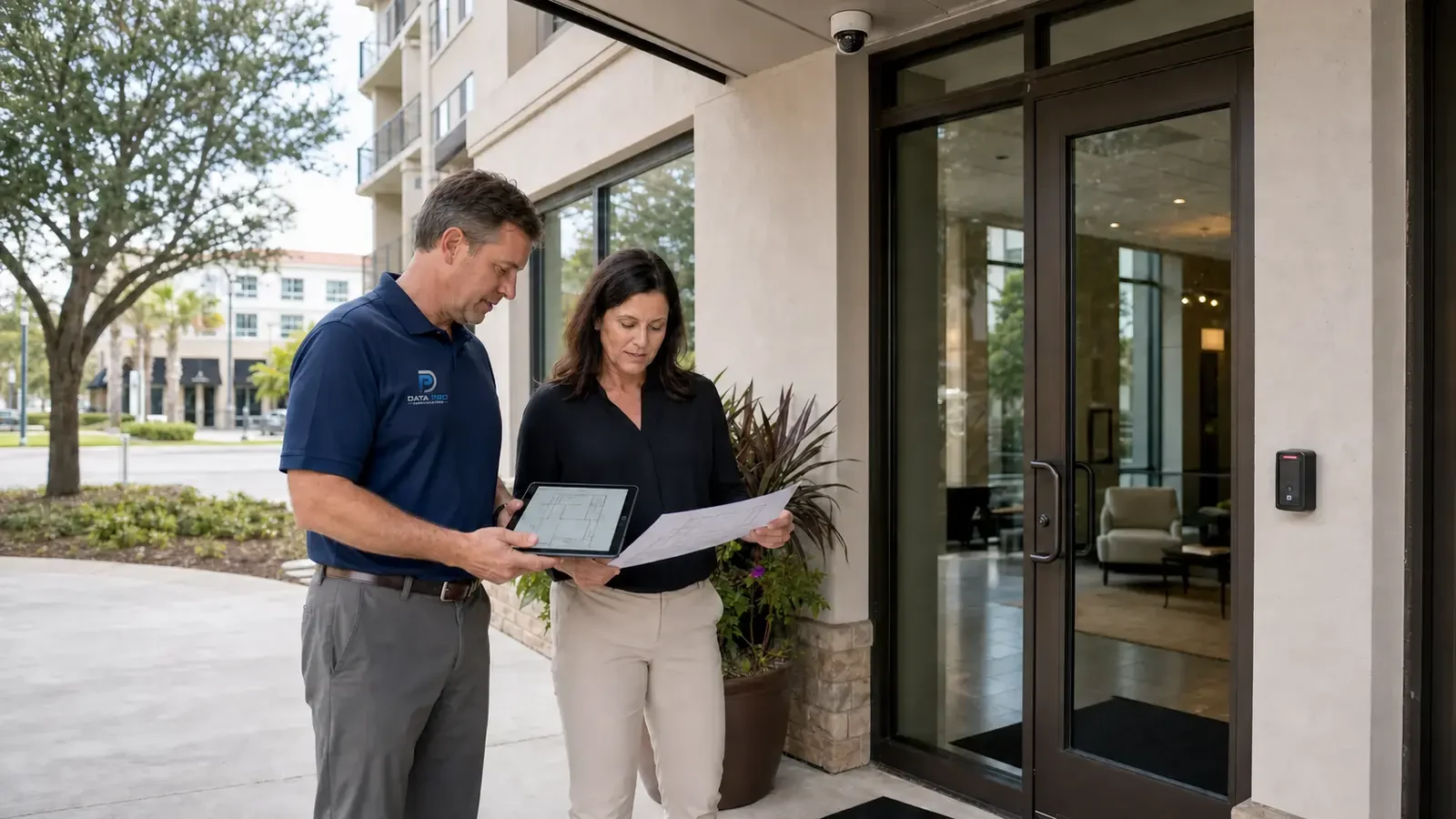
Office projects often focus on entrances, reception areas, common spaces, parking and controlled staff areas while keeping camera placement appropriate for the business environment.
View office security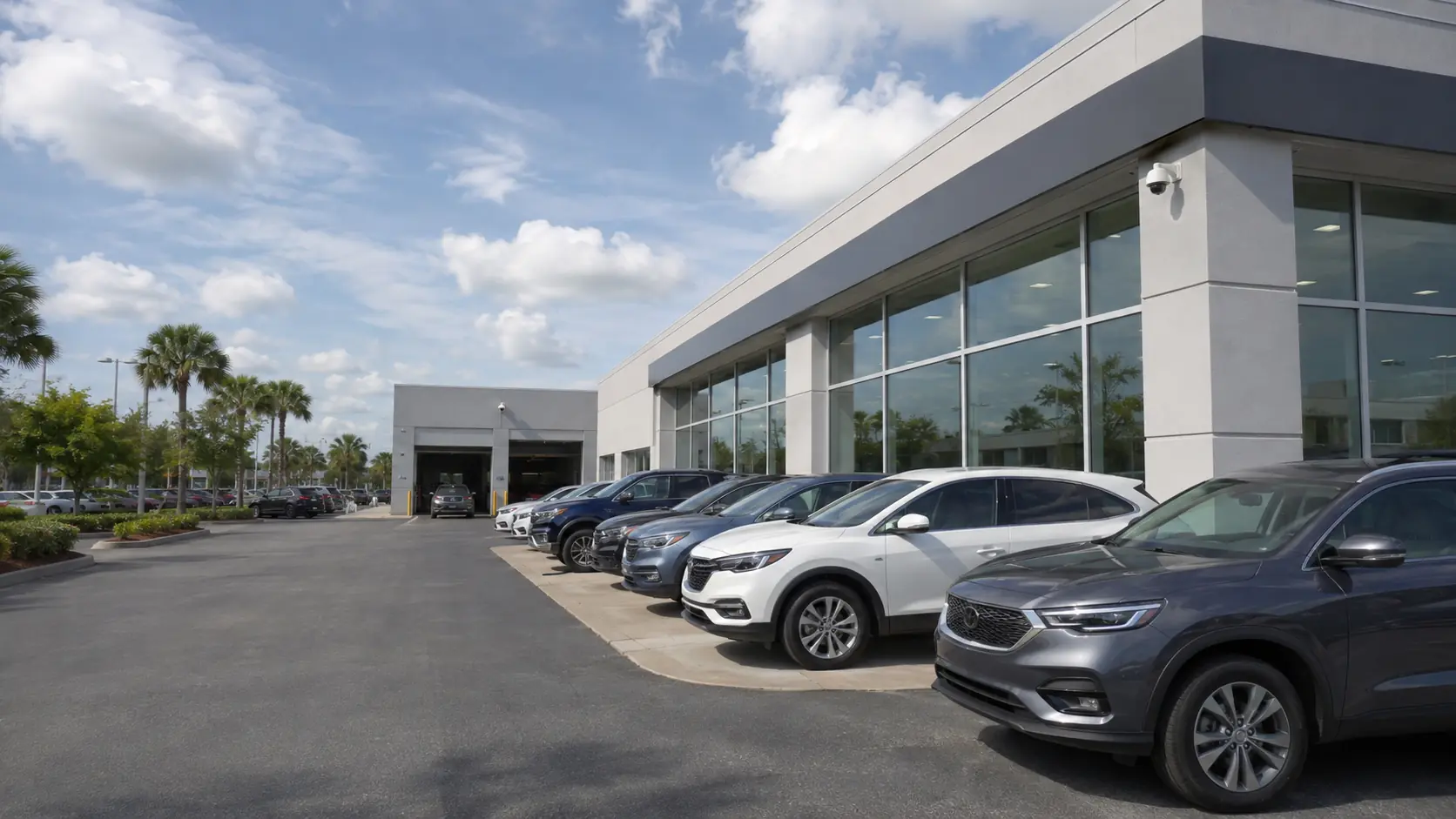
Retail coverage may need to support entrances, sales floors, point-of-sale areas, receiving, stock rooms and exterior approaches, with recording designed for practical incident review.
View retail security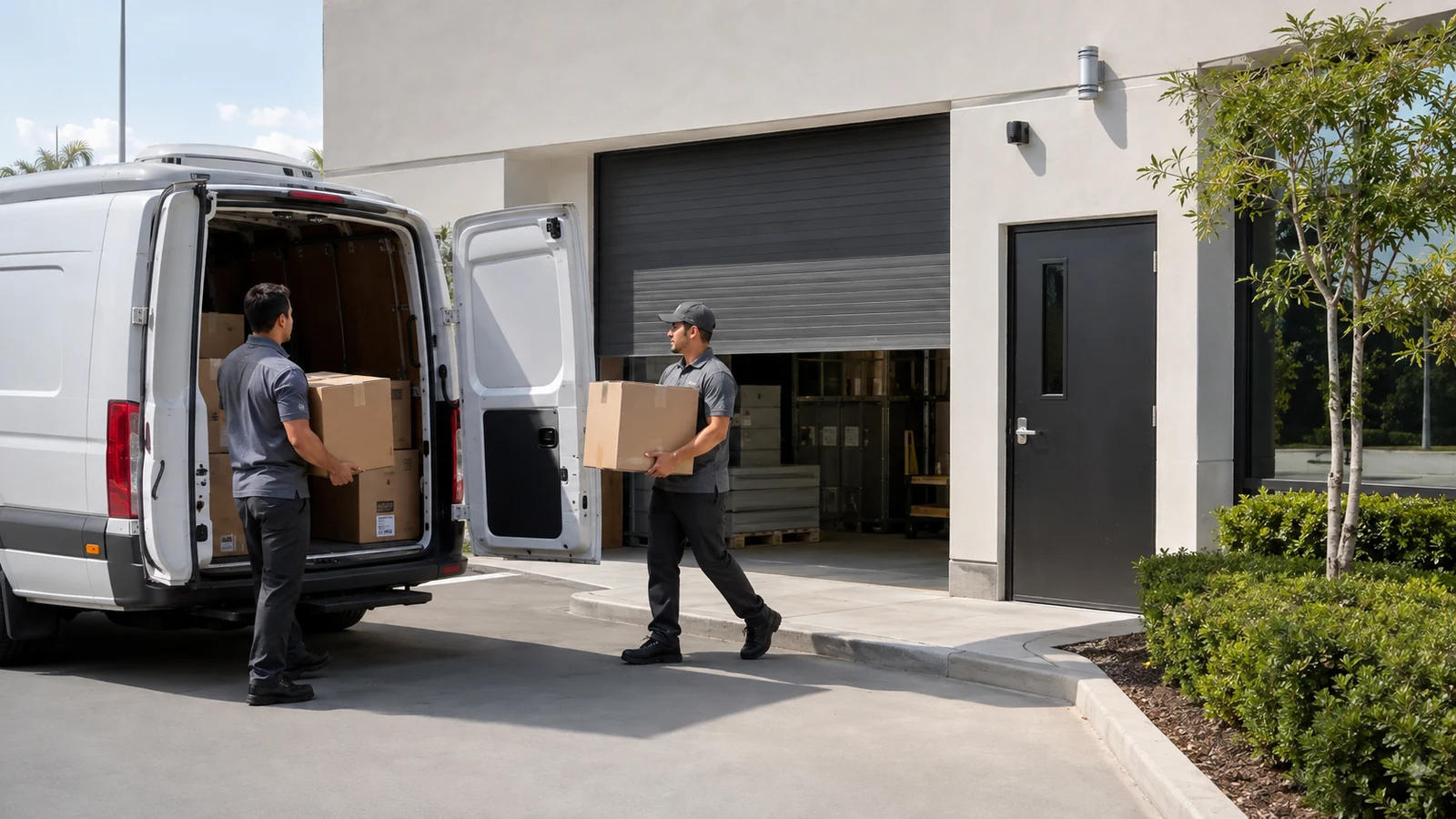
Large interiors, loading docks, yards and long sight lines can change camera type, mounting height, network distribution and lighting requirements. These projects often benefit from coordinated cabling and network planning.
View warehouse security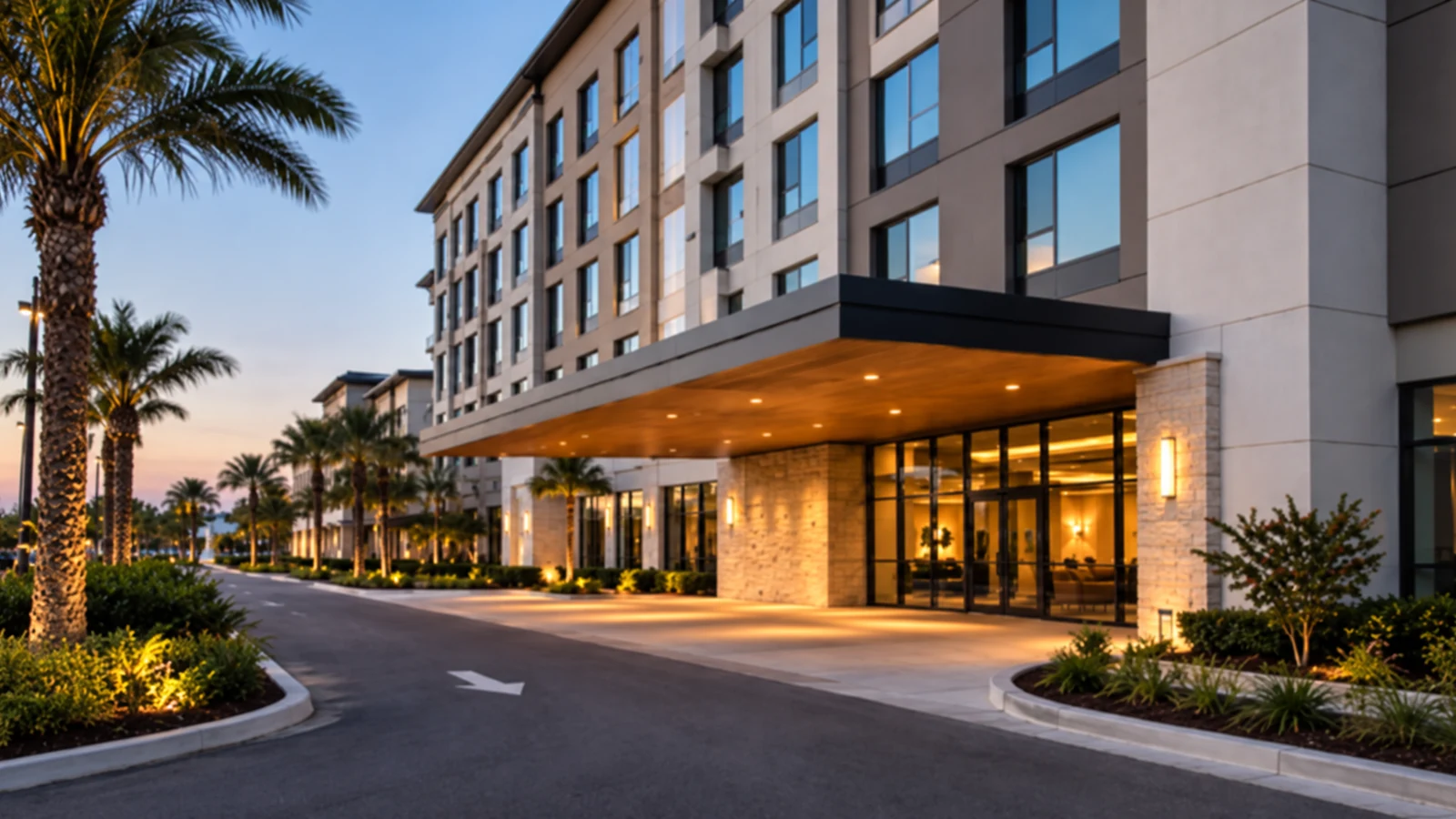
Hotels, multifamily communities and managed properties may combine public areas, staff spaces, parking and service zones. Camera access and installation sequencing should fit the people who operate the property.
View property management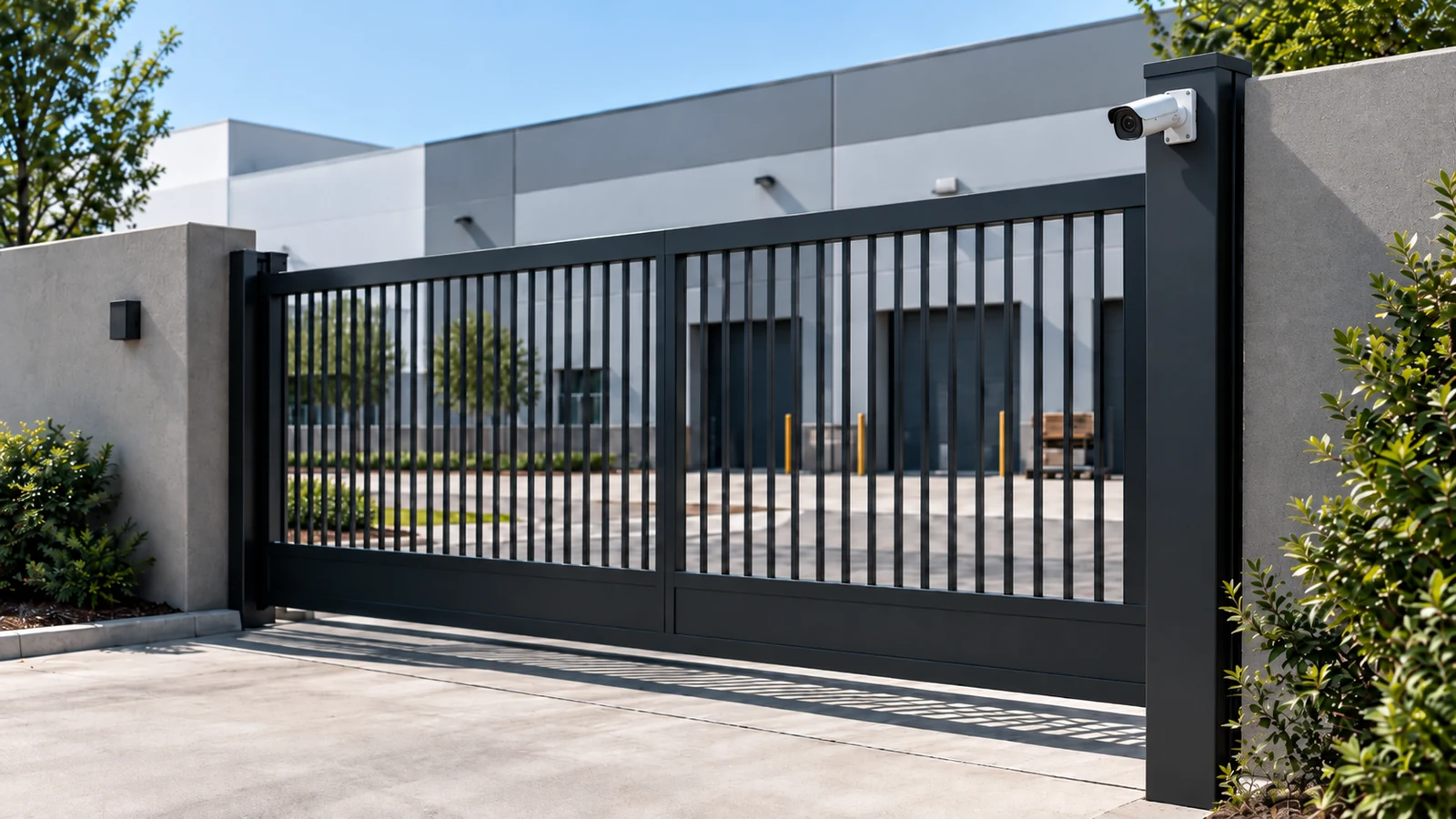
New construction and renovation work can coordinate camera pathways, network rooms, device locations and future expansion before finishes make changes more disruptive.
View construction security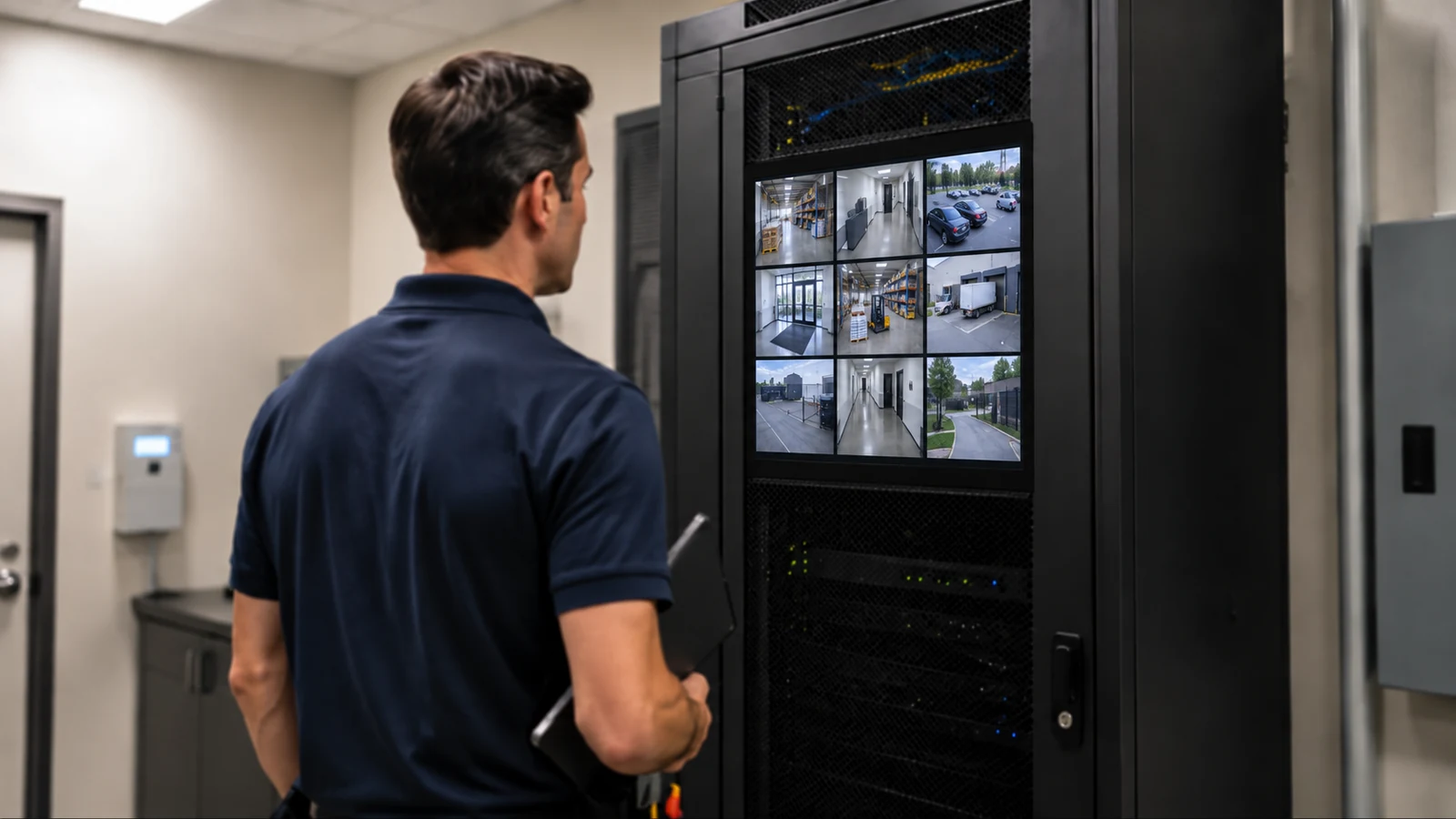
Properties with aging cameras or recorders can be evaluated for staged replacement, reuse of serviceable infrastructure and migration to a system that better supports current recording and remote-access needs.
View camera upgrades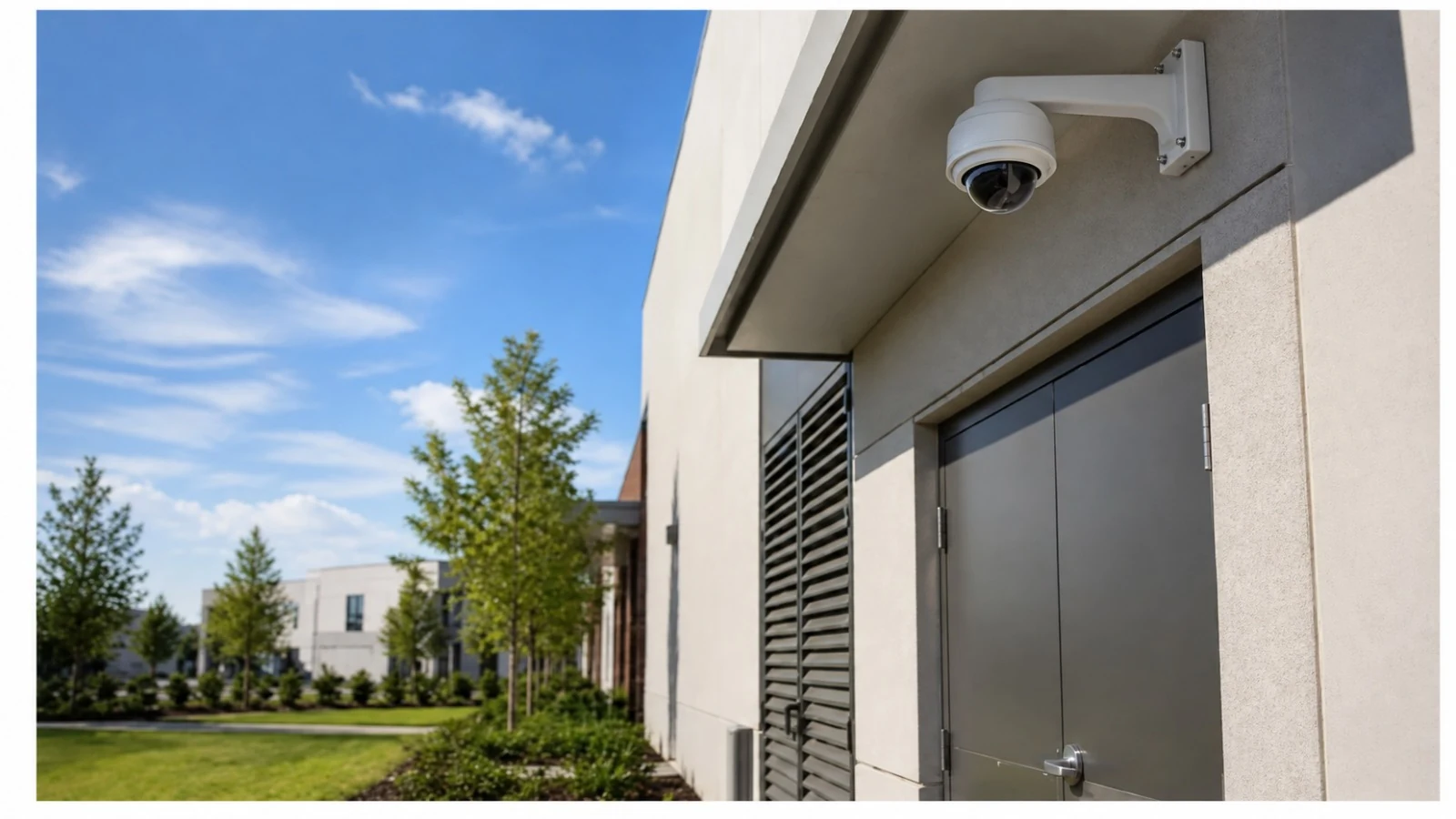
Define the scene and the level of detail the business actually needs. Entrance identification, general activity, license plates and broad situational awareness are different design targets.
Confirm cable pathways, switch locations, PoE capacity, uplinks and any network requirements that affect camera connectivity. Long distances or separate buildings may require fiber or additional network distribution.
Retention should be based on the customer workflow rather than a default number. Storage calculations then account for camera count, image settings, motion or event recording and expected growth.
User roles should reflect who needs live view, playback, export or administration. That keeps daily access practical while avoiding unnecessary shared credentials.
Existing cameras, cabling, recorders and network equipment should be identified and tested before the project relies on them. Reuse is a compatibility and condition decision, not an assumption.
Acceptance should confirm the functions purchased by the customer, including representative camera views, recording, playback, export, remote access and any analytics or integrations included in scope.
Camera systems often share pathways, network rooms, PoE switching or fiber with other low-voltage systems. When access control, structured cabling, network infrastructure or other systems touch the same project, coordinating those interfaces early can reduce duplicate work without turning the camera project into an undefined all-services scope.
Data Pro Communications - South Orlando serves commercial properties throughout the Orlando market from the South Orlando Branch. The city establishes service context; the actual camera design comes from the individual property, its existing infrastructure and the areas the customer needs to monitor.
All Orlando Solutions
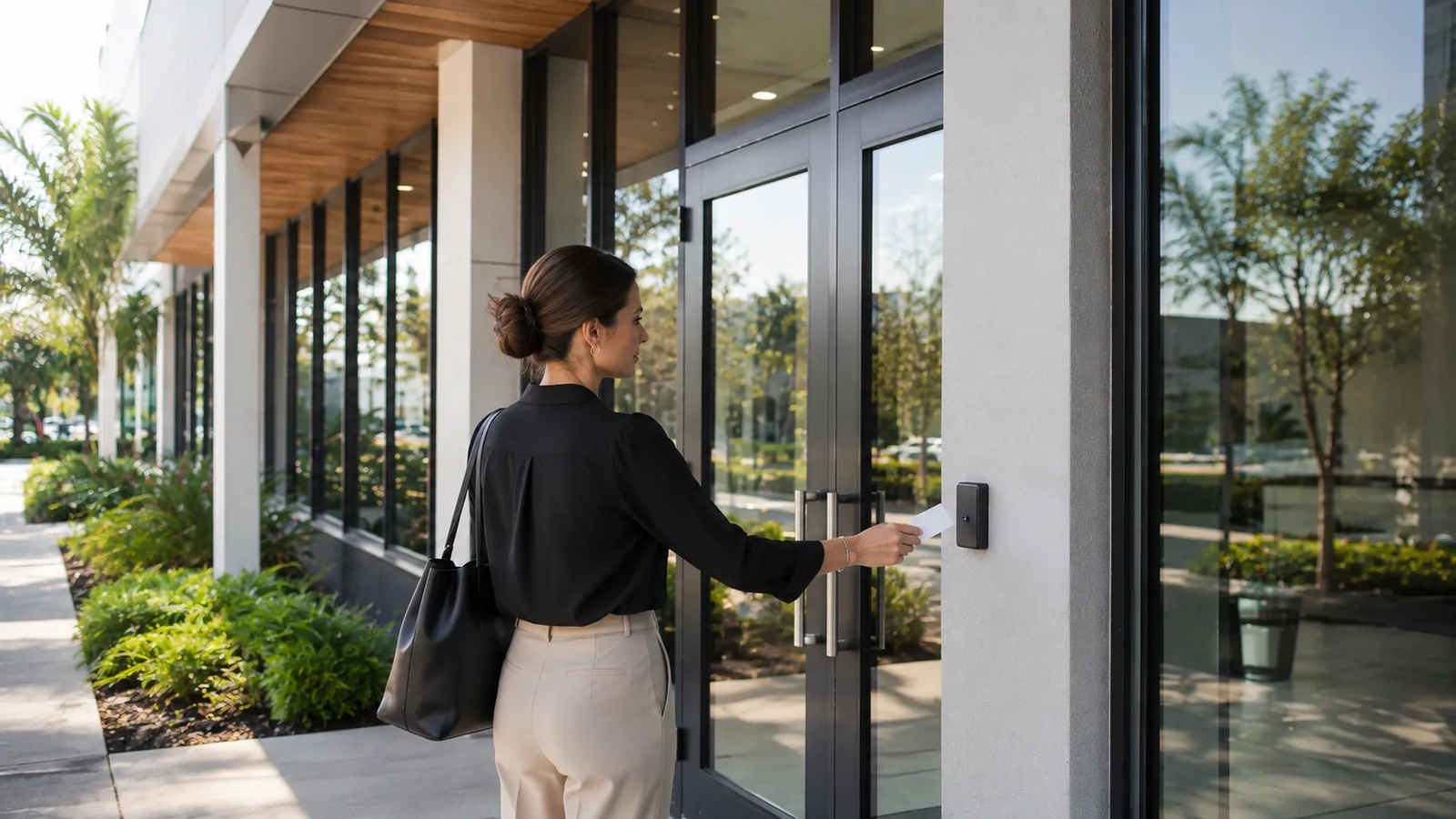
Commercial access control manages who can enter specific doors, gates or secured areas and when that access is allowed.
View access control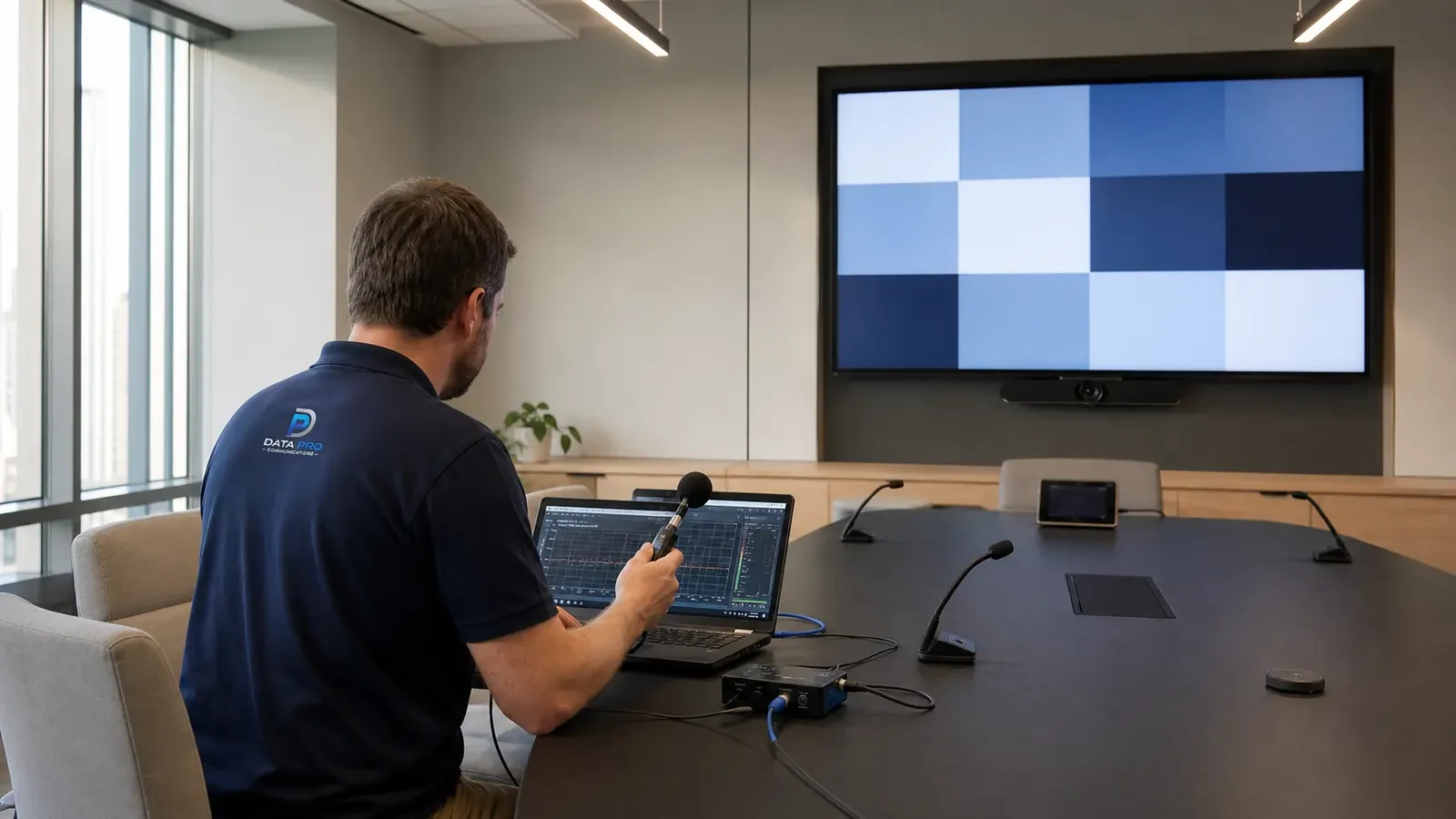
Commercial audio and video systems should be designed around how people use the room: what they need to see, hear, share and control.
View audio and video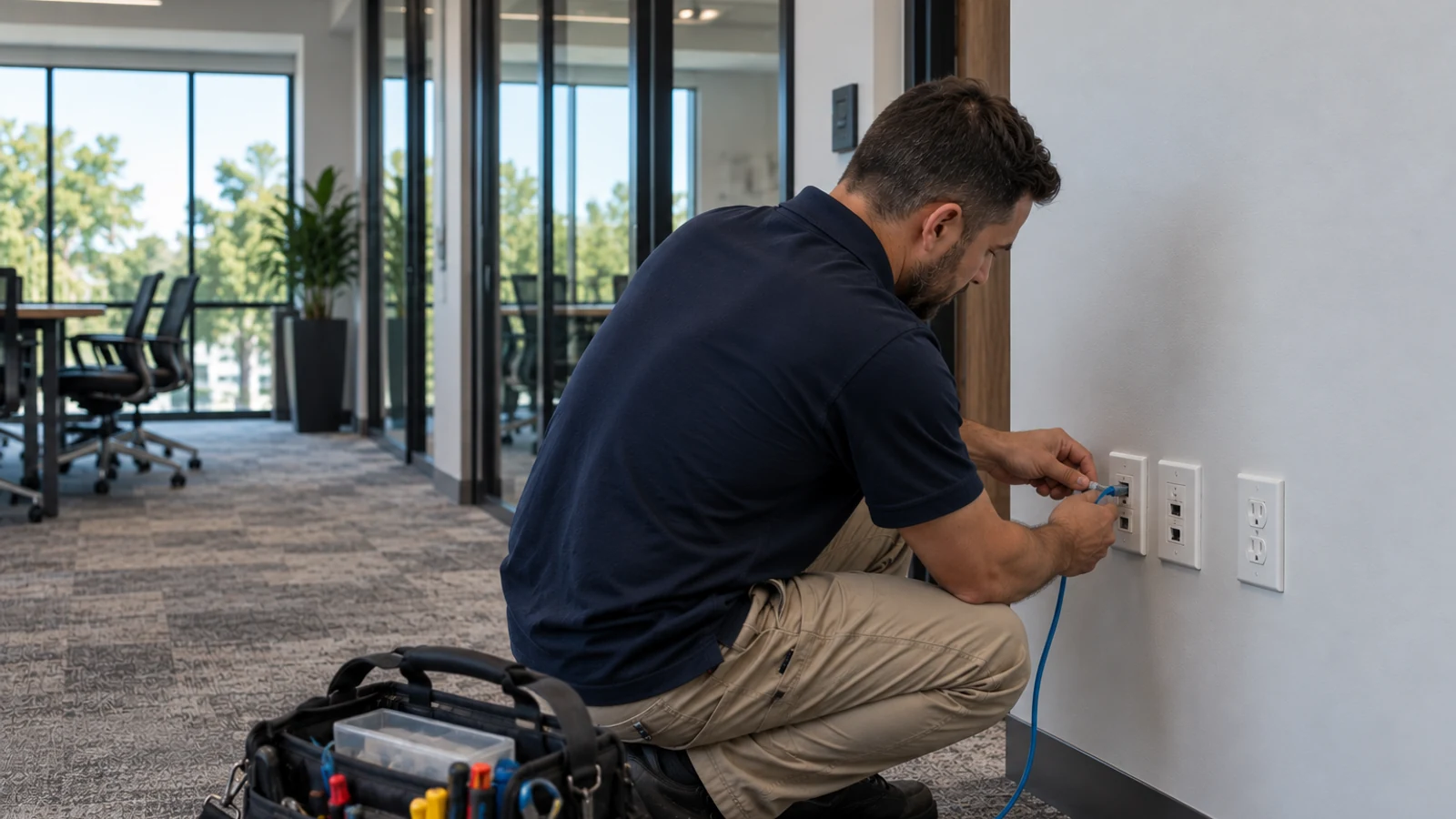
Structured cabling is the permanent copper infrastructure that connects work areas and low-voltage devices back to telecom rooms.
View structured cabling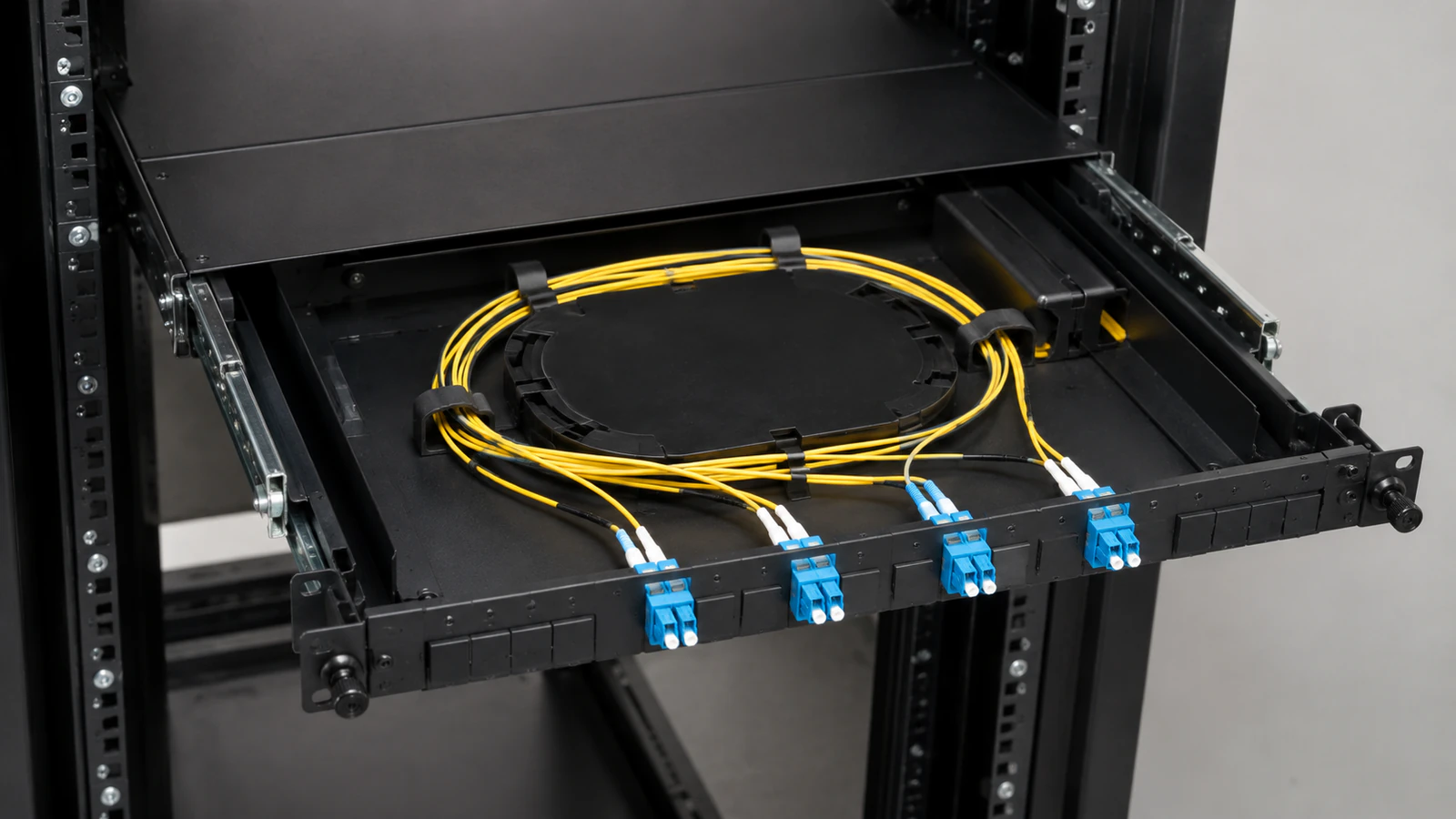
Fiber optic infrastructure is used when a property needs high-capacity links across distances or between telecom rooms and buildings where copper is not the right medium.
View fiber optics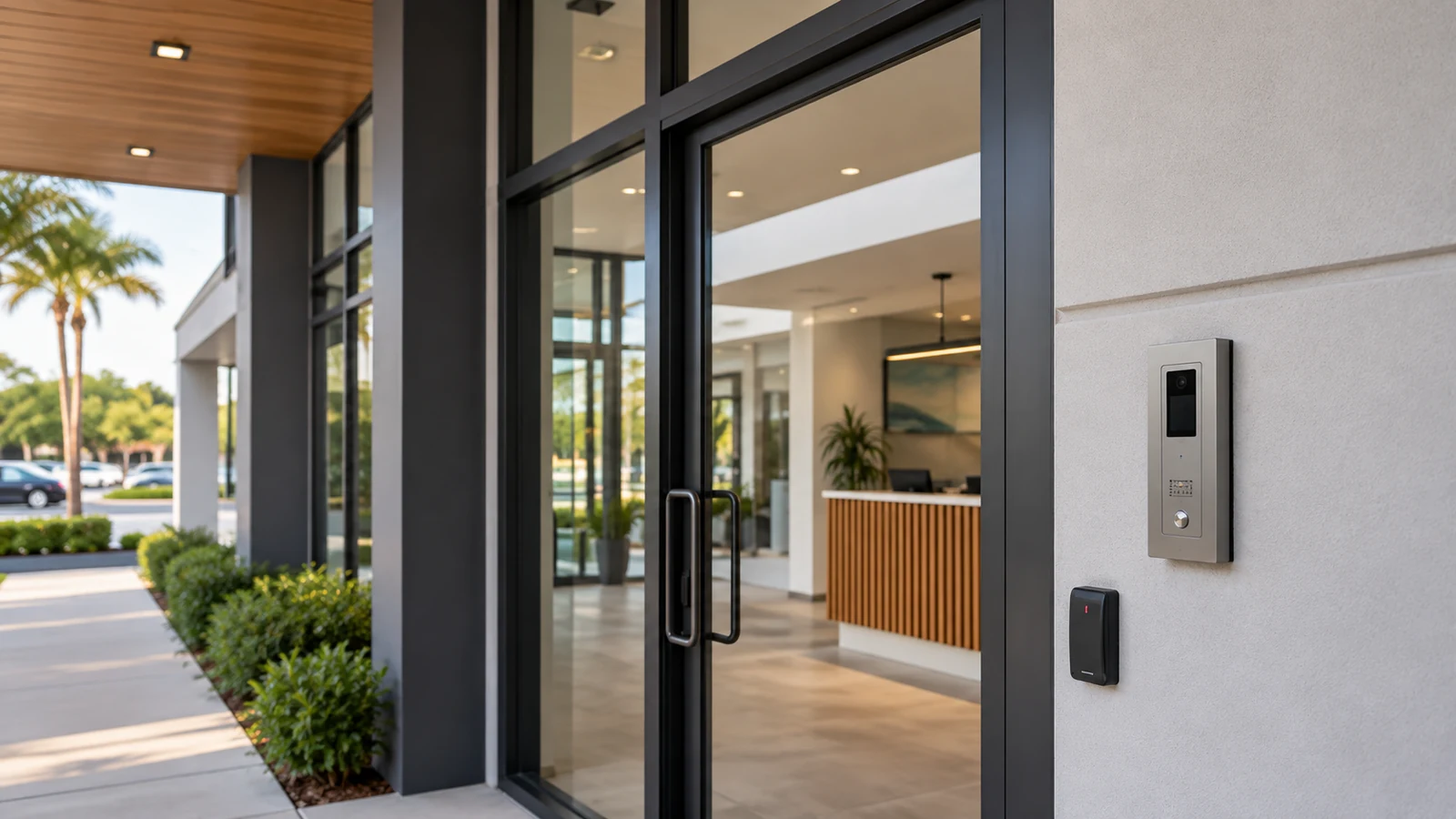
Commercial intercom systems let visitors communicate with staff before entry and can support an authorized door or gate release when integrated with the appropriate access-control or locking interface.
View intercom systems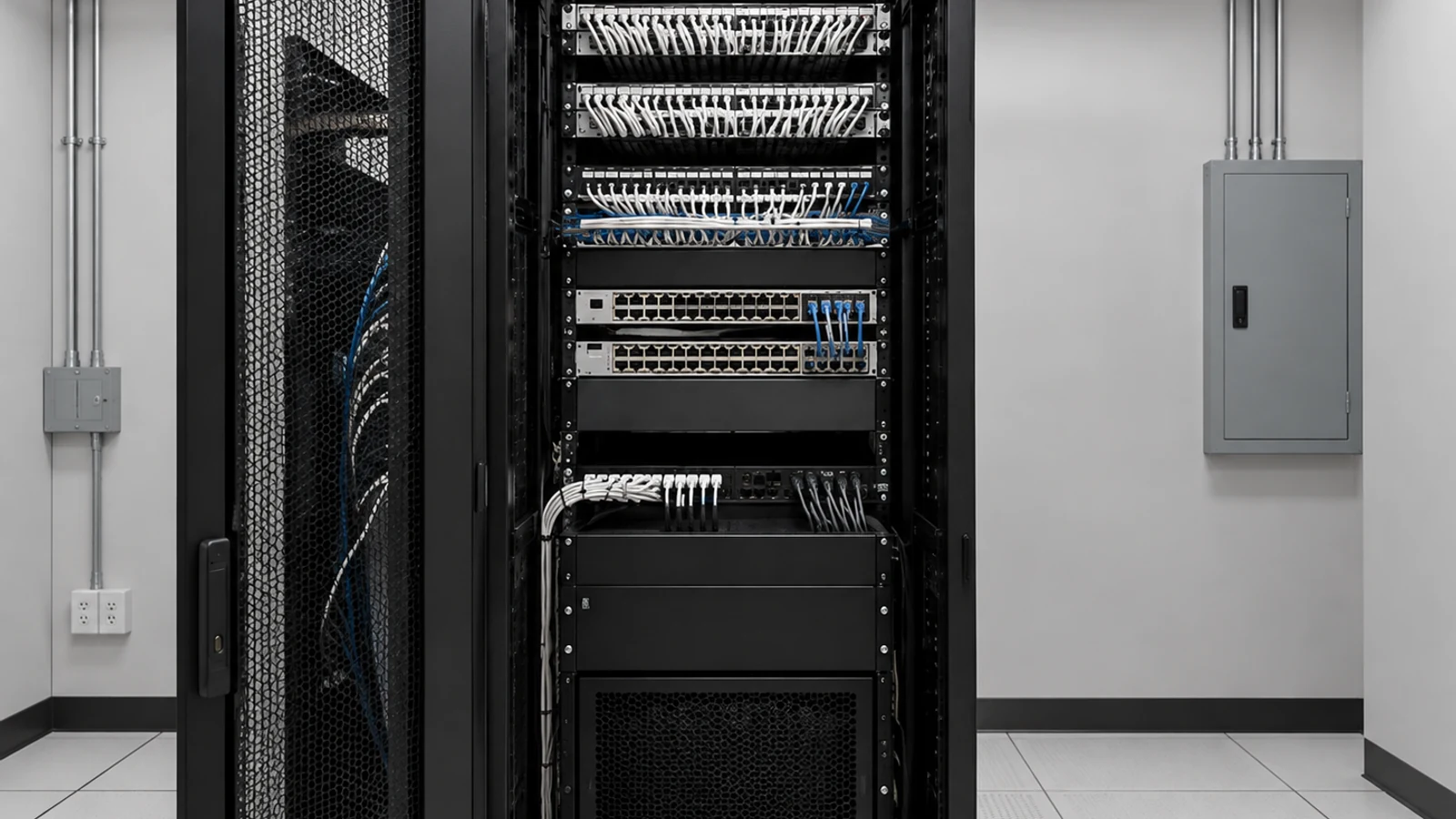
Commercial network infrastructure connects switches, uplinks and networked devices across telecom rooms and building areas.
View network solutions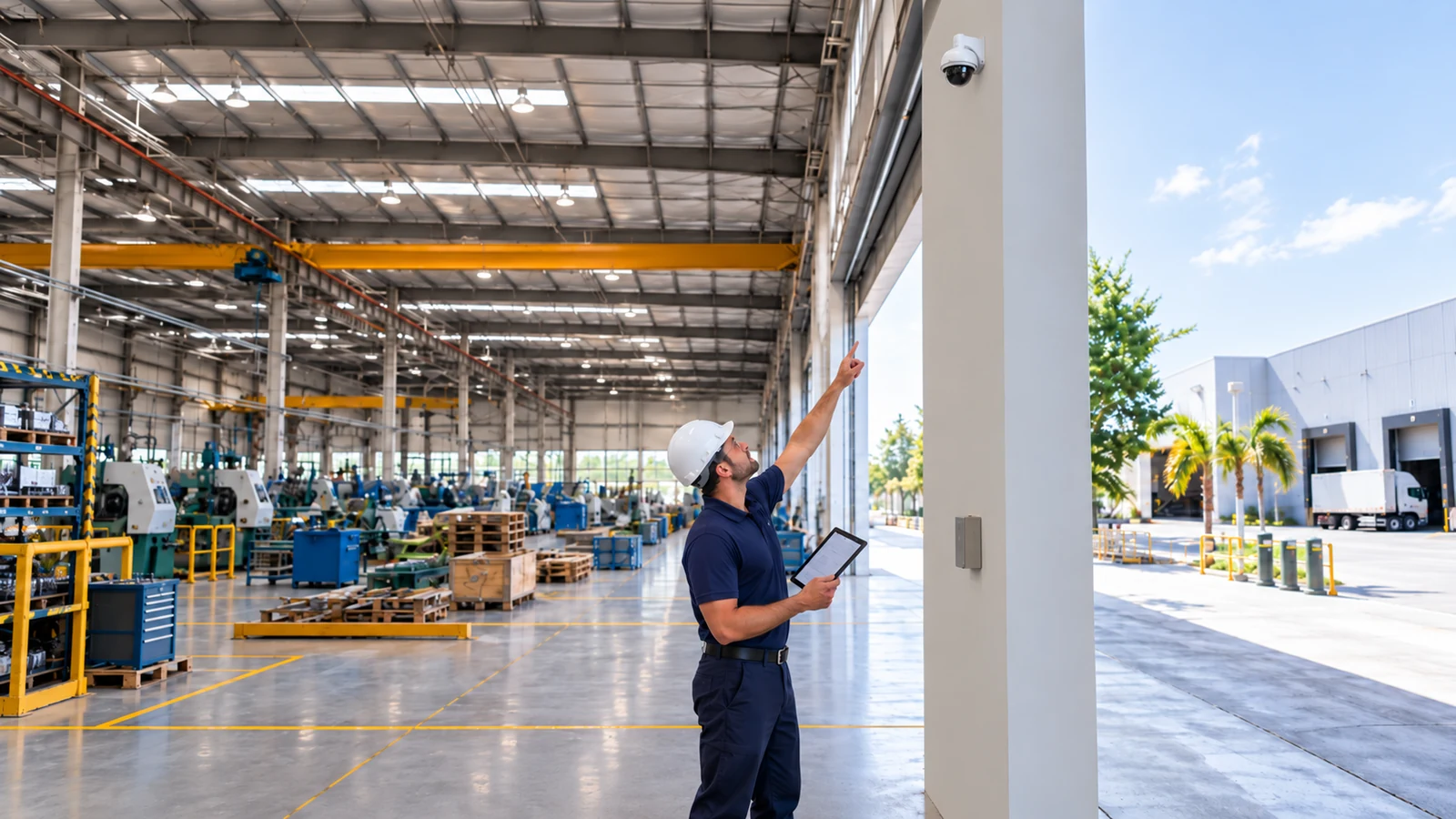
Low-voltage service and maintenance starts with a reliable picture of what is installed, what condition it is in and who owns each system.
View service and maintenanceA warehouse, hotel, office, retail store and construction site do not use cameras the same way. Operating hours, public access, loading activity, staff workflows, lighting and network layout all influence what the system should cover and how it should be installed.
Review the property, current equipment and the areas that need usable video. Confirm field conditions that can change camera locations, pathways, power or network requirements.
Translate the survey into camera locations, equipment, recording, network needs and installation responsibilities. Existing equipment that will remain should be identified in the scope.
Install the approved system while coordinating access, active business operations and any shared infrastructure. Field conditions that materially change the design should be resolved before irreversible work continues.
Verify the functions included in the project, organize device and account information, and leave the customer with a clear baseline for operating and supporting the system.
Data Pro Communications - South Orlando is operated by Data Pro Communications. Florida low-voltage work is performed under FL License #EC13016138. Project recommendations are based on the approved scope and the conditions confirmed for the property.
Yes. Data Pro Communications - South Orlando provides professional security camera installation for commercial properties in the Orlando market, with project scope based on the property, existing infrastructure and the customer's coverage requirements.
Projects can include IP video surveillance, commercial CCTV, NVR-based recording, remote viewing, video analytics, system upgrades and supporting network or cabling infrastructure. The exact system depends on the property and the approved project scope.
A site survey is useful when camera locations, viewing angles, lighting, mounting, pathways, existing cabling, network capacity or recorder conditions need to be verified before a reliable scope can be prepared.
Yes. Existing cameras, recorders, cabling and network equipment can be evaluated for condition and compatibility. Some projects can reuse serviceable infrastructure or replace equipment in stages.
Placement starts with what the business needs to see and the level of detail required at each location. Entrances, parking, customer areas, loading zones, restricted areas and other operational points may call for different camera types and viewing angles.
Retention depends on camera count, resolution, frame rate, recording mode, compression, storage capacity and the customer's operating requirements. Those variables should be considered together when sizing the recorder or storage platform.
Remote viewing can be included when the selected platform and network support it. The project should also define account ownership, user permissions and who will administer access after handoff.
They can. IP cameras may require Cat6 cabling, PoE switching, network uplinks, fiber or rack connectivity. When that infrastructure is part of the camera project, it can be coordinated under the approved low-voltage scope.
Yes, when the project calls for it and the systems are compatible. The scope should identify the interfaces, responsibilities and tests required for any integration instead of assuming that nearby systems automatically communicate.
Share the property address, property type, areas you want to cover, current equipment if known, the problem you are trying to solve and any schedule or access constraints. Photos or existing plans can also help the first conversation.
Tell our Orlando team what you need the camera system to cover and what is already installed. We can use that information to determine whether the next step should be a site survey, project consultation or service-specific conversation.