
Occupied-Site Retrofit Planning
Cable routing and device work can be sequenced around customer areas, staff workspaces and approved access windows instead of assuming an empty building.
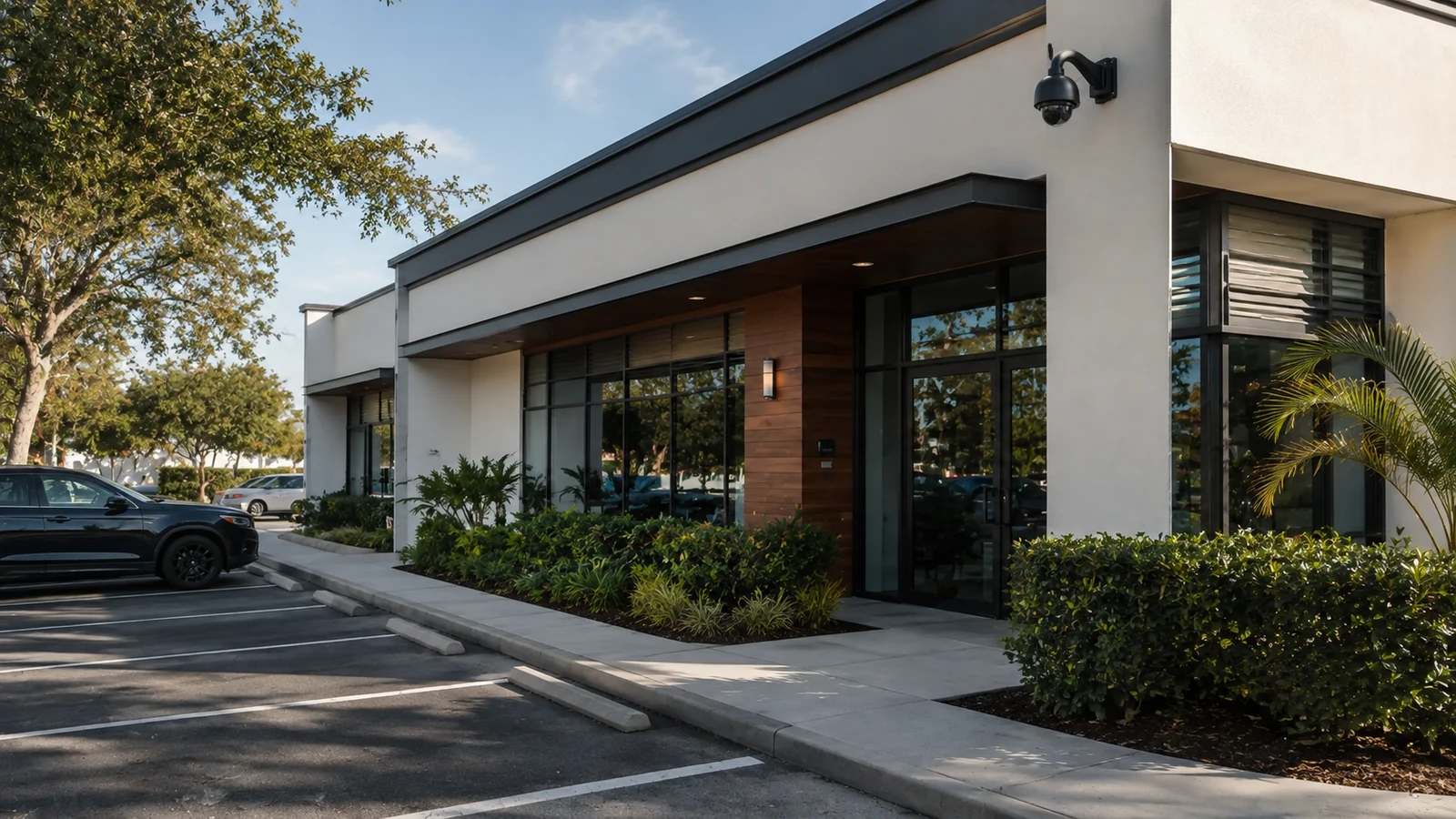
CONWAY / HOFFNER COMMERCIAL CAMERA PLANNING
Data Pro Communications - South Orlando plans commercial camera systems for offices, neighborhood retail, service businesses, managed properties and small commercial centers in the Conway / Hoffner area of Orlando. The design starts with the views the property team needs, then works backward through mounting, cabling, recording and network requirements.
This area can include occupied properties where an upgrade has to work around finished interiors, active staff or customer spaces, existing network closets and a mix of older and newer camera infrastructure. A useful site survey separates what can stay from what needs to change before the installation schedule and equipment list are finalized.
Cable routing and device work can be sequenced around customer areas, staff workspaces and approved access windows instead of assuming an empty building.
Cabling, recorder condition, network closets and PoE capacity are reviewed before reuse so an upgrade does not inherit avoidable limitations.
Exterior views are planned around the property’s actual approaches, rear doors and service activity rather than one generic wide view.
Where access control is part of the scope, relevant camera views can be aligned with controlled entries and the administrators who review those events.
Device naming, access, labeling and final system notes are organized so the property team knows what was installed and how the approved system should be reviewed.
The strongest fit for this local page is an operating property that needs better camera coverage without treating the project as a clean-slate build. Offices, retail spaces, service businesses and managed properties may already have cameras, cable pathways, a small network rack or an older recorder in place. The first decision is not how many cameras to buy. It is which incident questions the system must answer and whether the existing infrastructure can support the required views.
For a front customer entrance, management may need useful arrival and exit context. A rear service door may need a tighter view of deliveries or staff access. A parking approach may need broader vehicle and pedestrian context. Those different purposes can require different mounting, lens and recording decisions even when the cameras are on the same property.
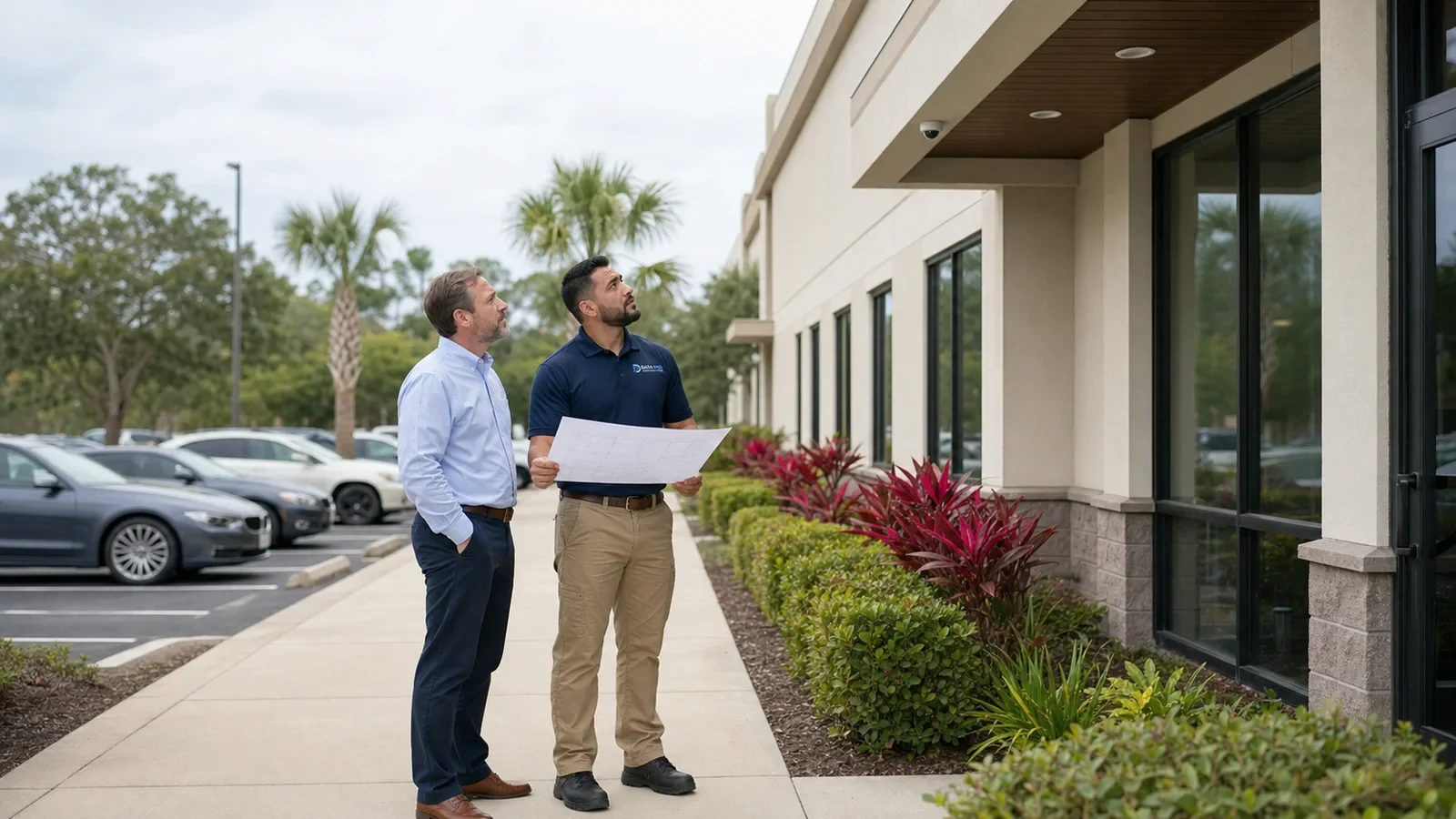
A convenient camera position may be difficult to reach once ceilings, tenant finishes or occupied rooms are considered. The survey should trace a realistic cable path and identify where access, surface routing or another pathway approach would be needed before labor is priced.
A storefront or office entry often needs visitor context, while a rear or service entrance may be used by employees, deliveries or vendors. Treating both doors as the same scene can leave one of the incident questions unanswered.
Older camera work may leave coax, copper, patch-panel ports or power paths with inconsistent labeling. Each retained path should be identified and tested so a new device is not assigned to an unknown or unreliable run.
Adding IP cameras can exceed available PoE power or switch ports even when the rack has physical space. The actual switch model, power budget, uplink and network path should be checked before new cameras are assigned to it.
Customer traffic, scheduled appointments or occupied work areas can restrict when ceilings, entrances or network closets are accessible. The project sequence should keep temporary outages and open work areas aligned with the property’s approved work windows.
Define what each camera is expected to show, then place and aim the device for that purpose rather than using default corner positions.
Identify cable type, termination condition and route quality, then determine whether the existing path can support the selected camera or should be replaced.
Review switch ports, PoE budget, uplinks and recorder connectivity so added cameras fit the installed network instead of relying on assumed capacity.
When access control is included, align the useful door view, controller/network requirements and administrator responsibilities so video and entry events support the same operating workflow.
Plan which devices can move first, preserve required coverage during phased work where practical, test playback after each cutover and leave the property team with usable system notes.
A retail space may need customer-arrival context at the storefront, checkout-adjacent visibility where appropriate, and a separate service-door view for deliveries or staff access. Existing displays and customer queues should be considered before final aiming.
An office may prioritize reception or lobby arrival, staff entry and the parking approach used by visitors. Installation can be phased around appointments and work areas that must remain occupied.
A service-oriented property may need the front customer entrance separated from rear deliveries, vehicle staging or employee access. Exterior mounting and network reach should be checked from the actual service side of the building.
A manager may need consistent playback and user access across common entrances, parking and vendor-access points. The handoff should identify who administers the system and which users need footage access without giving every user the same permissions.
Identify the telecom room, recorder or network location that will actually serve each camera. Finished ceilings, inaccessible spaces and long routes can change the mounting or pathway plan before equipment is ordered.
Use the selected device count and power requirements to check switch capacity, uplinks and recorder connectivity. Leave enough clarity in the design that future service does not depend on guessing which port or pathway belongs to which camera.
Where an existing system is being modernized, document which cameras, cable paths, power supplies and recorder channels are still serviceable. Retain equipment only when it still supports the intended view and the transition does not create an unsupported dead end.
Parking and service-door cameras should be reviewed for mounting surface, height, obstructions, available detail and the lighting conditions present during the periods the footage matters.
After each phase, confirm the approved view, recording, timestamp, playback and authorized access before moving to the next portion of an occupied-site upgrade. This keeps defects tied to the part of the system that just changed.
In the Conway / Hoffner area, this service is most useful for occupied neighborhood-commercial and professional properties where the project has to fit around normal business activity. Before scheduling, separate work that affects customer entrances, staff areas or network access from work that can be completed with little operational disruption.
A mixed older/newer property can have usable cable next to obsolete equipment or a modern switch serving an older recorder. Inspect the actual path from camera to rack and make reuse decisions component by component instead of labeling the whole system “old” or “new.”
Parking and service access should be reviewed from the directions vehicles and people actually use. A front approach, side parking lane and rear delivery door answer different questions, so the final layout should preserve that distinction in camera placement and recording review.
The Camera Services hub organizes installation, upgrades, recording, analytics and troubleshooting paths when the property needs to move from local planning into a specific camera scope.
Structured cabling becomes important when existing runs cannot be reused, new camera paths must be added or the rack needs cleaner termination and labeling for a maintainable upgrade.
Access control is relevant when the same rear, staff or managed entrance needs credential control and useful video context. Door hardware, readers, cabling and camera views should be coordinated as one operating workflow where the project includes both systems.
Network planning matters when new PoE devices, switching or uplinks are part of the camera scope; Service & Maintenance provides the path for an existing system that needs diagnosis or follow-up rather than a full replacement.
Fiber optic service may also become relevant when a property has distance or building-to-building network requirements that cannot be handled cleanly with the existing copper path.
Retail and office guidance is relevant when the property’s main concerns are public arrival, customer or visitor movement, staff-only access and practical incident review.
Property-management guidance is useful when several users, vendors or shared areas have to be administered consistently and the operating team needs clear ownership of playback, credentials and future service.
Data Pro Communications - South Orlando represents the South Orlando Branch of Data Pro Communications for this website. Low-voltage project work is represented under Data Pro Communications with FL License #EC13016138. The branch contact for this site is (407) 487-0444 at 6925 Lake Ellenor Dr, 625 B, Orlando, FL 32809.
The scope for a specific property should be based on the approved proposal, existing conditions and the systems selected for that project. We do not guarantee a particular camera count, field of view, retention period or security outcome.
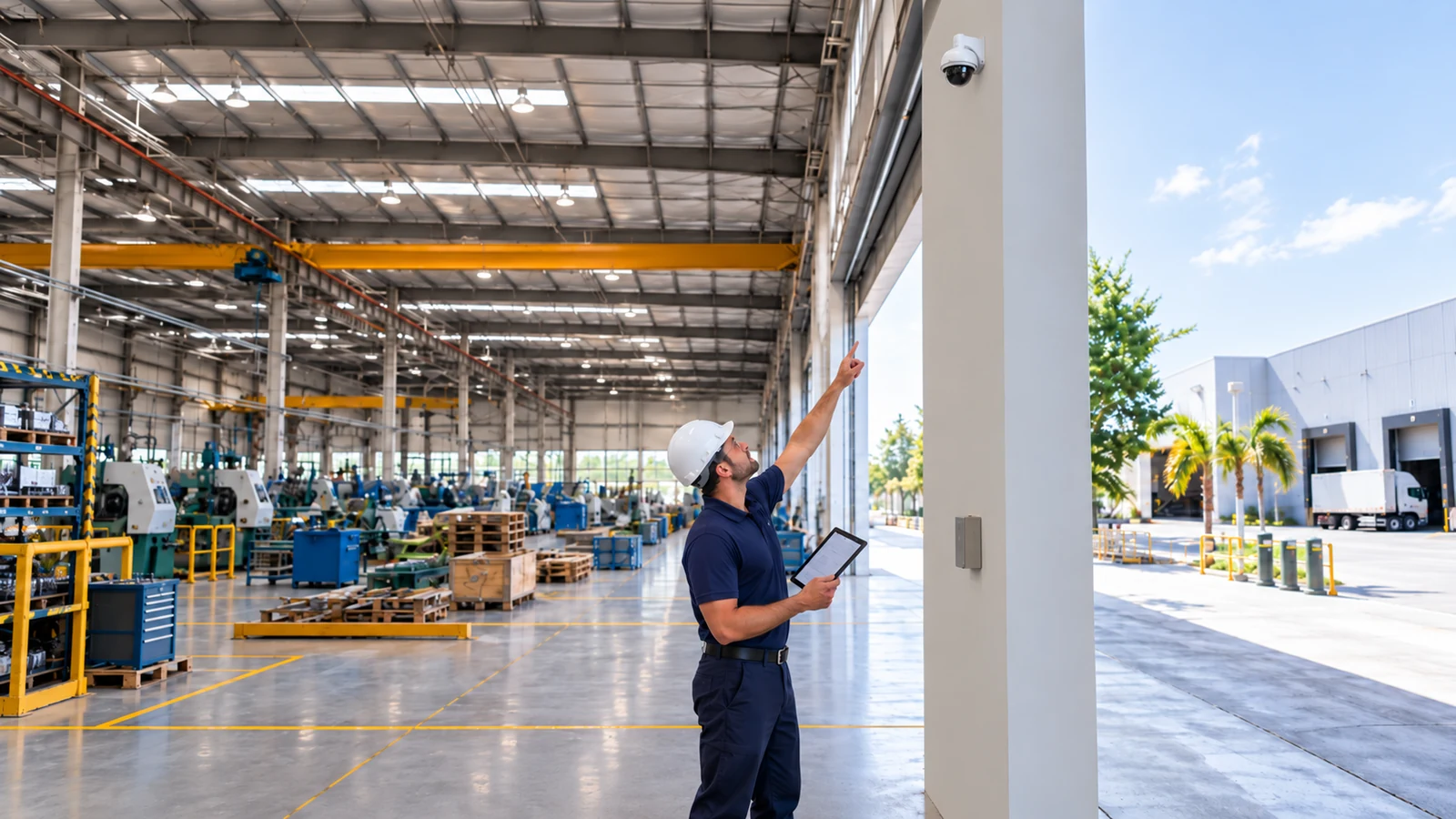
Sometimes. Reuse should be based on the actual cable type, termination quality, route condition and the bandwidth or power requirements of the replacement equipment. A cable that still carries video is not automatically a good fit for a higher-resolution IP camera or PoE load.
The survey should identify customer-facing areas, staff work zones, ceiling or wall access, quiet periods and any rooms that cannot be disrupted. Cable pulls, cutovers and final testing can then be sequenced so the property keeps operating while the approved work is completed.
Check available PoE budget, port capacity, uplink bandwidth, switch condition, VLAN or network requirements and the path back to the recorder or viewing platform. The new camera count should fit the network that will actually carry the traffic.
Yes. When the property has controlled staff, rear or service entrances, the camera view can be planned around the same door event that the access system records. Cabling routes, network needs and administrator responsibilities should be coordinated before installation.
Start with the incident questions the property team expects the video to answer. Parking views may need vehicle and pedestrian context, while a rear service entrance may need clearer door activity and delivery context. Camera height, angle, lighting and obstructions should be checked at each scene.
In some properties, yes. Existing coax, power, cameras and recorder channels can be inspected to determine what is serviceable and what limits the desired result. A phased transition can make sense when the retained equipment still supports a useful view and the transition plan is documented.
Distance can change the pathway and equipment plan. The site review should confirm cable length, available intermediate spaces, switch locations and whether a different network or fiber approach is warranted before final device placement is approved.
Useful information includes the areas that generate incident questions, current camera or recorder details, network closet access, available plans or photos, access restrictions, preferred work windows and the people who will manage footage after the project is complete.
No. Replacement should follow condition, compatibility, image usefulness, recording support and serviceability. A camera that still produces the needed view may remain in service, while weak or incompatible devices can be prioritized for replacement.
The property team should receive the information needed to operate and support the installed scope, such as device naming, approved user access, recorder or platform notes, relevant labeling, basic playback guidance and known limitations or follow-up items.
If an occupied office, retail, service or managed property needs new camera coverage or an upgrade to an existing system, share the current conditions, the views that matter and any access constraints. Data Pro Communications can use that information to prepare a focused site survey and define the next practical step.