
Commercial-First Planning
Service begins with the installed assets and symptoms so troubleshooting or preventive work is based on the actual system history.
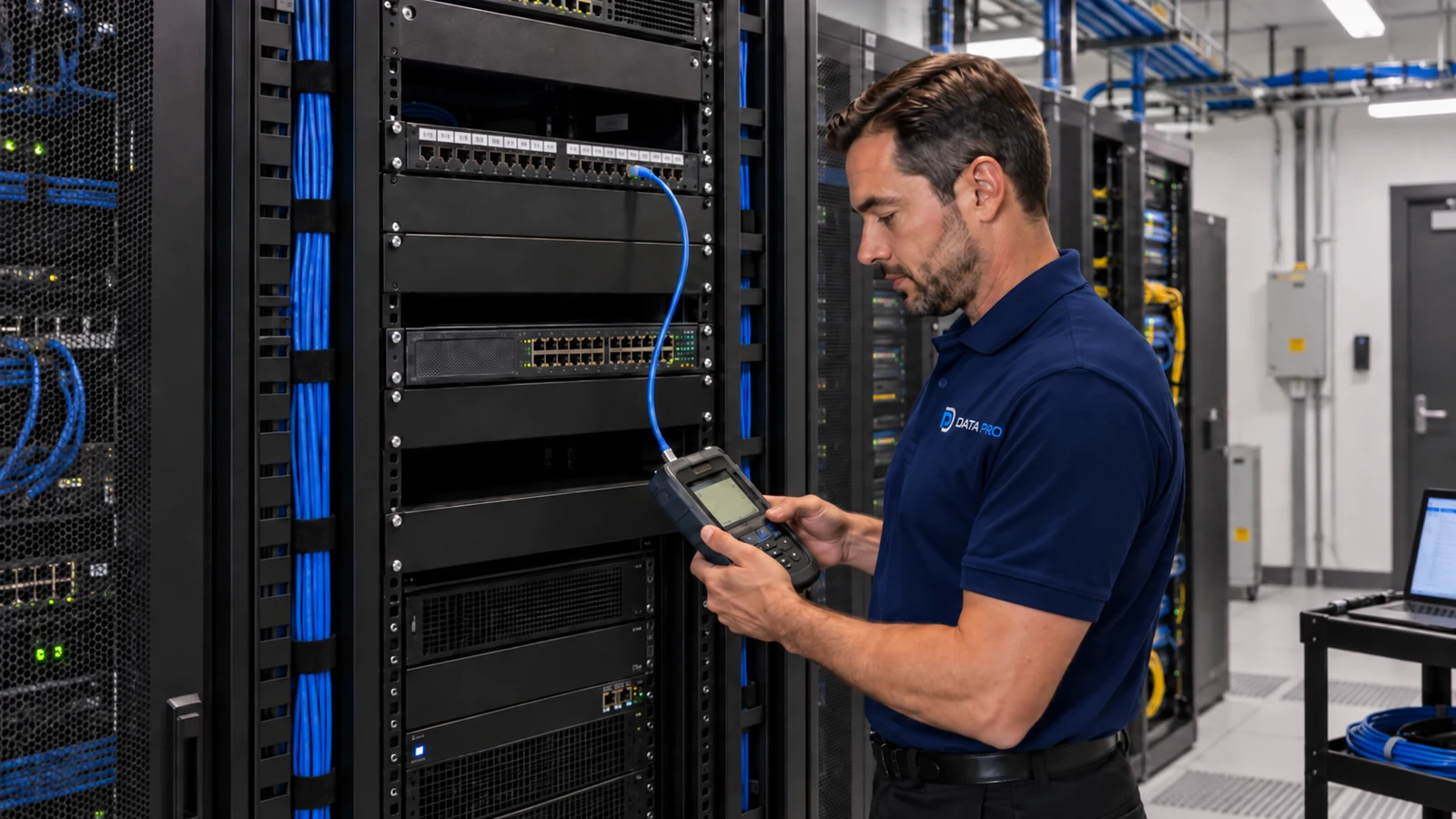
Commercial Low-Voltage and Security Systems
Low-voltage service and maintenance starts with a reliable picture of what is installed, what condition it is in and who owns each system. Preventive checks, backups and service records are most useful when they are tied to a real asset inventory rather than a generic inspection checklist.
For existing camera, access, network, intercom, cabling or other low-voltage systems, maintenance can help identify recurring faults, unsupported equipment, failed backups, damaged infrastructure and components that should be budgeted for replacement before they become urgent.
Service begins with the installed assets and symptoms so troubleshooting or preventive work is based on the actual system history.
Data Pro Communications operates under FL License #EC13016138.
Service records capture what was inspected, changed or recommended so future visits start from a known condition instead of repeating the same discovery work.
Commercial low-voltage maintenance can include asset inventory, preventive inspection, health checks, backup review, firmware or support planning, service documentation and replacement forecasting. The exact checklist should match the technology being maintained; a network switch, camera recorder and access-control panel do not have the same failure modes or maintenance needs.
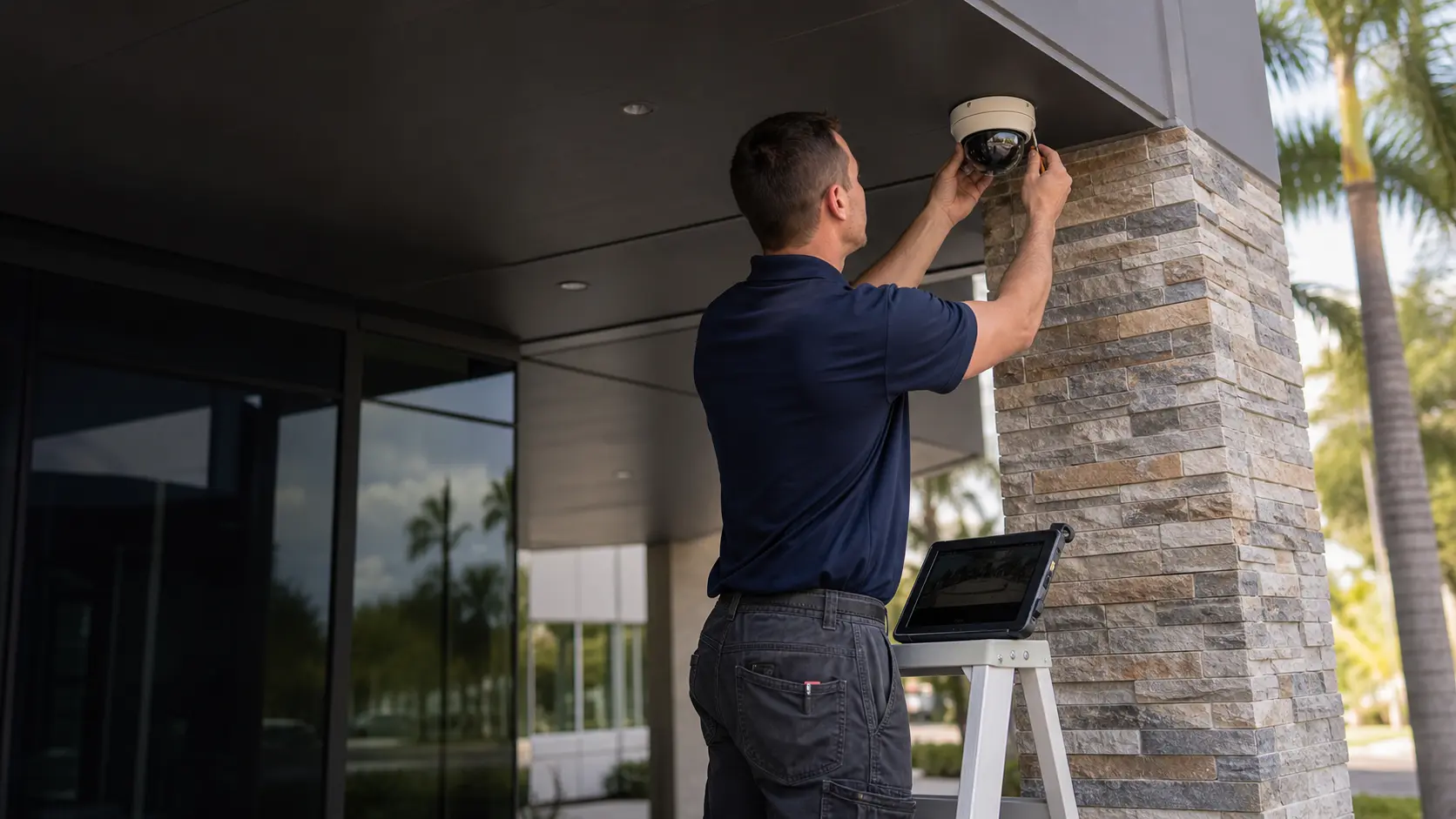
Without models, locations and identifiers, each service call begins with rediscovery and the team may miss equipment that is part of the same system.
A generic visual inspection can overlook storage health, PoE faults, door hardware wear, failed links or configuration issues. Checks should follow the system type.
Firmware or software updates can change compatibility and behavior. Updates should be reviewed against the installed platform instead of applied automatically.
A configuration export or recorder backup is useful only if it is current, accessible and restorable by the responsible party. Backup ownership should be explicit.
When repairs, replacements and recurring symptoms are not recorded, technicians cannot easily identify patterns or verify what changed between visits.
Unsupported recorders, switches, controllers or other aging devices can become single points of failure. Replacement planning helps owners budget before an emergency forces a rushed decision.
Record key device models, locations, identifiers and system relationships so future work starts from a known inventory.
Check the failure points that matter to the technology, such as storage, PoE, network links, door hardware, power supplies, cable condition or device health.
Identify firmware/software status and compatibility concerns before recommending an update.
Confirm what configurations or records are backed up, where they are stored and who is responsible for maintaining them.
Document symptoms, tests, repairs, replaced parts and unresolved recommendations after service visits.
Flag aging, unsupported or repeatedly failing equipment so the owner can prioritize planned replacement.
Office environments can benefit from periodic checks on network, camera, access or AV systems before users report a major outage.
Property managers can compare recurring faults and replacement history across buildings when service records use consistent asset identifiers.
Campuses can standardize model, location and naming records so technicians can find the correct controller, switch or recorder quickly.
Knowing where current configurations and credentials are managed reduces recovery time when a device must be replaced or rebuilt.
A continuous service history helps distinguish one-time failures from recurring cable, power, storage or environmental problems.
Replacement forecasts are useful when several buildings contain equipment of similar age that may reach end of support around the same period.
Identify the devices and infrastructure included in maintenance so the visit has a defined starting point.
Choose checks based on the system: recorder/storage health, switch/PoE condition, access-control door behavior, intercom calls, cable tests or other relevant indicators.
Review manufacturer/platform support status and compatibility before changing firmware or software.
Confirm access to current credentials, configuration exports and backups without copying or retaining customer secrets unnecessarily.
Use prior tickets, photos and recommendations to compare current symptoms with earlier failures or changes.
Identify obsolete or hard-to-source components that could turn a minor failure into extended downtime if replacement is delayed.
Maintenance often crosses system boundaries because a symptom can originate in shared infrastructure. A camera outage may be a PoE or cabling problem; an intercom failure may involve the network; an access-control issue may involve door hardware or power. Service should isolate the actual failing layer and document when another system or owner must take the next action.
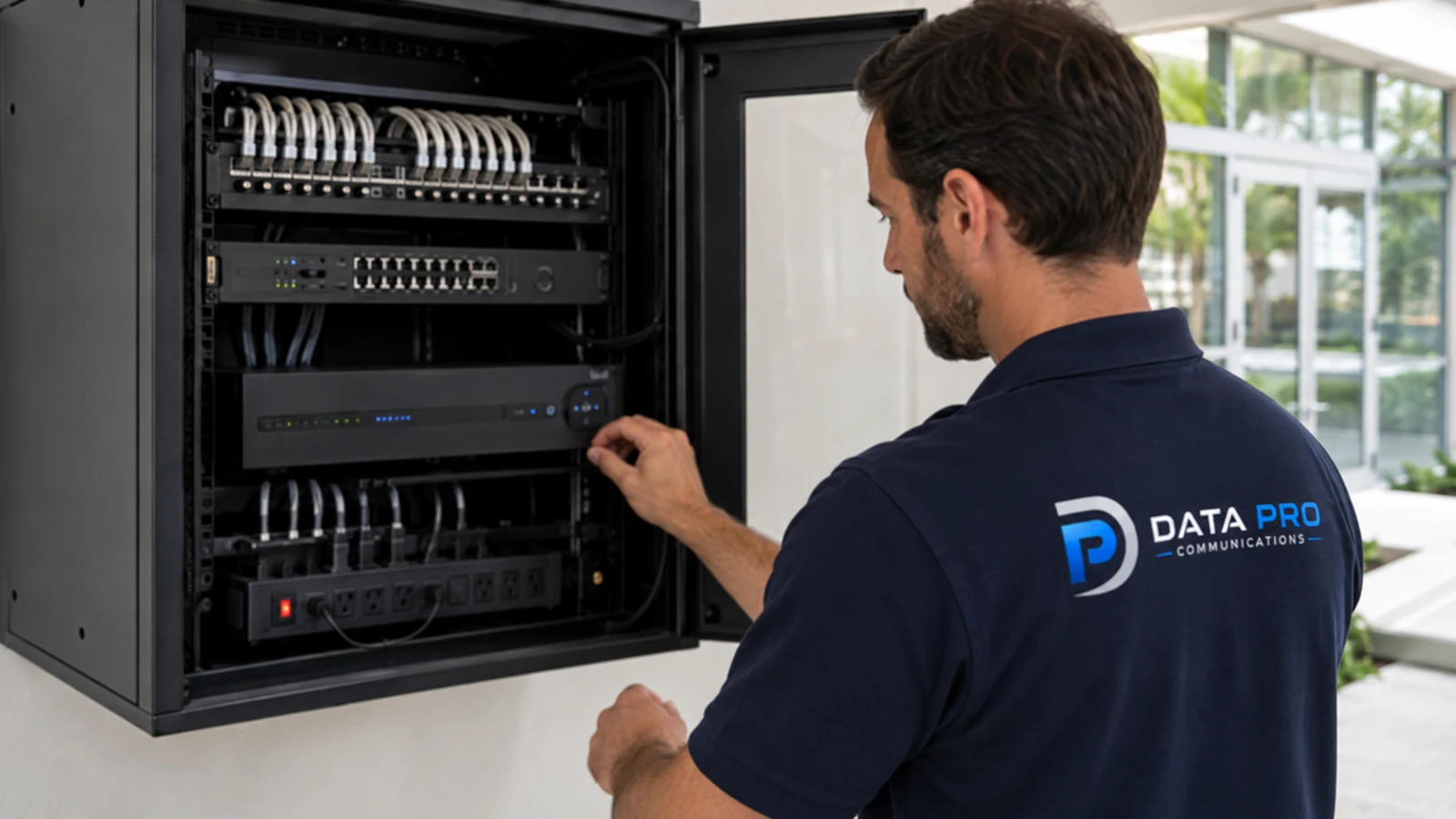
For Orlando commercial properties, maintenance needs vary with equipment age, environment, usage and support history. A useful program starts with the installed systems at the property and builds a repeatable record of condition, recurring faults and upcoming replacement priorities.
Use the Solutions hub when a service issue reveals that a larger redesign or replacement belongs to a specific solution family.
A service visit or assessment is appropriate when the problem must be reproduced, equipment condition inspected or shared infrastructure tested in the field.
Camera Services is relevant when the maintenance concern is surveillance-specific, such as offline cameras, recorder storage, remote viewing or camera-system upgrades.
Offices may prioritize reliable day-to-day operation; managed properties may need repeatable service records across multiple sites; campuses may need standardized asset naming and replacement planning. The maintenance approach should fit the owner’s support model.
Review the reported symptom, installed asset information, prior service history and access requirements before the visit.
Inspect and test the system-specific failure points, isolate the likely cause and identify any dependency owned by another system or team.
Repair, replace or adjust components within the approved service scope, or document the next action when broader replacement is required.
Verify normal operation, record what changed and update outstanding maintenance or replacement recommendations for future reference.
Data Pro Communications - South Orlando is operated by Data Pro Communications. Florida low-voltage work is performed under FL License #EC13016138. Final recommendations depend on the approved scope, site conditions and the responsibilities stated in the project documents.
Record the key device model, location, identifier and system relationship for equipment that will be maintained, such as switches, recorders, controllers, power supplies and other critical components.
Frequency depends on system criticality, environment, equipment age and support needs. Preventive checks should be based on failure risk rather than one universal interval for every technology.
No. Firmware changes should be reviewed for compatibility, support status, known issues and the customer’s maintenance policy before an update is applied.
Depending on the system, useful backups may include configuration exports, controller databases, recorder settings or other platform records. The owner should know where they are stored and who maintains them.
They show symptoms, tests, repairs, replaced parts and unresolved recommendations, helping future technicians identify recurring failures instead of starting from zero.
Consider support status, failure frequency, parts availability, compatibility and the operational impact of another outage. Repeated repairs can signal that planned replacement is more practical.
Yes. Cameras depend on power, cabling, switching and recording infrastructure. Troubleshooting should isolate the failing layer before replacing the camera itself.
Share the system type, symptoms, affected locations, equipment details, when the issue occurs and any prior service notes or recent changes.
Yes, when the supported systems and responsibilities are clearly defined. The checklist should still be specific to each technology rather than using the same tests everywhere.
Document what was inspected, the condition found, tests performed, changes or replacements made, unresolved dependencies and recommended follow-up or replacement items.
Tell us what system is affected, what the users are seeing and what equipment information you have. A service assessment can isolate the failing layer and document the repair or next replacement decision.