
Analytics Built Around Real Scenes
Analytics rules are evaluated against the actual camera view, lighting and movement pattern instead of being treated as a generic AI feature.
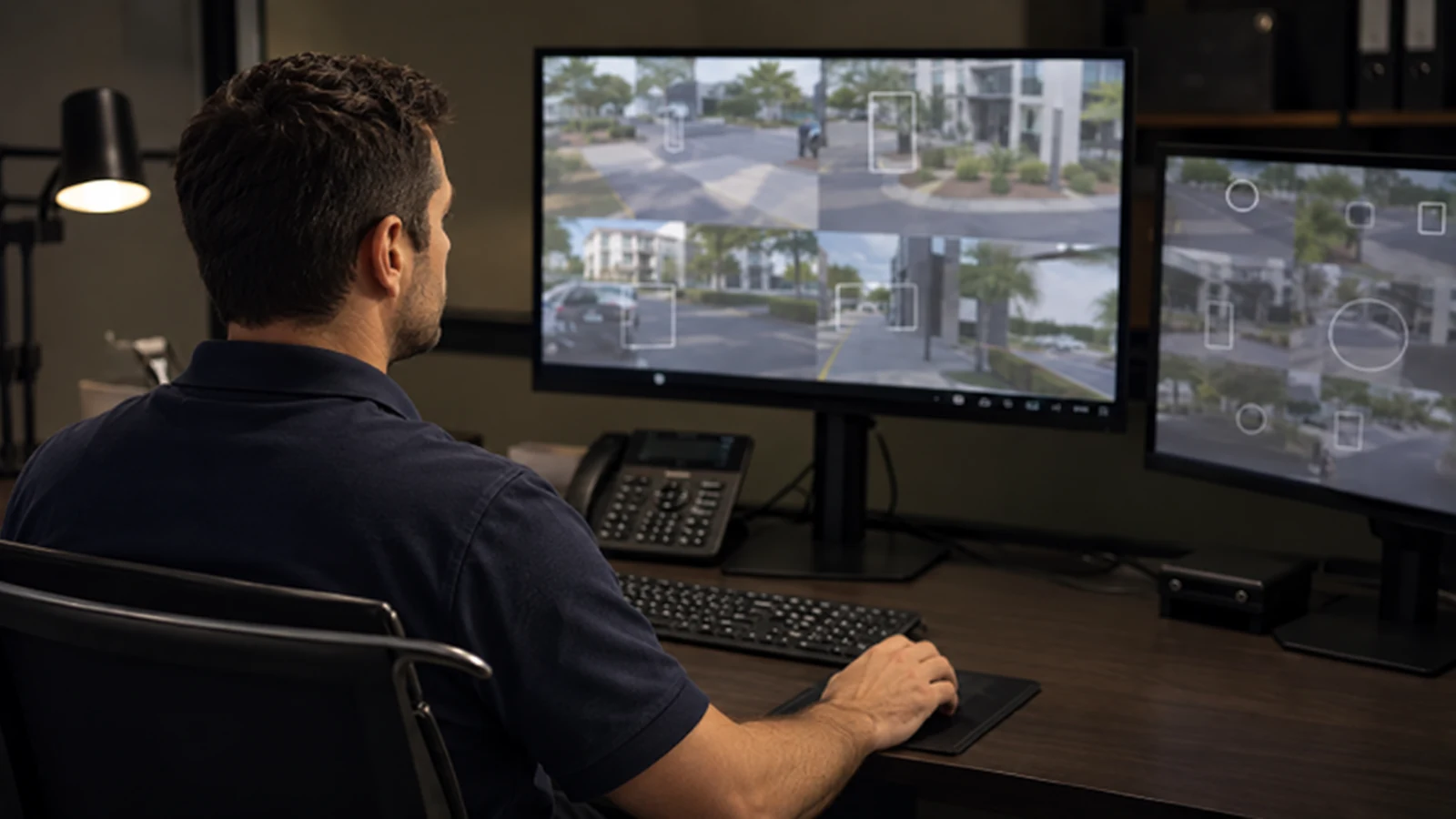
Video Analytics for Commercial Surveillance
AI video analytics can help a commercial camera system surface defined events and make recorded video easier to investigate, but useful results depend on the scene, camera view and rule configuration. The goal is not “AI-powered security” in the abstract; it is a specific event or search workflow that staff can use.
For Orlando properties, analytics may support line crossing, area intrusion, object classification, occupancy trends or faster recorded-video search where the selected platform supports those functions. Camera angle, lighting, movement patterns and response expectations should be reviewed before rules are enabled.
Analytics rules are evaluated against the actual camera view, lighting and movement pattern instead of being treated as a generic AI feature.
Data Pro Communications operates under FL License #EC13016138.
Event zones, schedules, user access and known limitations are documented so the property team understands how the analytics workflow is intended to be used.
Analytics can turn defined visual conditions into searchable events or alerts. Value comes from matching the rule to a usable camera view and a real operational purpose, then tuning the configuration so normal property activity does not overwhelm the workflow.
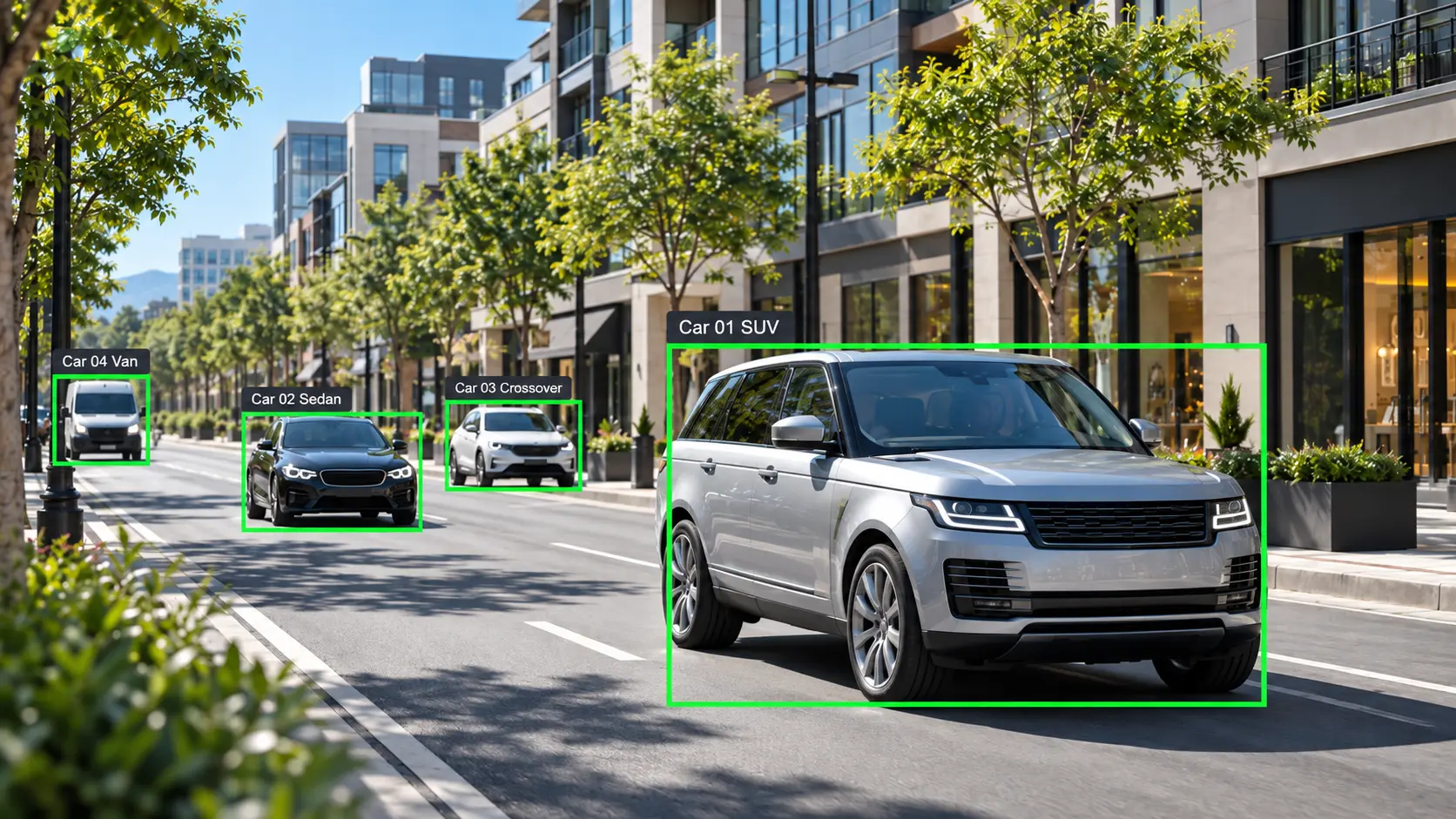
A rule cannot reliably evaluate an area the camera does not see clearly. Oblique views, excessive distance or frequent occlusion can reduce useful classification and event consistency.
Backlighting, glare, darkness and low contrast can make people or vehicles harder for an analytics engine to distinguish from the background.
Large or poorly placed zones can capture routine movement that the property does not care about, creating unnecessary events and alert fatigue.
Analytics depends on a usable stream. Packet loss, intermittent cameras or overloaded links can interrupt event processing or recorded-video search.
If footage expires before incidents are reviewed, analytics search cannot recover video that is no longer stored. Retention should reflect the investigation workflow.
Analytics can assist review and search, but results vary by platform, scene and configuration. No rule should be presented as perfect detection or a guarantee of incident prevention.
Choose the condition that matters, such as line crossing, entry into an area or presence during a defined schedule, instead of enabling every available analytic.
Where supported, classification can help distinguish people, vehicles or other object types. Performance still depends on view quality and the platform’s capabilities.
Analytics metadata can shorten investigations by filtering recorded video for defined events or objects rather than requiring staff to scrub every minute manually.
Event rules should follow the property’s operating hours and physical areas so normal daytime activity is not treated the same as after-hours movement.
Mounting height, field of view, lighting and scene depth can matter more for analytics than for basic live viewing alone.
Rules should be observed under normal property conditions and adjusted for recurring false positives before they are relied on operationally.
Defined intrusion or line-crossing rules can help surface movement in areas that should be quiet during selected periods.
Vehicle classification or event search may help staff review activity around lots, drive lanes or controlled vehicle areas where the camera view is suitable.
Analytics can support investigation around entrances or controlled zones by indexing movement and events for later review.
Event rules can help filter activity around docks, gates or selected storage areas without treating every camera as an alarm device.
Search and event filtering can help narrow recorded review around entrances, service areas or other defined operational zones.
Where the VMS or recorder supports it, analytics metadata can make centralized investigations faster across multiple camera views or properties.
The target should occupy enough of the image for the selected analytic to evaluate it consistently. Wide overview shots may not provide the same analytic value as purpose-selected views.
Changes in lighting, reflections, shadows, vegetation, weather or repetitive motion can affect event quality and should be considered during tuning.
Some analytics run at the camera edge and others on the recorder, VMS or server. Required licenses, firmware and supported models should be confirmed for the chosen platform.
Analytics may add processing or stream requirements. The recorder, server or camera platform must have capacity for the enabled functions.
Search depends on both stored video and any associated analytics metadata. Retention settings should support the period in which staff typically investigate incidents.
An alert is useful only if someone knows what to do with it. The property should define who reviews events, when alerts matter and when analytics is used only for investigation.
Analytics sits on top of the camera, recorder or VMS environment. Integration work should confirm where the analytic runs, which stream it uses, how events are recorded or searched and whether alerts must pass to another approved platform.
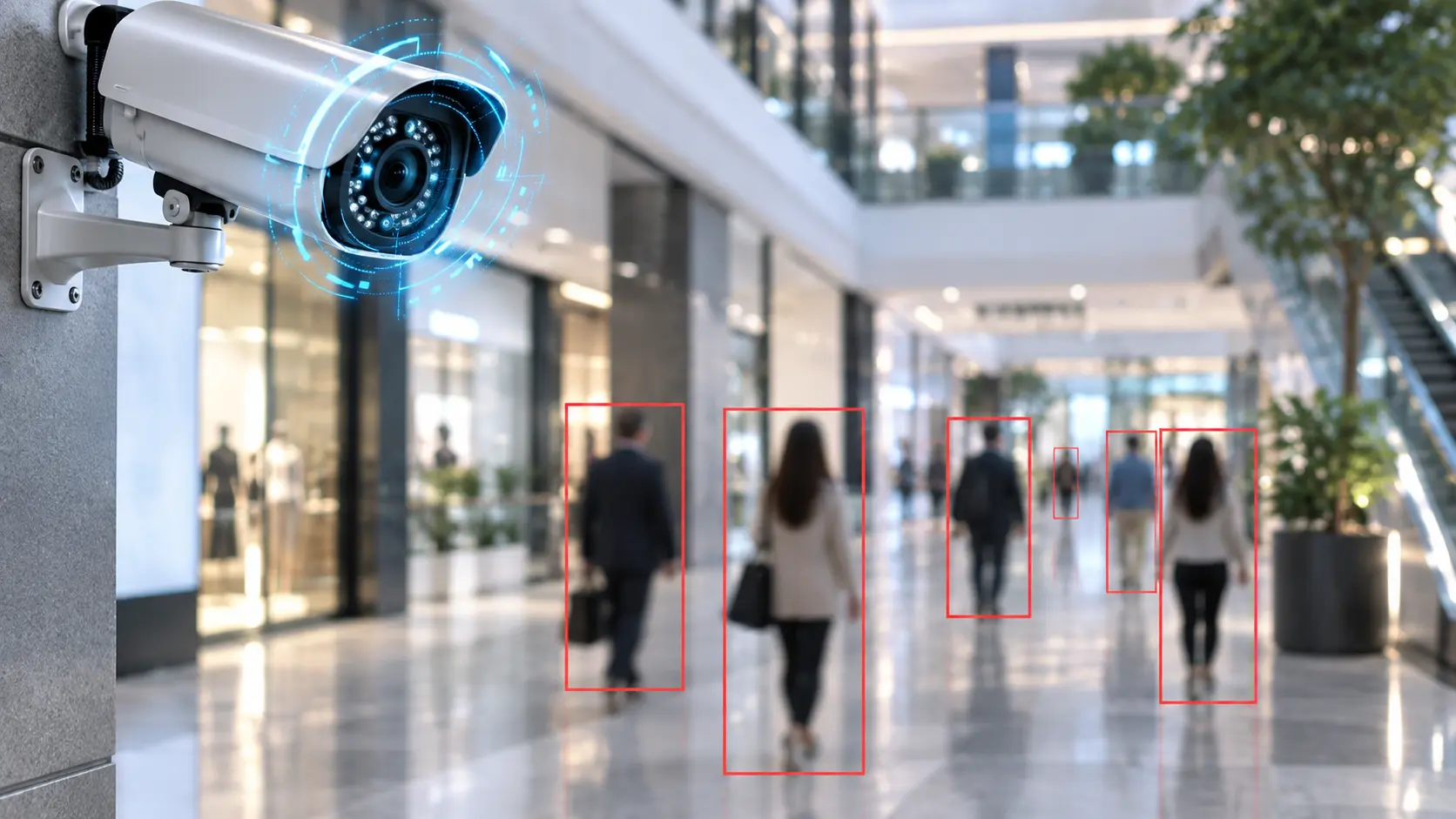
Orlando commercial properties can have very different movement patterns, from daytime offices to hospitality, retail and after-hours loading areas. Analytics rules should reflect the actual schedule and scene at the property rather than a city-wide template.
The Camera Services hub helps compare analytics with recording, IP video, upgrades and other camera-service paths.
A site survey is useful when camera placement, lighting or scene geometry may determine whether a requested analytic is practical.
Network and camera infrastructure may need review when analytics depends on IP streams, VMS servers, recorder capacity or remote event access.
A hotel entrance, warehouse dock and office perimeter do not generate the same motion patterns or operational response. Analytics should be selected and tuned for the property’s actual scene, schedule and investigation workflow.
Identify the event, object or investigation task that analytics should support and who will use the result.
Confirm camera view, lighting, stream quality, platform support, licenses and processing capacity before configuration.
Build zones, schedules and rule thresholds, then observe normal activity and adjust settings that create unnecessary events.
Test representative events and recorded search, document known limitations and confirm who owns ongoing rule changes and user access.
Data Pro Communications - South Orlando is operated by Data Pro Communications. Florida low-voltage work is performed under FL License #EC13016138. Final recommendations depend on the approved scope, site conditions and the responsibilities stated in the project documents.
Depending on the platform, analytics may support line crossing, entry into a defined area, object classification, loitering-style dwell conditions, occupancy counts or searchable event metadata. Available functions vary by camera and software.
False alerts can come from poor zones, lighting changes, shadows, reflections, vegetation, weather, repetitive motion or a rule that is too broad for the scene.
Some analytics run directly on supported cameras while others run on a recorder, VMS or server. The required camera model, firmware, license and processing platform depend on the system being used.
Many platforms can index event or object metadata so users can filter recorded footage. Search capability and retention depend on the specific recorder or VMS.
Yes. Mounting height, angle, target size, distance and occlusion can determine whether a rule has enough visual information to work usefully.
No. Analytics can narrow events and assist review, but important incidents still require human evaluation of the recorded video and surrounding context.
They can, but performance depends on usable nighttime image quality, lighting, infrared behavior, contrast and the platform’s analytic design.
Many commercial platforms support person and vehicle classification, but classification quality varies with scene conditions and platform capabilities.
The analytic metadata itself may be small, but analytics projects can affect stream settings, recording modes or retention workflows. Storage should be sized from the actual recording configuration.
Test representative events in the real scene, confirm schedules and zones, review false positives, verify event search or alerts and document limitations and account ownership.
Tell us which events or searches matter, what camera system is already installed and which areas are involved. A site review can determine whether the camera view, platform and operating conditions support the requested analytics workflow.