
Fault Isolation Before Replacement
Troubleshooting follows the signal path through camera, power, cabling, network, recorder and storage so replacement decisions are based on the failed layer.
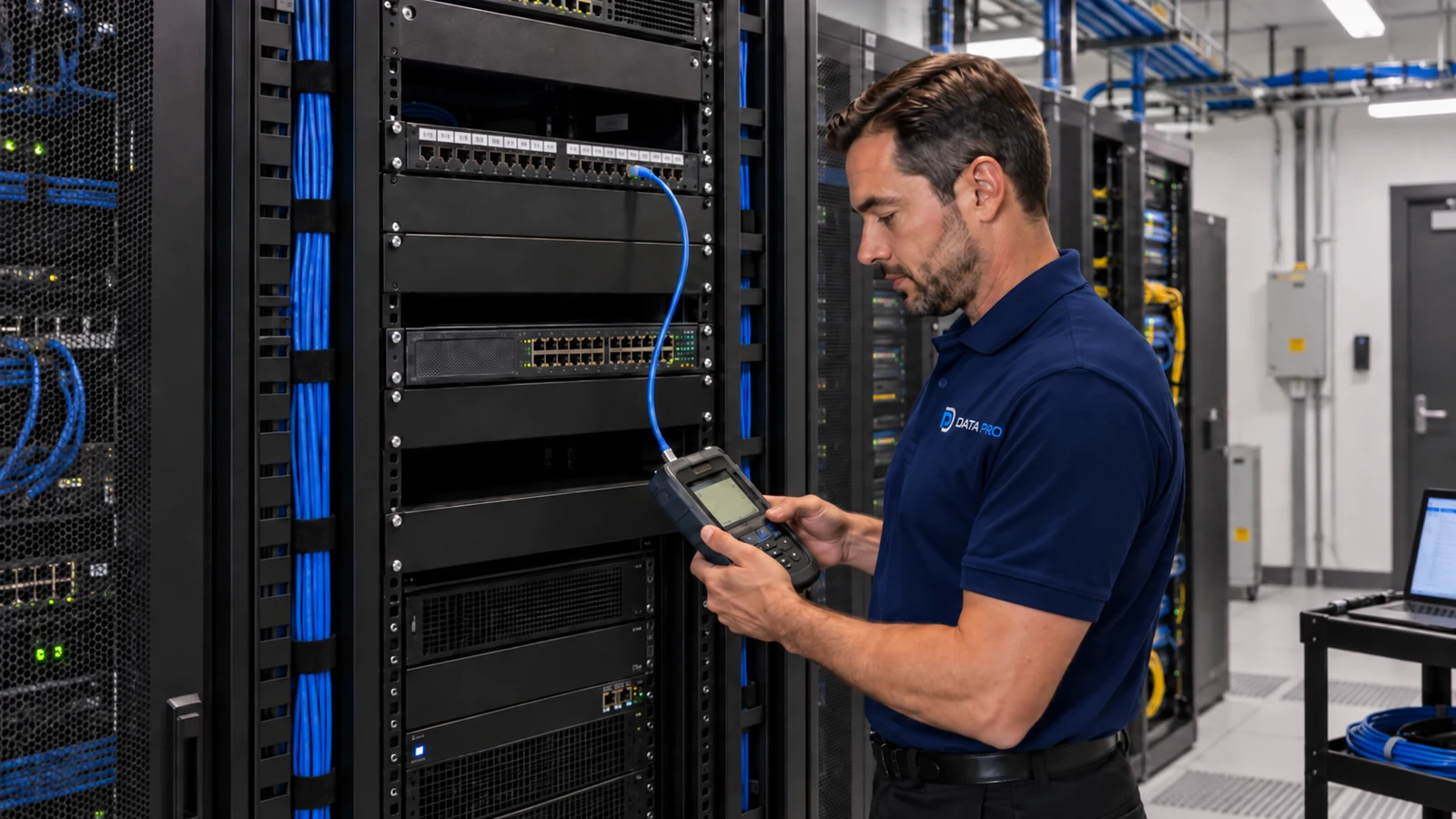
Commercial Camera Troubleshooting and Repair
When a camera system stops working correctly, replacing the camera is only one possible answer. Video loss can begin at the device, power source, PoE switch, cabling, network, recorder, storage, credentials or remote-access path.
Troubleshooting should isolate the failed layer before repair decisions are made. Data Pro Communications can evaluate offline cameras, intermittent video, recording faults, image-quality problems and remote-viewing failures on commercial systems.
Troubleshooting follows the signal path through camera, power, cabling, network, recorder and storage so replacement decisions are based on the failed layer.
Data Pro Communications operates under FL License #EC13016138.
The root cause, repair performed and remaining system limitations are recorded so repeat symptoms can be diagnosed more efficiently.
A useful service call starts by reproducing the problem and separating device, power, cabling, network, recorder and user-access causes. That prevents a camera replacement from masking an unresolved PoE, switch, storage or credential problem.
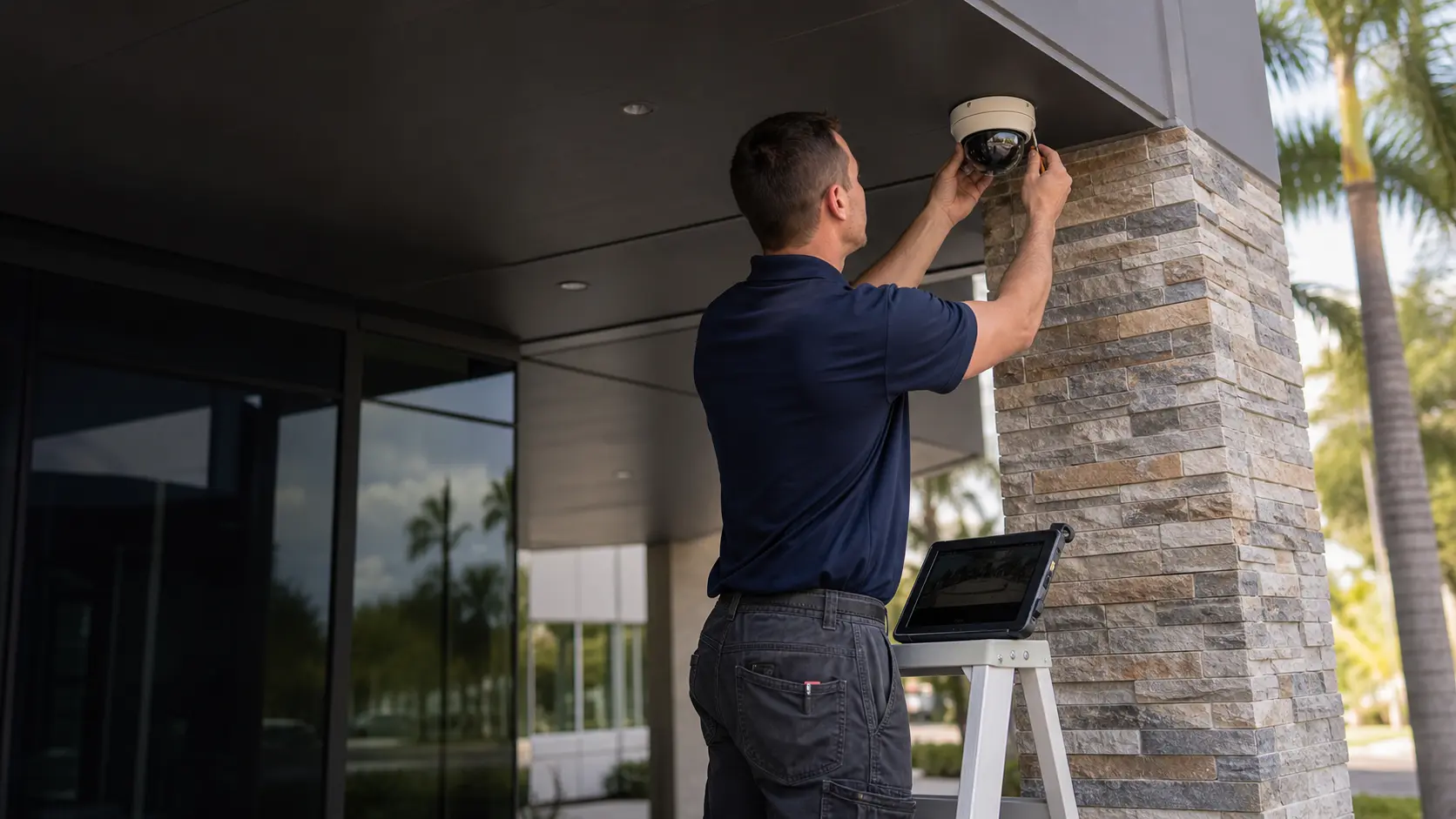
An offline camera may have failed hardware, no power, a PoE issue, damaged cabling, an addressing problem or a recorder/VMS communication fault.
Video that drops in and out can indicate marginal cabling, connectors, PoE budget, switch ports, network errors, overheating or unstable device power.
Blur, glare, darkness, focus problems, condensation or physical damage should be evaluated at the camera before network or recorder changes are assumed to be the cause.
A camera may show live video while recording fails because of schedule settings, storage errors, disk capacity, recorder health, licenses or stream configuration.
If local video works but remote access does not, the issue may involve user permissions, credentials, internet connectivity, account ownership or network/firewall changes.
Several cameras failing at once often points upstream to a switch, power supply, recorder, network segment or shared pathway rather than simultaneous camera hardware failure.
Confirm whether the issue affects live view, recording, playback, export, image quality, remote access or multiple functions.
Check voltage, PoE negotiation, switch-port state and available power where loss of power or unstable delivery is suspected.
Inspect connectors and test the cable path when physical damage, intermittent links or transmission errors may be involved.
Review addressing, switch status, link errors, reachability and recorder/VMS communication on IP camera systems.
Check channel status, recording schedules, disk condition, available storage and logs when footage is missing or recording is unstable.
Record the fault found, repair or replacement performed, test result and any remaining system limitation so the same symptom can be diagnosed faster later.
Start at the affected device and trace power, cabling, network and recorder communication until the failed layer is identified.
Check shared switches, power supplies, network segments and recorder status before treating each camera as an independent failure.
Intermittent timing can point to PoE load, network congestion, heat, scheduled settings or environmental conditions and should be documented during diagnosis.
Verify recording schedules, storage health, stream status and retention before assuming the camera itself stopped working.
Compare local system operation with remote connectivity, user accounts and network changes to isolate whether the failure is inside or outside the surveillance system.
Inspect focus, lens, housing, illumination, physical alignment and environmental damage before making unrelated network changes.
Identify camera names or locations and whether the failure affects live view, recording, playback, export or remote access.
Note when the issue began, whether it is constant or intermittent and whether it follows a schedule, weather condition or other recurring event.
Provide recorder/VMS model and access information where available so channel status, storage and logs can be reviewed.
Clarify whether switches and firewall/internet settings are customer-managed and whether recent network changes occurred.
Construction, cable work, firmware updates, password changes, power events or equipment replacement can narrow the likely fault path.
Camera lists, IP addresses, cable labels and prior service notes reduce time spent rediscovering a system before testing can begin.
Troubleshooting may cross system boundaries when cameras depend on customer-managed switches, internet service, firewalls or shared pathways. Diagnosis should distinguish a surveillance fault from an upstream infrastructure issue and document where responsibility changes.
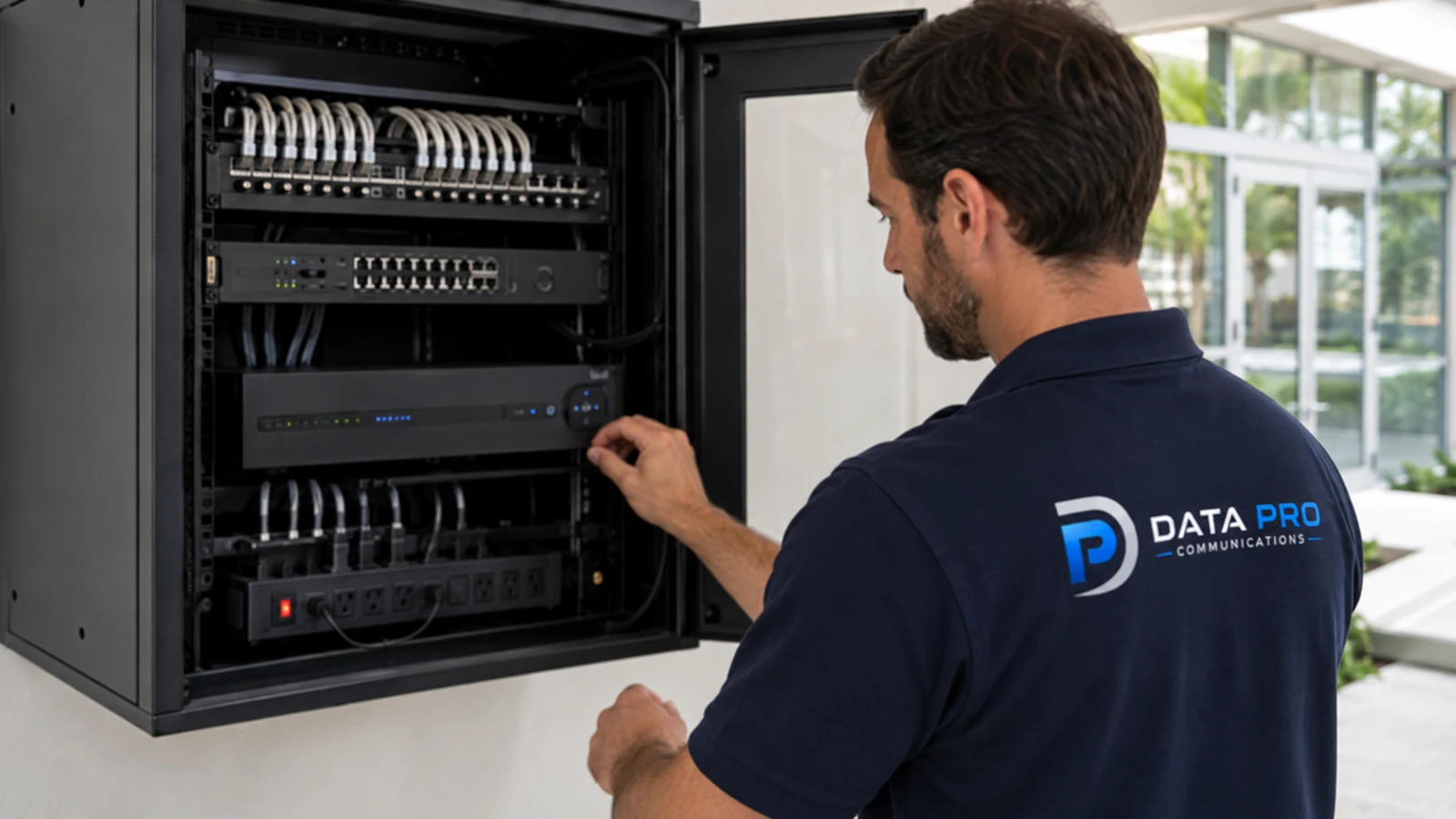
Commercial properties in Orlando may need troubleshooting during active business hours or in areas that cannot be taken offline casually. Access to camera locations, telecom rooms and the recorder should be coordinated so diagnosis can follow the complete signal path.
The Camera Services hub helps determine whether a recurring fault is better handled as troubleshooting, an upgrade or a larger modernization project.
An on-site troubleshooting visit is appropriate when the failed layer cannot be isolated from available system information.
Network infrastructure becomes relevant when camera faults trace to switching, addressing, uplinks, firewall policy or internet connectivity rather than the camera hardware itself.
A single offline camera and a site-wide recording outage should not follow the same diagnostic path. The symptom pattern, shared infrastructure and system history determine where testing begins.
Confirm the reported symptom and identify which cameras, users or recording functions are affected.
Test device power, cabling, network communication, recorder/storage and credentials in the order indicated by the symptom pattern.
Repair the connection, configuration or infrastructure issue, or replace the failed component when testing supports that conclusion.
Verify live view, recording, playback and remote access as applicable, then document the root cause, work performed and any remaining limitation.
Data Pro Communications - South Orlando is operated by Data Pro Communications. Florida low-voltage work is performed under FL License #EC13016138. Final recommendations depend on the approved scope, site conditions and the responsibilities stated in the project documents.
Common causes include unstable power or PoE, damaged cabling or connectors, switch-port issues, IP conflicts, network errors, overheating or failing camera hardware.
Intermittent video can come from marginal cabling, loose connectors, PoE load, network errors, unstable power, overheating or a failing device. The pattern should be reproduced and tested.
If local video works, check internet connectivity, user permissions, credentials, account ownership, firewall or router changes and the remote-access method used by the platform.
Yes. Physical damage, poor terminations, moisture, excessive distance or intermittent connectors can cause packet loss, link drops or complete video loss.
Recording may be disabled by schedule, storage may be full or failing, the recorder may have lost the camera stream, or a license/configuration issue may be preventing recording.
A shared failure often points to a switch, power supply, network segment, recorder, UPS or other common component rather than several cameras failing independently.
Yes. An overloaded PoE switch or insufficient per-port power can cause cameras to reboot, drop features or disconnect, especially when heaters, IR or other higher-load functions engage.
Focus changes, lens contamination, housing damage, condensation, lighting changes, infrared reflection or physical movement of the camera can affect image quality.
Not before basic power, cabling, network and recorder communication are checked. Replacing a working camera will not correct an upstream fault.
Provide the affected camera locations, symptoms, when the issue started, recorder/VMS information, whether remote access also fails and any recent power, construction or network changes.
Tell us which cameras or functions are failing, whether the problem is constant or intermittent, and what system changes happened recently. We can use that information to focus diagnosis on the most likely fault path.