
Commercial-First Planning
Projects are planned around property operations, infrastructure and the people responsible for the system.
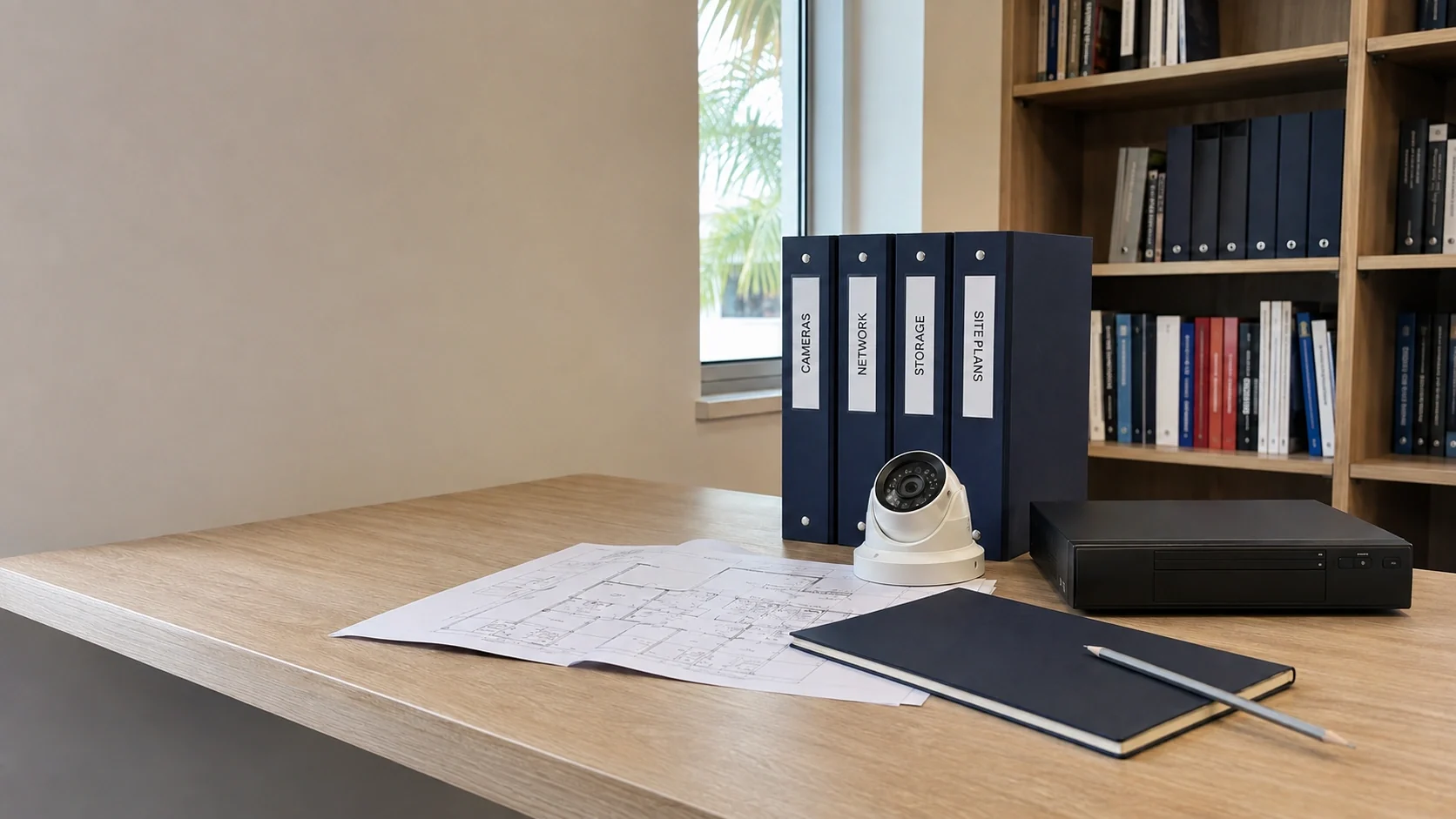
Commercial Camera Resource | Resource navigation
This resource library helps buyers compare camera technologies, plan infrastructure, understand installation decisions and prepare for property-specific conversations without turning the hub into another service page.
A facility manager comparing retention and remote access can start with the storage article, then continue to the NVR and remote-viewing guide. A useful article should narrow a decision; the hub should help readers reach that article without pretending one summary can answer every property question.
Projects are planned around property operations, infrastructure and the people responsible for the system.
Data Pro Communications operates under FL License #EC13016138.
Testing, labeling, credentials and known limitations are organized for the people who will operate and support the system.
This resource library helps buyers compare camera technologies, plan infrastructure, understand installation decisions and prepare for property-specific conversations without turning the hub into another service page.
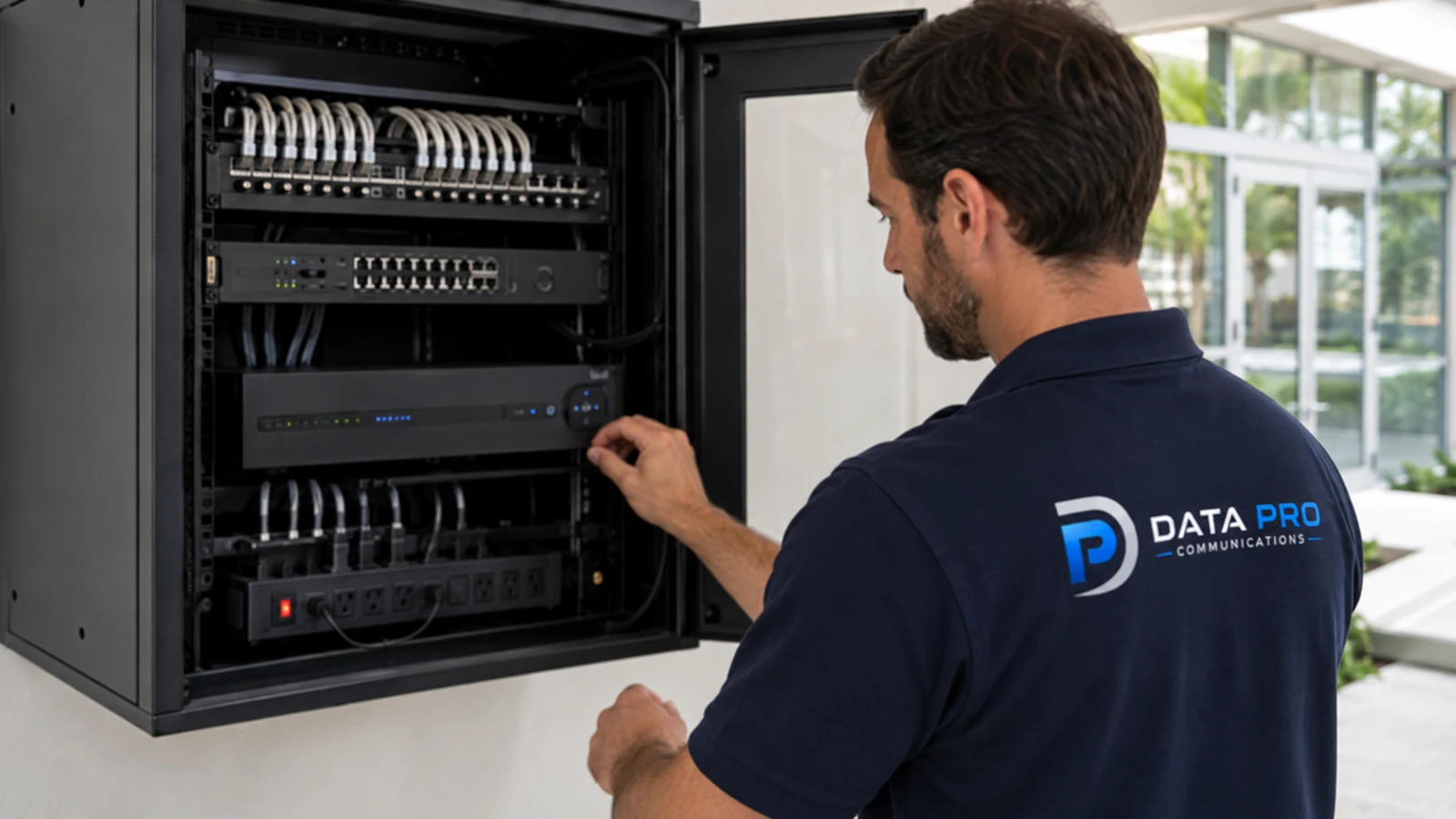
A product category does not reveal whether the reader needs better identification, longer retention, wireless transport or help diagnosing a fault. Start with the operating question, then choose the article that addresses it.
An office doorway, warehouse yard and hotel arrival lane impose different distances, lighting and review needs. Use examples to understand the decision, not as a device schedule for another site.
Dome versus bullet, IP versus analog and professional versus consumer comparisons describe practical differences. None of those articles makes one option superior in every mounting location or operating environment.
Camera choices can depend on PoE capacity, network transport, tested cabling, recorder compatibility and usable storage. Those supporting topics should be reviewed before a preferred camera becomes a field requirement.
A missing image, intermittent connection and absent recording point to different system layers. Select the diagnostic article that matches the observed symptom before replacing equipment.
Useful research should leave the reader with a narrower property question, such as the detail required at a doorway or the retention period needed for an incident workflow. That question can guide a site review or scope discussion.
Use comparison articles when the choice is between camera styles, transport methods or system architectures. Their purpose is to expose the conditions that make each option useful.
Installation and readiness articles cover requirements, access, sequencing, infrastructure and closeout. They help a business identify decisions that should not be left to installation day.
Resolution and retention articles connect scene detail, recording behavior and usable storage. They are most useful when the property can describe the target distance and review period.
Troubleshooting, maintenance and upgrade articles separate symptoms from likely causes. They help readers gather evidence before deciding whether to repair, reconfigure or replace equipment.
Industry articles translate camera planning into the movement, restricted areas and operating patterns of retail, hospitality, healthcare, warehouse and managed properties.
When research identifies a field requirement, the related service route should match the work: camera installation, upgrades, troubleshooting, structured cabling or network infrastructure.
A facilities team choosing between dome and bullet cameras can review mounting, visibility, exposure and service access before deciding which form factor fits each scene.
A security manager can use the retention guide to connect camera count, bitrate, schedule and usable capacity to the period the business actually needs to review.
An office manager can review project readiness and installation sequencing before arranging ceiling access, work windows, accounts and user training.
A technician or property manager can begin with troubleshooting guidance that separates device, power, cable, network and recorder causes.
A warehouse or hospitality operator can start with the relevant industry guide, then continue to focused articles on lighting, coverage, storage or infrastructure.
A project that also touches access control, PoE switching or cabling can use the integration and infrastructure resources to define ownership and testing boundaries.
Articles on form factor, resolution and placement explain how lens choice, target distance, field of view, lighting and mounting affect the detail a recorded scene can provide.
PoE and wireless resources address power budget, Ethernet distance, RF conditions, backhaul, segmentation and recovery when a link or switch is unavailable.
Storage and remote-viewing guidance covers bitrate, recording schedules, usable capacity, account permissions, connectivity and evidence export.
Installation articles address protected routes, serviceable mounts, occupied work areas, telecom-room connections, testing and the records needed for future service.
These resources use symptoms, logs, system health and platform support to distinguish a repairable fault from a broader replacement need.
Local operating patterns, public and restricted areas, vehicle movement, privacy and property infrastructure shape how otherwise similar camera technology should be applied.
Camera choices can involve PoE switching, structured cabling, wireless bridges, recording platforms, remote access or access-control events. Each guide names an adjacent system only when it changes the camera decision and directs readers to the appropriate service when field verification is needed.
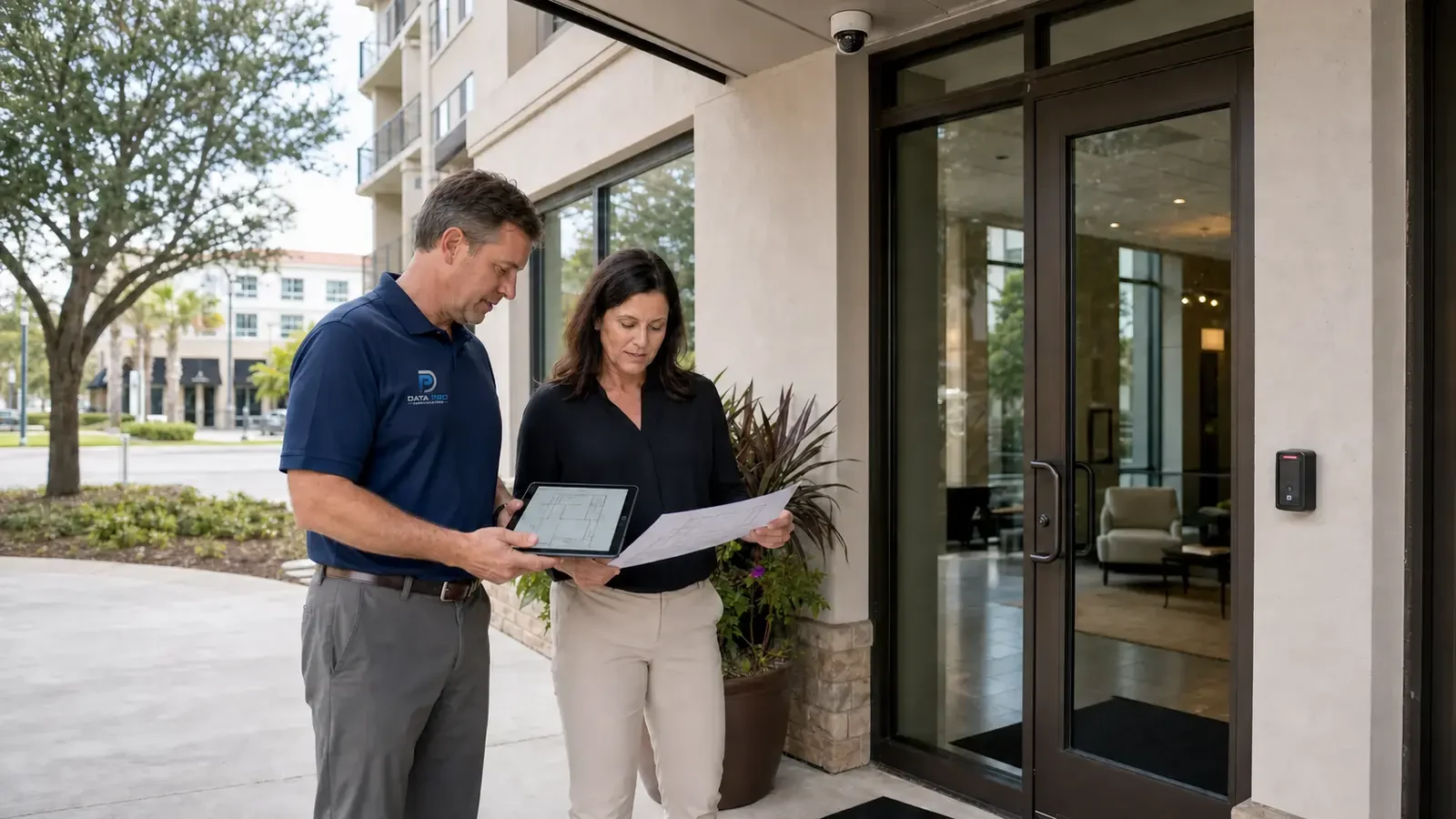
The Orlando context does not replace field information. A reader should carry the selected guide back to the actual entrance, parking area, recorder, network or operating workflow and note what remains unknown.
Review installation, upgrades, analytics, recording and troubleshooting options after a resource identifies work needed on the camera system itself.
Use the network service route when PoE switching, uplinks, segmentation, wireless transport or secure remote connectivity must be inspected or changed.
Use the cabling route when a camera decision requires new copper or fiber pathways, telecom-room connections, protection, termination or certification testing.
A useful article should narrow a decision; the hub should help readers reach that article without pretending one summary can answer every property question. Before acting on that conclusion, verify planning topics and camera technologies at the property.
Choose the guide from the problem in front of you: camera selection, installation, recording, networking, maintenance or another specific issue. Starting from the question is faster than browsing by product name alone.
Use the closest article to understand the variables that control that topic, then note which facts you still need from the property or existing system. A comparison guide and a troubleshooting guide answer different kinds of questions.
Follow related resources when the first answer exposes another dependency, such as storage, PoE, cabling, remote access or camera placement. This helps connect one technical decision to the systems that support it.
When drawings, photos or system records cannot establish mounting, pathway, network or operating conditions, move from research to the appropriate service or site review. The goal is to carry a specific technical question into the next conversation.
Data Pro Communications - South Orlando is operated by Data Pro Communications. Florida low-voltage work is performed under FL License #EC13016138.
The library covers camera types, image quality, storage, wireless transport, PoE, installation, troubleshooting, system upgrades, remote access and property-specific planning.
Begin with the business-planning and commercial-installation guides, then continue to articles on coverage, placement, resolution, retention and infrastructure as those questions arise.
Use the dome-versus-bullet guide for form-factor decisions and the IP-versus-analog guide for transport, recorder and migration differences.
No. They explain decisions and technical variables, but mounting surfaces, light, distance, pathways, network capacity and existing equipment must be checked at the property.
Start with the common-problems or troubleshooting guide and describe the symptom: missing video, intermittent connection, poor image, absent recording or remote-access failure.
Yes. Industry resources address retail, restaurants, healthcare, hospitality, property management, warehouses and industrial sites using their actual operating environments.
Yes. The installer-selection and quote-comparison articles explain licensing, scope normalization, exclusions, testing, training and closeout records.
The resolution and retention resources connect image settings and recording behavior with bitrate, usable recorder capacity and the required review period.
Review the PoE, wireless and integrated-system resources, then use the related structured-cabling or network-infrastructure service route when field work is required.
Yes. Share the property type, current system, scene or workflow involved and the result the business needs so the request can be directed to the relevant commercial service.
Choose the guide closest to the current property question. When the answer depends on field measurements, installed equipment or recorded footage, request a project conversation focused on that issue.