
Compatibility Before Replacement
Existing cameras, recorders, cabling and network components are reviewed before a modernization plan assumes they can or cannot be reused.
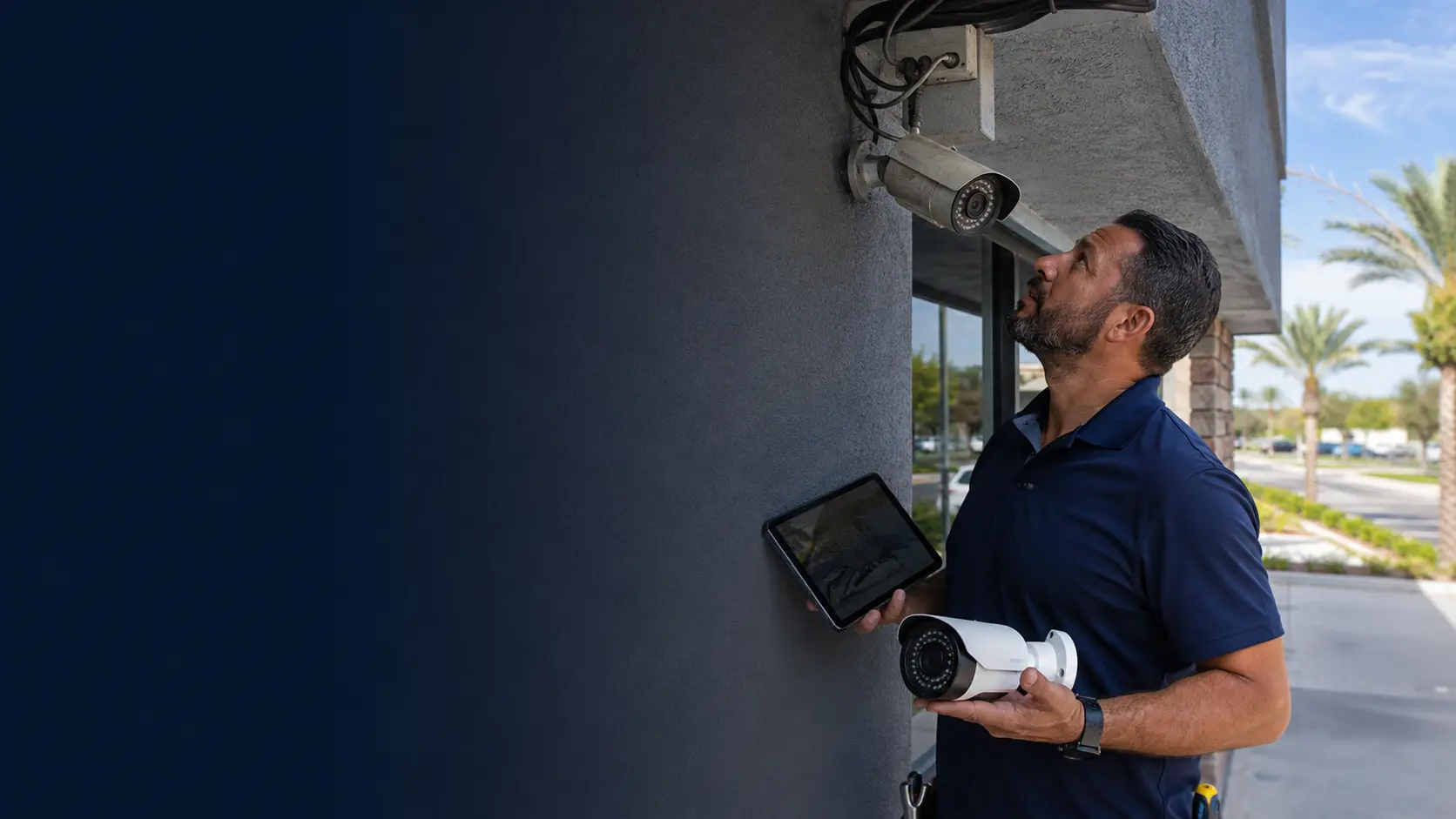
Modernize an Existing Commercial Camera System
A camera-system upgrade should begin with what is already installed. Existing cameras, cabling, recorders, mounts, power and network infrastructure may be reusable, partially reusable or the limiting factor in the modernization plan.
Data Pro Communications evaluates compatibility and migration risk before recommending replacement scope. The goal is to improve image quality, reliability, retention or manageability without assuming every component must be replaced at once.
Existing cameras, recorders, cabling and network components are reviewed before a modernization plan assumes they can or cannot be reused.
Data Pro Communications operates under FL License #EC13016138.
The finished upgrade documents retained and replaced equipment, account ownership and compatibility limits so future service starts with an accurate system record.
Commercial camera upgrades often mix old and new technology. A useful plan identifies what can remain, what must change and whether the recorder, cabling, PoE, storage or licenses can support the new camera requirements.
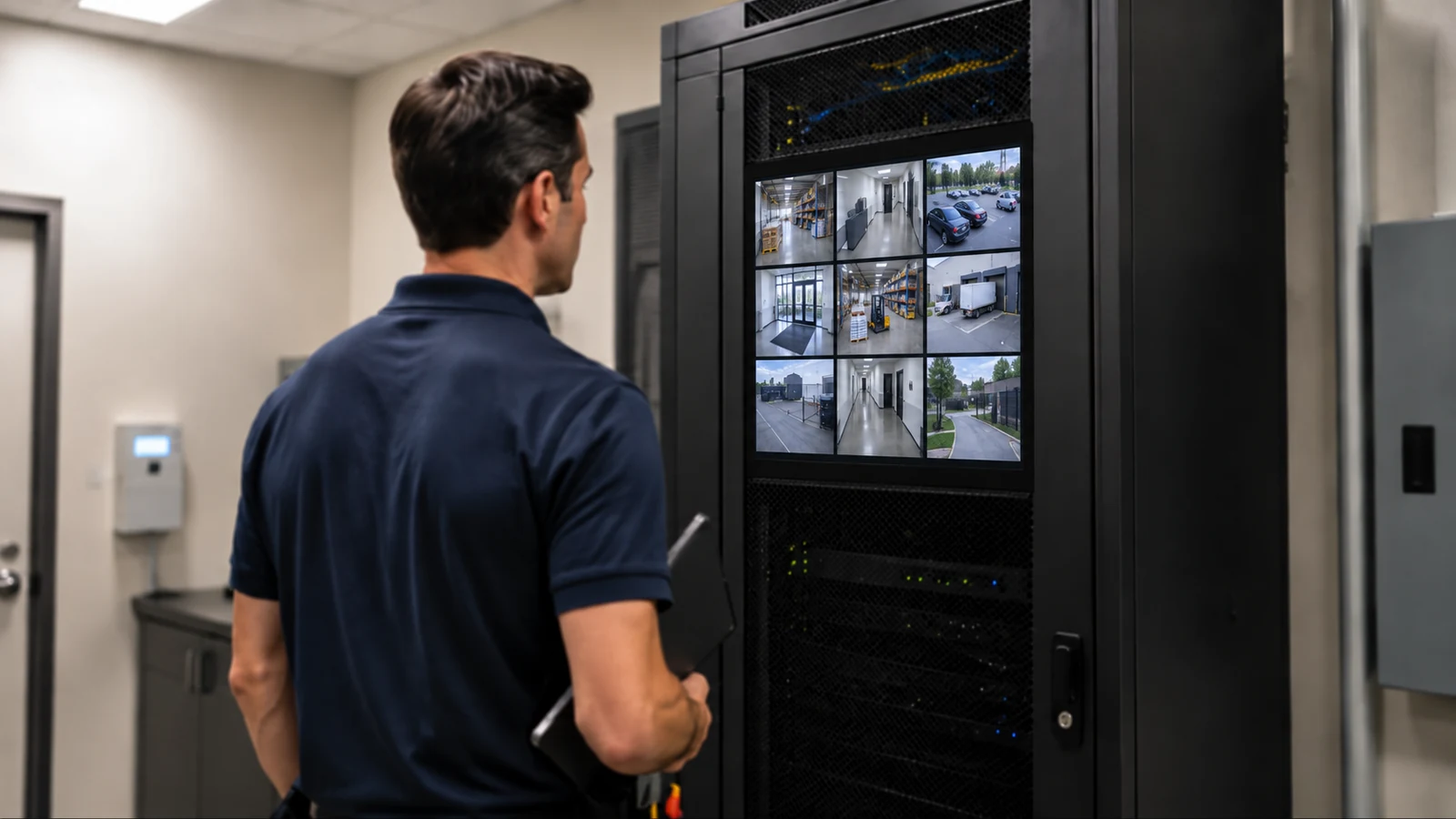
A newer camera may connect physically but still lose resolution, codec, analytics or other features on an older recorder. Model-level compatibility should be checked before purchasing replacements.
Existing coax or Ethernet may be reusable, but cable condition, connectors, distance and prior repairs can make it unreliable for higher-resolution or PoE equipment.
Moving from analog to IP or adding higher-power devices can require new PoE budgets, uplinks or switch capacity that the existing network does not provide.
Higher resolution or frame rates can consume more storage and bandwidth. An upgrade that ignores retention may shorten the number of days available for investigation.
Partial replacement can create a mixed environment in which old and new cameras use different recorders, interfaces or workflows. The transition should be planned so staff can still operate the system.
Unknown cable routes, credentials or recorder settings can add investigation time and increase migration risk. Existing-system discovery is part of the upgrade, not an administrative afterthought.
Document camera models, recorder/VMS, storage, switches, power supplies, mounts and major interfaces before deciding what can be reused.
Check existing coax, Ethernet, PoE, mounts and power where reuse is proposed instead of assuming that age alone makes them acceptable or unusable.
Confirm supported resolution, codec, stream profiles, licenses and features between replacement cameras and the recording platform.
When moving from coax-based analog systems to IP, identify which pathways, switches and recorder functions change and whether migration can be phased.
Update storage assumptions for new camera count, resolution, codec, recording mode and retention target.
Record what remained, what was replaced, device names, credentials ownership and any known limitations so the next service call starts with accurate information.
Targeted camera replacement may be possible when the recorder and cabling still support the required format and resolution.
A phased migration can preserve service while network pathways, PoE switches and IP recorders are introduced in stages.
Higher-resolution cameras may require changes to lenses, placement, bandwidth and storage rather than a simple one-for-one camera swap.
Longer retention can require additional usable disk capacity, recorder changes or different recording modes even if the cameras remain unchanged.
Newer platform features may require firmware, licensing, network or recorder changes beyond the camera hardware itself.
Properties with multiple recorder generations or camera types may benefit from a staged plan that reduces interfaces and simplifies support over time.
Document whether each run is coax, Cat5e/Cat6 or another medium and test the runs selected for reuse.
Check model compatibility, channel limits, maximum resolution, codecs, licenses and firmware before selecting replacement cameras.
Confirm power source, switch capacity and per-port requirements when IP or higher-power devices are being introduced.
IP migrations may add camera traffic to existing switches and uplinks. Addressing, VLANs and bandwidth should be reviewed where the customer network is involved.
Recalculate usable capacity whenever camera count, resolution, frame rate, codec or recording schedule changes.
Identify which devices can be changed together and how the property will continue viewing and recording video during a phased transition.
An upgrade can cross analog, IP, network and recorder boundaries. The project should state which existing components remain, which interfaces are transitional and which customer-managed systems must be coordinated during migration.
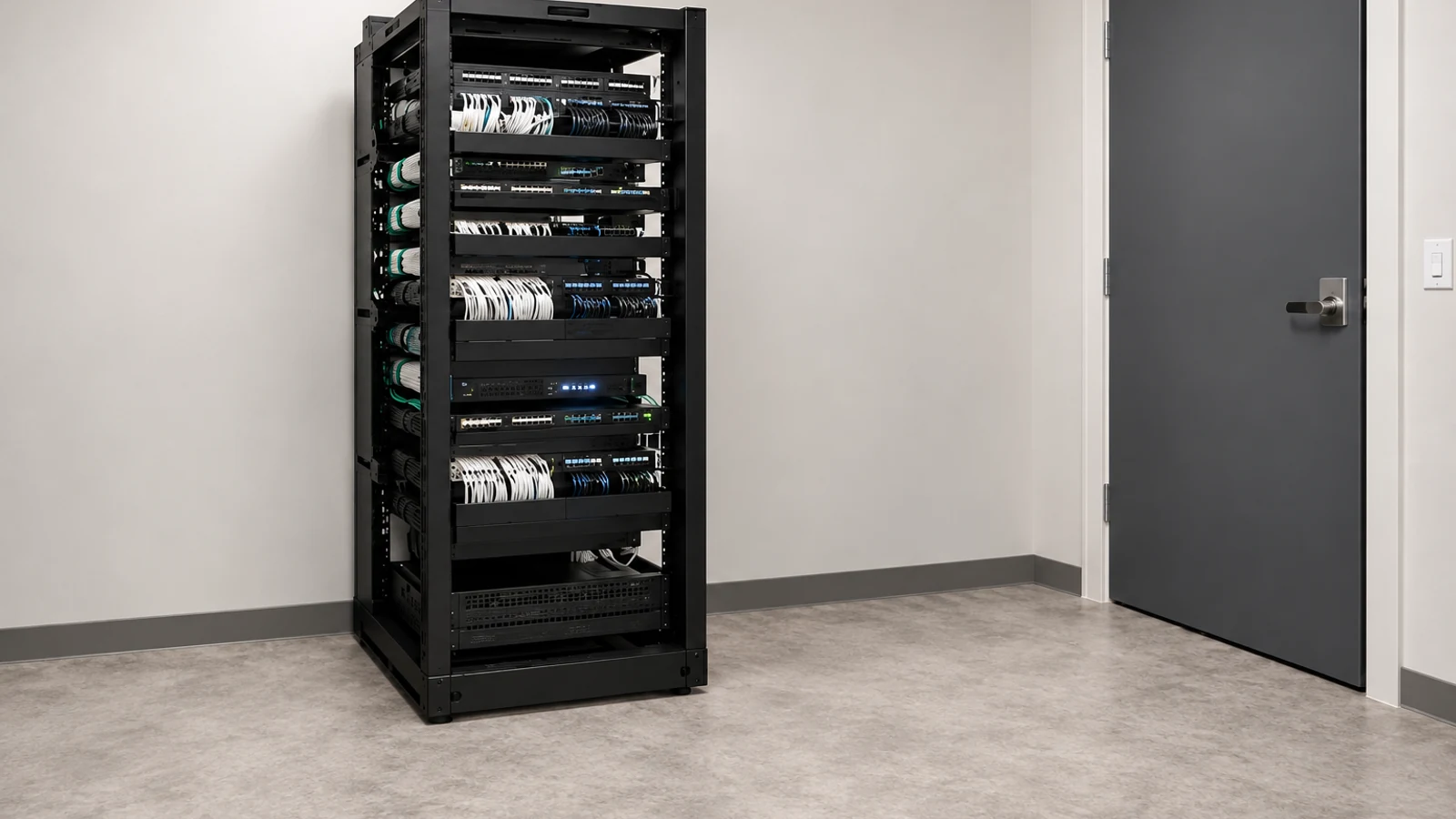
For Orlando properties that cannot take an entire surveillance system offline at once, staged upgrades can reduce operational disruption. The viable sequence depends on the existing recorder, pathways, network and areas that must stay under video coverage.
The Camera Services hub helps compare an upgrade with troubleshooting, IP video and CCTV modernization when the correct path is not yet clear.
A camera-system assessment is useful when existing equipment models, cabling condition or reuse potential cannot be confirmed remotely.
Structured cabling and network infrastructure may become part of the project when an analog-to-IP migration adds Ethernet pathways, PoE or switching requirements.
Upgrade priorities vary by property. A warehouse may prioritize maintaining dock coverage during migration, while a retail site may need to preserve evidence retention and user access throughout a recorder transition.
Document cameras, recorder/VMS, storage, cabling, switches, power, mounts and known system problems.
Test the infrastructure proposed for reuse and confirm new equipment support against the existing or replacement recording platform.
Plan which components change together, how recording continues during the work and when network or storage changes must occur.
Verify live view, recording, playback, retention settings, user access and representative exports, then update the system record to show what remained and what changed.
Data Pro Communications - South Orlando is operated by Data Pro Communications. Florida low-voltage work is performed under FL License #EC13016138. Final recommendations depend on the approved scope, site conditions and the responsibilities stated in the project documents.
Often they can if the existing cable type, distance, connectors and condition support the replacement equipment. Reuse should be tested rather than assumed.
Check the recorder model, supported camera protocols, maximum resolution, codecs, channel limits, firmware and any manufacturer compatibility information available for the equipment.
Yes. Phasing can be useful when the property needs to keep part of the system operating, but the transition plan must address mixed camera formats, recorders, user access and recording continuity.
It may be reusable for compatible analog or HD-over-coax equipment, and in some designs with appropriate conversion hardware. Condition and distance still need to be checked.
The project may add Ethernet, PoE switching, IP addressing, bandwidth requirements, network security responsibilities and a different recorder or VMS architecture.
They can. Higher bitrates consume more storage, so retention should be recalculated using the new resolution, frame rate, codec and recording mode.
Sometimes, but the NVR must support the new cameras and the required resolution, streams and features. Compatibility should be checked by model rather than assumed from the connector type.
It should review account ownership and access. Shared or unknown credentials are a common legacy problem, and migrated systems should have documented administrative ownership.
Document replaced and retained equipment, camera names, recorder/VMS information, network or PoE changes, account ownership and any temporary or permanent compatibility limitations.
A site assessment is useful when equipment models, cabling condition, pathways, mounting, power, network capacity or recorder compatibility cannot be established from existing records.
Send the current camera and recorder information if available, along with the image-quality, reliability, retention or feature improvements you want. We can evaluate reuse and compatibility before defining the modernization path.