
Retention Based on Real Recording Loads
NVR sizing uses planned camera streams, recording modes and retention goals rather than relying on raw drive capacity alone.
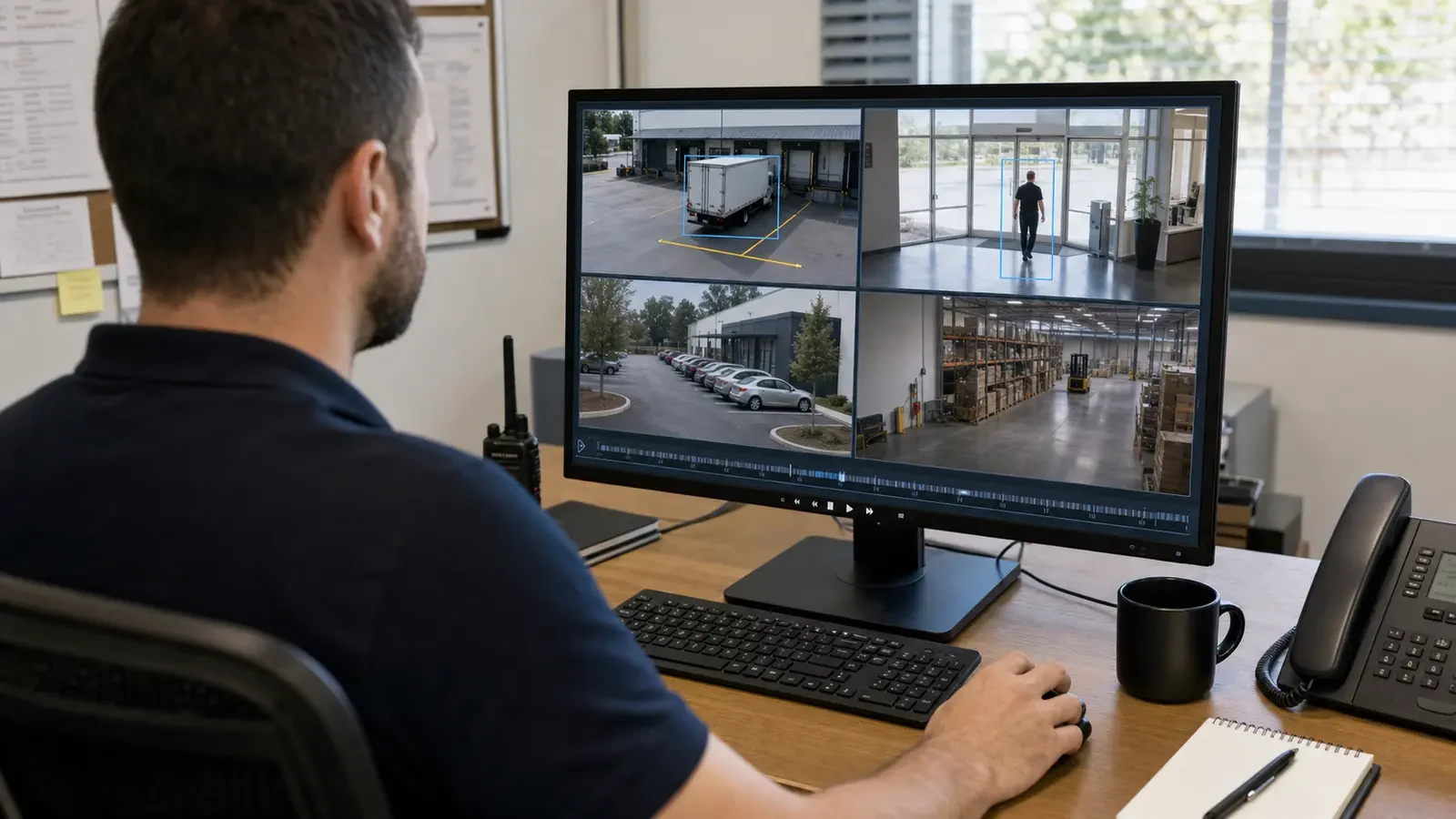
Commercial Recording, Retention and Remote Access
An NVR is more than a box that stores camera footage. Its usable storage, recording settings, user accounts and export workflow determine how long video is retained and whether authorized staff can find and share evidence when needed.
Remote viewing adds another layer: supported connectivity, named users, permissions and customer-managed internet or firewall policy. The recording and access plan should define who owns those settings after handoff.
NVR sizing uses planned camera streams, recording modes and retention goals rather than relying on raw drive capacity alone.
Data Pro Communications operates under FL License #EC13016138.
Named accounts, permissions, administrator ownership and remote-connectivity dependencies are documented for the people who operate the recorder.
NVR design should start with how many camera streams will be recorded, for how long, at what quality and how users will retrieve footage. Remote access should then be layered onto that recorder environment with defined accounts and a supported secure connection.
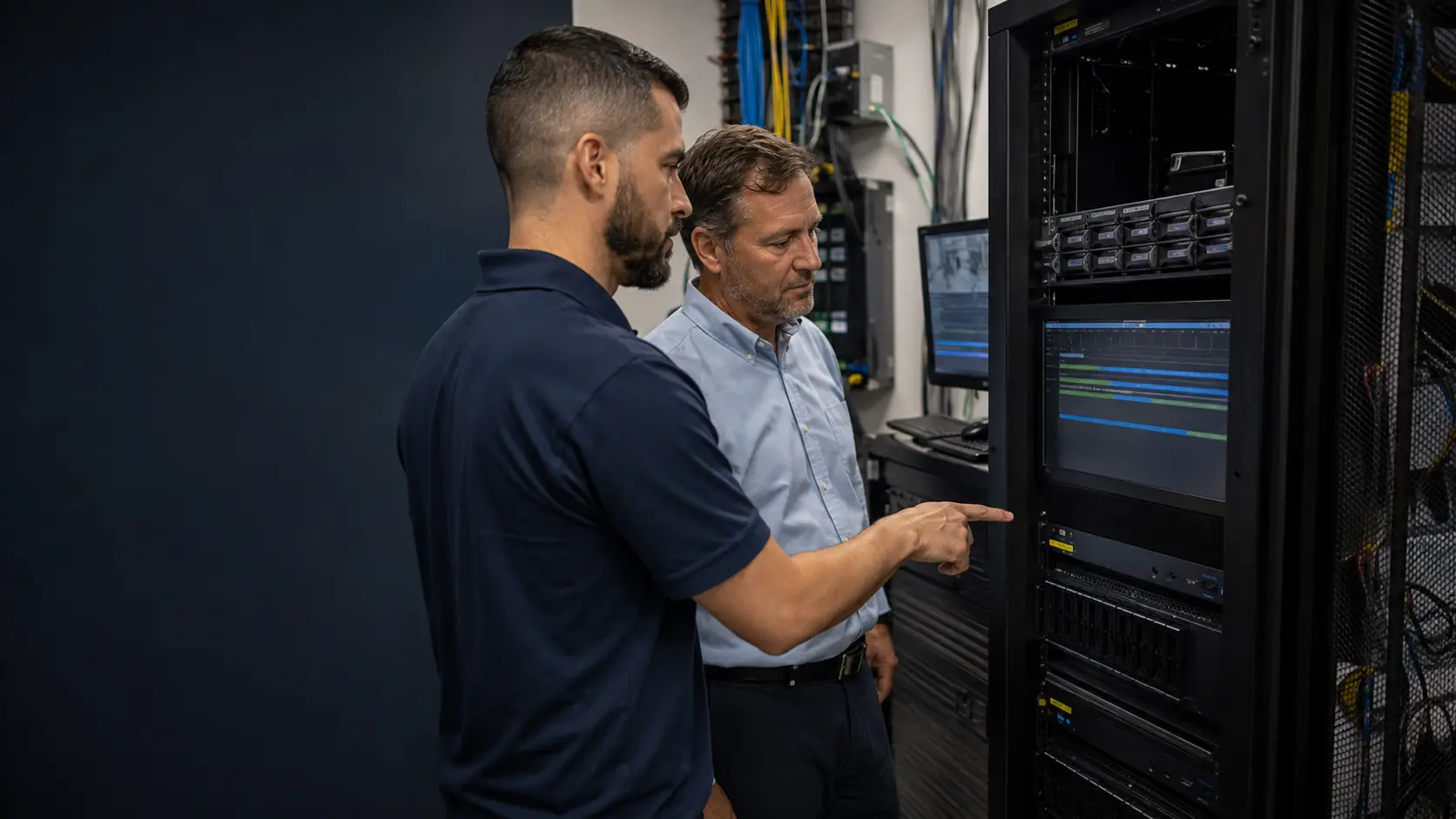
A disk label does not reveal actual retention. Bitrate, camera count, recording mode and usable capacity determine how many days of video remain available.
Staff may discover during an incident that they do not know how to search, clip or export footage. The workflow should be tested before it becomes urgent.
Shared credentials make access harder to manage and audit. Named users with appropriate permissions are better for ongoing system ownership.
Internet changes, firewall policy or account ownership can break remote viewing even when local recording is healthy.
Adding cameras or higher-resolution streams can shorten retention or overload channel/throughput limits if the NVR is not recalculated.
Incorrect time sync or unclear camera names can make investigations confusing even when footage was recorded successfully.
Establish how many days of footage the property expects to retain and whether all cameras use the same recording schedule.
Calculate storage from camera bitrates, recording mode and retention, then account for usable disk capacity and platform overhead.
Choose continuous, schedule-based, event-driven or other supported modes according to the investigation and retention requirements.
Separate administrator, manager, guard or other access roles so users see only the functions and cameras they need.
Use the recorder/VMS vendor’s supported secure connectivity method and coordinate any customer-owned network changes required for it.
Validate that users can find footage by time/camera, play it back and create a representative export in the format required for the property workflow.
Storage can be sized to a known number of days instead of accepting whatever history happens to fit on the recorder.
Named remote users can be given camera and playback access appropriate to their role without sharing the administrator account.
A documented search and export workflow reduces confusion when footage must be shared with management, insurers or law enforcement.
Where the platform supports it, centralized user access can simplify review across several properties while maintaining account controls.
Recorder throughput and storage should be recalculated before higher-bitrate streams are added so retention does not unexpectedly collapse.
Clear account ownership, recovery information and network responsibilities help prevent remote access from becoming dependent on one undocumented user or device.
Resolution, frame rate, codec, scene activity and continuous versus event recording determine how quickly storage is consumed.
Define the required history period in days and whether every camera needs the same retention window.
Account for RAID, system reserve and platform overhead rather than calculating only from raw drive labels.
Confirm the NVR can ingest the planned streams and support the camera count, playback and feature requirements.
Identify who needs live view, playback, export, configuration or administrative access and create permissions accordingly.
Clarify who manages internet, firewall, DNS/VPN or other customer network settings that the supported remote-viewing method depends on.
The NVR sits between camera streams, storage, users and the customer network. Integration should identify how cameras reach the recorder, how remote users reach the platform and which account or network settings remain under customer IT control.

Orlando properties with managers, ownership groups or security staff working from different locations often place extra importance on remote playback and evidence export. Those access needs should be defined without weakening account or network controls.
The Camera Services hub helps compare recording work with IP video, analytics, upgrades and troubleshooting.
A camera-system assessment is useful when current bitrate, storage health, recorder limits or remote-access configuration must be measured before changes are proposed.
Network Infrastructure becomes relevant when remote viewing depends on customer-managed switching, firewall, VPN or internet connectivity.
A property that needs 30 days of continuous recording has a different NVR requirement from one that records only selected events. Likewise, an on-site security desk and a remote property manager need different user roles and access workflows.
Document camera count, stream quality, retention target, recording mode, users and evidence-export requirements.
Calculate usable storage and verify recorder channel, throughput and feature capacity for the planned streams.
Apply recording schedules, camera names, time settings, user roles and the approved remote-access method.
Test recording history, playback, representative exports and authorized remote access, then document administrator ownership and network dependencies.
Data Pro Communications - South Orlando is operated by Data Pro Communications. Florida low-voltage work is performed under FL License #EC13016138. Final recommendations depend on the approved scope, site conditions and the responsibilities stated in the project documents.
There is no universal number. Retention should reflect the property’s investigation needs, policy and available storage, then be calculated from actual camera bitrates and recording modes.
Camera count, bitrate, resolution, frame rate, codec, recording mode and retention days all affect required usable storage.
No. Storage savings depend on how much activity each scene generates and how the platform handles pre-event and post-event recording. Busy scenes may record much more than quiet ones.
Yes, on supported platforms. Users can typically be assigned different cameras and privileges such as live view, playback, export or administration.
No. Remote access should use the platform’s supported secure method. Directly exposing recorder ports without an approved security design is not a preferred approach.
New cameras increase total bitrate and storage consumption. Higher resolution or frame rate can also reduce the number of days that fit on the same disks.
Most commercial NVR/VMS platforms support clip or evidence export. The exact workflow and file format should be tested with the system users.
Local recording can often continue if cameras and the NVR remain connected on the local network, but remote viewing may be unavailable until internet connectivity returns.
The system owner should have documented administrative ownership and recovery information. Routine users should have named accounts with only the permissions they need.
Test authorized logins, camera access, live view, playback and export where permitted, and confirm that the customer understands any internet or firewall dependency outside the surveillance platform.
Tell us how many cameras are involved, how long footage should remain available and who needs local or remote access. Those requirements let us evaluate recorder capacity, storage, permissions and the network path for remote viewing.