
Commercial-First Planning
Projects are planned around property operations, infrastructure and the people responsible for the system.
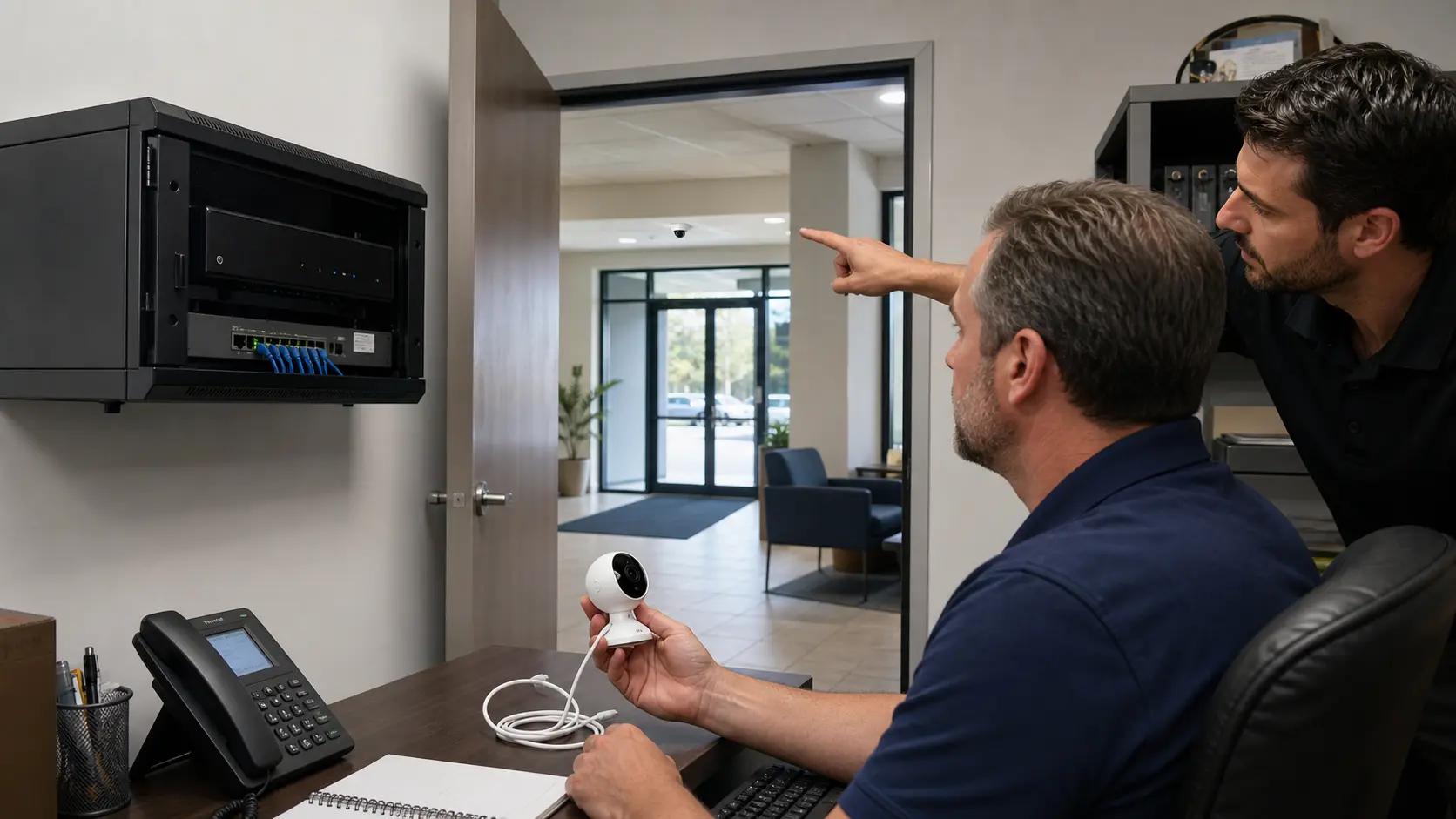
Commercial Camera Resource | Camera-system comparisons
Commercial CCTV is distinguished less by a single camera specification than by continuous-duty recording, managed permissions, retention planning, permanent transport, serviceable mounting and documented ownership. Consumer systems may fit simple needs but often limit those controls.
A multi-tenant office needs role-based viewing and export control that a shared household-style account may not provide. Commercial systems cost more to design and support, while consumer products offer easier setup at the expense of standardized administration, repairability or long-term platform control.
Projects are planned around property operations, infrastructure and the people responsible for the system.
Data Pro Communications operates under FL License #EC13016138.
Testing, labeling, credentials and known limitations are organized for the people who will operate and support the system.
Commercial CCTV is distinguished less by a single camera specification than by continuous-duty recording, managed permissions, retention planning, permanent transport, serviceable mounting and documented ownership. Consumer systems may fit simple needs but often limit those controls.
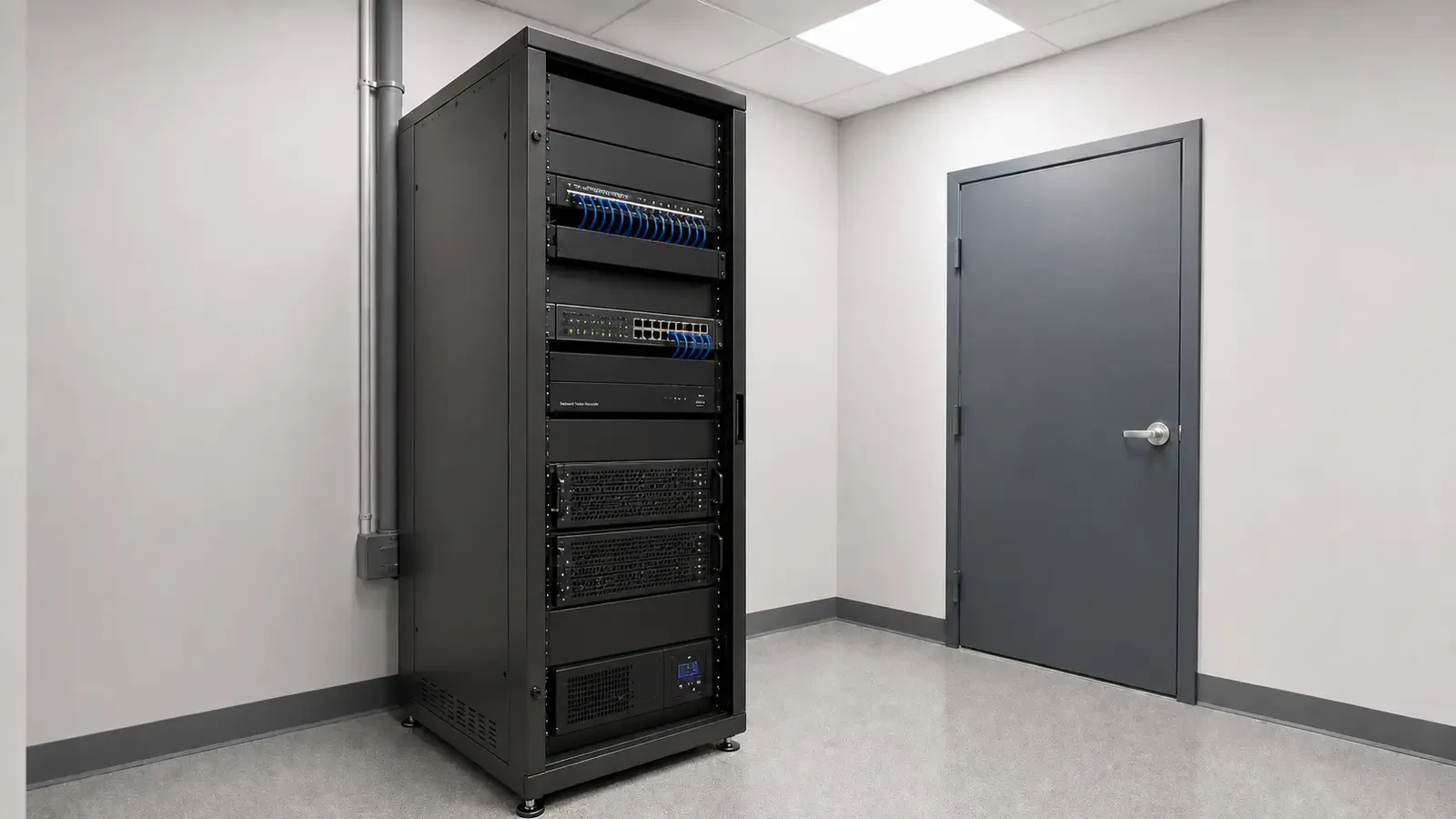
Commercial recording must sustain the camera load around the clock or on the approved schedule; consumer storage assumptions can fail when many high-bitrate streams record continuously.
Stale accounts and broad roles can remain active after staffing changes unless permissions are actively managed.
Unmanaged or oversubscribed switching can create congestion, weak recovery behavior and support problems as camera traffic grows.
Retention estimates should use usable storage, camera bitrate, frame rate and recording schedule rather than the nominal drive size alone.
A camera that cannot be safely reached or disconnected makes cleaning, replacement and troubleshooting more disruptive.
Support and security changes can stall when nobody is clearly responsible for recorder, network or account administration.
Calculate storage and write load from cameras that record continuously, then verify actual retained days after the system has operated through a representative period.
Create named user roles for live view, playback, export and administration and review them when staff responsibilities change.
Confirm switch capacity, VLAN design, uplink headroom, PoE where applicable and recovery behavior under the expected camera load.
Use camera count, measured or expected bitrate, recording schedule and usable RAID/disk capacity to calculate a realistic retention range.
Confirm the camera and cable can be reached, disconnected and tested safely without dismantling unrelated building finishes.
Record who owns recorder administration, network changes and vendor access so support requests reach the person who can authorize the change.
A multi-tenant office needs role-based viewing and export control that a shared household-style account may not provide.
A small owner-operated space with one doorway may not need the same recording and network architecture as a warehouse portfolio.
A lobby view must handle doorway backlight, finished mounting surfaces and the balance between an obvious camera and a discreet housing. Compare named user roles, export controls and recorder ownership with the shared-account model common in consumer systems.
Outdoor parking exposes cameras to weather, glare, vehicle obstruction and longer service distances than an interior scene. Include outdoor-rated mounting, dependable network transport and retention sized for active parking scenes rather than relying on app-only storage assumptions.
A renovation may preserve some pathways or recording equipment while changing mounting surfaces, scene geometry and support responsibility. Verify whether retained cable, mounts and recording equipment can be tested and supported before treating a consumer-style replacement as a simple swap.
A phased upgrade should keep priority coverage available while old and new cameras, signal paths and recorder channels are verified together. Keep priority cameras recording while commercial accounts, network paths and documentation replace the earlier platform in controlled stages.
Calculate continuous-duty recording with camera count, resolution, codec, bitrate, recording schedule, usable capacity and retrieval period, using usable rather than headline capacity and a verification from the running recorder.
Administration of managed user permissions requires account ownership, least-privilege roles, approval, revocation, export rights and audit history, with separate permissions for viewing, export and system changes.
Confirm switch capacity, VLAN design, uplink headroom, PoE where applicable and recovery behavior so camera traffic does not depend on an unmanaged or oversubscribed path.
Calculate retention sizing with camera count, resolution, codec, bitrate, recording schedule, usable capacity and retrieval period, using usable rather than headline capacity and a verification from the running recorder.
Approval of serviceable mounting and cabling requires route length, test results, protection, termination, environmental exposure and service access, plus a test result appropriate to the copper or fiber medium.
Administration of documented system ownership requires account ownership, least-privilege roles, approval, revocation, export rights and audit history, with separate permissions for viewing, export and system changes.
The comparison for commercial cctv vs. consumer camera systems should include compatibility with retention sizing and serviceable mounting and cabling only where those systems change reuse, migration or support.
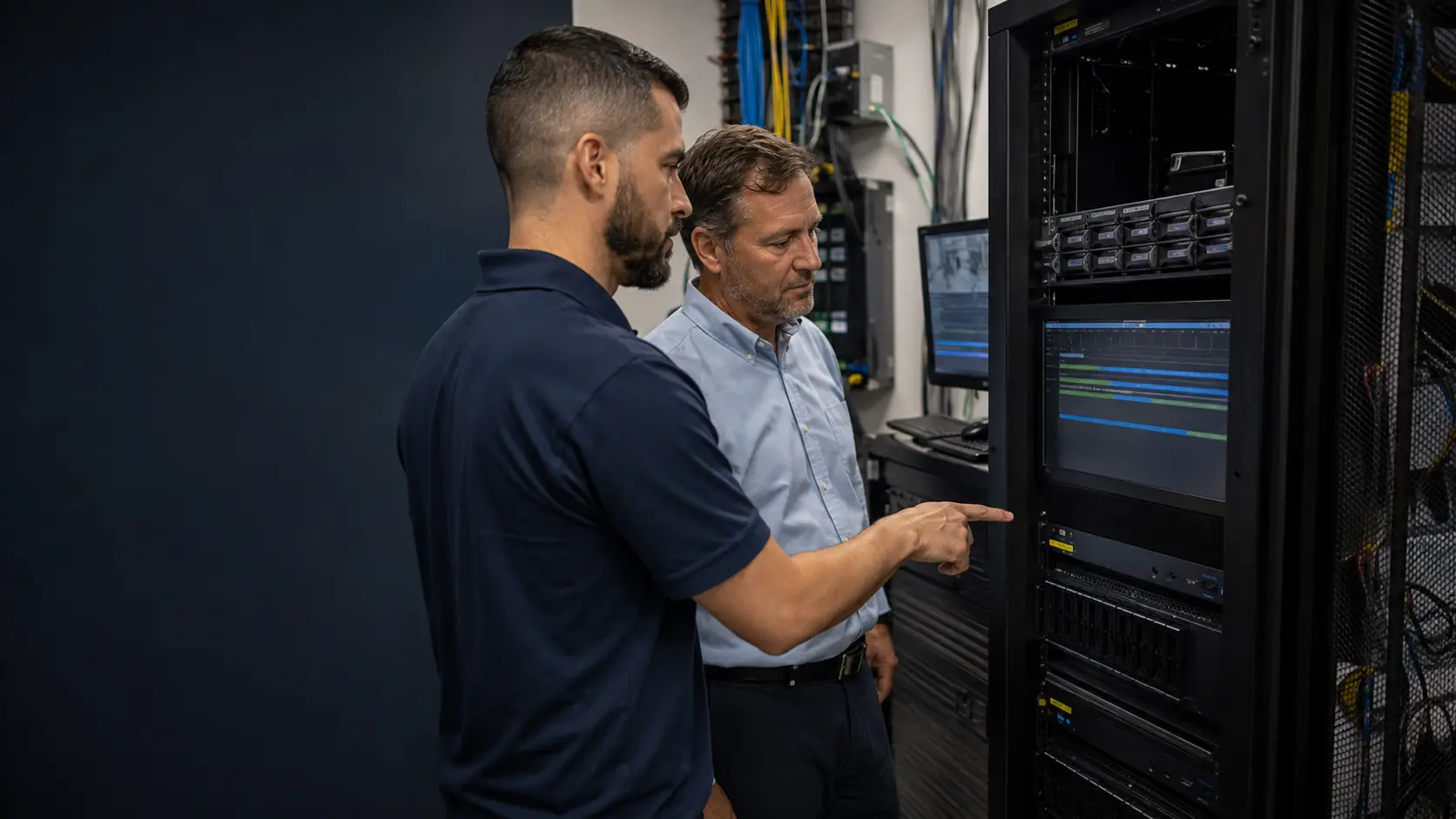
At an Orlando commercial property, the useful comparison between consumer cameras and commercial CCTV is how each option performs under the property's actual operating requirements. Continuous recording, managed users, retained footage, network transport, permanent mounting and future service access should be compared together rather than choosing from camera specifications alone.
The camera-type, recording, retention and network guides help explain the technical differences that sit behind a commercial-versus-consumer system comparison.
Camera Services can translate the commercial cctv vs. consumer camera systems decision into camera locations, mounts, pathways, recorder compatibility and accepted views.
A site review is useful when the actual mounting, exposure, scene or compatibility conditions cannot be settled from the commercial cctv vs. consumer camera systems comparison alone.
Neither option is universally better. Choose after comparing continuous-duty recording, managed user permissions, serviceable mounting and cabling and the actual mounting, infrastructure and support conditions.
Define the views, recording schedule, retention, user roles and export needs that both options must satisfy. Comparing product features before establishing these requirements can make a consumer system appear equivalent when the operating model is different.
Review power, network transport, central recording, account control and service access for each option. A commercial system may require more deliberate infrastructure, while a consumer platform may depend more heavily on vendor cloud services or app-based administration.
Compare how each system would handle a simple interior area and a more demanding exterior, parking or multi-building location. The second scenario often exposes differences in mounting, distance, storage, user management and future expansion.
Evaluate whether the selected platform can be maintained, expanded, administered and supported for the property over time. Initial equipment cost is only one part of the decision when account ownership, recording continuity and serviceability matter.
Data Pro Communications - South Orlando is operated by Data Pro Communications. Florida low-voltage work is performed under FL License #EC13016138.
It combines sustained channel recording, storage sized from actual bitrates, health monitoring, controlled users and a repeatable playback and export workflow.
A commercial system should support named roles for viewing, playback, export and administration, with access that can be reviewed and revoked. Shared household-style accounts make responsibility and audit history harder to manage.
Confirm that managed switching, segmentation and uplinks can carry all planned camera streams without packet loss or recording gaps. Test playback, export and remote review while the system is under representative load.
For commercial cctv vs. consumer camera systems, calculate retention sizing from camera count, resolution, codec, bitrate, recording schedule and usable capacity; verify the result through oldest-footage review and an export.
For serviceable mounting and cabling, trace and label the route, inspect protection and termination, measure distance, use the appropriate copper or fiber test and confirm future service access.
The business should control recorder administration, platform accounts, licenses and system records. An installer may retain approved service access, but ownership should not depend on an individual technician's credentials.
No. The better fit depends on continuous-duty recording, managed user permissions, commercial-grade network transport and the property conditions described in the comparison.
Yes, when retention sizing, serviceable mounting and cabling and ownership are compatible and each scene has a documented reason for the choice.
Buyers often overlook how serviceable mounting and cabling and documented system ownership affect support, migration or recorded results after installation.
For commercial cctv vs. consumer camera systems, test both options against the same required scene, operating condition, recorded playback and service-access expectation.
If the choice between the compared approaches remains unclear, bring the actual scene, existing transport and recorder constraints so continuous-duty recording and serviceable mounting and cabling can be evaluated together.