
Commercial-First Planning
Projects are planned around property operations, infrastructure and the people responsible for the system.
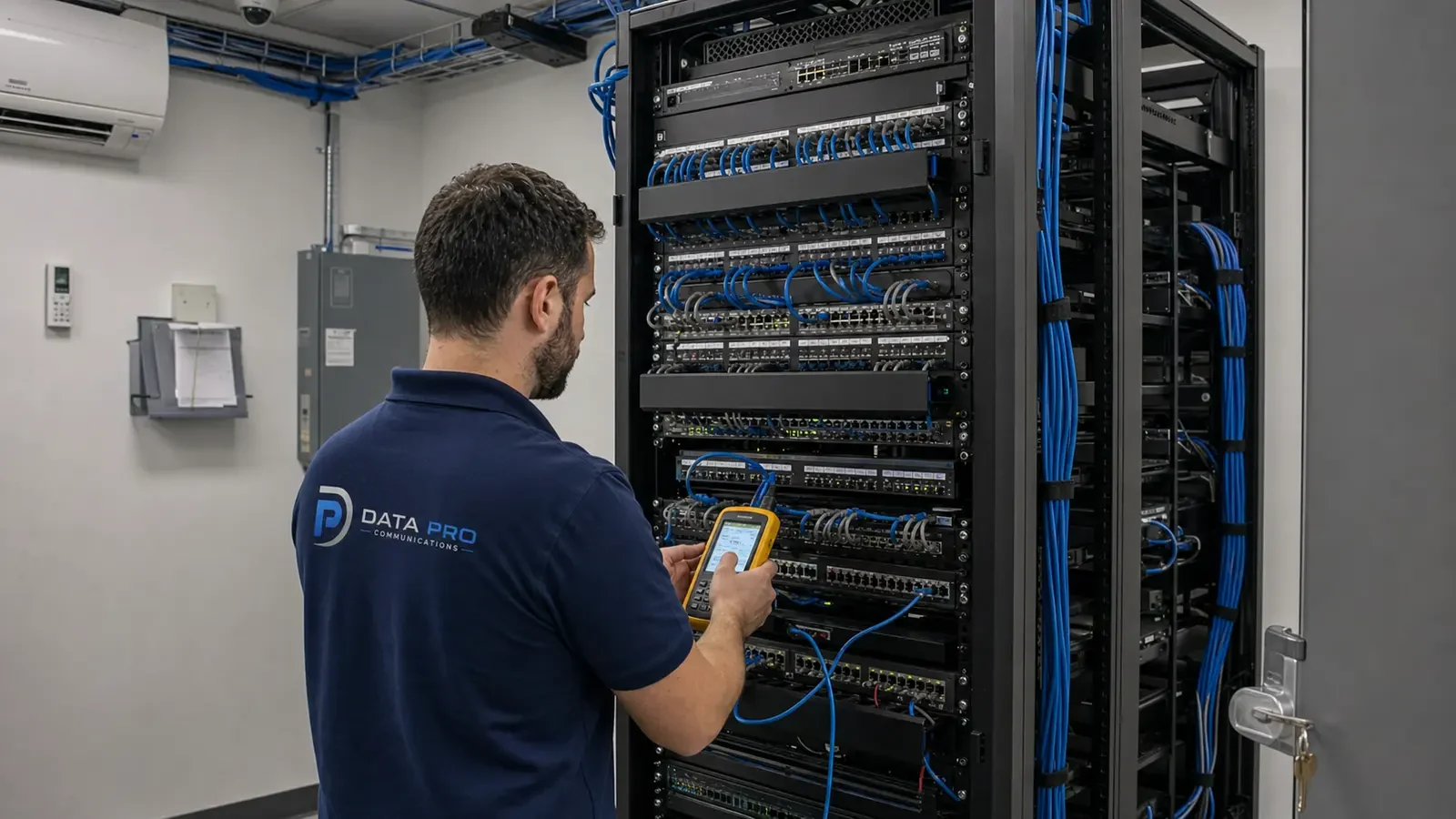
Commercial Camera Resource | Troubleshooting and maintenance
Common camera problems usually trace to power, connectors, cabling, network reachability, storage or configuration rather than to the camera alone. Troubleshooting should start with the symptom and isolate one layer at a time.
A camera that drops every afternoon may point to heat, PoE load or a scheduled network event rather than a failed sensor. Replacing a device may be faster than diagnosis, but it wastes money and leaves recurring infrastructure faults in place when the camera was not the cause.
Projects are planned around property operations, infrastructure and the people responsible for the system.
Data Pro Communications operates under FL License #EC13016138.
Testing, labeling, credentials and known limitations are organized for the people who will operate and support the system.
Common camera problems usually trace to power, connectors, cabling, network reachability, storage or configuration rather than to the camera alone. Troubleshooting should start with the symptom and isolate one layer at a time.
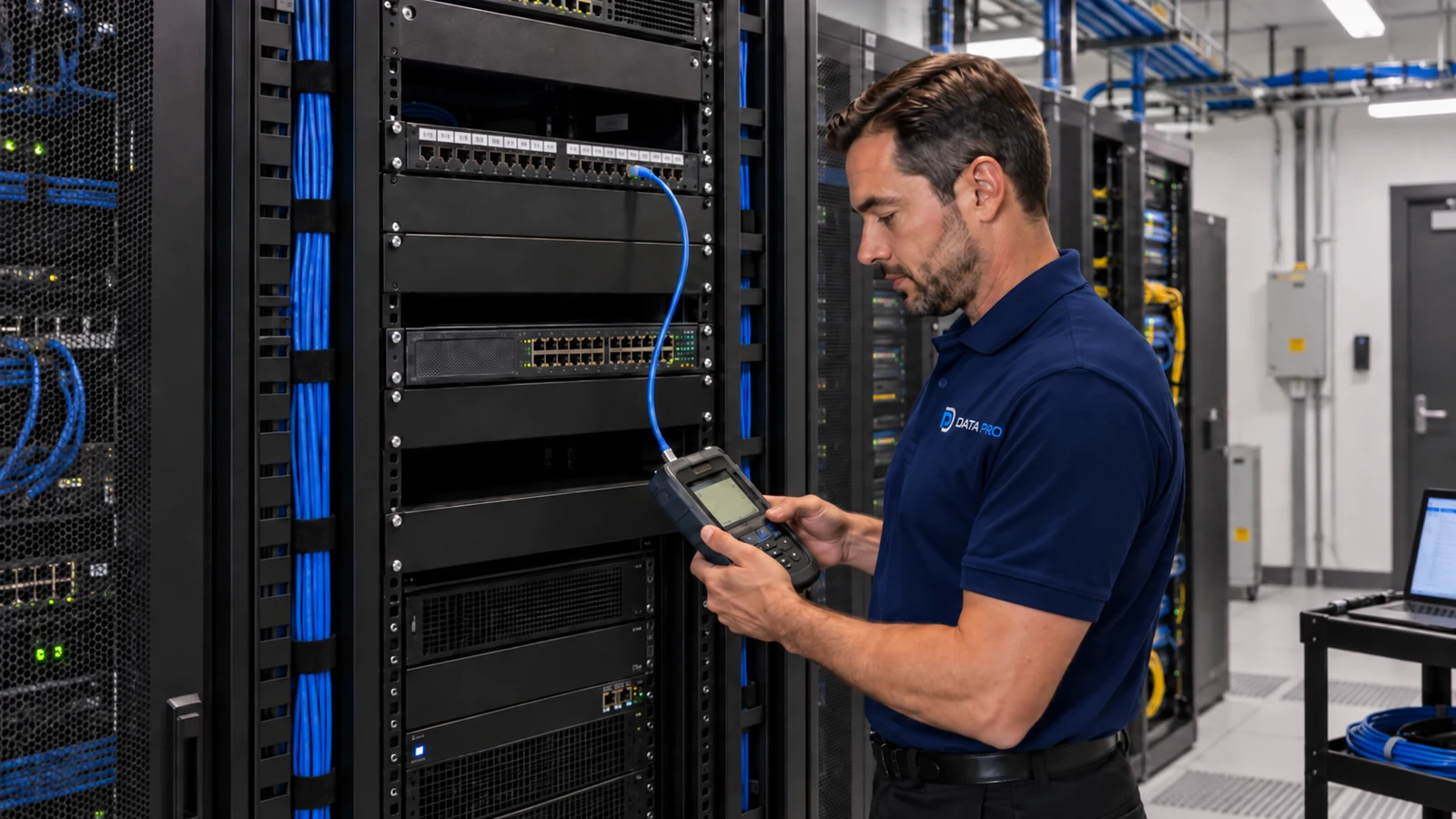
For symptom triage, document the exact failure, when it occurs and which devices are affected; isolate power, transport, configuration and recording layers, then repeat the original failure condition after correction.
Check PoE port output, injector or local supply under load because a camera that boots successfully may still reset when IR, heaters or other features increase demand.
Crushed cable, poor terminations or corroded connectors can cause packet loss, power problems or intermittent camera service.
A camera can have link or even respond to a ping while VLAN, routing, recorder or stream problems still prevent reliable recording.
Disk warnings, recording gaps and shortened history should be checked in recorder logs and oldest-footage dates instead of assuming a live image means storage is healthy.
For repair verification, document the exact failure, when it occurs and which devices are affected; isolate power, transport, configuration and recording layers, then repeat the original failure condition after correction.
Start with the exact visible failure and narrow it through power, link, recording and account checks that correspond to that symptom.
Calculate camera power from device class, startup and auxiliary load, switch or local capacity, cable loss and backup-power requirements; then test a restart.
Inspect terminations and visible cable, then test the channel and replace damaged sections rather than treating repeated link drops as a camera fault.
Trace power and link status through the switch port, VLAN, gateway and recorder/VMS path, then verify an actual video stream and recording.
Review disk health, recording gaps and recorder logs together because nominal free space does not prove that every channel has been recording reliably.
Recreate the original failure condition after repair and confirm recording/playback over time instead of accepting a temporary return to service.
A camera that drops every afternoon may point to heat, PoE load or a scheduled network event rather than a failed sensor.
Missing recordings from all cameras at once should direct attention to recorder storage, services or time settings before individual cameras are replaced.
A changed view may come from a moved camera, dirty cover, focus drift, new signage, vegetation or another obstruction rather than an electronic fault. Compare the current view with an accepted recording and inspect the mount, lens or dome, focus and new obstructions before changing software.
When remote viewing fails while local recording still works, the fault is more likely in connectivity, account permissions or the remote-access path than in camera storage. Confirm local recording first, then isolate internet service, network reachability, account permissions and the approved remote-access path.
A storage warning should be checked against disk health, usable capacity, the oldest retained footage and a real playback or export. Review recorder logs, disk health, channel status, the oldest footage and a real export before replacing a camera for a recording gap.
Repeated visits need one maintenance history that connects the original symptom, prior changes, logs and the result of each follow-up test. Use service history and timestamps to reproduce the recurring condition, isolate one system layer at a time and verify the repair under the same condition.
Maintenance evidence for symptom triage includes symptom history, power, logs, firmware support, recurring conditions and verification after repair, with a repeatable check after any corrective action.
Engineering inputs for camera power include device power class, startup load, switch budget, cable loss, backup power and port behavior; confirm both per-port and total capacity and document restart behavior.
Approval of damaged connectors and cabling requires route length, test results, protection, termination, environmental exposure and service access, plus a test result appropriate to the copper or fiber medium.
Trace the camera from power and link status through switch port, VLAN, gateway and recorder/VMS reachability; a ping alone does not prove recording or stream stability.
Calculate recorder logs and storage with camera count, resolution, codec, bitrate, recording schedule, usable capacity and retrieval period, using usable rather than headline capacity and a verification from the running recorder.
Maintenance evidence for repair verification includes symptom history, power, logs, firmware support, recurring conditions and verification after repair, with a repeatable check after any corrective action.
Diagnosis for common problems with security camera systems may cross device power, cabling, switching, recorder health and user access. Use status and logs from the affected layer to identify the owner of the repair instead of changing unrelated settings.
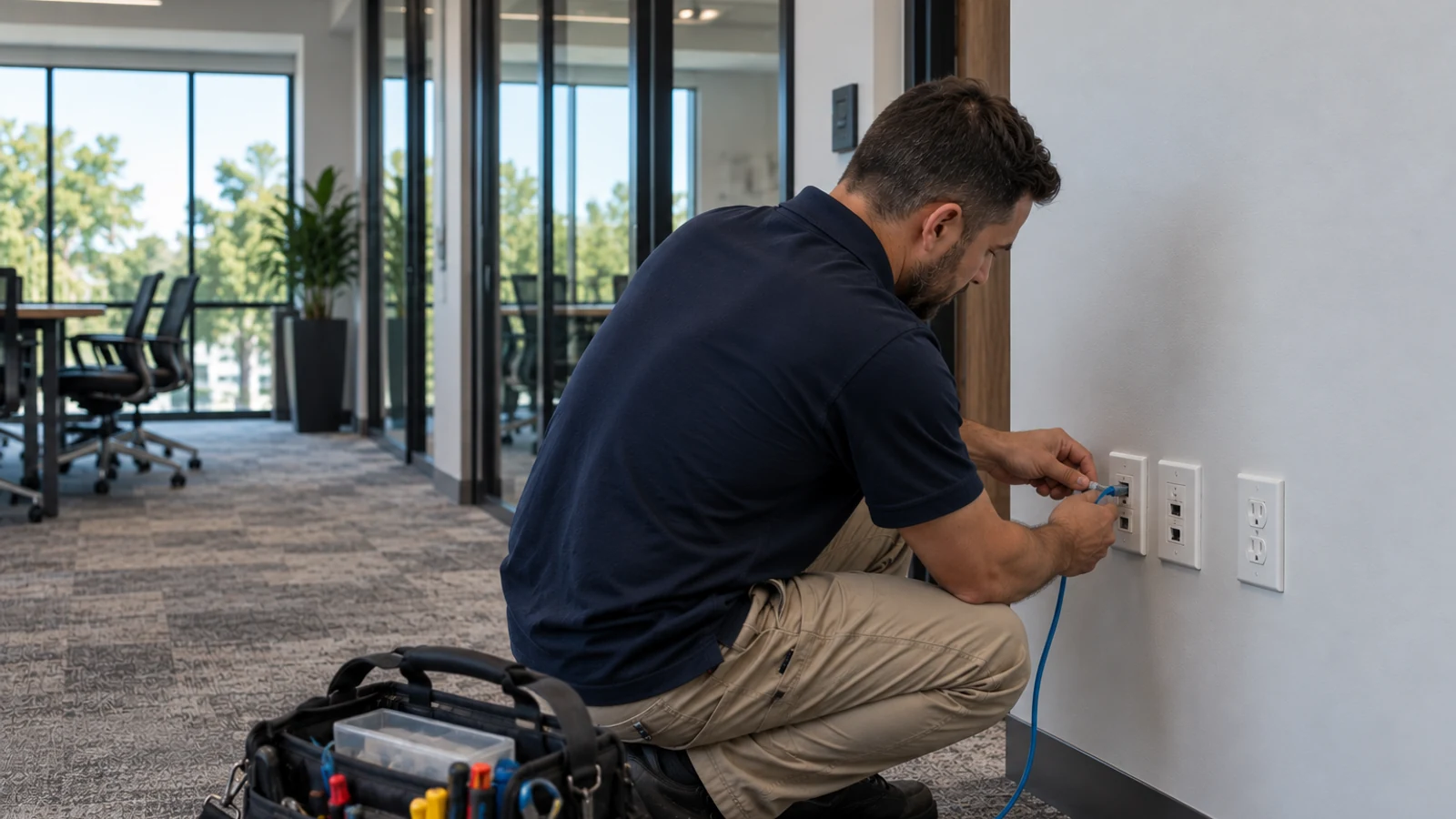
When an Orlando property has camera problems, troubleshooting should begin with the exact symptom and the devices or times affected. Power, connectors, cabling, network reachability and recorder behavior should be checked in sequence so a local fault is not mistaken for a reason to replace the entire system.
Troubleshooting questions can branch into PoE, cabling, storage, remote access or upgrade guidance once the failing layer has been isolated.
Camera Services is appropriate when findings from symptom triage and camera power identify a device, power, transport or recording fault that needs field repair.
Request a system assessment when logs and controlled tests cannot isolate the recurring problem involving damaged connectors and cabling or network reachability.
A reliable diagnosis isolates symptom triage from power, transport, network and recording faults and proves the correction through repair verification.
Record which camera or function is affected, when the problem occurs and whether live view, recording, playback or remote access is impacted. A precise symptom prevents unrelated components from being changed at random.
Check the camera power source, physical link, network reachability and recorder status in a logical order. Logs and device state can help show whether the fault begins at the camera, transport path or recording platform.
If the problem occurs only at night, under load or after a restart, test it under that same condition. A quiet daytime check can miss intermittent power, bandwidth, storage or environmental faults.
After making one corrective change, repeat the original failure scenario and confirm live view, recording and playback remain stable. Record what failed and what was changed so a recurring problem can be compared with the prior repair.
Data Pro Communications - South Orlando is operated by Data Pro Communications. Florida low-voltage work is performed under FL License #EC13016138.
Document the exact failure associated with symptom triage and affected devices, isolate power, cabling, network, configuration and recording layers, then repeat the original condition after correction.
For camera power, add device and auxiliary load, compare it with switch or local-power capacity, account for cable loss and backup power, and observe restart behavior in common problems with security camera systems.
For damaged connectors and cabling, trace and label the route, inspect protection and termination, measure distance, use the appropriate copper or fiber test and confirm future service access.
Check camera power and link state first, then review the switch port, VLAN, address assignment, reachability and recorder connection. For an intermittent fault, compare switch and recorder logs with the time the camera drops.
Check disk and service warnings, recording gaps, time errors, channel status, usable capacity and whether a real clip can be played and exported.
Document the exact failure associated with repair verification and affected devices, isolate power, cabling, network, configuration and recording layers, then repeat the original condition after correction.
No. Verify device power, connectors, cable or network reachability and recorder status before concluding that the camera failed.
They may appear only under heat, load, movement or scheduled network activity, so logs and a controlled reproduction are more useful than a quiet bench test.
Replacement becomes more practical when symptom triage points to unsupported equipment, recurring faults or platform limits rather than one isolated component.
Record the symptom, isolated cause, changed part or setting and the successful verification involving recorder logs and storage and repair verification.
If symptom triage, camera power or network reachability shows a recurring fault or an unsupported platform, request a system assessment to separate repairable problems from upgrade work.