
Commercial-First Planning
Projects are planned around property operations, infrastructure and the people responsible for the system.
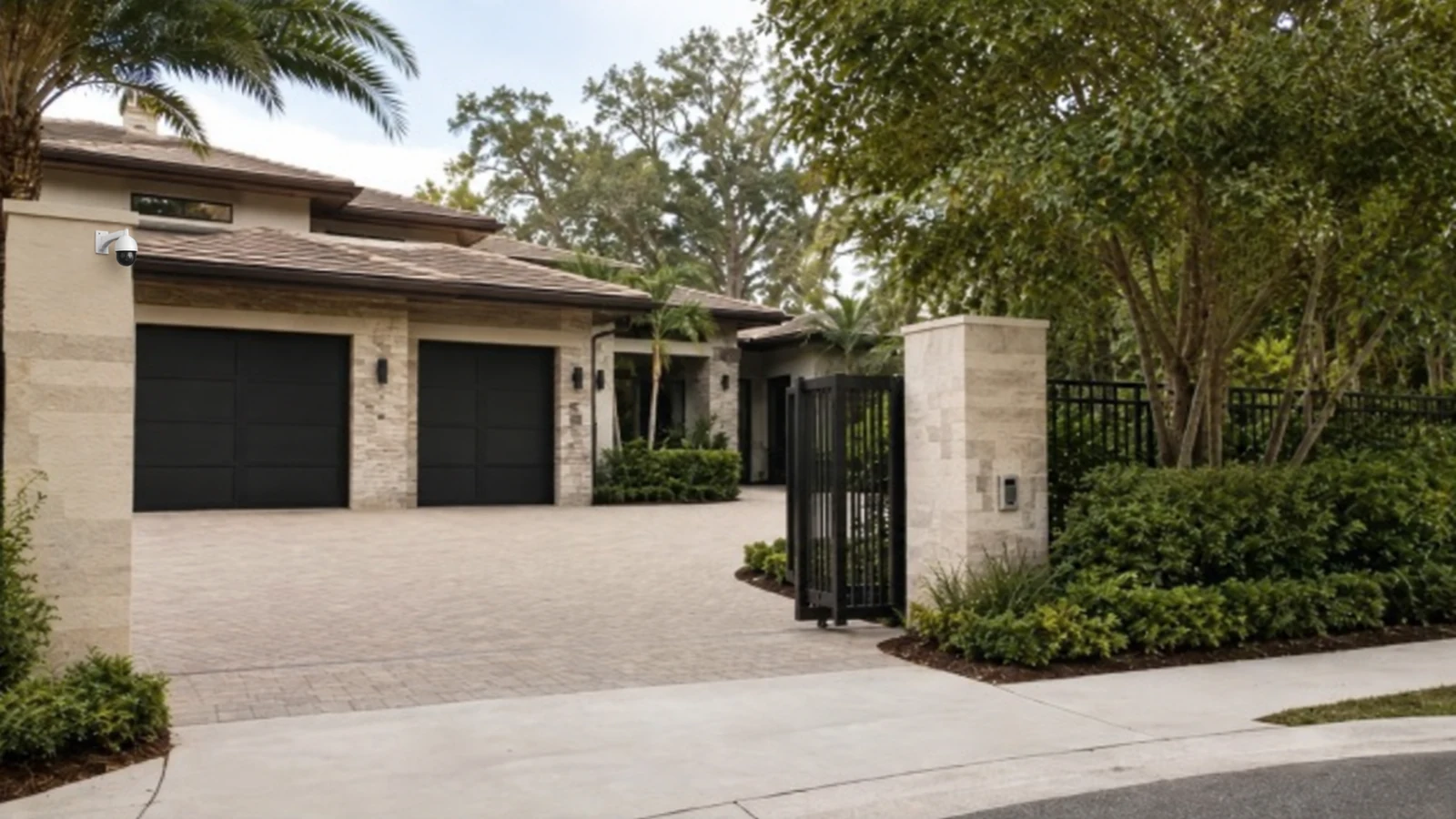
Commercial Camera Resource | Residential systems
The main difference is system architecture: professional designs use permanent wiring, local or managed recording, role-based access and serviceable equipment, while many home products emphasize quick setup and app-centered administration.
A single-family entry camera may work well as a self-contained device when one owner manages it. Home products can be convenient for a few simple views; professional systems demand more planning but scale better across buildings, users and longer retention needs.
Projects are planned around property operations, infrastructure and the people responsible for the system.
Data Pro Communications operates under FL License #EC13016138.
Testing, labeling, credentials and known limitations are organized for the people who will operate and support the system.
The main difference is system architecture: professional designs use permanent wiring, local or managed recording, role-based access and serviceable equipment, while many home products emphasize quick setup and app-centered administration.
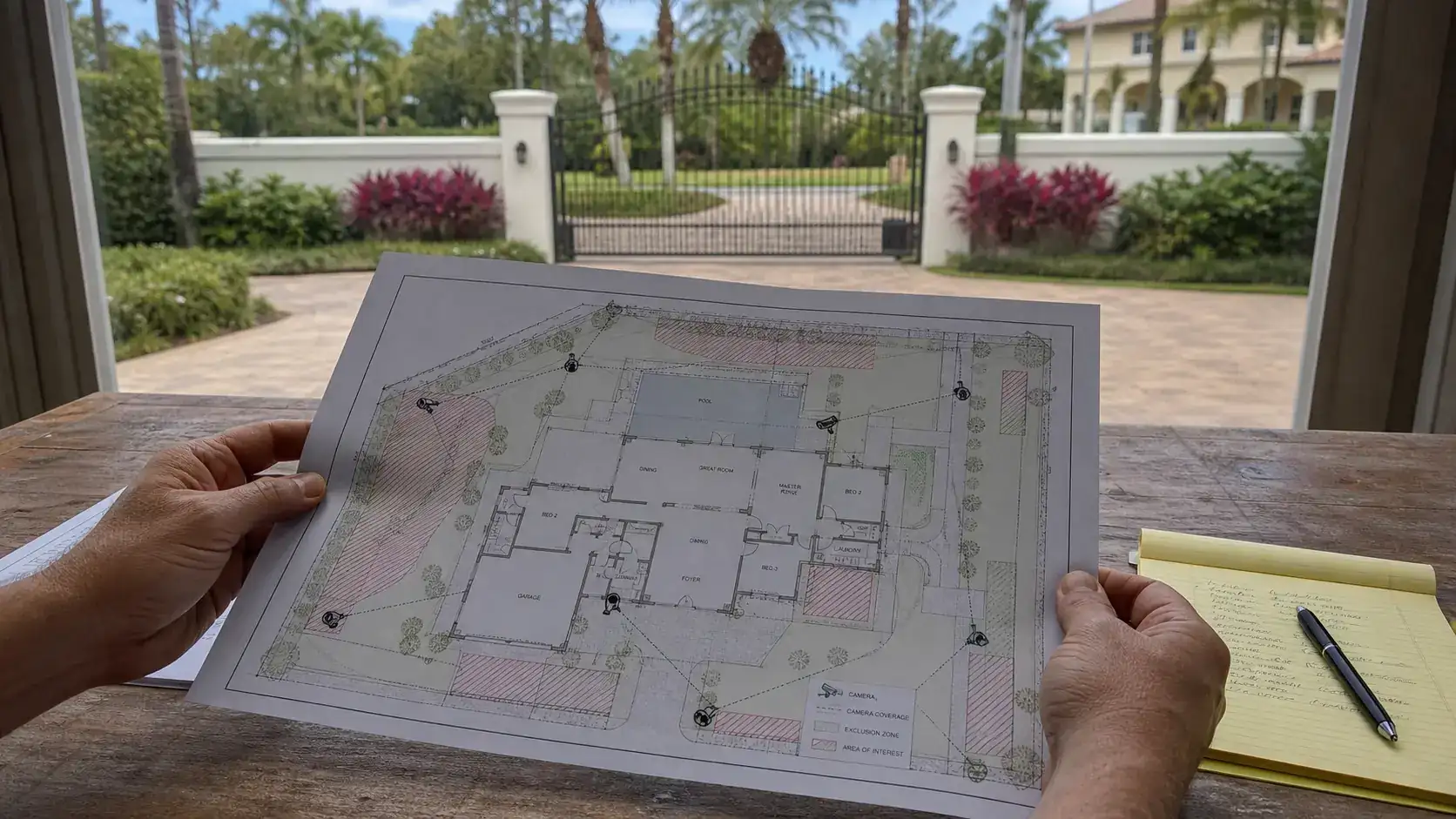
A system sized like a small residential installation can become difficult to manage when the property needs more cameras, longer pathways, centralized recording or multiple user roles.
Permanent camera wiring should be installed and labeled as building infrastructure, not left as temporary patching between devices.
Recorder updates and user changes are easily neglected when local administrative ownership is unclear.
One shared role for every user removes useful separation between viewing, evidence handling and configuration.
A system that depends on sealed consumer devices, inaccessible mounts or one shared account may be difficult to repair or administer over its useful life.
Camera placement should keep treatment, consultation, restroom and other unnecessary private activity outside the recorded view while still covering the access point or asset area that needs review.
Size the system from camera count, pathway length, recording architecture, user roles and future expansion rather than from a small-system package.
Terminate and label permanent camera cabling at serviceable endpoints and record the destination for future testing.
Assign recorder administration to a named owner who controls credentials, updates and access changes at the property.
Use named roles to distinguish routine viewing from evidence export and system administration.
Choose mounts, pathways and equipment locations that can be reached for cleaning, replacement and troubleshooting without unnecessary damage to finished areas.
Set boundaries for privacy-aware placement from the required scene, private areas, authorized reviewers, export handling and documented retention purpose.
A single-family entry camera may work well as a self-contained device when one owner manages it.
A staffed estate with gates, outbuildings and several users benefits from central recording and separated permissions.
A long driveway may require a dedicated identification point because one wide overview cannot preserve useful detail across the full approach. A professional design can use a local recorder and dedicated identification view where a consumer app and one wide driveway camera cannot provide the required evidence.
Named permissions help distinguish everyday household use from administration, export and service access. Use named roles for household staff and service providers instead of sharing the account that controls configuration and exports.
Guest arrivals may involve a gate, intercom or controlled entrance, so the camera view should support that workflow without covering unrelated private areas. Compare protected pathways, replaceable components and reachable mounts with devices intended to be discarded when a battery or cloud plan ends.
Boundary views should be limited to the security purpose and checked for neighboring or public areas that do not belong in the scene. Limit views to the property purpose and document who may review or export footage from household, guest and boundary areas.
Evaluate project scale and coverage through scene width, target distance, lens, pixel density, light, compression and required detail; the accepted result should come from recorded playback in the actual scene.
Approval of permanent wiring requires route length, test results, protection, termination, environmental exposure and service access, plus a test result appropriate to the copper or fiber medium.
Administration of local recorder ownership requires account ownership, least-privilege roles, approval, revocation, export rights and audit history, with separate permissions for viewing, export and system changes.
Administration of role-based user access requires account ownership, least-privilege roles, approval, revocation, export rights and audit history, with separate permissions for viewing, export and system changes.
Compare replaceable components, protected pathways, safe mounting access, supported software and named administrative ownership when judging serviceability.
Controls for privacy-aware placement should address camera purpose, field of view, private areas, authorized reviewers, retention and applicable property policy and exclude footage or access that is not needed for the documented purpose.
The comparison for home security cameras vs. professional camera systems should include compatibility with role-based user access and serviceability only where those systems change reuse, migration or support.
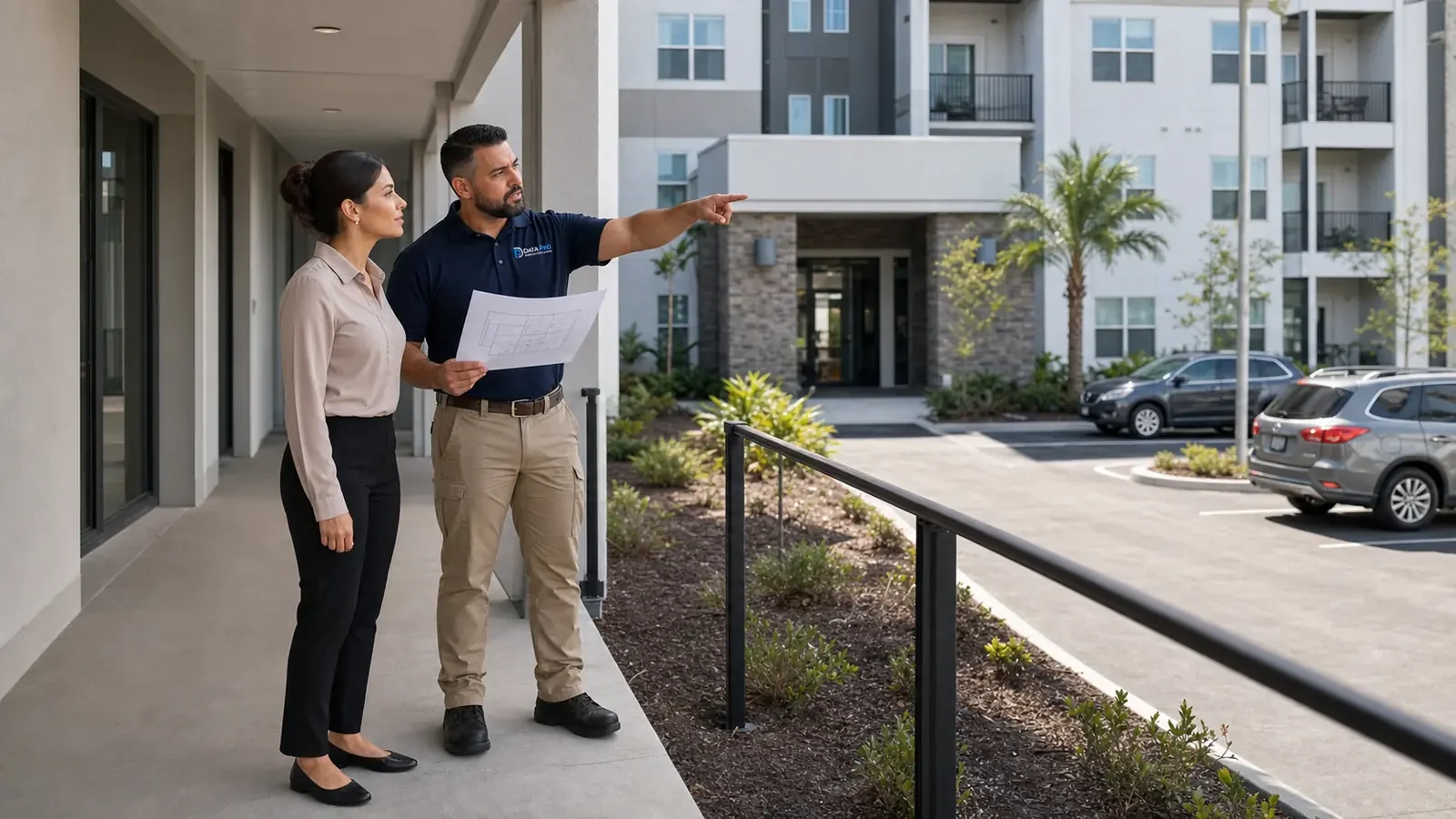
For an Orlando property deciding between home-style cameras and a professionally managed system, the decision should reflect scale, permanent wiring, recorder ownership and the number of people who need controlled access. A small standalone use case may not need the same infrastructure as a multi-camera property that requires documented retention, user management and long-term serviceability.
Readers comparing residential and professional systems may also need guides on permanent cabling, local recording, user permissions and privacy-aware placement.
Camera Services can translate the home security cameras vs. professional camera systems decision into camera locations, mounts, pathways, recorder compatibility and accepted views.
A site review is useful when the actual mounting, exposure, scene or compatibility conditions cannot be settled from the home security cameras vs. professional camera systems comparison alone.
Neither option is universally better. Choose after comparing project scale and coverage, permanent wiring, serviceability and the actual mounting, infrastructure and support conditions.
Identify whether the requirement is basic household awareness or dependable recording across gates, parking, detached structures and shared areas. The larger and more operationally complex the property, the more important central recording and managed infrastructure become.
Review where footage is stored, who owns the accounts, how users are added or removed and what happens if internet service is unavailable. App convenience should not obscure the underlying recording and administration model.
Consider permanent cabling, PoE, exterior mounting, interbuilding links and the ability to add cameras without rebuilding the system. A professionally designed platform may be a better fit when the property requires durable pathways or coordinated network work.
Choose the approach that can be operated, maintained and expanded by the people responsible for the property. A smaller DIY platform can be appropriate for simple needs, while larger properties may benefit from serviceable infrastructure and clearer account ownership.
Data Pro Communications - South Orlando is operated by Data Pro Communications. Florida low-voltage work is performed under FL License #EC13016138.
Multiple buildings, long driveways, gates, permanent pathways, central recording or several controlled users can justify professional infrastructure.
For permanent wiring, trace and label the route, inspect protection and termination, measure distance, use the appropriate copper or fiber test and confirm future service access.
The property owner or designated representative should control the primary recorder, cloud and administrator credentials. Integrators can receive separate service access that can be removed without losing system ownership.
Create separate roles for routine viewing, playback, gate functions, export and administration. Household staff and service providers should not share the owner's account or retain access after their role ends.
Review serviceability for safe reach to cameras and enclosures, access to telecom rooms and credentials, replacement clearance, labeling and the party responsible for future service.
For privacy-aware placement in home security cameras vs. professional camera systems, define the required security scene, exclude private or unrelated areas, limit authorized reviewers and align retention with the documented property purpose.
No. The better fit depends on project scale and coverage, permanent wiring, local recorder ownership and the property conditions described in the comparison.
Yes, when role-based user access, serviceability and ownership are compatible and each scene has a documented reason for the choice.
Buyers often overlook how serviceability and privacy-aware placement affect support, migration or recorded results after installation.
For home security cameras vs. professional camera systems, test both options against the same required scene, operating condition, recorded playback and service-access expectation.
If the choice between the compared approaches remains unclear, bring the actual scene, existing transport and recorder constraints so project scale and coverage and serviceability can be evaluated together.