
Commercial-First Planning
Projects are planned around property operations, infrastructure and the people responsible for the system.
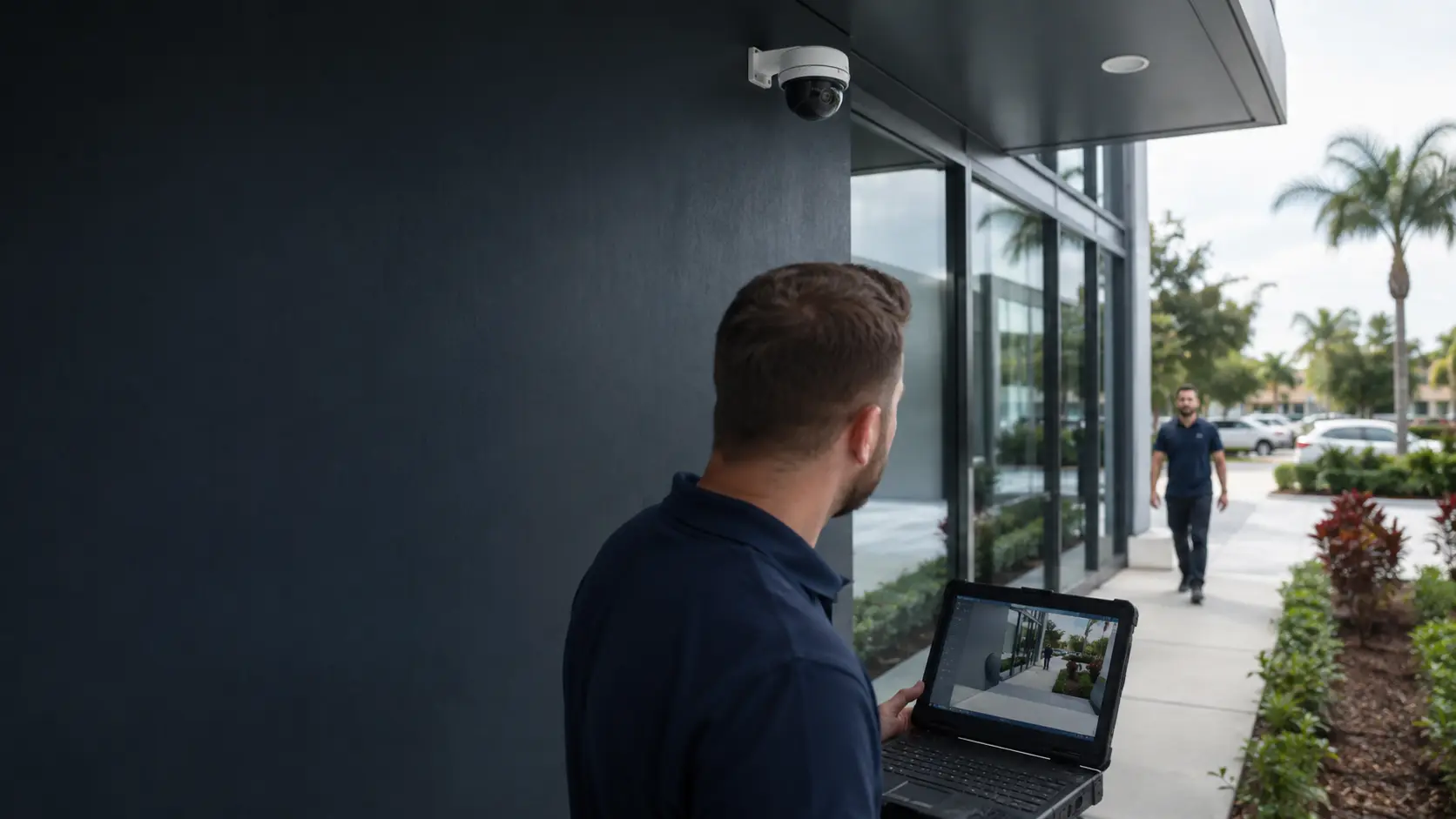
Commercial Camera Resource | Image quality and storage
Resolution determines how many pixels are available, but useful detail depends on how those pixels are spread across the scene, the lens, distance, compression and available light. More megapixels do not guarantee better identification.
A camera covering a 12-foot doorway concentrates pixels very differently from a camera viewing a vehicle across a 100-foot parking area. Higher resolution can improve detail while increasing bitrate and storage, and smaller pixels or aggressive compression can reduce low-light results.
Projects are planned around property operations, infrastructure and the people responsible for the system.
Data Pro Communications operates under FL License #EC13016138.
Testing, labeling, credentials and known limitations are organized for the people who will operate and support the system.
Resolution determines how many pixels are available, but useful detail depends on how those pixels are spread across the scene, the lens, distance, compression and available light. More megapixels do not guarantee better identification.
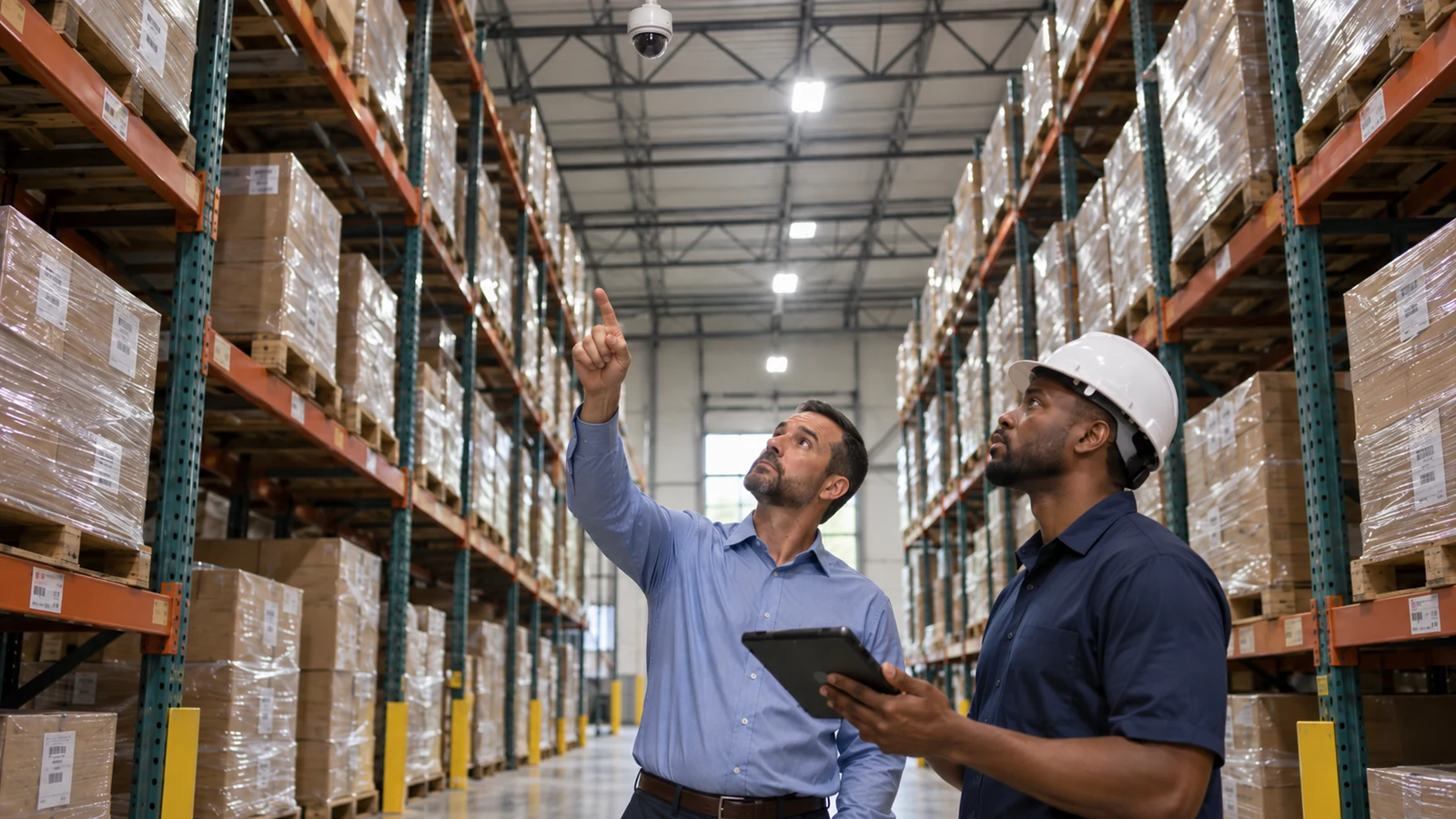
Counting megapixels without calculating pixels across the actual target can leave a face or plate too small for the required review.
A view widened for more context spreads the available pixels across the scene and can sacrifice identification detail at the target.
The wrong lens can make a high-resolution camera too wide for identification or too narrow to explain the surrounding event.
Aggressive compression or a low bitrate can erase texture and motion detail even when the recorded resolution appears adequate on paper.
High pixel count does not overcome poor exposure, noise, motion blur or insufficient illumination at night.
A multiview display or transcoded export may show less detail than the native recording and lead reviewers to judge the wrong image.
Calculate recorded pixels across the target at its actual distance and compare the result with the activity, recognition or identification objective.
Set the scene width from the event context needed, then narrow or add a dedicated view where identification requires more pixel density.
Choose the lens by sensor size, target distance and required scene width, then verify recorded detail and surrounding context together.
Set codec, compression and bitrate from representative motion and detail, then compare quality with the bandwidth and storage created.
Test exposure, motion blur, noise, illumination and compression at the difficult nighttime condition rather than extrapolating from daylight.
Review the native recorded stream and a real export at the tools and display sizes investigators will use.
A camera covering a 12-foot doorway concentrates pixels very differently from a camera viewing a vehicle across a 100-foot parking area.
A 4K wide overview may show more of a lobby but provide less face detail at the far door than a narrower lower-resolution view.
A dark or backlit entrance can increase image noise and bitrate while still losing facial detail through blur or poor exposure. Select the lens and field of view from entrance width, target distance and required recognition or identification detail, then test the recorded image at night.
Constant movement in a retail scene can increase variable bitrate and reduce the storage savings expected from motion recording. Check whether motion, image noise and compression remove useful detail even when the camera's advertised resolution is high.
A longer review window must be based on the time incidents are discovered and on usable recorder capacity, not the drive label alone. Balance frame size, bitrate and storage against the period footage must remain available for review.
An export should preserve native detail, correct timestamps and a usable file format instead of relying on a low-resolution multiview display. Compare native playback and exported footage at the target area; a low-resolution multiview display is not an image-quality test.
Calculate recorded pixel density from sensor resolution and horizontal scene width at the target, then compare it with the required activity, recognition or identification task.
Document the physical scene width, target distance and required detail; a wider field distributes the same recorded pixels across more space.
Lens selection depends on sensor format, focal length, target distance, mounting position and required scene width, followed by recorded verification.
Evaluate codec, frame rate, compression, variable-bitrate limits, motion and image noise against both fine recorded detail and storage consumption.
Low-light verification should compare exposure time, motion blur, gain and noise, illumination, reflections and compression in recorded footage.
Confirm native recording resolution, client display layout, digital zoom behavior and whether exported clips preserve the detail available in the recorder.
Implementation of camera resolution should coordinate scene width and identification need, lens and field of view and compression and bitrate with the camera and recording platform.
Resolution decisions for an Orlando property should begin with scene width, target distance, lens and required detail, then be verified in the light and motion the camera will record.
Related guides on lenses, camera placement, low-light performance and storage explain why megapixel count alone does not determine usable image detail.
Camera Services is the implementation step when a resolution change also requires different lenses, camera models, recorder capacity or mounting positions.
A site review can establish target distance, scene width, lens options and low-light conditions when the required image detail cannot be determined from specifications alone.
Resolution should be chosen from the required detail at the actual target distance, then checked against lens choice, low-light performance, bitrate and storage. More pixels do not correct an overly wide or poorly lit scene.
Decide whether the scene needs general activity, recognition or identification and name the target, such as a doorway, face or vehicle. Resolution is meaningful only in relation to the detail required at that target.
Measure how far the target is from the camera and how much horizontal area the lens must cover. A wider scene spreads the available pixels across more space, reducing detail on distant subjects.
Select a lens and camera resolution that can place sufficient detail on the target, then account for compression, frame rate and storage impact. More megapixels do not compensate for an overly wide field of view or poor lighting.
Review actual playback, not only live view, while the scene is experiencing the lighting and movement that matter most. Confirm the exported image still shows the required detail after recording and compression.
Data Pro Communications - South Orlando is operated by Data Pro Communications. Florida low-voltage work is performed under FL License #EC13016138.
The requirement depends on whether the goal is general activity, recognition or identification and on the target distance and expected image conditions.
Widening the view spreads the available pixels across more space, so a distant face or plate may need a narrower lens or dedicated camera.
The lens controls how sensor pixels are distributed across the scene; a narrower view concentrates detail while a wider view provides more context.
Lower bitrates save bandwidth and storage but can remove fine detail or create artifacts, especially in busy or noisy scenes.
No. Pixel size, lens, exposure, noise reduction, illumination and compression can matter as much as the megapixel count.
A viewing layout or transcoded export may show less detail than the recorded stream, so confirm the native clip and the tools investigators will actually use.
No. The useful choice depends on scene width, target distance, lens, light, motion, compression and the storage available for the resulting bitrate.
More recorded pixels usually increase bitrate and storage, although codec, frame rate, scene activity and compression settings also affect capacity.
Define the target distance and width, then verify recorded pixel density and playback detail for the person, vehicle or activity that must be identifiable.
Yes. Smaller pixels, short exposure requirements, noise reduction and heavy compression can reduce usable low-light detail despite a higher megapixel count.
Before adopting camera resolution, verify pixels across the target, scene width and identification need and lens and field of view at the property; a project consultation can resolve the remaining infrastructure or compatibility questions.