
Commercial-First Planning
Projects are planned around property operations, infrastructure and the people responsible for the system.

Commercial Camera Resource | Image quality and storage
Retention should be calculated from the required review period, camera bitrates, recording schedule, codec, usable storage and system overhead. Recorder drive size alone does not reveal how many days will remain available.
Twenty continuously recording 4K cameras can consume storage much faster than the same count using event recording in low-activity areas. Longer retention improves the chance that older incidents remain available, but it requires more capacity and may conflict with privacy or data-management policy.
Projects are planned around property operations, infrastructure and the people responsible for the system.
Data Pro Communications operates under FL License #EC13016138.
Testing, labeling, credentials and known limitations are organized for the people who will operate and support the system.
Retention should be calculated from the required review period, camera bitrates, recording schedule, codec, usable storage and system overhead. Recorder drive size alone does not reveal how many days will remain available.

Using a generic bitrate can understate storage when scenes have high motion, noise or less efficient compression. Measure or model the actual recording profile.
Assuming motion recording always saves the same amount of space ignores scene activity and missed-event risk; continuous and event recording must be modeled separately.
A retention period chosen without the incident-discovery workflow may delete footage before staff know it is needed or retain it longer than policy requires.
Raw drive capacity overstates available video space when formatting, recorder services and disk-protection overhead are ignored.
A calculator result can be wrong when camera settings or schedules change after commissioning. Verify the oldest footage on the running recorder.
Retention should follow the property’s actual policy and access needs; keeping footage longer or exposing it to more users than necessary increases storage and administrative risk without improving the recorded event.
Estimate bitrate from resolution, frame rate, codec, compression, movement and noise, then use measured recording data when available.
Model continuous and event recording separately and account for the activity patterns that determine how often motion recording runs.
Choose the retention period from incident-discovery timing, investigation workflow, contractual or policy needs and privacy limits.
Use capacity available after formatting, recorder services and required disk protection rather than raw drive labels.
Calculate from actual recording assumptions and usable capacity, then check the oldest available footage after normal operation.
Set boundaries for privacy policy from the required scene, private areas, authorized reviewers, export handling and documented retention purpose.
Twenty continuously recording 4K cameras can consume storage much faster than the same count using event recording in low-activity areas.
A business that discovers incidents during monthly reconciliation needs a different retention target from a site that reviews events within 48 hours.
A dark or backlit entrance can increase image noise and bitrate while still losing facial detail through blur or poor exposure. Use the camera's nighttime bitrate and recording mode in the estimate; image noise can consume more storage than a clean daytime stream.
Constant movement in a retail scene can increase variable bitrate and reduce the storage savings expected from motion recording. Measure or model normal peak activity because motion recording may run almost continuously when customers and displays keep the scene changing.
A longer review window must be based on the time incidents are discovered and on usable recorder capacity, not the drive label alone. Calculate the requested days from camera count, codecs, bitrates, schedules and usable capacity, then compare the result with privacy and incident-discovery needs.
An export should preserve native detail, correct timestamps and a usable file format instead of relying on a low-resolution multiview display. Verify the oldest available footage and complete a representative export after the recorder has operated under normal load.
Bitrate inputs include resolution, frame rate, codec, compression, scene motion, noise and variable-bitrate limits measured over representative periods.
Record continuous, motion and event schedules by camera and estimate active recording time from actual scene activity and event behavior.
The target period should follow incident-discovery timing, investigation and export workflow, contractual needs and documented data-retention policy.
Usable capacity should account for formatting, recorder services, reserved space and RAID or failed-disk protection before video capacity is calculated.
Combine measured or modeled bitrates, schedules and usable capacity, then validate the result from the oldest available footage after normal operation.
Controls for privacy policy should address camera purpose, field of view, private areas, authorized reviewers, retention and applicable property policy and exclude footage or access that is not needed for the documented purpose.
Retention depends on camera encoding, camera bitrate, recording schedule and the recorder's usable capacity. Configuration changes at the camera or recorder should trigger a new calculation and a check of the oldest available footage.
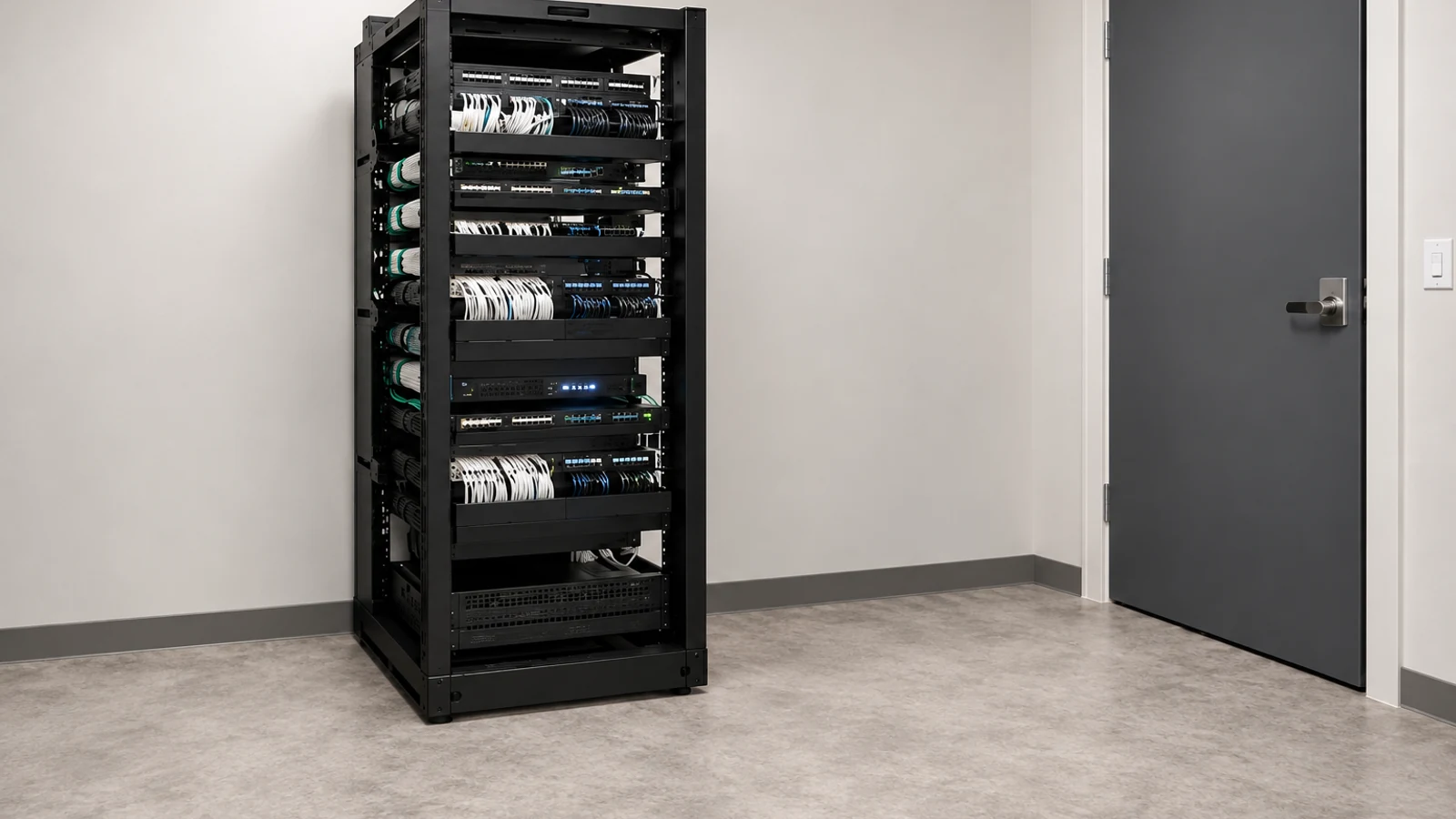
Footage retention at an Orlando property should be calculated from its actual camera streams, recording schedules and usable storage and checked against how quickly incidents are discovered.
Resolution, recording architecture and upgrade guides help explain why real retention differs from the recorder’s advertised drive capacity.
Camera Services can verify camera settings and recorder capacity when the footage retention estimate shows that storage or recording behavior must change.
A recording assessment can confirm actual bitrates, usable capacity and retrieval needs when the footage retention calculation remains uncertain.
Retention should be calculated from camera bitrate, recording schedule, retention target and usable storage, then checked against the oldest footage and a real export.
Choose the number of days based on how long it normally takes the organization to discover and investigate an incident. A retention target should come from operational need rather than the advertised drive size of a recorder.
Collect camera count, resolution, codec, frame rate, bitrate and whether each stream records continuously or on events. These inputs determine storage consumption far more accurately than a generic per-camera estimate.
Account for the storage actually available to video after RAID, filesystem or platform overhead where applicable. Leave reasonable headroom so the system is not designed to operate permanently at its capacity limit.
After the system has been running, check the date of the oldest available footage and compare it with the target. Perform a representative export as well, because retention is only useful if authorized users can retrieve the footage when needed.
Data Pro Communications - South Orlando is operated by Data Pro Communications. Florida low-voltage work is performed under FL License #EC13016138.
Resolution, frame rate, codec, compression, scene movement, noise and variable-bitrate limits all affect the data written to storage.
Continuous recording uses capacity steadily; motion or event recording may extend retention but depends on scene activity and reliable event detection.
Base it on how long incidents take to be discovered, contractual or policy needs, investigation workflow and the privacy implications of keeping footage longer.
Formatting, recorder services, reserved space and RAID or failed-disk protection can reduce the capacity available for video.
After the system operates normally, check the oldest footage still available and complete an export instead of relying only on a calculator estimate.
For privacy policy in footage retention, document the reason footage is retained, authorized reviewers, required review period, export handling and the process for deleting or restricting footage.
The largest inputs are camera bitrate, recording schedule, retention target and usable rather than raw storage capacity.
No. Use space available after formatting, system overhead and any capacity reserved for protection or recorder operation.
Review the oldest available footage and complete a representative export after the system has operated with its normal recording schedule.
Recalculate after changes to camera count, resolution, bitrate, frame rate, codec, recording schedule or storage protection.
Use real camera settings, recording schedules and usable capacity to set the retention target, then confirm it from the oldest available footage.