
Commercial-First Planning
Projects are planned around property operations, infrastructure and the people responsible for the system.
Commercial Camera Resource | Monitoring and remote access
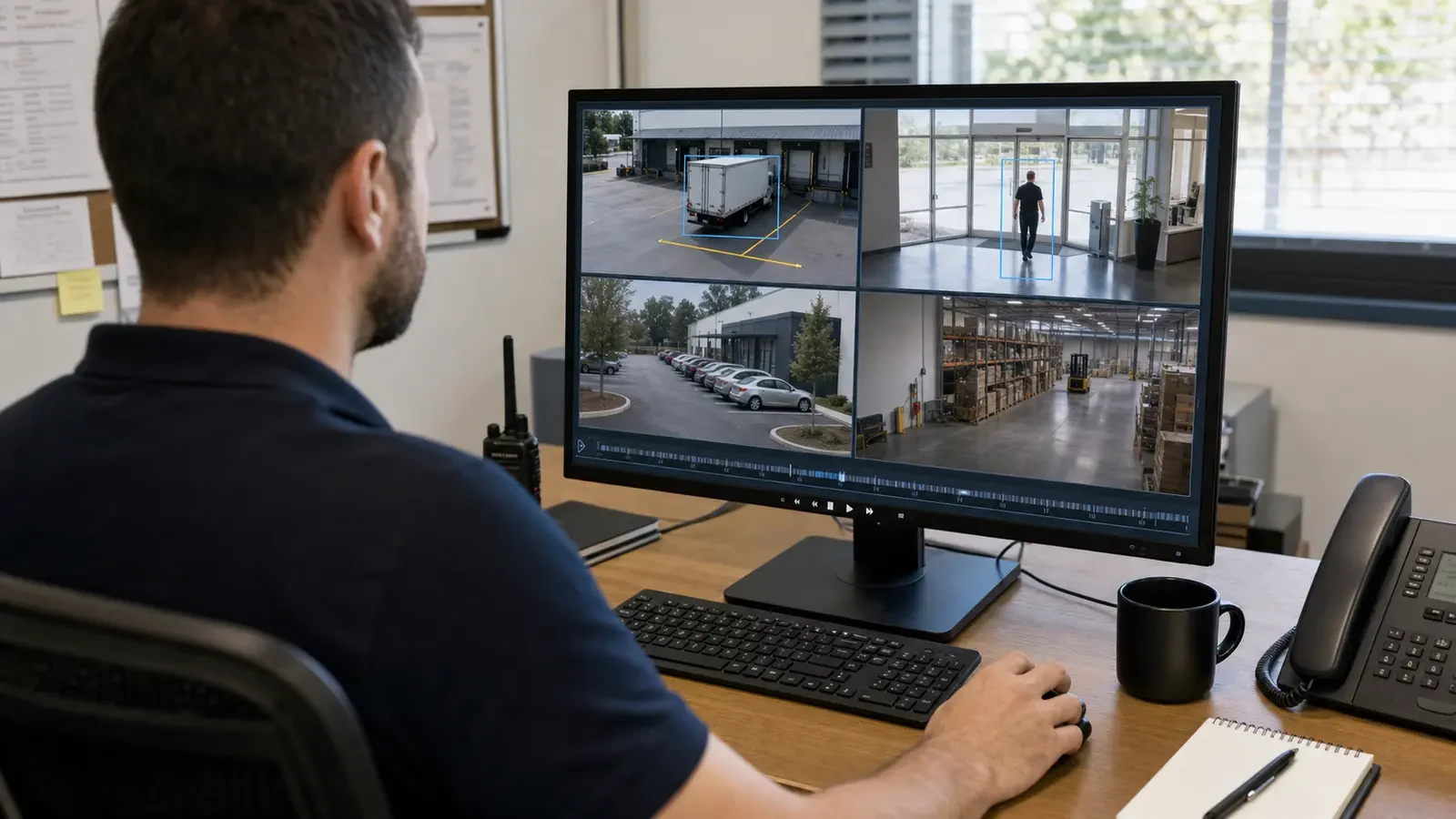
An NVR records network-camera video, while remote viewing depends on secure connectivity, sufficient uplink bandwidth, role-based accounts, synchronized time and a defined export workflow. Remote access should never rely on shared administrator credentials.
A property manager can receive read-only access to common-area cameras while the system administrator retains configuration rights. Remote viewing improves access to live and recorded video, but it increases cybersecurity and account-management responsibility and remains dependent on internet or platform availability.
Projects are planned around property operations, infrastructure and the people responsible for the system.
Data Pro Communications operates under FL License #EC13016138.
Testing, labeling, credentials and known limitations are organized for the people who will operate and support the system.
An NVR records network-camera video, while remote viewing depends on secure connectivity, sufficient uplink bandwidth, role-based accounts, synchronized time and a defined export workflow. Remote access should never rely on shared administrator credentials.
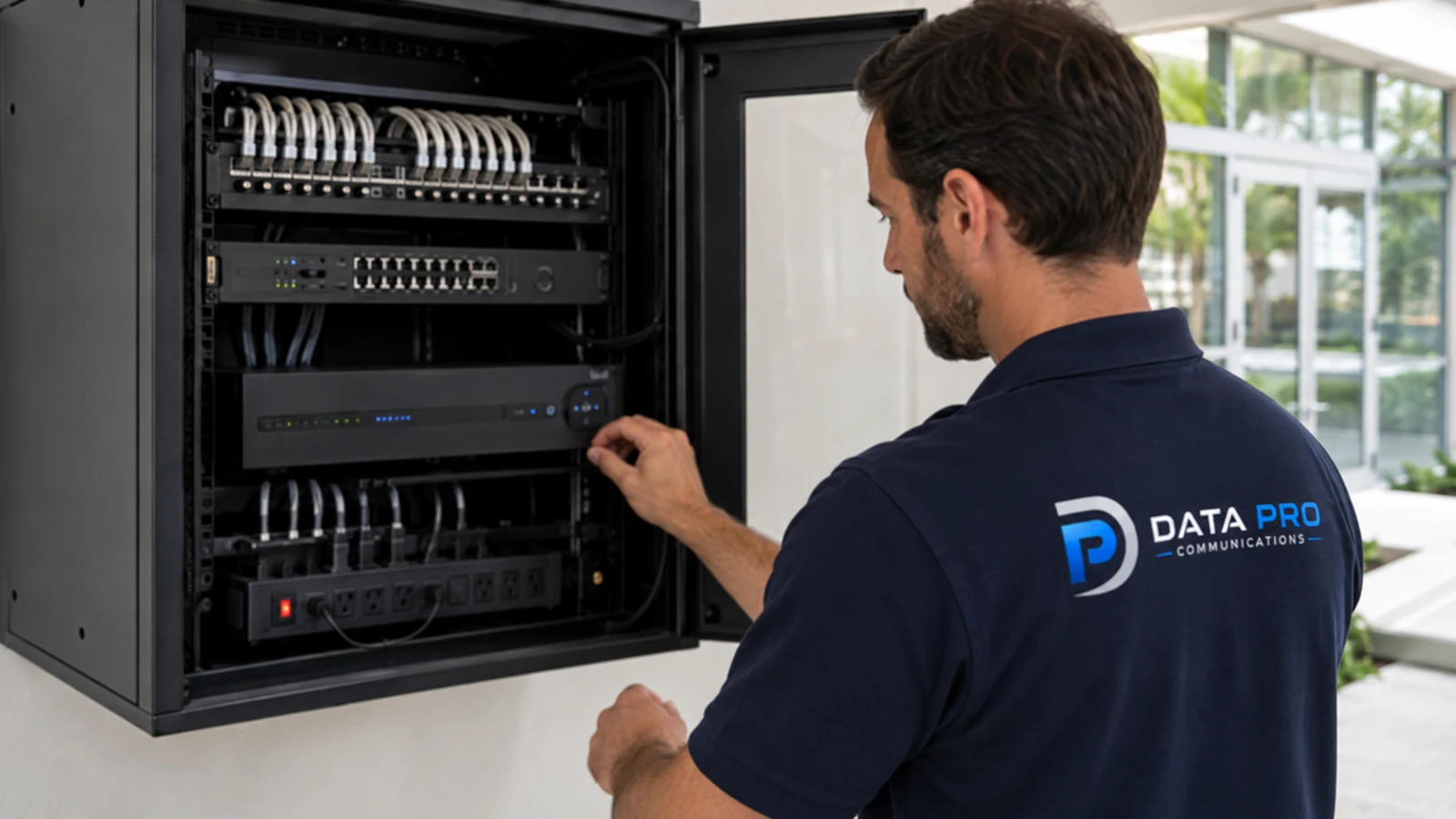
An NVR needs enough licensed channels and usable disk capacity for the selected streams; remote viewing does not reduce the storage required for local recording.
Limited internet upload capacity can make remote live view or playback slow when several streams or users compete for the same connection.
Remote users can see more cameras or functions than needed when permissions are granted at the whole-system level.
Shared credentials or an uncontrolled remote-access path can expose video and make user activity difficult to administer or audit.
Evidence from multiple cameras becomes harder to compare when recorder time is inconsistent or exports omit the period needed to establish the sequence.
Remote viewing may work for an administrator yet fail for the users and devices that will handle daily review. Test named roles on the intended mobile and desktop paths.
Check both licensed/usable NVR channels and usable disk capacity; enough drive space does not solve a recorder that has no remaining camera capacity.
Measure available upload capacity and test remote live view and playback with the number of simultaneous streams the property expects to use.
Grant remote users only the sites, cameras and playback/export functions needed for their role.
Use named accounts and a controlled VPN, cloud or supported remote path, then test permissions, login recovery and reconnection after internet interruption.
Exports should preserve accurate timestamps and enough surrounding footage to align events across cameras; verify the exported file on a separate playback device when practical.
Record named remote users, permission levels, the connection method, account-recovery ownership and a successful playback/export check without relying on shared administrator credentials.
A property manager can receive read-only access to common-area cameras while the system administrator retains configuration rights.
A warehouse incident export is useful only when the NVR clock, camera names and download permissions are correct across the requested time window.
A managed property needs named viewing roles and a clear division between property staff, system administrators and outside service providers. Use named roles for live view, playback, export and administration, and document who approves and removes access when management responsibilities change.
Remote access across several sites depends on consistent account roles, secure connectivity and camera names that make the correct property unmistakable. Check internet and uplink capacity, the VPN or managed-cloud path, site naming and permissions from the devices remote staff will actually use.
Parking footage is useful remotely only when time, camera names, permissions and export procedures are consistent with the incident workflow. Synchronize camera and recorder time and use consistent names so staff can retrieve the correct lane, level and event window without searching unrelated sites.
An incident export must preserve the correct time window, camera identity and playback quality while remaining accessible only to authorized users. Test the requested export format, playback, timestamp and transfer method with a nonadministrator user before handoff.
Calculate NVR channel and storage capacity with camera count, resolution, codec, bitrate, recording schedule, usable capacity and retrieval period, using usable rather than headline capacity and a verification from the running recorder.
Estimate remote live-view and playback traffic separately from local recording, then verify the property’s upload capacity and behavior when several users connect at once.
Administration of role-based remote permissions requires account ownership, least-privilege roles, approval, revocation, export rights and audit history, with separate permissions for viewing, export and system changes.
Use named accounts and a controlled VPN, cloud or vendor-supported remote path; test login recovery, session permissions and what happens when internet service drops and returns.
Exports should preserve accurate timestamps and enough surrounding footage to align events across cameras; verify the exported file on a separate playback device when practical.
Handoff should cover account ownership, least-privilege roles, approved connectivity, live view, playback, export, time accuracy and the process for removing access.
Remote viewing connects the NVR or VMS, internet service, the approved VPN or managed-cloud path and named mobile or desktop users. IT should own firewall and connectivity changes, while the camera-system owner controls roles, playback, export and account removal.
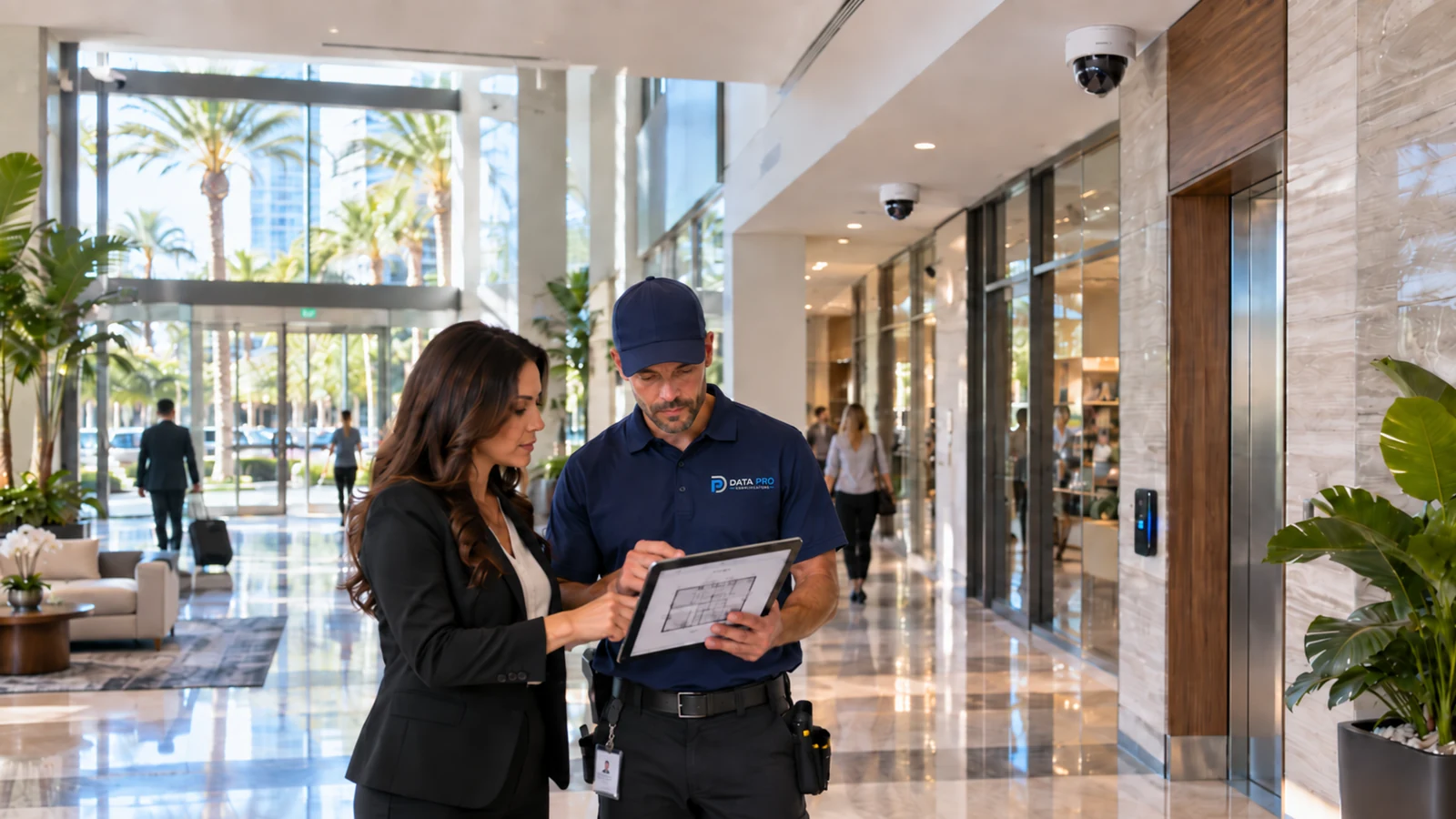
Remote viewing for an Orlando property depends on the installed recorder, uplink, approved connectivity method and named user roles, not simply on enabling a mobile application.
Remote-viewing questions often lead to storage, network, account-security and export guidance because access quality depends on more than the mobile app.
Camera Services can address recorder, camera or configuration work when remote-viewing problems are tied to channel capacity, recording settings or unsupported equipment.
A system assessment can trace remote access from recorder to internet path and user account when local recording works but off-site viewing or export does not.
Remote viewing works well when the NVR has enough recording capacity, the uplink can carry remote traffic, named users have appropriate permissions and the secure access path can recover after an outage.
Confirm channel count, camera bitrates, recording schedule and desired retention before selecting usable storage. Remote viewing should not distract from the recorder's primary job of capturing and retaining footage locally.
Set separate accounts for administrators and viewers, limit camera and export rights by role and document account ownership. Shared credentials make access harder to revoke and incident review harder to audit.
Define whether remote access uses a vendor cloud service, VPN, secure gateway or another approved method. Verify internet capacity, firewall requirements and cybersecurity ownership before exposing remote services.
Use the actual remote connection to test authentication, live view, recorded playback and export, then confirm account recovery and reconnection after an interruption. The test should prove the complete remote workflow, not only that the login screen opens.
Data Pro Communications - South Orlando is operated by Data Pro Communications. Florida low-voltage work is performed under FL License #EC13016138.
For nvr and remote viewing for orlando properties, calculate NVR channel and storage capacity from camera count, resolution, codec, bitrate, recording schedule and usable capacity; verify the result through oldest-footage review and an export.
Estimate simultaneous remote streams and export traffic, then test during normal recording so remote use does not starve camera or business traffic.
Use named accounts and grant only the sites and functions each user needs. Separate live view, playback, export and administration, and test the removal process before remote access is handed over.
Use the approved VPN, managed cloud or platform method, encrypted transport, named accounts, least privilege and an owner for updates and access review.
For time-synchronized evidence export in nvr and remote viewing for orlando properties, name the event, recipient, response time, escalation path and evidence record so staff know what action follows an alert or footage review.
For remote-access handoff, provide camera names and locations, account ownership, user roles, playback and export steps, test results, retained equipment and known limitations.
Local recording can continue on a properly designed NVR, but live remote viewing, notifications and off-site exports depend on the selected connectivity and platform.
No. Use named accounts and role-based permissions so viewing, export and administrative changes can be reviewed and revoked individually.
Not always. Use the approved VPN, managed cloud or platform method and have the responsible IT owner review the security model.
Test named users on the intended devices, live view, playback, export, time accuracy, loss of connectivity and the process for removing access.
Before adopting nvr and remote viewing for orlando properties, verify NVR channel and storage capacity, uplink bandwidth and role-based remote permissions at the property; a project consultation can resolve the remaining infrastructure or compatibility questions.