
Commercial-First Planning
Projects are planned around property operations, infrastructure and the people responsible for the system.
Commercial Camera Resource | Installation planning
Businesses can prepare for installation by confirming approved views, mounting and pathway access, network and electrical readiness, work windows, responsible contacts and the scenes that will be used for acceptance.
A restaurant can reserve ceiling access before opening and identify which kitchen-adjacent areas must remain outside camera views. More preparation reduces disruption and field changes, but the final plan must still adapt when concealed pathways or existing infrastructure differ from records.
Projects are planned around property operations, infrastructure and the people responsible for the system.
Data Pro Communications operates under FL License #EC13016138.
Testing, labeling, credentials and known limitations are organized for the people who will operate and support the system.
Businesses can prepare for installation by confirming approved views, mounting and pathway access, network and electrical readiness, work windows, responsible contacts and the scenes that will be used for acceptance.
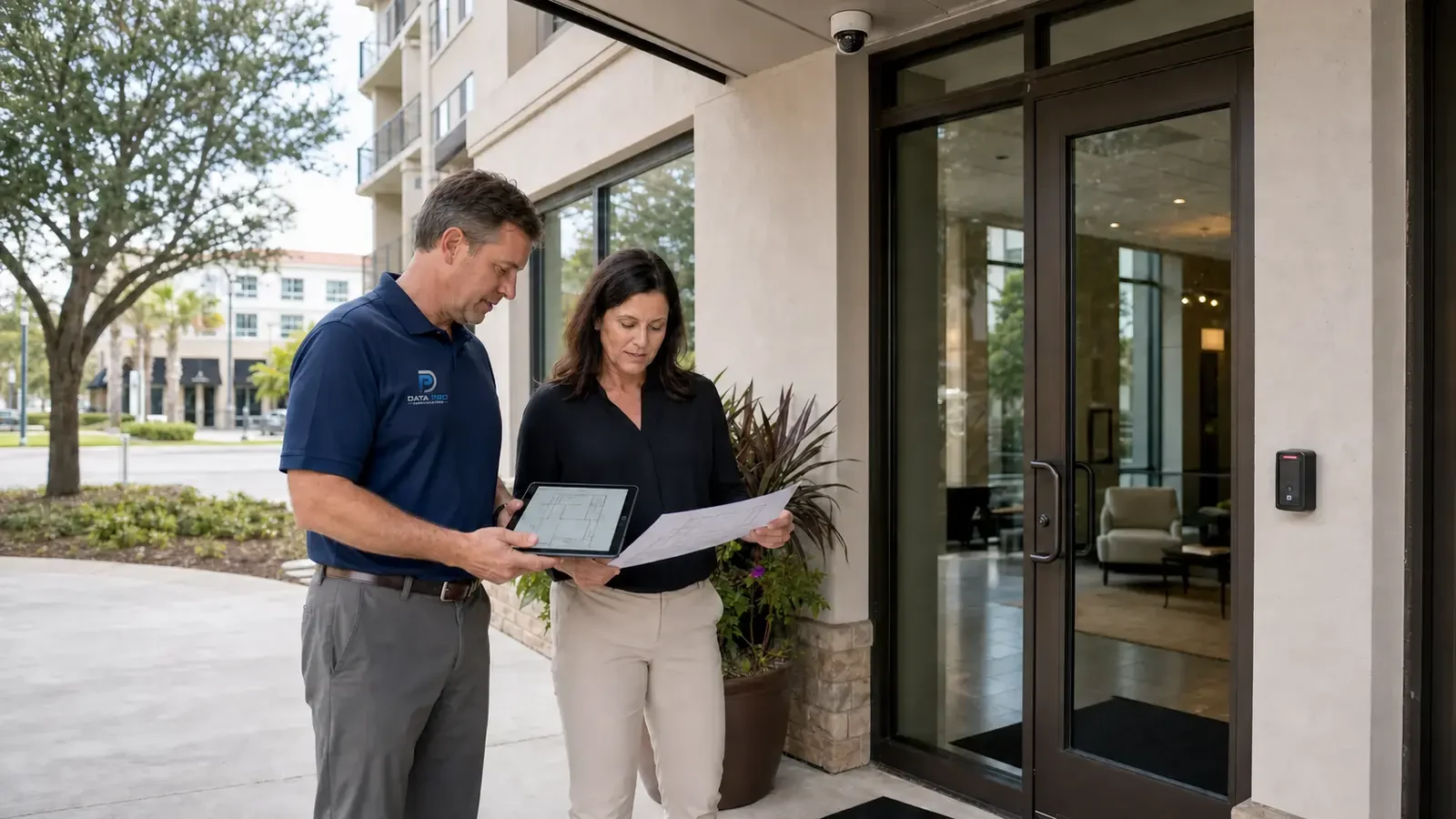
A pre-installation walk done without the people who control rooms or access equipment can miss the constraints that later stop the crew.
If stakeholders approve locations without reviewing the actual recorded image, installation can lock in views that do not meet the intended security purpose.
A camera location can be technically correct but impractical when ceilings, roofs or restricted rooms cannot be accessed safely for installation and service.
Crews lose productive time when access, staging, lifts, ceiling work and shutdown restrictions are decided after arrival.
Testing an empty or brightly lit property can hide obstruction, motion blur, glare, network load and workflow problems that appear during normal operations.
Generic manuals do not tell a property team which camera covers a door, who owns an account or how its recorder and network are arranged.
Confirm mounts, pathways, lift access, telecom-room entry, power and network availability before the installation date is scheduled.
Show stakeholders representative live and recorded views before final acceptance, including the lighting and activity conditions that matter to the site.
Confirm lift, roof, ceiling and telecom-room access before scheduling installation at locations that require controlled entry or special equipment.
Confirm work areas, lifts, ceiling access, telecom-room entry and any customer escorts before installation begins so crews can complete the planned sequence without avoidable stops.
Check recorded video during the light, movement and activity the cameras are expected to handle instead of validating only an empty scene during setup.
Provide the final camera list, view notes, recorder settings, user roles and known exceptions for that property so support starts from the actual installation rather than a generic standard.
A restaurant can reserve ceiling access before opening and identify which kitchen-adjacent areas must remain outside camera views.
A warehouse can clear lift routes and stage dock work around delivery windows before exterior cameras are mounted.
Clear lift routes, ceiling access and mounting areas and confirm pathway availability before warehouse operations are disrupted.
Schedule overhead and service-area work around customer hours, deliveries and protected food-service spaces.
Prepare consistent site contacts, camera names, network access and test records while preserving location-specific exceptions.
Mark retained cable and equipment, protect finished surfaces and have the owner available for representative playback and handoff testing.
Confirm mounts, pathways, lift access, telecom-room entry, power and network availability before the installation date is scheduled.
Evaluate approved camera views through scene width, target distance, lens, pixel density, light, compression and required detail; the accepted result should come from recorded playback in the actual scene.
Approval of mounting and pathway access requires route length, test results, protection, termination, environmental exposure and service access, plus a test result appropriate to the copper or fiber medium.
Installation-day planning should identify the site contact, approved areas, work sequence, equipment staging, occupied-space protections and process for field decisions.
Use real movement and difficult lighting to review recorded detail, timestamps, playback, export, retention and permissions with the operating contact.
Provide camera and cable names, accepted views, telecom and recorder locations, account ownership, export steps, configuration records and site-specific limitations.
Implementation of installation readiness should coordinate approved camera views, mounting and pathway access and installation-day coordination with the camera and recording platform.
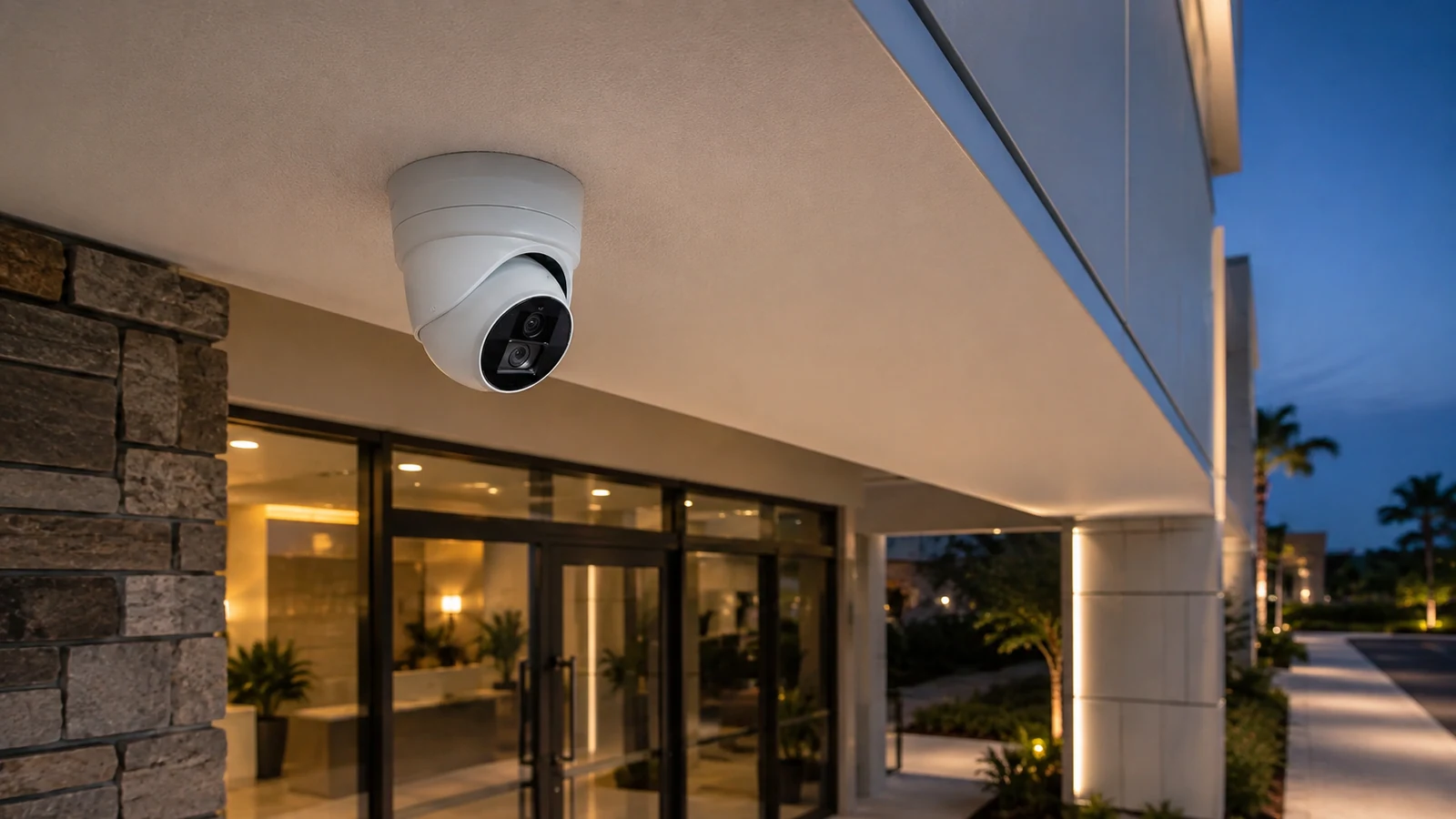
Before camera installation begins at an Orlando business, the approved views should be matched to real mounting surfaces, accessible pathways, telecom spaces and the site's operating schedule. A readiness review helps identify blocked routes, missing network capacity or access restrictions while there is still time to adjust the installation plan without changing the intended coverage.
Camera-placement, cabling, PoE and testing guides are useful when site-readiness questions reveal a design decision that must be resolved before the crew arrives.
Camera Services is appropriate when site-readiness checks are complete and the remaining work is camera mounting, aiming, configuration or replacement.
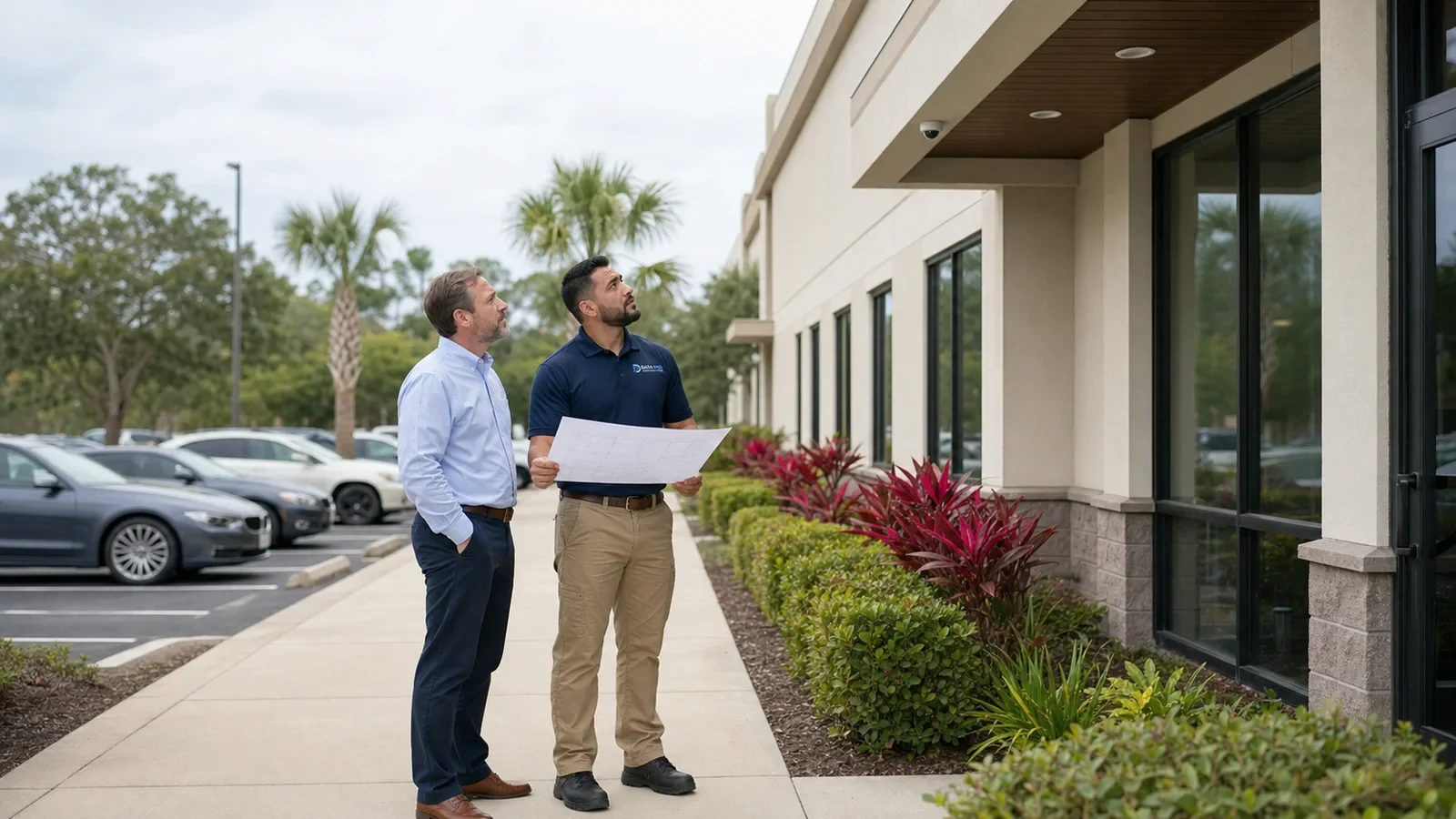
A pre-installation walkthrough can confirm lift access, pathways, mounting surfaces and occupied-area restrictions before the installation schedule is locked.
A buildable project resolves site-readiness survey, approved camera views and mounting and pathway access before field work and closes with verified representative testing and property-specific handoff.
Walk entrances, transaction areas, stockrooms, parking, loading or other operational zones and define the event each camera should help review. This keeps the scope aligned with how the business actually operates.
Check PoE switching, cable distances, recorder channels, storage and available pathways before final device selection. A camera plan that exceeds network or recording capacity will require infrastructure changes that should be known before installation.
Sequence lifts, ceiling access, cable pulls and device installation around operating hours and restricted areas. Areas that remain active during installation may need phased work or temporary access coordination.
Review recorded views with the people who will investigate incidents, then test playback, export and account permissions. Closeout should confirm that the system supports the actual business workflow, not just that cameras are online.
Data Pro Communications - South Orlando is operated by Data Pro Communications. Florida low-voltage work is performed under FL License #EC13016138.
Document required scenes, target distances, mounting surfaces, pathways, telecom spaces, power and network availability, work restrictions and unresolved approvals for installation readiness.
For approved camera views, start with the event the camera must explain, then check the approach path, normal obstructions, mounting position and recorded detail from the proposed view.
For mounting and pathway access, trace and label the route, inspect protection and termination, measure distance, use the appropriate copper or fiber test and confirm future service access.
For installation-day coordination, agree on work areas and hours, access and escorts, lift movement, temporary outages, noise and dust controls, cleanup and daily status updates.
For representative testing, verify the visible scene or system function under representative operation, review recorded playback, complete an export, check authorized accounts and document exceptions.
For property-specific handoff, provide camera names and locations, account ownership, user roles, playback and export steps, test results, retained equipment and known limitations.
Confirm site-readiness survey, approved camera views, mounting and pathway access and the person who can approve access and field changes.
Bring together the person approving camera views, the property contact controlling rooms and lifts, and IT or facilities staff responsible for network and power before the installation date.
Yes. Each area can be cleared for access, mounting, pathways, network and power while later areas remain under review. The installation sequence should show which approved views and dependencies are ready for the crew.
Review mounting surfaces, cable routes and distance, PoE switching, telecom-room access, uplinks, recorder capacity and power. Note repairs or customer work that must finish before installation.
If records or a walkthrough cannot resolve site-readiness survey, approved camera views and mounting and pathway access, request a site survey before installation assumptions become committed labor or hidden work.