
Commercial-First Planning
Projects are planned around property operations, infrastructure and the people responsible for the system.
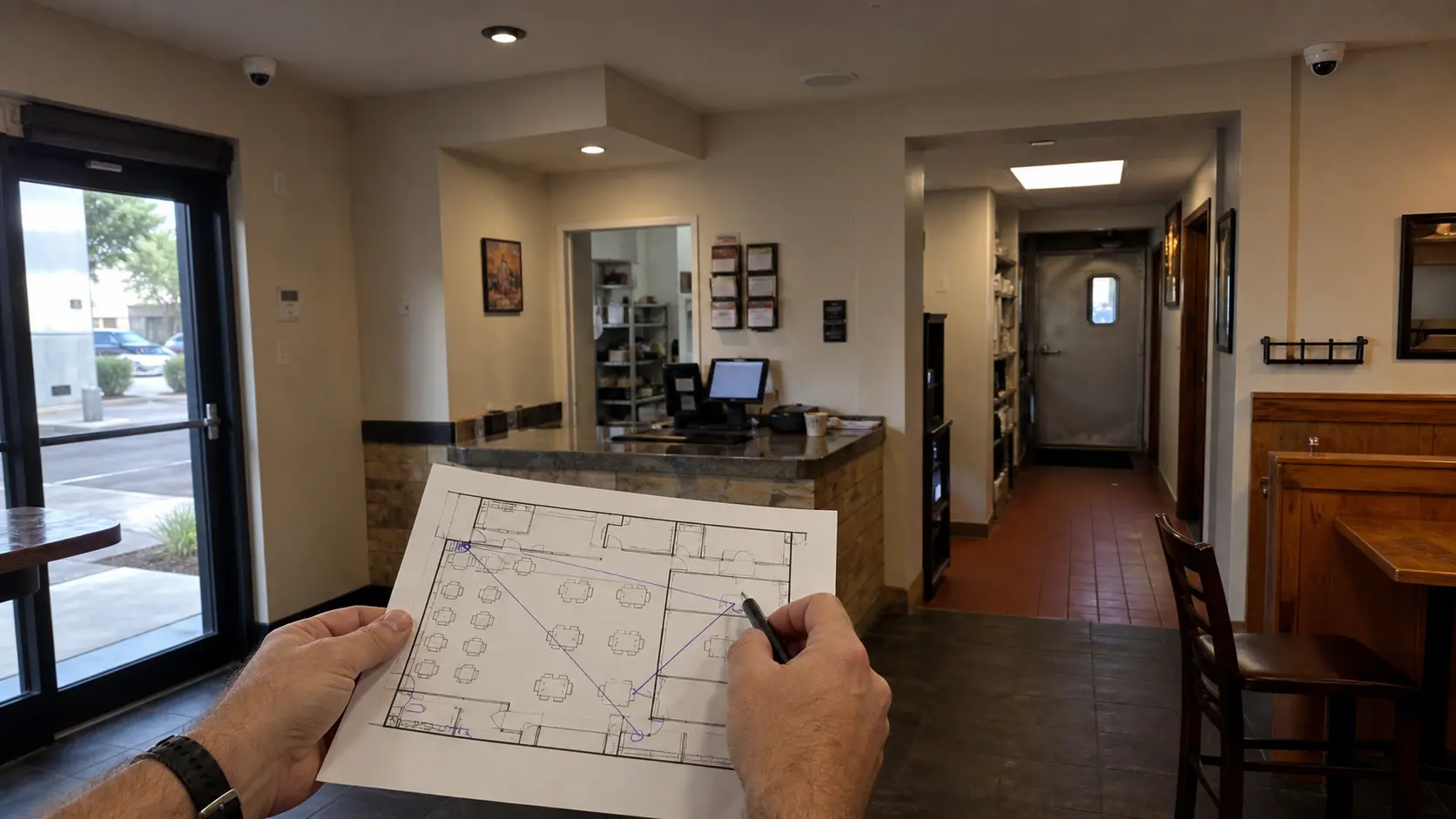
Commercial Camera Resource | Industry planning
Restaurant camera planning should separate customer entrances, POS-adjacent activity, kitchen privacy boundaries, delivery access and late-hour closing workflows. The design should support incident review without treating food preparation or employee areas as generic surveillance space.
A register view should show the customer and transaction context without recording keypad entry or relying on a ceiling-wide overview. More coverage may help reconstruct an event, but poorly placed cameras can intrude on private activity, miss transactions or become unusable in steam, glare and changing light.
Projects are planned around property operations, infrastructure and the people responsible for the system.
Data Pro Communications operates under FL License #EC13016138.
Testing, labeling, credentials and known limitations are organized for the people who will operate and support the system.
Restaurant camera planning should separate customer entrances, POS-adjacent activity, kitchen privacy boundaries, delivery access and late-hour closing workflows. The design should support incident review without treating food preparation or employee areas as generic surveillance space.
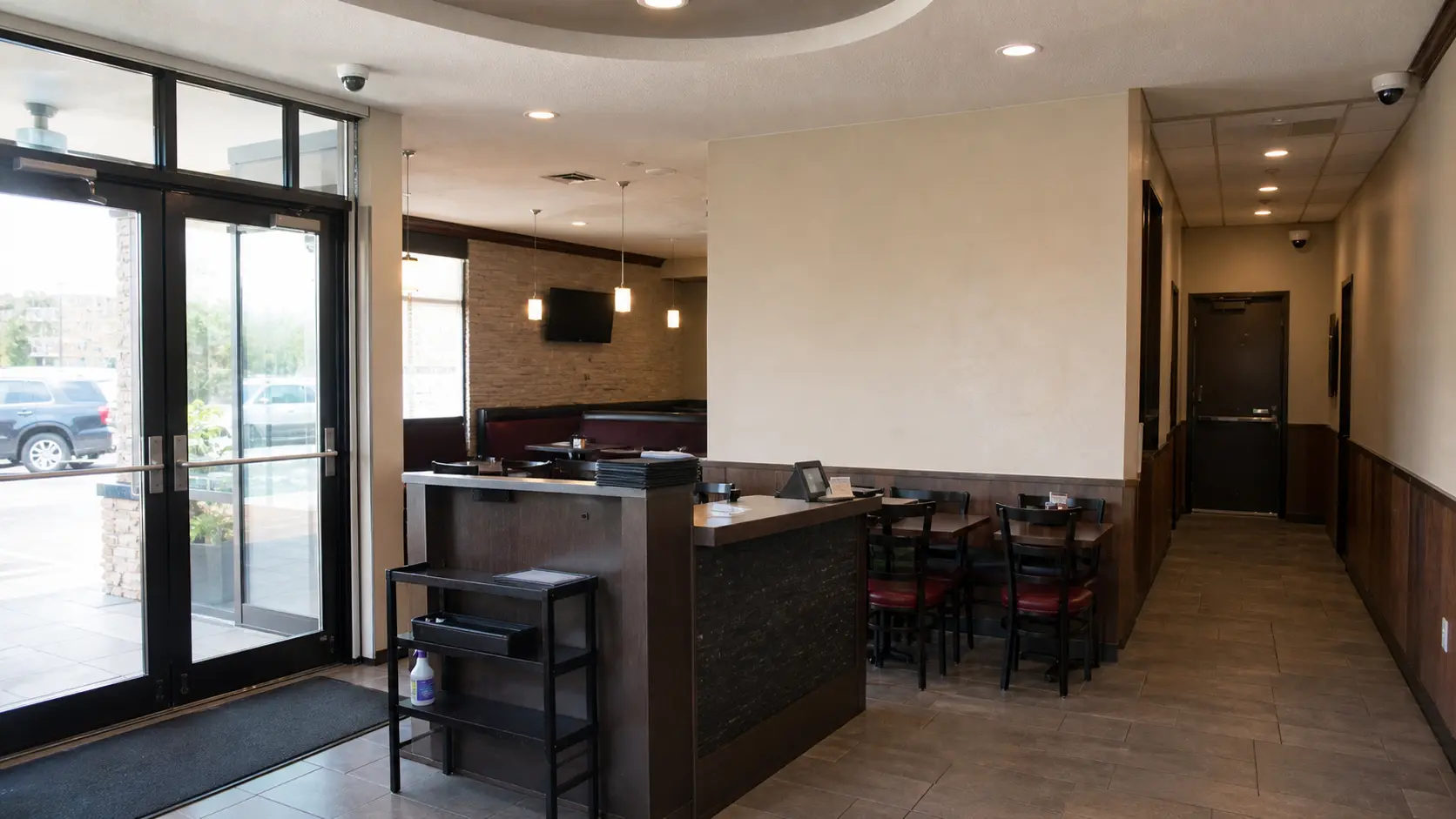
Entrance conditions change with open doors, customer queues and staff movement, so a quiet period can hide the obstructions present during normal business hours.
A restaurant camera placed too far from the transaction area may show activity around the register without enough context to review a disputed transaction.
Restaurant cameras can cover doors, POS-adjacent activity and delivery routes without turning food preparation or employee-only areas into unnecessarily broad surveillance zones.
A clear dock during a walkthrough may become heavily obstructed once trailers, carts and receiving activity are present.
After-hours coverage can miss the most useful context if cameras do not follow the actual closing sequence and the doors or work areas used by staff.
An export is less useful when it lacks the correct time range, camera context or a clear reference that lets management connect the clip to the incident.
Review customer and employee approaches separately so the cameras capture useful entry context without forcing one overly wide view to serve both paths.
Position the camera to preserve transaction context without relying on an excessively wide dining-room view, and verify playback at normal customer traffic levels.
Set boundaries for kitchen boundary privacy from the required scene, private areas, authorized reviewers, export handling and documented retention purpose.
Check delivery doors, truck positions, vendor approach and staff movement so the view remains useful when vehicles are actually occupying the service area.
Closing coverage should follow the sequence staff actually use—front doors, cash handling, service exits and final lock-up—so an after-hours event can be reconstructed in order.
Restaurant incident exports should include the relevant customer or delivery area, enough time before and after the event, and a clear case or date reference for management review.
A register view should show the customer and transaction context without recording keypad entry or relying on a ceiling-wide overview.
A rear delivery camera should capture the door and handoff area while remaining clear when dumpsters or trucks occupy their normal positions.
Place delivery views around the actual service door and vendor path while avoiding kitchen or employee areas unrelated to the incident question.
Check customer and staff approaches in evening light and preserve enough detail where vehicles or pedestrians slow near the property.
Limit dining-room and register-area views to the defined security purpose and assign review permissions to the responsible manager.
Test closing, cash-handling and service-door workflows with the after-hours contact who will review or escalate an event.
Review customer and employee approaches separately so the cameras capture useful entry context without forcing one overly wide view to serve both paths.
Evaluate POS-adjacent views through scene width, target distance, lens, pixel density, light, compression and required detail; the accepted result should come from recorded playback in the actual scene.
Controls for kitchen boundary privacy should address camera purpose, field of view, private areas, authorized reviewers, retention and applicable property policy and exclude footage or access that is not needed for the documented purpose.
Check delivery doors, truck positions, vendor approach and staff movement so the view remains useful when vehicles are actually occupying the service area.
Closing coverage should follow the sequence staff actually use—front doors, cash handling, service exits and final lock-up—so an after-hours event can be reconstructed in order.
Restaurant incident exports should include the relevant customer or delivery area, enough time before and after the event, and a clear case or date reference for management review.
For security camera planning for restaurants, coordinate camera views with the pathways, power, network and recording services that actually support customer and staff entrances and POS-adjacent views.
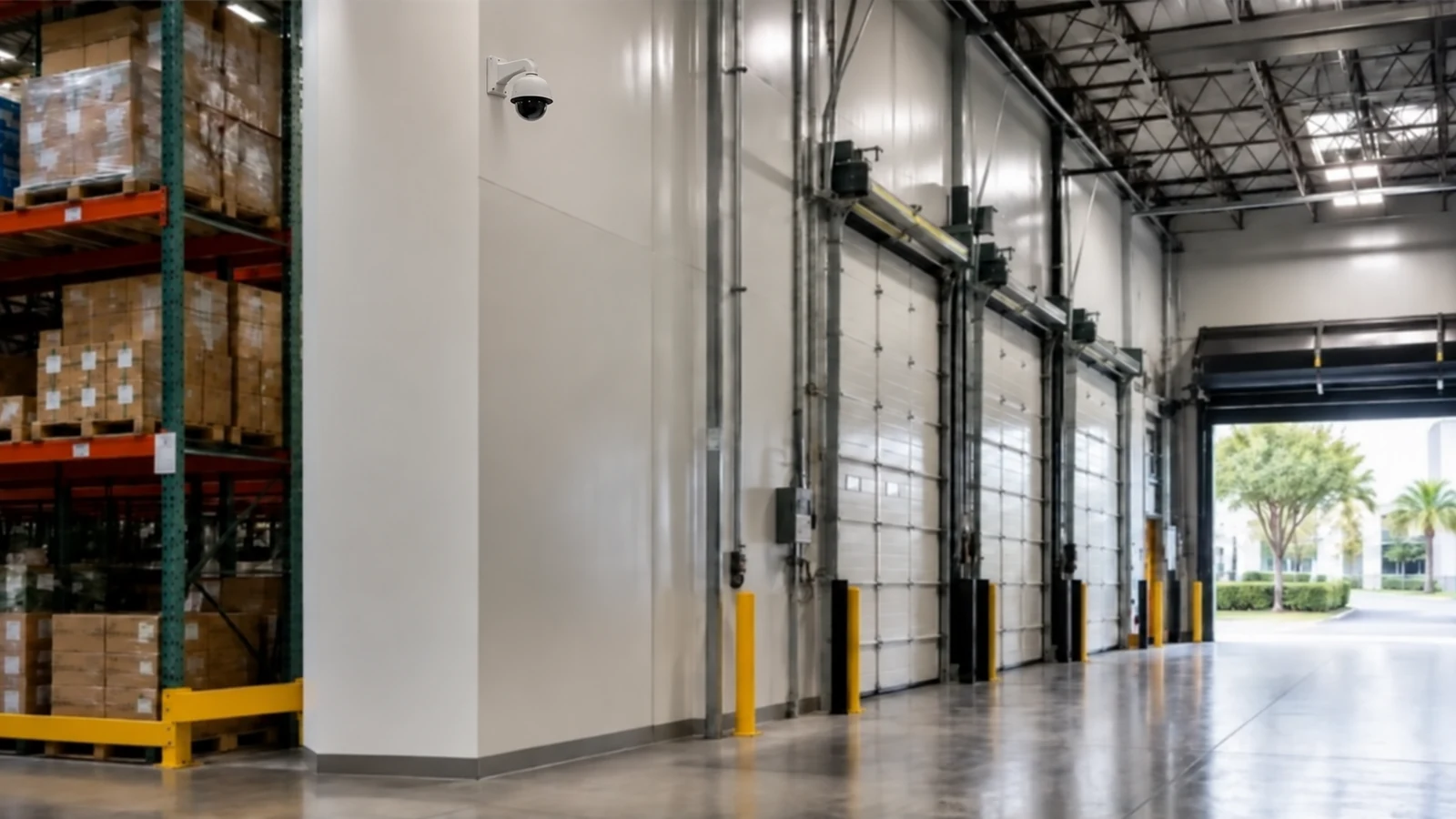
For restaurants in Orlando, camera planning should account for customer entrances, transaction areas, delivery and service doors, and closing routines while avoiding unnecessary views into private or unrelated staff areas. The proposed scenes should be checked during the periods when customer traffic, deliveries and interior lighting are representative of normal operation.
Restaurant-specific planning often connects to placement, retention, remote viewing and privacy guidance because customer, staff and delivery areas create different review needs.
Camera Services becomes useful when the property plan for customer and staff entrances or POS-adjacent views requires new views, changed recording or an upgrade.
A property assessment is useful when the required views around customer and staff entrances and POS-adjacent views cannot be confirmed without observing normal operations.
The property plan should follow normal activity around customer and staff entrances, POS-adjacent views and kitchen boundary privacy, with permissions and review workflow shaped by late-hour closing workflows and incident export.
Identify where customer arrival, transactions, staff movement and deliveries create review needs. Camera positions should support those events without placing unnecessary emphasis on dining-table activity.
Review heat, grease, moisture, lighting and physical access around kitchens, storage and delivery areas before selecting mounting locations. Equipment in harsher spaces may require different housings or maintenance access.
Coordinate ceiling work, cable pulls and lift access with prep, service and closing periods. Keeping food-service areas clear and minimizing disruption may require work to move through the property in phases.
Test entrances, POS-adjacent views, delivery doors and any agreed exterior areas using recorded footage from representative activity. Confirm managers can retrieve footage without giving unnecessary access to every user.
Data Pro Communications - South Orlando is operated by Data Pro Communications. Florida low-voltage work is performed under FL License #EC13016138.
Place entrance views around the actual paths used by guests, employees and delivery staff. Check doorway backlight, obstructions and recorded facial detail during both daytime service and evening operations.
For POS-adjacent views, start with the event the camera must explain, then check the approach path, normal obstructions, mounting position and recorded detail from the proposed view.
Frame service-door and delivery views around the approach and handoff area. Food-preparation, staff-break and other unrelated interior activity should remain outside the view unless a documented security need requires it.
Coverage should show the door, the vendor or employee approaching it and the handoff area without extending unnecessarily into food-preparation or staff-break spaces.
Managers may need recorded views of customer exits, service doors, parking approaches and cash-handling transitions. Alert or review rules should match the closing schedule and name the person who handles an exception.
Limit playback and export to designated managers or security personnel with a business reason to review the incident. Staff who only need live awareness should not automatically receive export or administrative rights.
Use entrance and dining-area views for movement and context, then add tighter views only at controlled points such as registers, service doors or drive-through lanes where more detail is required.
Separate views are useful when a wide dining, parking or drive-through scene cannot preserve identification detail at an entrance, register approach or vehicle stopping point.
Not necessarily. Permissions should follow duties: an on-duty manager may need playback, while export, user administration and system changes can remain with a smaller authorized group.
Review entrances, register context, deliveries and closing-period footage under real lighting and customer movement. Confirm timestamps, playback, export and manager access before signoff.
If the property needs stronger evidence at customer and staff entrances or POS-adjacent views, request a site review built around those scenes, normal operating conditions and the people who use the footage.