
Commercial-First Planning
Projects are planned around property operations, infrastructure and the people responsible for the system.
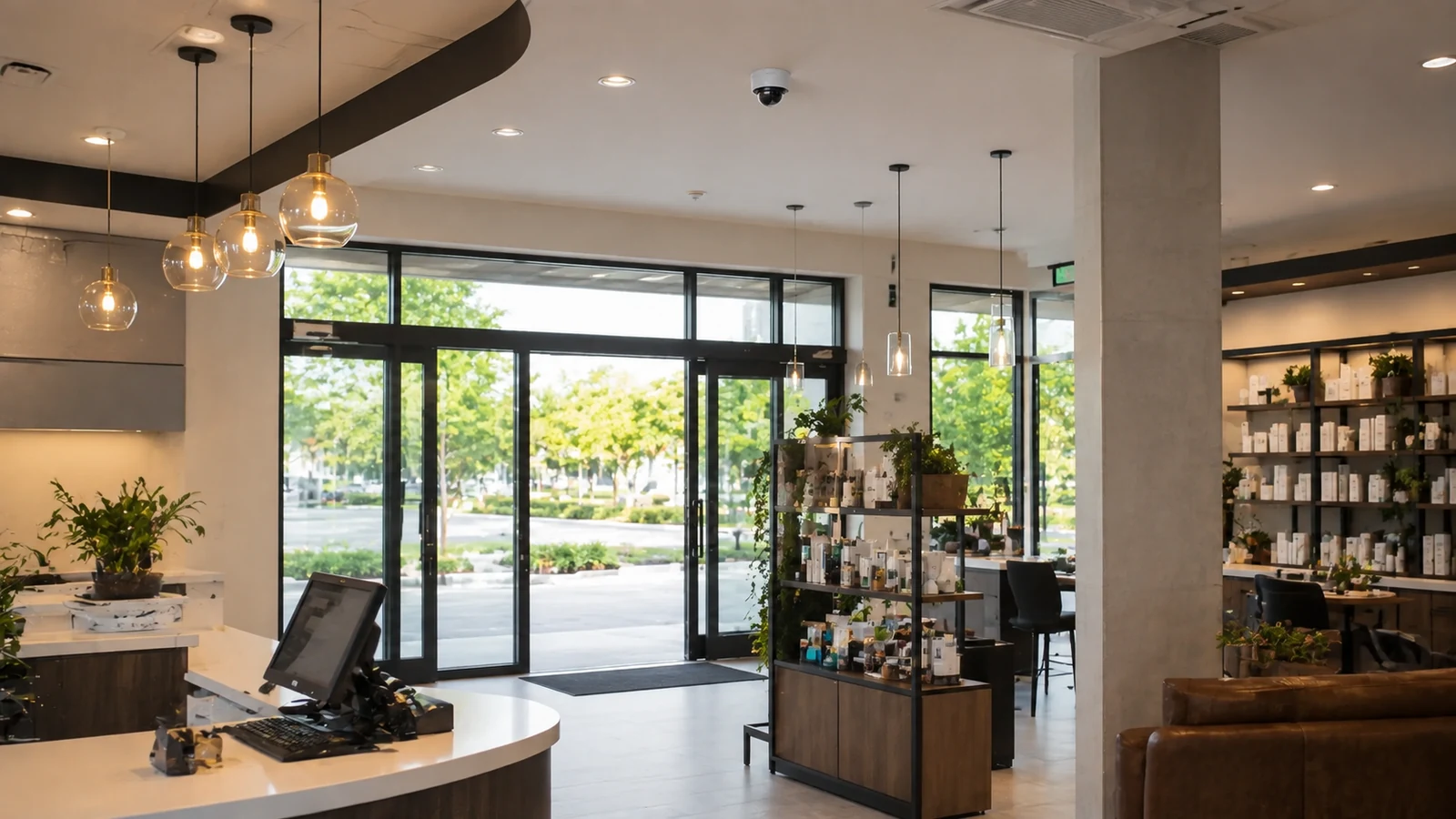
Commercial Camera Resource | Industry planning
Retail camera planning should connect entrances, sales-floor sightlines, checkout context, stockroom access and loss-review workflow. Camera count matters less than whether each scene answers a specific retail incident question.
A high-value display may need a clear approach view and a separate stockroom handoff record rather than one distant ceiling camera. Wide sales-floor coverage provides context, while closer views at entrances and checkouts consume more camera positions but preserve useful detail.
Projects are planned around property operations, infrastructure and the people responsible for the system.
Data Pro Communications operates under FL License #EC13016138.
Testing, labeling, credentials and known limitations are organized for the people who will operate and support the system.
Retail camera planning should connect entrances, sales-floor sightlines, checkout context, stockroom access and loss-review workflow. Camera count matters less than whether each scene answers a specific retail incident question.
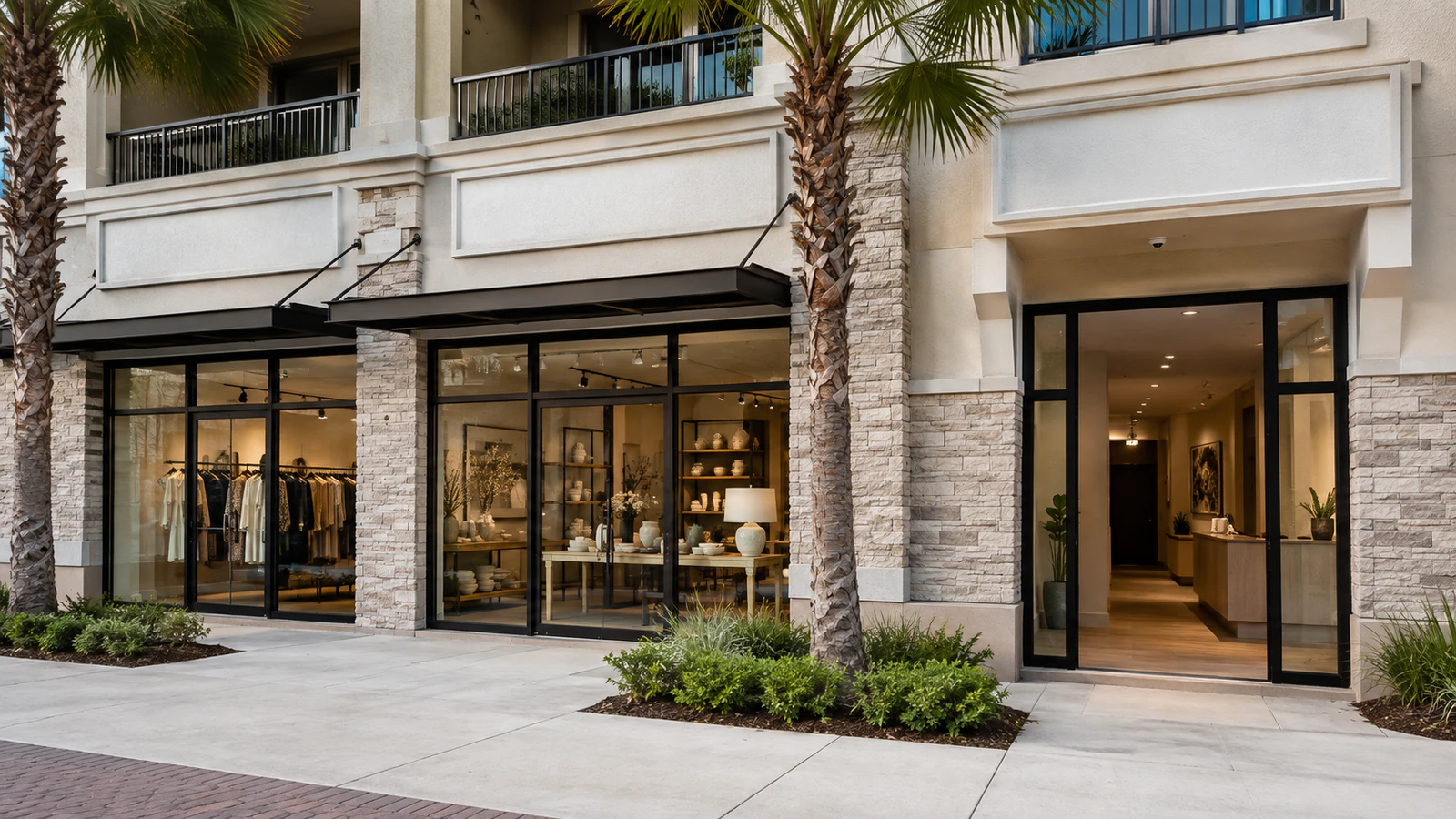
Retail sightlines can change after displays are moved or stocked, so an unobstructed off-hours walkthrough does not represent the working store.
Checkout queues and temporary displays can block a view that appears open when registers are inactive.
An empty stockroom can hide how pallets, racks and staged goods obstruct the camera once normal receiving work begins.
Entrance lighting and crowd patterns during open hours can produce glare or obstruction that is not visible during a quiet walkthrough.
Retail loss review becomes inconsistent when each store handles searches and exports differently or nobody is assigned to preserve the relevant footage.
A retail standard can create support problems when site-specific entrances, stockrooms, networks or work hours are forced into the same design.
Evaluate aisle height, displays, seasonal merchandising and customer flow before fixing camera locations above the sales floor.
Position checkout coverage to show the transaction area and surrounding context without relying on a ceiling-wide overview that makes hands, merchandise or customer movement too small.
Cover stockroom doors, receiving paths and high-value storage points with enough context to distinguish staff, vendor and inventory movement.
Confirm door swing, storefront glazing, exterior backlight and customer approach so the entry camera can deliver the intended identification or activity view.
Loss review should define who searches footage, how clips are exported and how findings are attached to the incident record so evidence does not remain unassigned.
Use consistent device naming, user roles, recording settings and documentation across stores so central support does not have to relearn each location.
A high-value display may need a clear approach view and a separate stockroom handoff record rather than one distant ceiling camera.
A multi-store operator can standardize camera names and permissions while adapting lenses to each storefront geometry.
Connect receiving-door footage with stockroom access and vendor activity instead of relying on a wide rear-of-store overview.
Use controlled entrance and parking views that distinguish customer flow from the identification detail needed for a specific event.
Coordinate sales-floor, register and staff-only views with privacy boundaries and the manager's loss-review workflow.
Keep camera names, export steps and user roles consistent across stores while documenting each site's approved exceptions.
Evaluate aisle height, displays, seasonal merchandising and customer flow before fixing camera locations above the sales floor.
Position checkout coverage to show the transaction area and surrounding context without relying on a ceiling-wide overview that makes hands, merchandise or customer movement too small.
Cover stockroom doors, receiving paths and high-value storage points with enough context to distinguish staff, vendor and inventory movement.
Confirm door swing, storefront glazing, exterior backlight and customer approach so the entry camera can deliver the intended identification or activity view.
Loss review should define who searches footage, how clips are exported and how findings are attached to the incident record so evidence does not remain unassigned.
Define common camera naming, user roles, recorder settings and tests while documenting exceptions for each store's scenes, pathways and operating constraints.
For security camera planning for retail stores, coordinate camera views with the pathways, power, network and recording services that actually support sales-floor sightlines and checkout visibility.
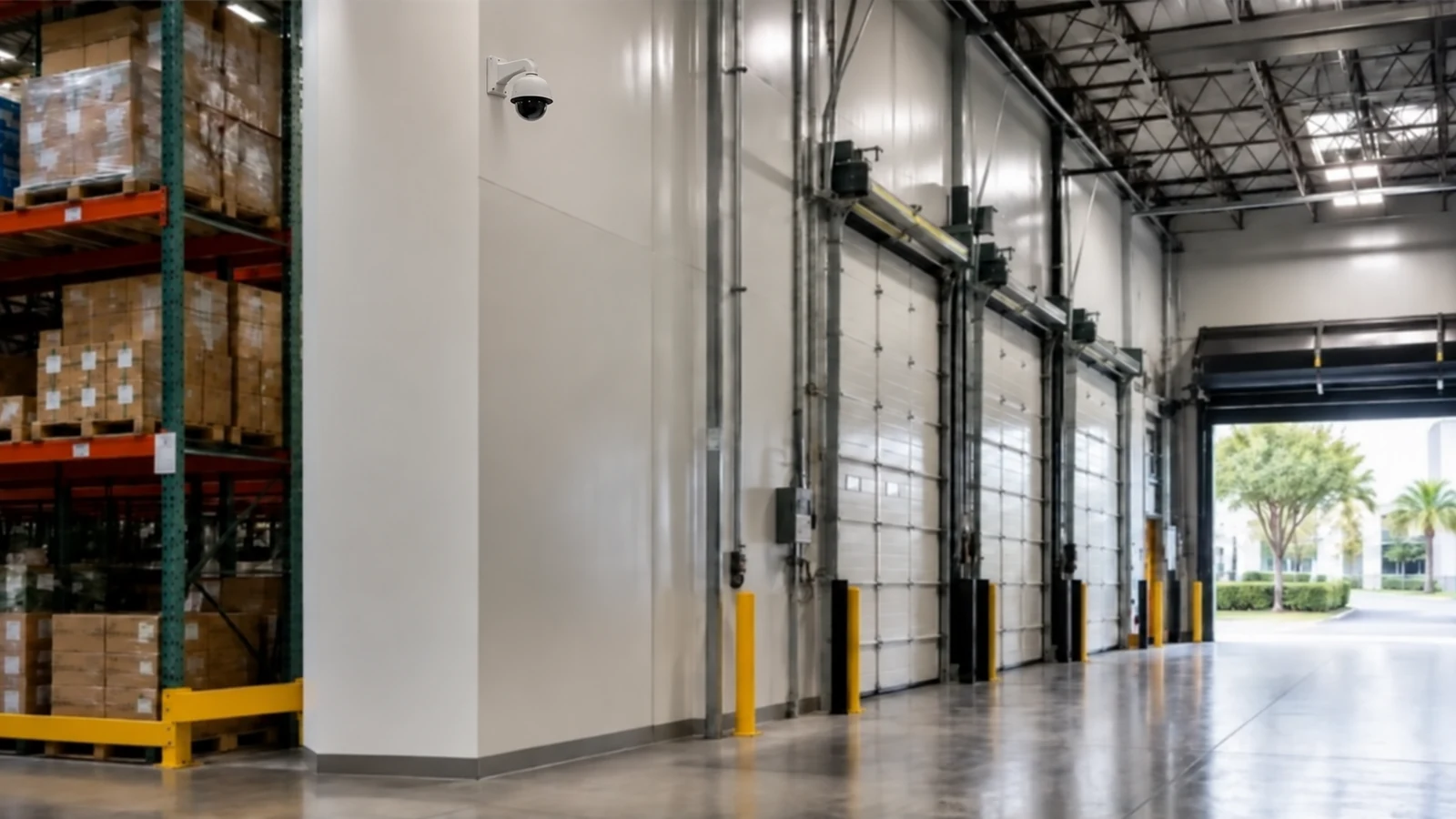
For Orlando retail stores, coverage should connect storefront entry, sales-floor activity, checkout context, stockroom access and receiving so an incident can be followed across the parts of the store that matter. Operators with more than one location should also define who can review, export and administer footage at each site.
Retail readers may need additional guides on placement, multi-site standards, retention and remote administration when one store design must scale across several locations.
Camera Services becomes useful when the property plan for sales-floor sightlines or checkout visibility requires new views, changed recording or an upgrade.
A property assessment is useful when the required views around sales-floor sightlines and checkout visibility cannot be confirmed without observing normal operations.
The property plan should follow normal activity around sales-floor sightlines, checkout visibility and stockroom access, with permissions and review workflow shaped by loss-review workflow and multi-store standards.
Map customer entry, high-value merchandise, checkout approaches, stockroom doors and receiving areas. The goal is to understand where an incident begins, moves and ends rather than scattering cameras evenly across the store.
Evaluate shelves, promotional displays, ceiling features and glazing that can block or backlight camera views. Retail layouts change, so critical views should not depend on a temporary display remaining in one position.
Plan ceiling access, pathways and lifts around customer traffic, deliveries and landlord or mall restrictions where applicable. Work above active sales areas often needs controlled access or off-hours sequencing.
Review recorded footage from the key retail scenes and confirm users can search and export incidents efficiently. Multi-site operators should also verify that permissions and naming conventions are consistent across stores.
Data Pro Communications - South Orlando is operated by Data Pro Communications. Florida low-voltage work is performed under FL License #EC13016138.
Sales-floor views should explain customer and merchandise movement across priority departments while avoiding an overly wide image that loses useful detail at displays, exits or service counters.
The view should connect the register area, merchandise and people involved in a transaction without capturing keypad details or unrelated private information.
Cover the receiving door, shipment handoff, stockroom access and movement into sales areas so reviewers can follow inventory without giving broad footage access to unrelated staff.
Test the entrance during busy traffic and changing daylight. Door glass, displays and queues can obstruct faces, so identification may require a dedicated inward-facing view rather than one wide storefront camera.
Define who may search footage, which stores and time periods they may review, how clips are exported, where evidence is stored and who receives the findings.
The multi-store standards record should identify the naming rule, approved roles, required equipment or configuration, permitted exceptions and who maintains the standard after turnover.
Use synchronized, clearly named cameras so a reviewer can follow an event from entry to merchandise selection, checkout or receiving without searching unrelated areas.
Controlled points such as storefront doors, checkout approaches, receiving doors or vehicle entrances may need a tighter view than the surrounding overview camera provides.
Local managers can be limited to their own store, while regional reviewers may receive broader playback rights. Export and administration should remain with named roles and be removed when responsibilities change.
Test storefront and checkout views during customer traffic, receiving views with deliveries present and parking views in difficult light. Verify camera names, playback, export and multi-store user permissions.
If the property needs stronger evidence at sales-floor sightlines or checkout visibility, request a site review built around those scenes, normal operating conditions and the people who use the footage.