
Commercial-First Planning
Projects are planned around property operations, infrastructure and the people responsible for the system.
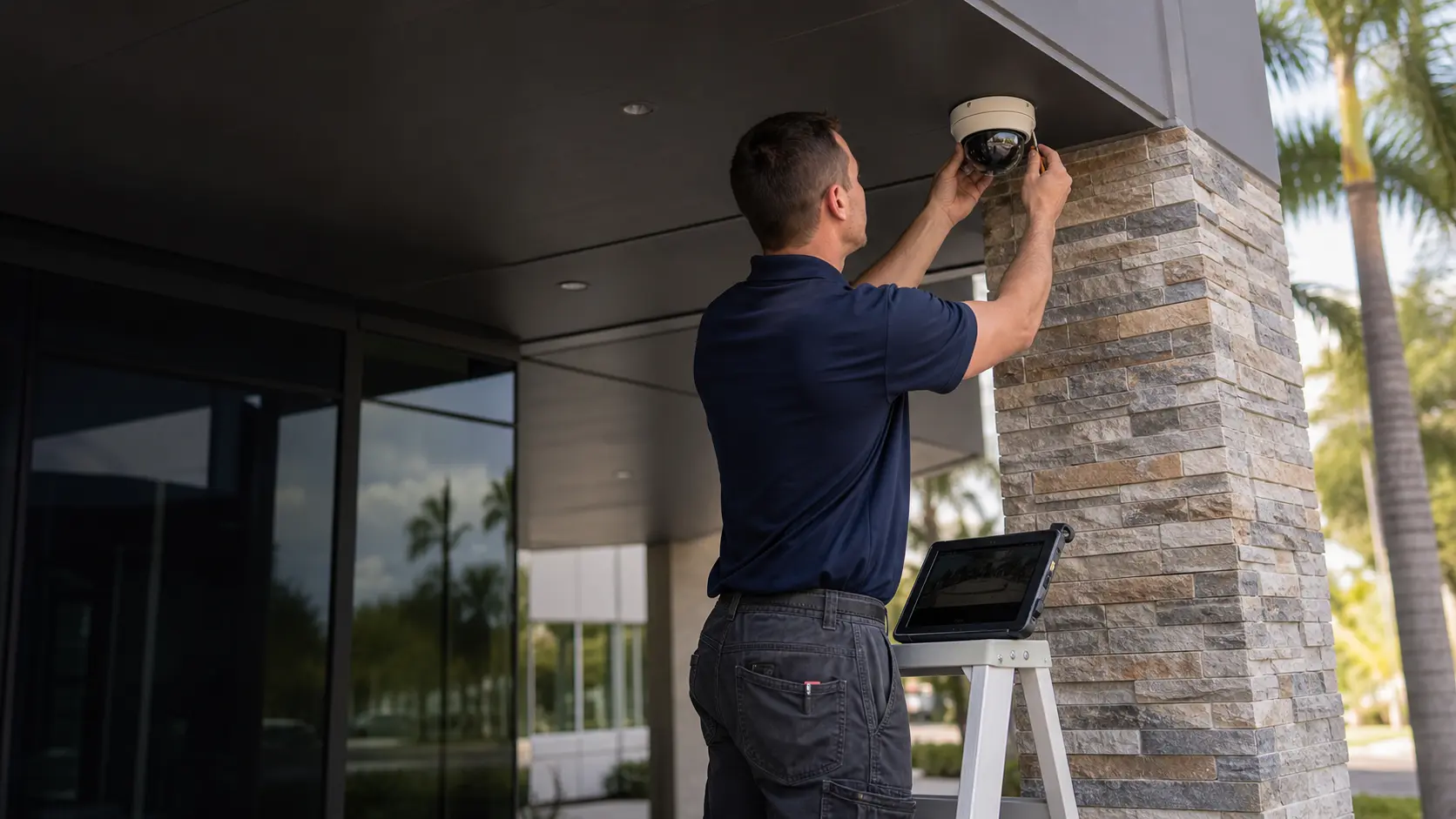
Commercial Camera Resource | Troubleshooting and maintenance
A useful maintenance checklist verifies the camera inventory, lens and field of view, firmware and backups, storage health, user access and a recorded test history. It should reveal change over time, not merely confirm that cameras display live video.
A quarterly view comparison can reveal that tree growth or a moved sign now blocks an entrance camera. Routine checks require staff time and controlled updates, but they reduce the chance that obstruction, storage faults or stale accounts remain hidden until an incident.
Projects are planned around property operations, infrastructure and the people responsible for the system.
Data Pro Communications operates under FL License #EC13016138.
Testing, labeling, credentials and known limitations are organized for the people who will operate and support the system.
A useful maintenance checklist verifies the camera inventory, lens and field of view, firmware and backups, storage health, user access and a recorded test history. It should reveal change over time, not merely confirm that cameras display live video.

A stale inventory leaves technicians guessing which device, location or account a service record describes. Keep camera IDs, models, status, views and ownership current.
Dirt, scratches, condensation, focus drift or a moved camera can make an otherwise healthy device unusable. Compare current playback with an accepted view and check for new obstructions.
An unsupported update or missing configuration backup can turn routine maintenance into an extended outage. Record supported versions and test how settings can be restored before changing them.
A recorder may show live video while disks are degraded or retention has shortened. Review disk warnings, the oldest footage and a real export before treating storage as healthy.
Stale users and shared administrator accounts can survive staff changes unnoticed. Review named access, export rights and administrative ownership on a schedule.
An incomplete test log hides missed inspections, recurring defects and open corrective work. The record should show what was checked, the result, the assigned owner and whether follow-up verification occurred.
Maintain a device record with camera ID and location, model, online and recording state, accepted view, support status and responsible account owner.
Inspect and clean the lens or dome, compare the current view with the accepted image, correct focus or aiming drift and record obstructions that require property work.
Confirm supported firmware, export a dated configuration backup, record the storage location and test the restoration method before applying changes.
Review disk state and recorder warnings, confirm the oldest retained footage, complete an export and document any loss of capacity or protection.
Review named users, stale accounts, live-view and export rights and administrative ownership; remove access that no longer matches a current role.
Maintain a dated test log with device or function checked, playback or export result, defect, priority, owner, corrective action and follow-up date.
A quarterly view comparison can reveal that tree growth or a moved sign now blocks an entrance camera.
A storage-health review can catch failed disks or shortened retention before a requested export is missing.
A changed view may come from a moved camera, dirty cover, focus drift, new signage, vegetation or another obstruction rather than an electronic fault. Compare current live and recorded images with an accepted reference, then clean the lens or dome, verify focus and aim, and record any new obstruction before changing configuration.
When remote viewing fails while local recording still works, the fault is more likely in connectivity, account permissions or the remote-access path than in camera storage. Confirm local live view and playback first, then check internet service, the VPN or managed cloud path, named-account permissions and the affected mobile or desktop client.
A storage warning should be checked against disk health, usable capacity, the oldest retained footage and a real playback or export. Review recorder and disk warnings, recording schedules, usable capacity, the oldest available footage and a representative export before clearing the alert.
Repeated visits need one maintenance history that connects the original symptom, prior changes, logs and the result of each follow-up test. Document when the failure returns and which devices are affected, isolate power, cabling, network, configuration and recorder layers, and repeat the original condition after correction.
Inventory fields should include device ID and location, model, address or channel, online and recording status, current view, firmware support and account owner.
Lens and view inspection covers cleanliness, scratches or condensation, focus, aim, field-of-view drift, changed obstruction and comparison with recorded reference footage.
Track supported firmware, current version, configuration-backup date and location, change history, administrative owner and a tested restoration procedure.
Storage health depends on disk and array status, recorder warnings, usable capacity, recording continuity, oldest-footage age and successful playback and export.
Review account ownership, named users, least-privilege roles, live-view and export rights, administrator access, last use and revocation records.
The maintenance record should include dates, device IDs, live and recorded checks, retention and export results, account review, defects, corrective actions and follow-up verification.
Camera maintenance crosses the recorder, PoE switching, network status, account administration and configuration backups. A useful maintenance record identifies whether an offline view came from device power, transport, recording, permissions or a changed configuration and assigns the follow-up to the responsible team.
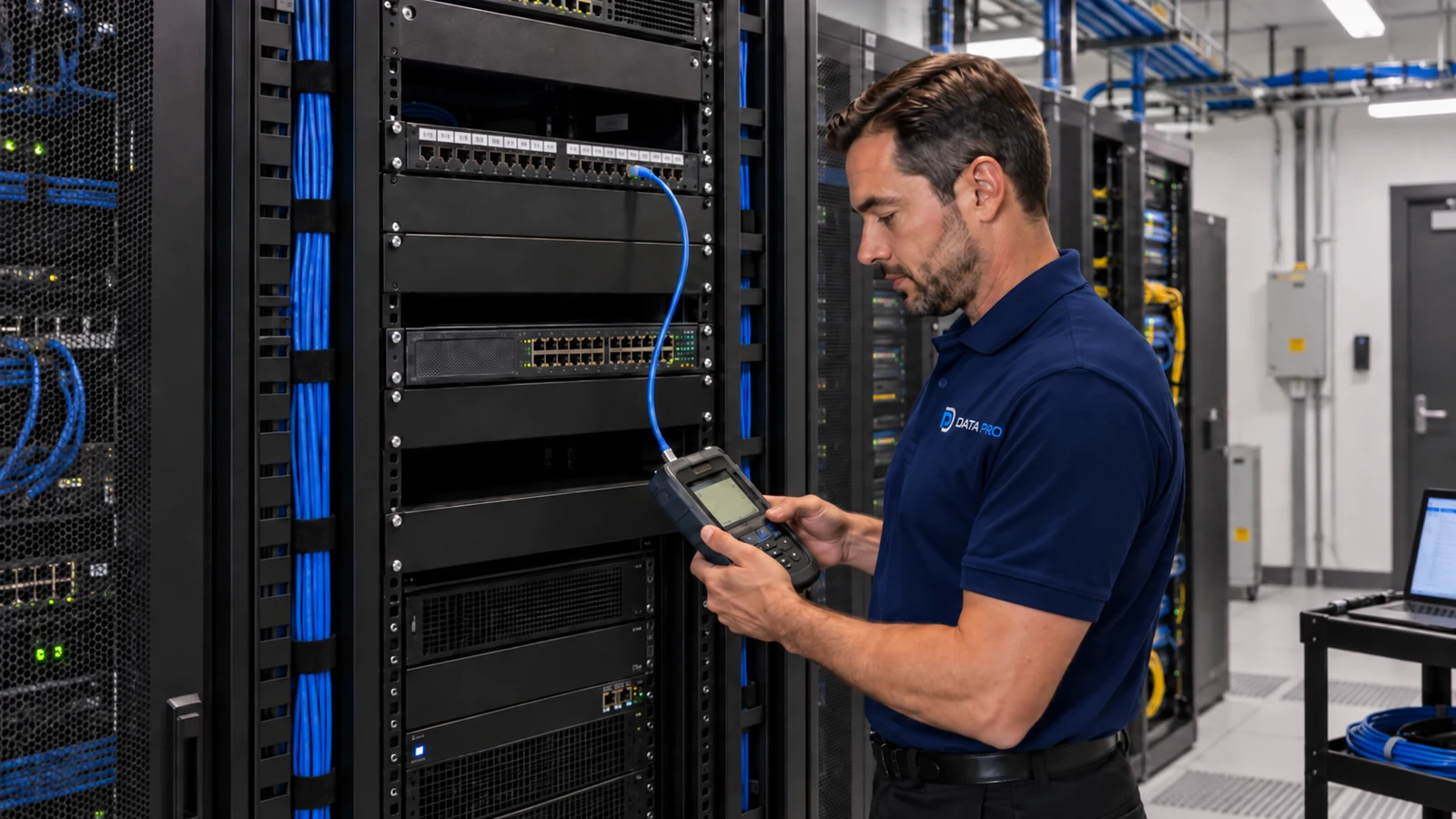
For an Orlando camera system, the useful maintenance record is the one that lets the next technician compare inventory, current views, storage health, accounts and unresolved defects with the prior inspection.
Maintenance findings can be followed with troubleshooting, retention, remote-access or upgrade guides when an inspection identifies a specific recurring problem.
Camera Services is appropriate when maintenance identifies a failed device, recurring recording problem or unsupported component that requires repair, configuration work or replacement.
A system assessment is useful when recurring offline cameras, storage warnings or missing configuration backups cannot be resolved from the maintenance record alone.
Maintenance is useful only when camera inventory, lens condition and field of view, storage health, account review and scheduled test log produce assigned, verified follow-up work.
Confirm every camera, recorder, switch or other managed component is still present, named correctly and assigned to the expected location. New, removed or replaced devices should be reflected in the maintenance record.
Clean or inspect lenses and domes, compare current views with accepted images, and check recording status, disk health and actual retention. New obstructions or shortened retention can develop even when live views appear normal.
Remove stale users, confirm administrative ownership and verify that configuration backups or firmware information are current enough to support recovery. Maintenance should not depend on credentials known only to one former employee or vendor.
Record each issue with its location, priority and next action, then repeat the affected check after repair. A maintenance history becomes useful when it shows whether a fault was corrected or has started to recur.
Data Pro Communications - South Orlando is operated by Data Pro Communications. Florida low-voltage work is performed under FL License #EC13016138.
List each camera ID and location, model or type, online and recording state, current field of view, support status where relevant and the owner of related accounts.
Check the lens or dome for dirt, scratches, condensation and focus problems; compare the current view with an earlier accepted image and look for drift or new obstructions in recorded playback.
Confirm the current supported firmware, export a dated configuration backup, record account ownership and document how the prior configuration can be restored.
Review disk status and recorder warnings, confirm usable capacity and the oldest available footage, and complete a representative export to verify that recordings can be retrieved.
Review named users, administrator ownership, stale accounts, live-view and export rights, and the process for removing access when a person's role changes.
Record the inspection date, cameras and recorder functions checked, playback or export result, defect found, assigned owner, corrective action and follow-up verification.
Set a schedule based on operating risk, environment and system health, and repeat checks after major recorder, network, firmware or configuration changes.
Review both. Live video may look normal even when timestamps, retention, playback or export has failed.
Assign an owner and priority, record the corrective action and repeat the failed check after the work is complete.
Review named users, administrator ownership, stale accounts, export rights and the process for removing access when roles change.
If maintenance identifies offline cameras, changed views, storage warnings, stale accounts or unsupported equipment, request an assessment to prioritize repair, configuration or phased replacement.