
Commercial-First Planning
Projects are planned around property operations, infrastructure and the people responsible for the system.
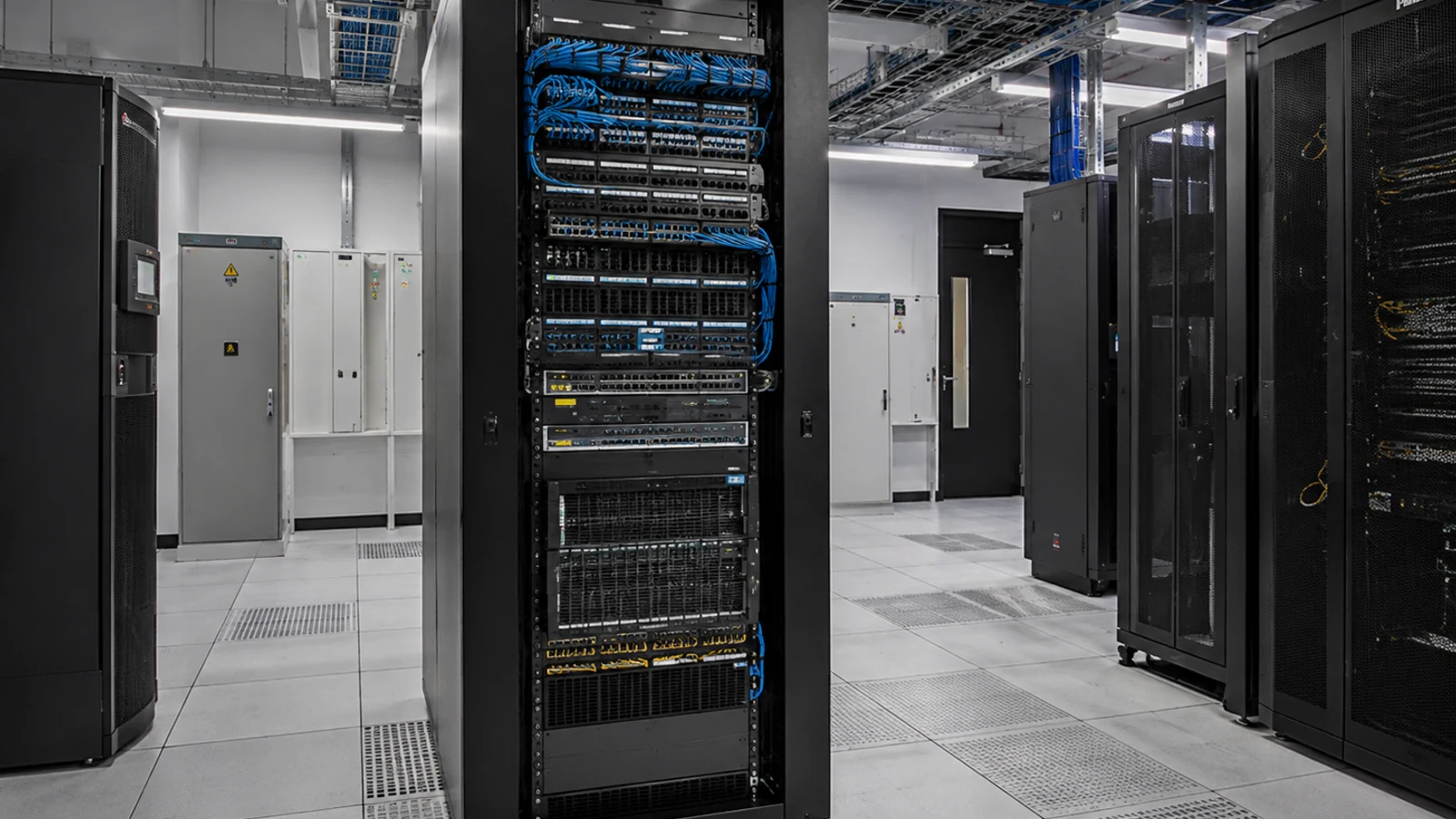
Commercial Camera Resource | Camera-system design
A commercial camera system combines cameras and lenses, protected network or signal transport, recording, storage, user access and commissioning records. The design is only as strong as the way those parts support the property's incident and operating needs.
An office may prioritize entrance identification and restricted-area transitions with moderate retention. A standardized platform simplifies administration, but camera, lens and pathway choices still need to vary with distance, light and property workflow.
Projects are planned around property operations, infrastructure and the people responsible for the system.
Data Pro Communications operates under FL License #EC13016138.
Testing, labeling, credentials and known limitations are organized for the people who will operate and support the system.
A commercial camera system combines cameras and lenses, protected network or signal transport, recording, storage, user access and commissioning records. The design is only as strong as the way those parts support the property's incident and operating needs.
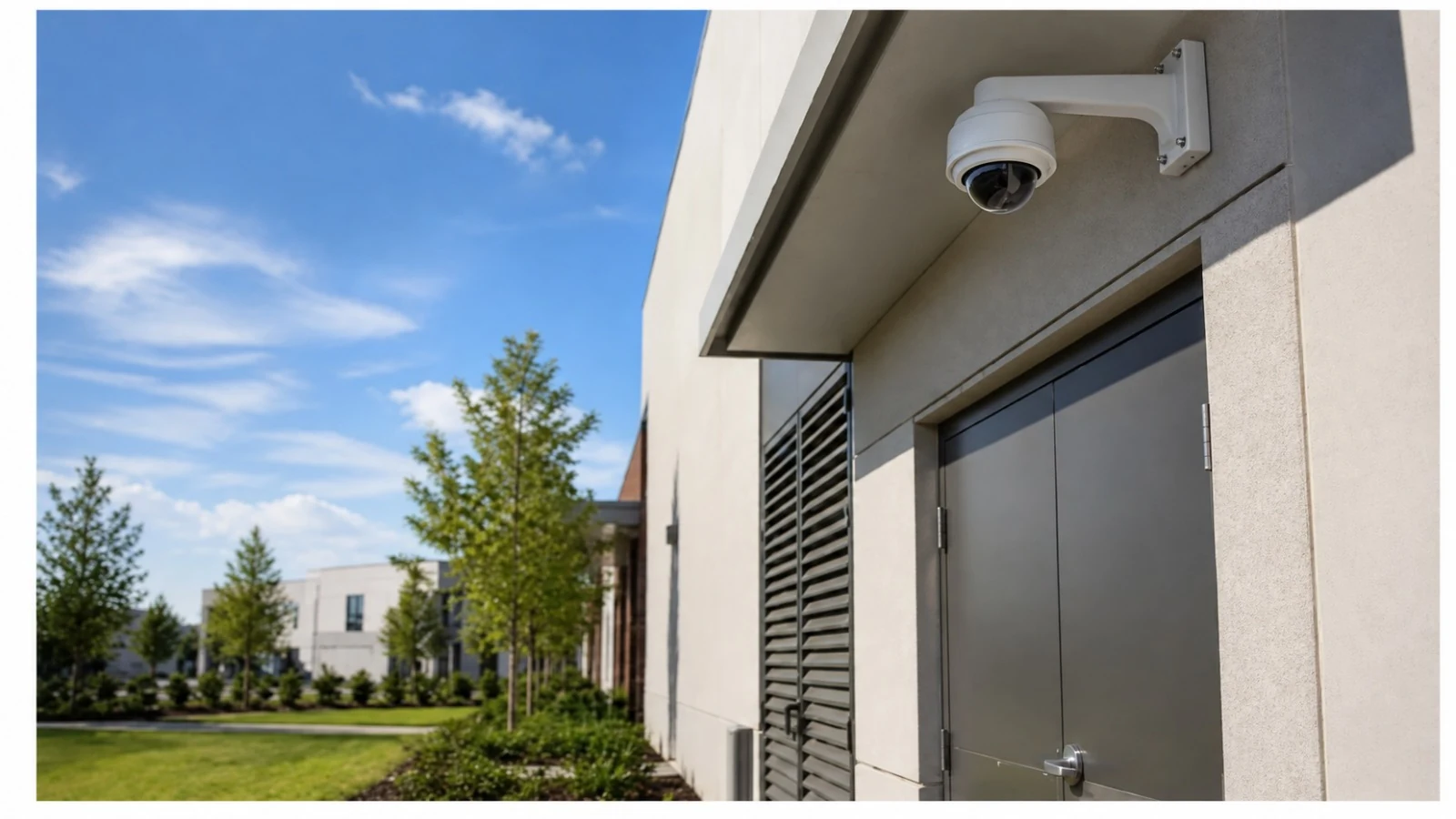
A lens that is too wide or too narrow for the target can sacrifice either context or identification detail, regardless of the camera's megapixel rating.
An undersized or unstable PoE switching and pathways can restart cameras, disable auxiliary features or drop devices after an outage.
The recording platform must support the camera streams, channel count, retention and user workflow; upgrading only cameras can expose recorder limits that were not visible before.
Usable storage should account for redundancy and recorder overhead, then be compared with actual bitrate and recording mode rather than raw drive capacity.
Uncontrolled remote and local accounts can expose commercial footage and leave former users with access after responsibilities change.
Without a commissioning record, future technicians cannot distinguish an accepted view or setting from a later change or fault.
Choose focal length and resolution together from scene width, target distance and required detail, then confirm the result with the actual mounted view.
Calculate PoE switching and pathways from device class, startup and auxiliary load, switch or local capacity, cable loss and backup-power requirements; then test a restart.
Confirm the platform supports the planned camera count, codecs, stream rates and retention method before treating advertised drive capacity as usable system capacity.
Base storage on usable capacity after system overhead or redundancy, not the raw sum printed on the installed drives.
Separate local and remote permissions and review who can view, export or administer the commercial camera system.
Keep the final camera inventory, views, recording checks, storage status, user roles and export results together so the installed platform can be supported from a known baseline.
An office may prioritize entrance identification and restricted-area transitions with moderate retention.
A warehouse may need long fiber-supported paths, dock and yard coverage and role-based remote access across shifts.
Retail coverage should distinguish entrances, transaction areas, stock access and customer circulation instead of relying on one broad overview. Match the recording platform to camera compatibility, channel capacity, usable storage, permissions and the property's export workflow.
A managed building may divide camera administration, daily review and service access among different organizations, so named ownership is essential. Calculate storage from actual streams and schedules and verify the oldest available footage after normal operation.
Remote access across several sites depends on consistent account roles, secure connectivity and camera names that make the correct property unmistakable. Use named local and remote roles for managed buildings and document which organization owns administration and revocation.
Parking and loading coverage must account for vehicle obstruction, changing light, long distances and the difference between overview and identification views. Commission parking and loading views in representative light and traffic, then preserve tests, camera names and support records.
Evaluate camera and lens selection through scene width, target distance, lens, pixel density, light, compression and required detail; the accepted result should come from recorded playback in the actual scene.
Engineering inputs for PoE switching and pathways include device power class, startup load, switch budget, cable loss, backup power and port behavior; confirm both per-port and total capacity and document restart behavior.
Calculate recording platform with camera count, resolution, codec, bitrate, recording schedule, usable capacity and retrieval period, using usable rather than headline capacity and a verification from the running recorder.
Calculate storage capacity with camera count, resolution, codec, bitrate, recording schedule, usable capacity and retrieval period, using usable rather than headline capacity and a verification from the running recorder.
Administration of user and remote access requires account ownership, least-privilege roles, approval, revocation, export rights and audit history, with separate permissions for viewing, export and system changes.
Preserve camera names and locations, accepted playback images, timestamps, storage and export checks, user roles, configuration details and known limitations.
Implementation of commercial camera-system design should coordinate PoE switching and pathways, recording platform and storage capacity with the camera and recording platform.
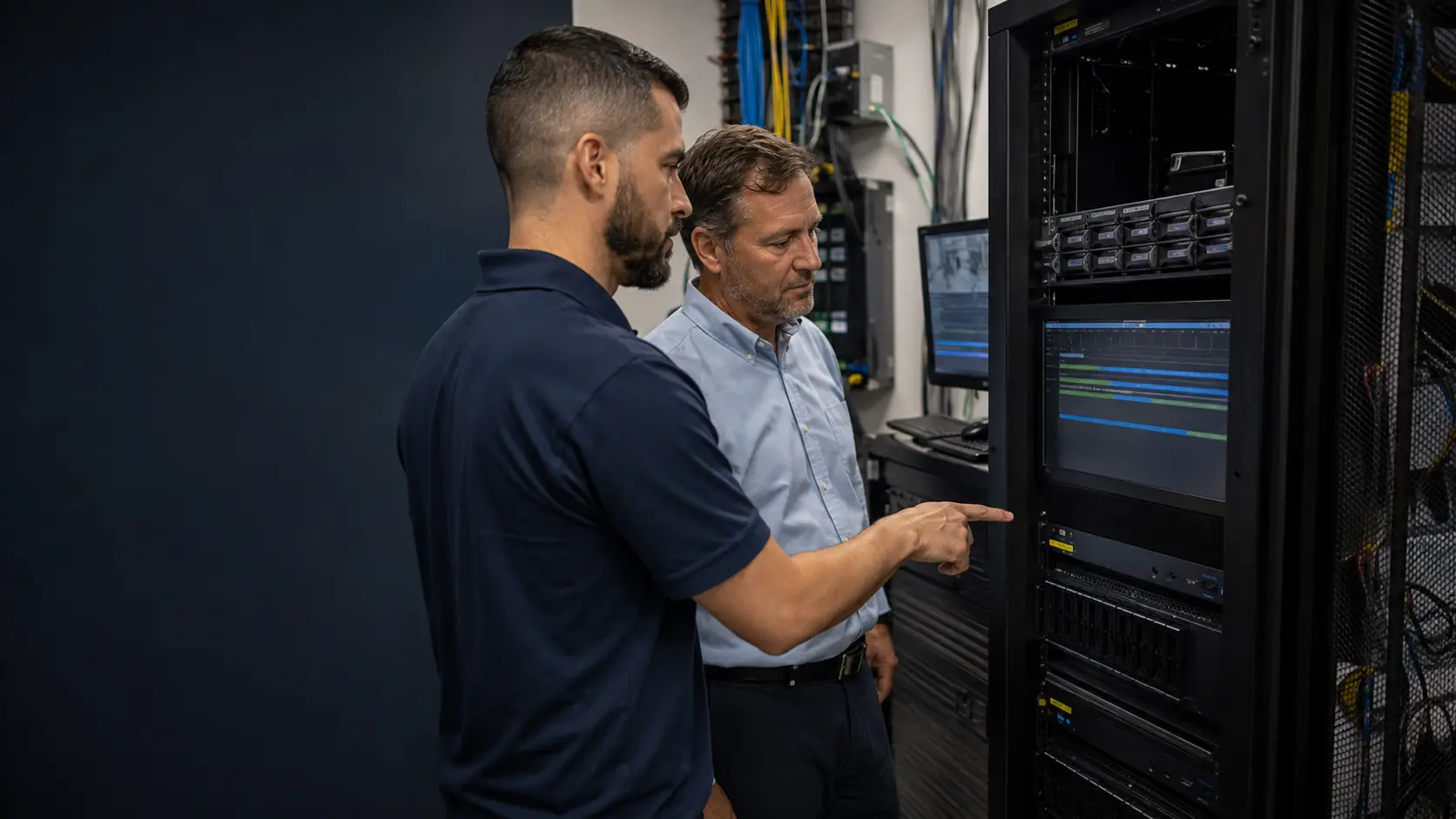
For an Orlando commercial property, camera-system design should connect the required scenes to the infrastructure that will carry and record them. Lens selection, PoE capacity, pathway distance, recorder platform and user access should be evaluated as one system so a workable camera view is not undermined by an unsupported network or recording assumption.
Camera-system design connects to PoE, storage, remote-access and commissioning guides because each subsystem affects how the platform is operated and supported.
Camera Services handles camera and recording work when the platform review identifies device, recorder or configuration changes that need field implementation.
A system assessment can reconcile camera count, PoE capacity, recorder health, storage and user-access needs when the existing platform has grown without a current design record.
A commercial camera platform is dependable when cameras, PoE pathways, recording, storage and user access are sized and administered as one system. Weakness in any one layer can limit the usefulness of the rest.
List the business areas, incident types, retention needs and user roles the system must support. These requirements set the foundation for camera count, recorder capacity and administration.
Verify the pathways, switching, uplinks and equipment locations that will carry and power the cameras. Large or multi-building properties may require fiber or additional telecom spaces rather than long copper runs.
Place camera traffic on the intended network, confirm addressing and segmentation, and establish who owns switching, firewall or remote-access changes. Security video should not be added to the business network without capacity and administrative responsibility being understood.
Test representative live and recorded views, user permissions, export and equipment restart behavior. Confirm that cameras, switches and recording hardware remain accessible for future maintenance and expansion.
Data Pro Communications - South Orlando is operated by Data Pro Communications. Florida low-voltage work is performed under FL License #EC13016138.
For camera and lens selection, review playback under representative distance, lighting, movement and obstruction and compare it with the activity or identification detail the operator needs.
For PoE switching and pathways, add device and auxiliary load, compare it with switch or local-power capacity, account for cable loss and backup power, and observe restart behavior in commercial camera-system design.
Confirm camera and codec compatibility, channel capacity, usable storage, permissions, export workflow, firmware support and the party that will administer it.
For commercial camera-system design, calculate storage capacity from camera count, resolution, codec, bitrate, recording schedule and usable capacity; verify the result through oldest-footage review and an export.
Assign named roles for local viewing, remote playback, export and administration. IT and the camera-system owner should agree on the connectivity method, account review and revocation responsibilities.
For commissioning documentation, verify the visible scene or system function under representative operation, review recorded playback, complete an export, check authorized accounts and document exceptions.
Define each scene, target distance, required detail, operating light, retention, authorized users and the incident workflow the footage must support.
They determine device power, copper distance, uplink capacity, telecom-room connections, future service access and when fiber or remote enclosures are needed.
Use camera and codec compatibility, channel count, actual bitrates, recording schedules, usable storage and export requirements rather than drive labels alone.
Commissioning should prove recorded scene detail, timestamps, retention, playback and export, user permissions, restart behavior and documented ownership.
Before adopting commercial camera-system design, verify camera and lens selection, PoE switching and pathways and recording platform at the property; a project consultation can resolve the remaining infrastructure or compatibility questions.