
Commercial-First Planning
Projects are planned around property operations, infrastructure and the people responsible for the system.
Commercial Camera Resource | Industry planning
Construction-site camera planning must adapt to a moving perimeter, temporary power and connectivity, changing trade access, equipment yards and phase-to-phase relocation. A permanent-building layout is rarely suitable for the whole project.
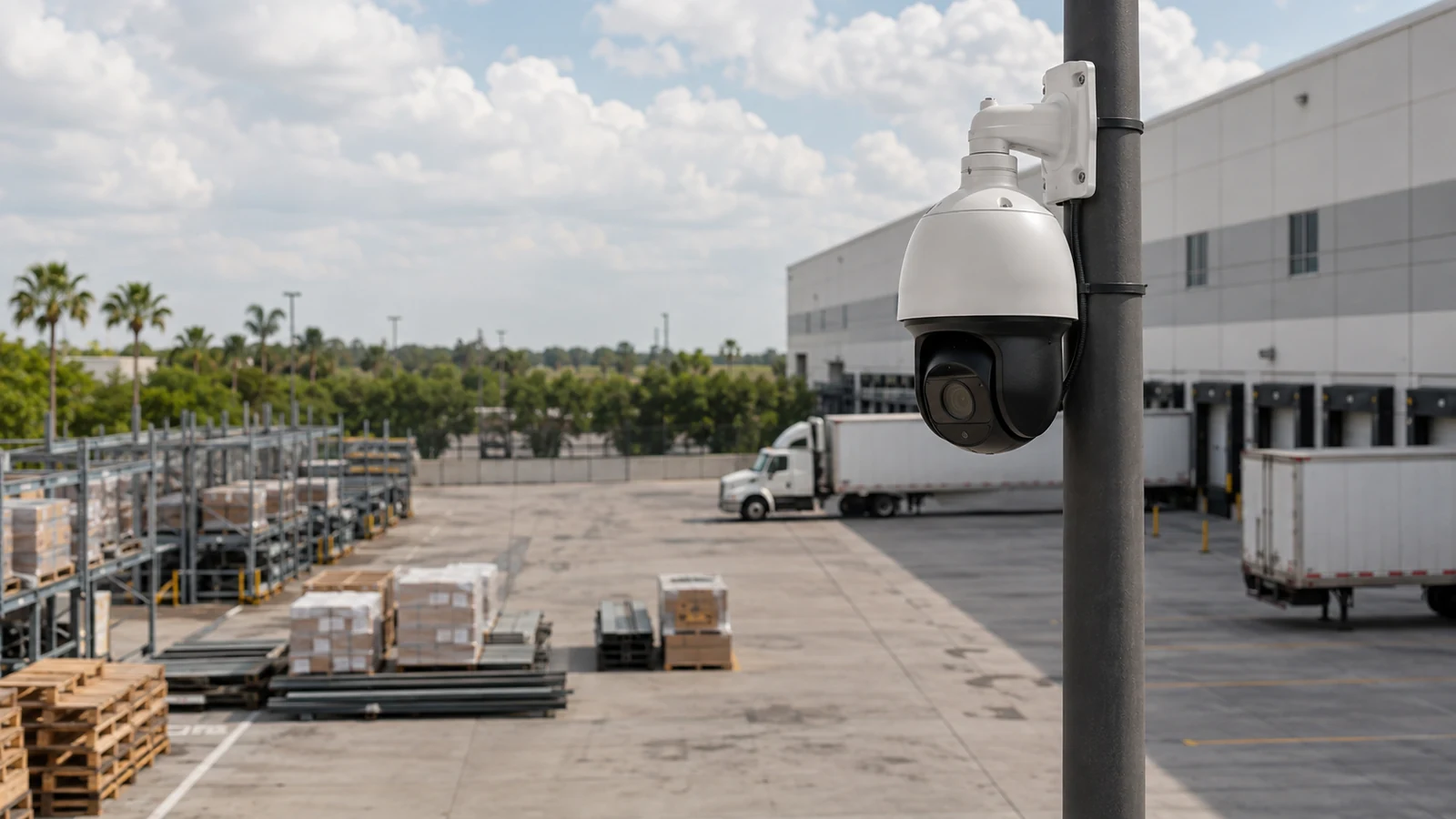
A camera watching an equipment laydown yard may need relocation when material stacks or trailers move into the original view. Rapidly deployable cameras add flexibility, but temporary power, wireless backhaul and changing obstructions can reduce reliability and require frequent review.
Projects are planned around property operations, infrastructure and the people responsible for the system.
Data Pro Communications operates under FL License #EC13016138.
Testing, labeling, credentials and known limitations are organized for the people who will operate and support the system.
Construction-site camera planning must adapt to a moving perimeter, temporary power and connectivity, changing trade access, equipment yards and phase-to-phase relocation. A permanent-building layout is rarely suitable for the whole project.
A construction perimeter can shift quickly after a walkthrough, leaving a fixed camera aimed at an area that is no longer a controlled boundary.
Large machinery and staged materials can create blind spots that are invisible when the yard is clear.
Construction cameras need a power source and network path that remain available as temporary panels, trailers and site layouts move; ad-hoc extensions can create repeated outages.
Permanent contractor credentials create unnecessary long-term access after installation or service work is complete.
Remote alerts can pile up without action when the receiving person, escalation rule and evidence workflow are not defined for the construction site.
Moving a construction camera without updating its name, power, backhaul and coverage priority can create a silent gap between project phases.
Recheck fences, gates, temporary entrances and active work zones as construction progresses because the useful perimeter today may not be the useful perimeter next month.
Plan yard views around parked equipment, material stacks, delivery lanes and the times when the area is busiest rather than around an empty lot.
Calculate temporary power and connectivity from device class, startup and auxiliary load, switch or local capacity, cable loss and backup-power requirements; then test a restart.
Provide contractors time-limited access to only the cameras or settings needed for their work rather than sharing permanent administrator credentials.
Remote review should let authorized staff see current or recorded perimeter activity without relying on a shared login or an alert that lacks a clear response path.
Track which cameras, mounts, power sources and network paths move as fences, access points and work zones change so coverage does not remain tied to an obsolete site layout.
A camera watching an equipment laydown yard may need relocation when material stacks or trailers move into the original view.
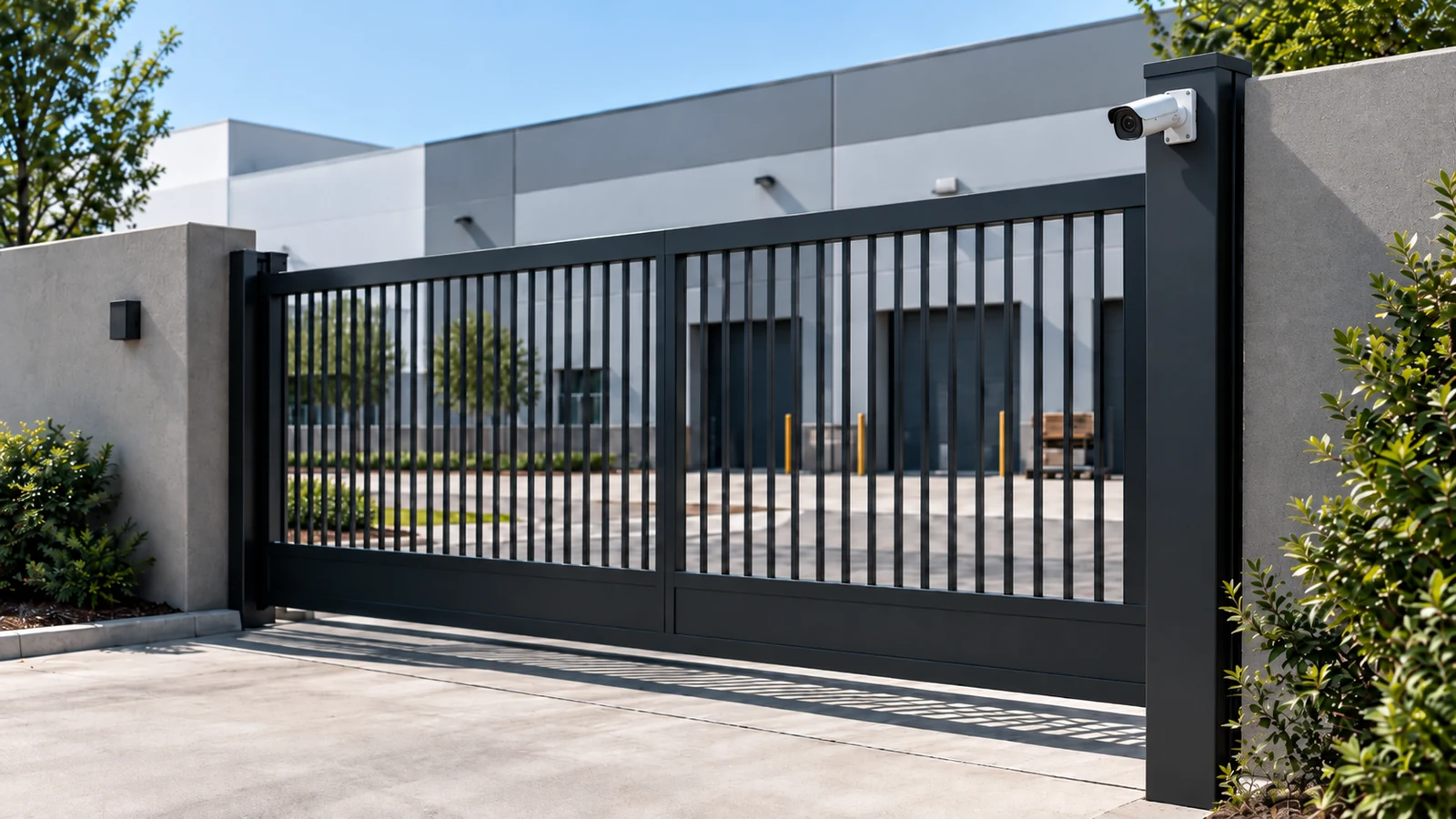
A gate camera can document vehicle entry only while the access point remains controlled and illuminated during that phase.
Plan changing delivery gates and material zones with temporary power and connectivity that remain protected as the site evolves.
Separate worker, visitor and vehicle approaches and coordinate camera placement with active equipment and temporary fencing.
Give authorized project staff remote review without sharing administration, and document who responds when the site is unoccupied.
Move cameras between phases only after preserving priority coverage, updating names and testing the new view and backhaul.
Recheck fences, gates, temporary entrances and active work zones as construction progresses because the useful perimeter today may not be the useful perimeter next month.
Plan yard views around parked equipment, material stacks, delivery lanes and the times when the area is busiest rather than around an empty lot.
Engineering inputs for temporary power and connectivity include device power class, startup load, switch budget, cable loss, backup power and port behavior; confirm both per-port and total capacity and document restart behavior.
Administration of trade access requires account ownership, least-privilege roles, approval, revocation, export rights and audit history, with separate permissions for viewing, export and system changes.
Remote review should let authorized staff see current or recorded perimeter activity without relying on a shared login or an alert that lacks a clear response path.
Before relocation, record the old view and dependencies; after the move, update the inventory and verify power, connectivity, recording, remote review and the new scene.
For security camera planning for construction sites, coordinate camera views with the pathways, power, network and recording services that actually support changing site perimeter and equipment yards.
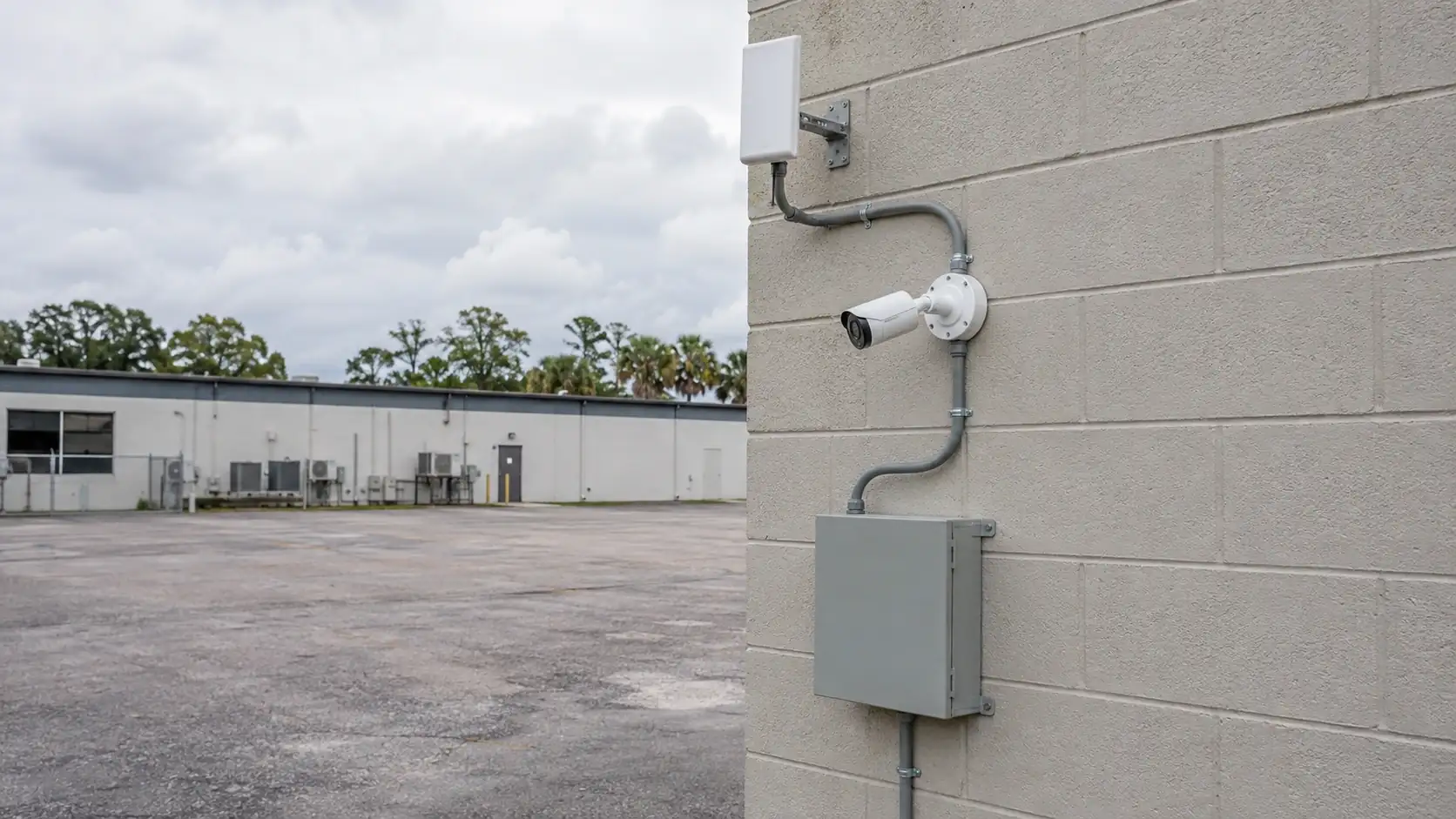
On Orlando construction sites, camera locations may need to change as fencing, materials, equipment and access points move through the project. Temporary power, connectivity, mounting and useful sightlines should be reviewed by phase so a layout that worked early in construction is not assumed to remain effective later.
Construction-site readers can continue into wireless, remote viewing, placement and temporary-network topics as perimeter, power and connectivity conditions change by phase.
Camera Services becomes useful when the property plan for changing site perimeter or equipment yards requires new views, changed recording or an upgrade.
A property assessment is useful when the required views around changing site perimeter and equipment yards cannot be confirmed without observing normal operations.
The property plan should follow normal activity around changing site perimeter, equipment yards and temporary power and connectivity, with permissions and review workflow shaped by remote event review and phase-to-phase relocation.
Map the active gate, material storage, equipment areas and public interfaces for the current construction phase. These locations can move as the site develops, so the camera plan should reflect the present work zone rather than a finished-building layout.
Determine whether each camera can use temporary power, cellular/wireless transport, site network infrastructure or a permanent pathway. Availability can change by phase, and remote areas may need a different backhaul than the job trailer.
Mount cameras where they can be moved or re-aimed as fencing, trailers and work areas change, while keeping equipment protected from trades and construction activity. Relocation should not require rebuilding the entire recording path.
Review recorded views after perimeter moves, building enclosure or other major site changes. Confirm the system still covers the access and asset areas that matter for the new phase before assuming the original layout remains useful.
Data Pro Communications - South Orlando is operated by Data Pro Communications. Florida low-voltage work is performed under FL License #EC13016138.
Recheck fence lines, vehicle gates, pedestrian access and material storage whenever grading, walls or temporary barriers move. Update camera names and views so remote reviewers understand the current site layout.
Views should capture entry, loading and equipment movement with enough detail to distinguish vehicles or people at controlled points, even when trailers and stored materials create new obstructions.
Confirm available power, expected camera load, local protection and restart behavior. Test wireless or wired backhaul with every planned stream active and document who restores service when temporary utilities move.
Give subcontractors access only when their role requires it and limit them to the relevant site or cameras. Administration, export and after-hours review should remain with named project or security personnel.
Define which events warrant review, who receives them after hours and how that person contacts the superintendent or security provider. Verify that remote users can identify the correct phase and camera.
Update the coverage plan at each phase, confirm temporary power and connectivity, preserve priority views and retest recording and remote access after relocation.
Review it whenever access points, temporary fencing, material staging, power or connectivity changes. A camera that worked during site preparation may no longer cover the same risk after vertical construction begins.
Only when the geometry and required detail allow it. A gate may need vehicle or person identification, while a material yard often needs a wider operational view; separate cameras are common.
Assign access according to the event: the superintendent may handle trade or delivery issues, while security or ownership may review after-hours perimeter events. Avoid shared accounts among subcontractors.
Confirm the new field of view, temporary power, wireless or wired backhaul, recording, timestamps and remote access. Review footage with normal equipment and material obstruction in place.
If the property needs stronger evidence at changing site perimeter or equipment yards, request a site review built around those scenes, normal operating conditions and the people who use the footage.