
Commercial-First Planning
Projects are planned around property operations, infrastructure and the people responsible for the system.
Commercial Camera Resource | Industry planning
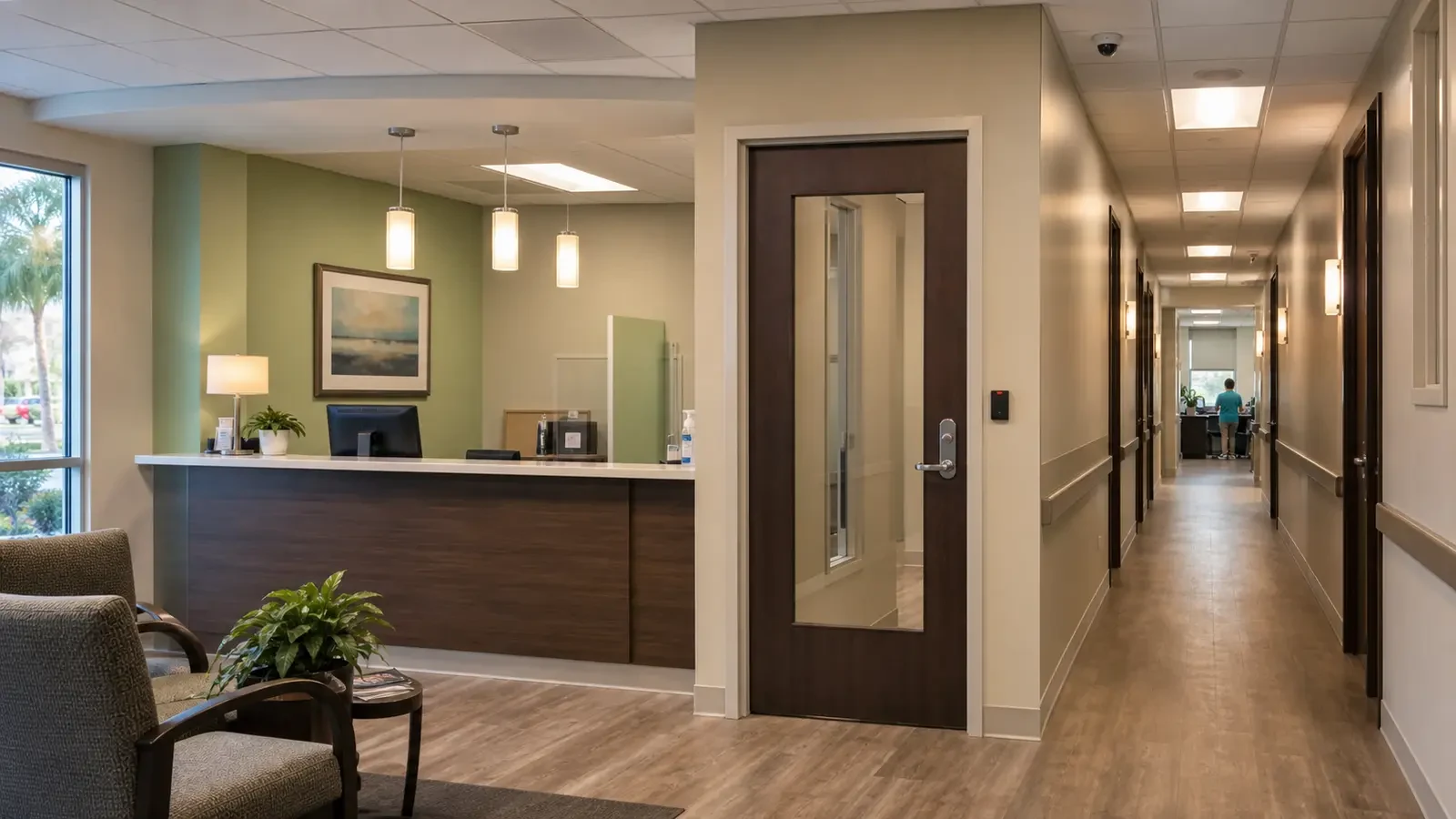
Healthcare and professional-office camera planning should focus on entrances, public circulation, medication or asset areas and restricted transitions while keeping treatment, consultation and other private spaces outside unnecessary views.
A clinic entrance camera can document arrivals without viewing into exam-room corridors or recording private conversations. More visibility can support operations, but privacy obligations, network separation and limited reviewer roles constrain where cameras and footage belong.
Projects are planned around property operations, infrastructure and the people responsible for the system.
Data Pro Communications operates under FL License #EC13016138.
Testing, labeling, credentials and known limitations are organized for the people who will operate and support the system.
Healthcare and professional-office camera planning should focus on entrances, public circulation, medication or asset areas and restricted transitions while keeping treatment, consultation and other private spaces outside unnecessary views.
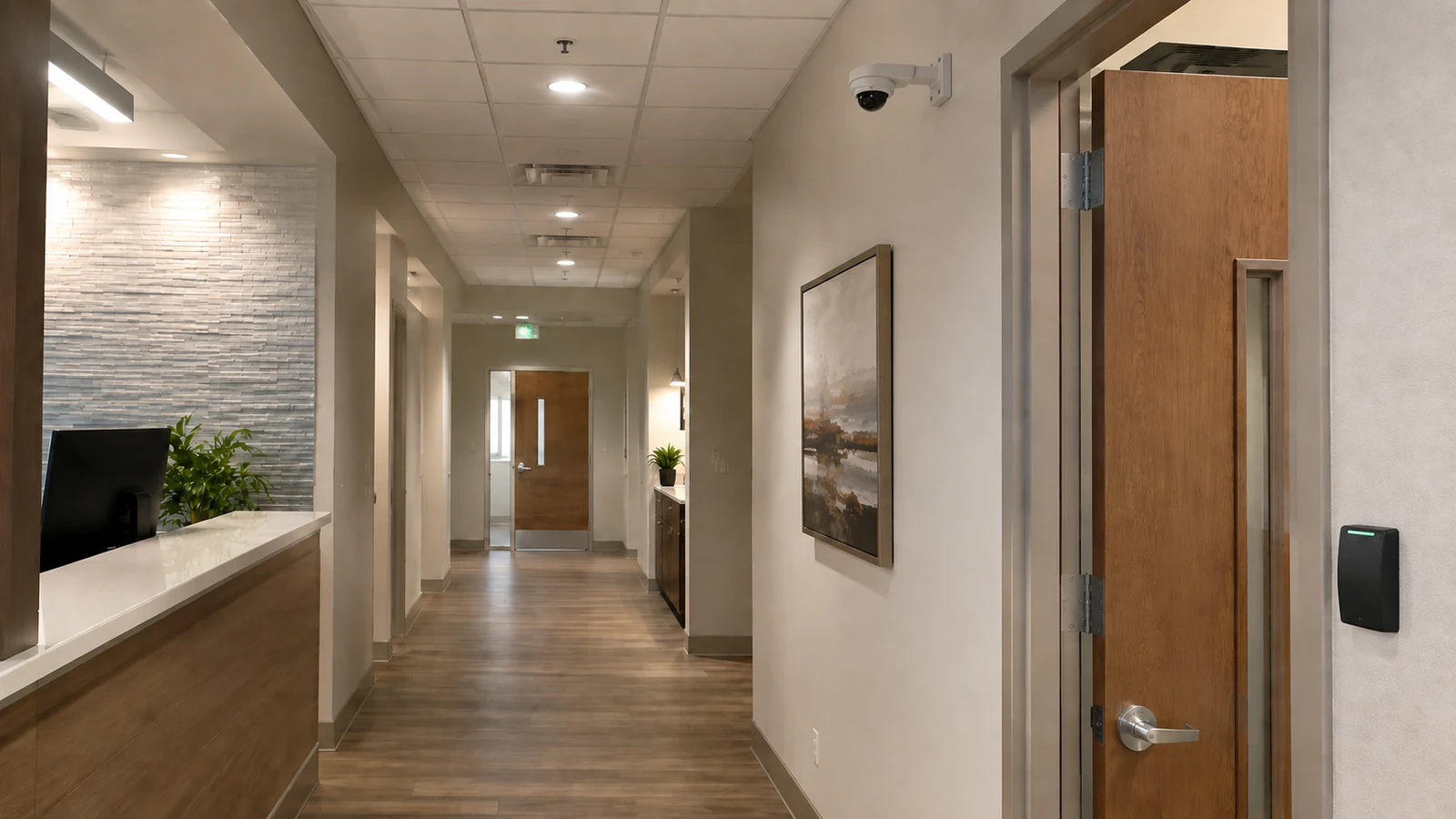
Camera placement should keep treatment, consultation, restroom and other unnecessary private activity outside the recorded view while still covering the access point or asset area that needs review.
A quiet lobby can hide queueing, wheelchairs, deliveries or door positions that alter the useful entrance view during normal hours.
The area may appear unobstructed during a walkthrough even though carts, cabinets and normal staff activity later change the line of sight.
A flat or poorly controlled network can expose healthcare or office video to users and traffic that do not need access to the camera system.
Excessive review access can expose sensitive office or healthcare footage to staff who have no operational reason to see it.
Healthcare and professional-office retention should follow the property’s approved policy and access practices, with storage sized to meet that period without keeping unnecessary footage.
Set boundaries for privacy-aware placement from the required scene, private areas, authorized reviewers, export handling and documented retention purpose.
Separate public arrival views from treatment or consultation spaces, and check door geometry, privacy boundaries, lighting and normal patient flow before placing cameras.
Focus coverage on access points and custody transitions around medication or valuable assets while keeping unnecessary clinical activity outside the camera view.
Place camera traffic on the intended controlled network and verify recording, authorized review and support access without opening video to unrelated users.
Limit clinical or office footage review to named roles that need it, and remove access promptly when responsibilities change.
Translate the property retention policy into days, recording schedules and authorized export needs before selecting usable storage.
A clinic entrance camera can document arrivals without viewing into exam-room corridors or recording private conversations.
A medication or records area may need a controlled-door event and close access view available only to authorized managers.
Keep delivery and public-entry coverage outside treatment or consultation areas that are not part of the security purpose.
Separate camera traffic and administration according to the organization's network and authorized-review policy.
Limit interior views and playback roles around medication, records, equipment and other sensitive areas.
Apply the approved retention and incident-review policy across closing periods without giving unnecessary access to all staff.
Controls for privacy-aware placement should address camera purpose, field of view, private areas, authorized reviewers, retention and applicable property policy and exclude footage or access that is not needed for the documented purpose.
Separate public arrival views from treatment or consultation spaces, and check door geometry, privacy boundaries, lighting and normal patient flow before placing cameras.
Focus coverage on access points and custody transitions around medication or valuable assets while keeping unnecessary clinical activity outside the camera view.
Healthcare and professional-office cameras should use a network design that limits unnecessary access to video while preserving the connectivity required for recording, remote review and support.
Administration of authorized review requires account ownership, least-privilege roles, approval, revocation, export rights and audit history, with separate permissions for viewing, export and system changes.
Calculate policy-led retention with camera count, resolution, codec, bitrate, recording schedule, usable capacity and retrieval period, using usable rather than headline capacity and a verification from the running recorder.
For security camera planning for healthcare and professional offices, coordinate camera views with the pathways, power, network and recording services that actually support privacy-aware placement and patient and public entrances.
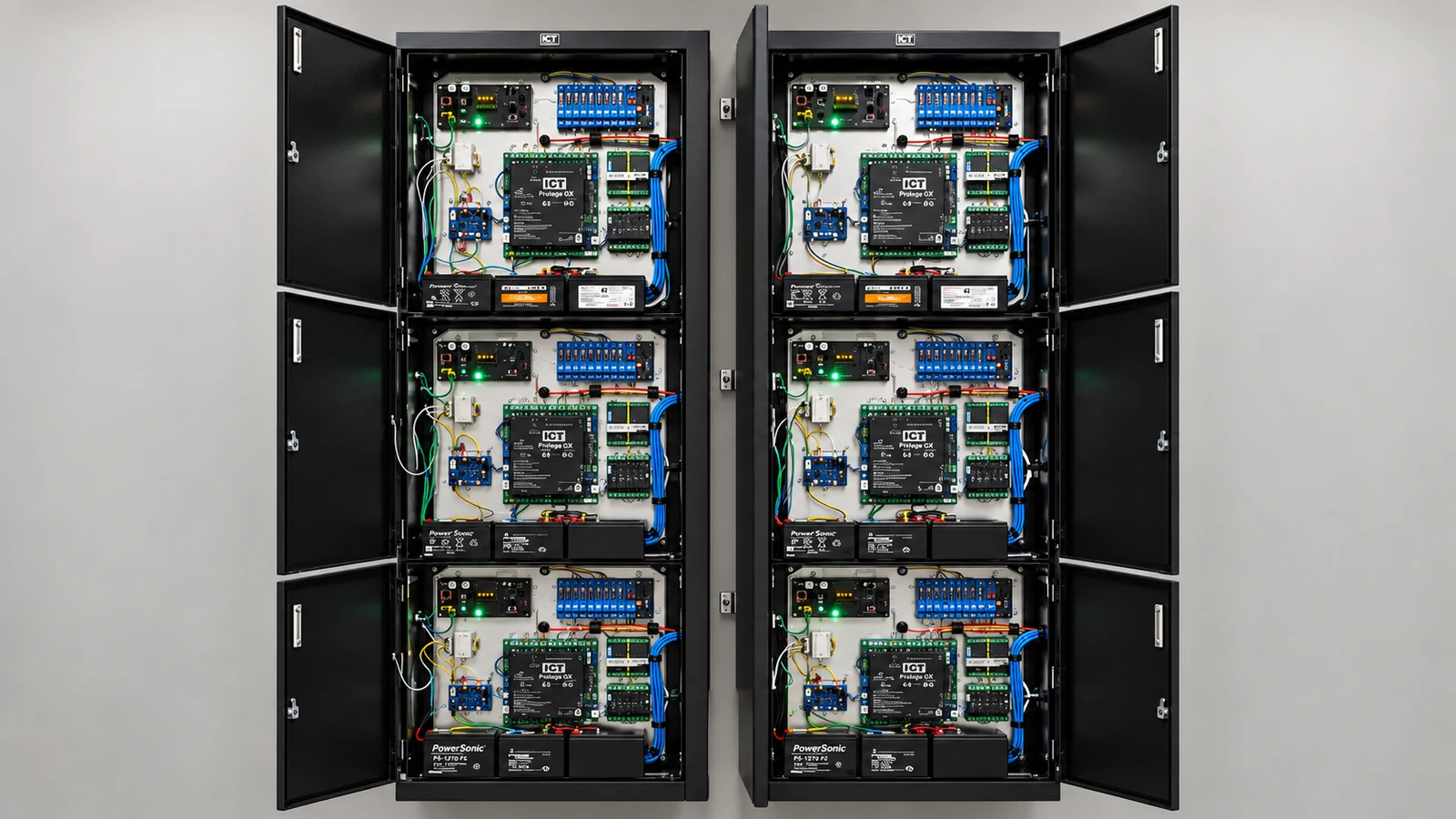
For healthcare and professional-office properties in Orlando, camera planning should distinguish public arrival and circulation areas from staff-only or privacy-sensitive spaces. The purpose of each view, authorized footage access, network ownership and any medication or asset areas being protected should be defined before camera locations are approved.
Healthcare and office planning may require additional guidance on placement, access permissions, retention and network separation when privacy-sensitive areas are nearby.
Camera Services becomes useful when the property plan for privacy-aware placement or patient and public entrances requires new views, changed recording or an upgrade.
A property assessment is useful when the required views around privacy-aware placement and patient and public entrances cannot be confirmed without observing normal operations.
The property plan should follow normal activity around privacy-aware placement, patient and public entrances and medication and asset areas, with permissions and review workflow shaped by authorized review and policy-led retention.
Map entrances, reception, corridors, medication or asset areas and staff-only zones while identifying spaces where camera placement would be inappropriate or require special policy review.
Choose camera angles that support entry, movement or asset review without collecting more patient, client or workspace detail than the operational purpose requires. Finished interiors may also limit acceptable mounting locations.
Confirm PoE, network segmentation and recording requirements with the responsible IT/security team, and schedule ceiling or corridor work around occupied offices and patient-facing operations.
Verify that the correct users can locate, play and export footage from approved scenes and that retention aligns with the organization's policy. Account permissions should prevent broad access merely because cameras are on the same platform.
Data Pro Communications - South Orlando is operated by Data Pro Communications. Florida low-voltage work is performed under FL License #EC13016138.
Keep cameras out of treatment rooms, restrooms and other spaces where the security purpose does not justify recording. Frame nearby entrances or asset areas so private activity remains outside the view.
Use an overview for lobby movement and a controlled entrance view for identification where needed. Test door glass, accessibility routes, reception queues and changing daylight without extending coverage into private consultation areas.
Cover the approach, controlled opening and handoff activity rather than the interior of unrelated workspaces. Time-synchronized footage should support review without giving every user access to sensitive areas.
Confirm that camera traffic reaches only the approved recorder, management and remote-access paths. Test that general user networks cannot administer cameras and that segmentation does not interrupt recording or authorized review.
Grant access to named security, facilities or management roles with a documented need. Separate live viewing, playback, export and administration, and remove access promptly when duties change.
Set retention from the documented security and incident-review need, restrict exports to authorized reviewers and define how clips are stored or deleted. Keeping footage longer should require a clear operational or policy reason.
Start with the security event at entrances, staff-only doors or asset areas, then narrow each view to that purpose. Privacy-sensitive rooms and unrelated patient activity should remain outside the frame.
A lobby overview may show movement but not preserve identification at a glass doorway. A second, controlled view can provide detail without widening coverage into reception or treatment areas.
No. Footage access should be based on security or operational responsibility, not clinical access alone. Named permissions and an export process help keep review appropriately limited.
Check privacy boundaries, entrance and asset-area playback, camera-network separation, named permissions, retention and export. Testing should occur without recording spaces outside the approved security purpose.
If the property needs stronger evidence at privacy-aware placement or patient and public entrances, request a site review built around those scenes, normal operating conditions and the people who use the footage.