
Commercial-First Planning
Projects are planned around property operations, infrastructure and the people responsible for the system.
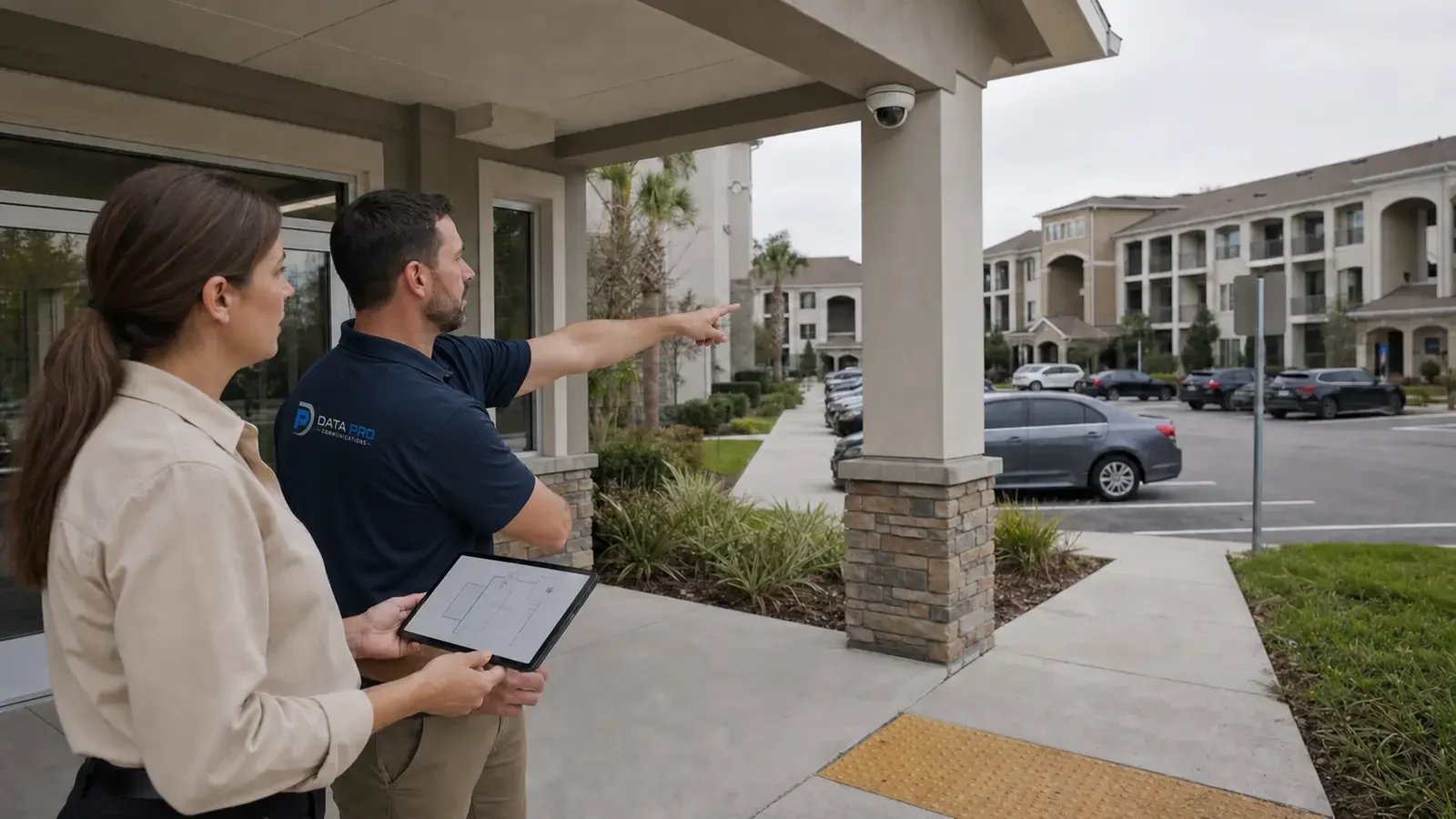
Commercial Camera Resource | Industry planning
Property managers need portfolio standards for naming, permissions, amenities, vendor work and turnover records while allowing each building's entrances, parking and tenant boundaries to shape the actual camera design.
A manager can use consistent camera names and export procedures across communities while assigning on-site staff only their own property. Central administration improves consistency, but overly broad permissions or identical layouts across properties can create privacy and coverage problems.
Projects are planned around property operations, infrastructure and the people responsible for the system.
Data Pro Communications operates under FL License #EC13016138.
Testing, labeling, credentials and known limitations are organized for the people who will operate and support the system.
Property managers need portfolio standards for naming, permissions, amenities, vendor work and turnover records while allowing each building's entrances, parking and tenant boundaries to shape the actual camera design.
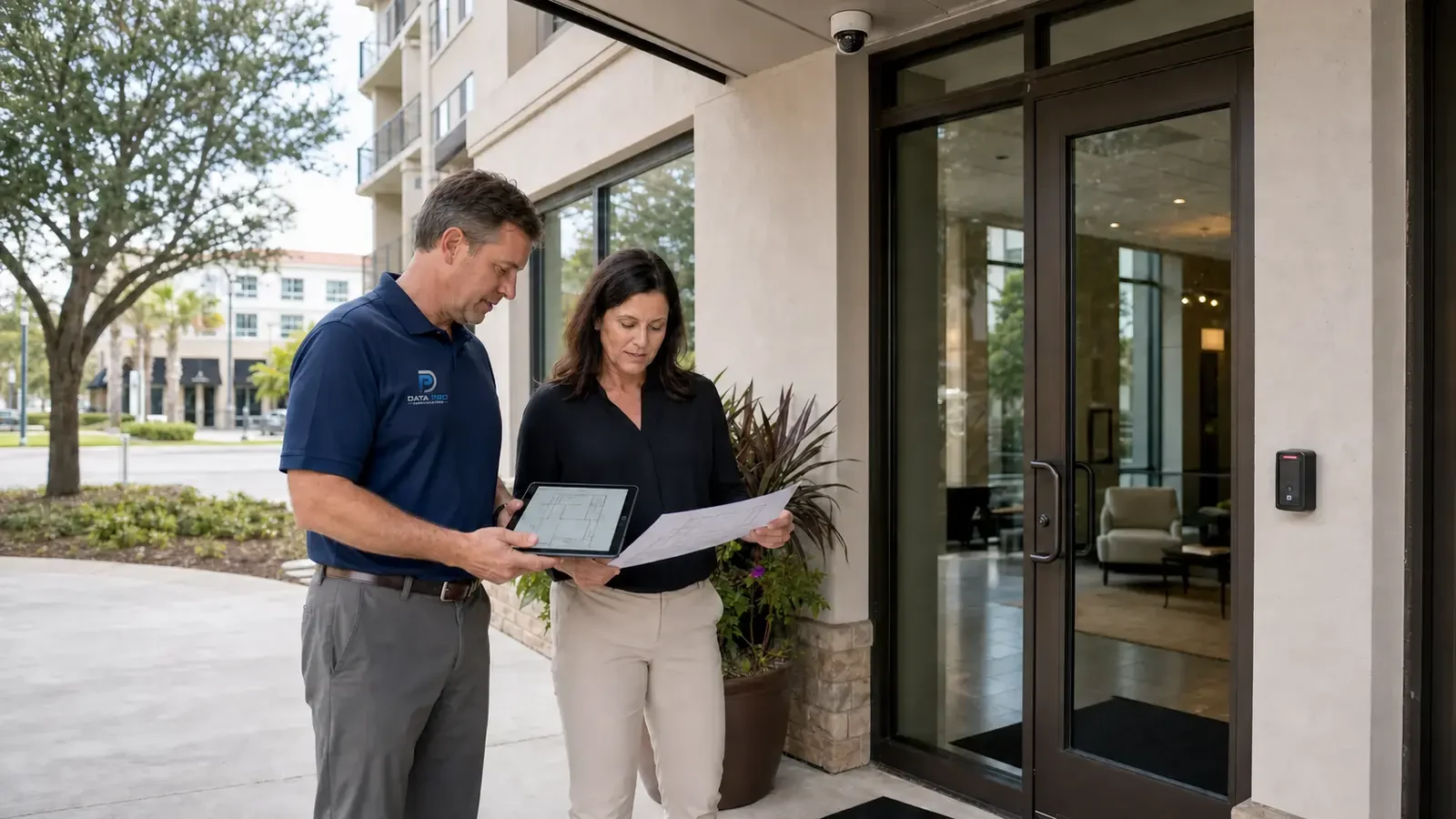
Property-wide consistency should not erase differences in tenants, amenities, networks, retained equipment or management responsibility.
Temporary tenant or visitor accounts can outlive their purpose and expose common-area footage after access should have ended.
Amenity cameras can become difficult to support when tenant networks, access-control events or shared telecom rooms are controlled by different parties.
Persistent remote administrator access increases exposure and makes it harder to distinguish normal support from unauthorized changes.
Vendor work can stall or expose the wrong areas when keys, telecom access, tenant notice and management approval are unclear.
A management change can leave shared passwords, unknown recorder ownership and unresolved service issues with no accountable owner.
Define the device naming, user roles, recording conventions and documentation that should stay consistent across properties while leaving room for site-specific exceptions.
Keep tenant viewing separate from property-management administration and remove temporary or visitor access when its purpose ends.
Where cameras use shared amenity networks or access-control events, confirm who can change those systems and how a property-management turnover affects credentials and support.
Restrict remote configuration to authorized administrators and use a controlled support path instead of leaving management access generally reachable.
Clarify which vendor can change cameras, network settings, recorder configuration or accounts so one service visit does not unintentionally break another system.
Maintain current device inventories, account ownership, network notes and open issues so a new manager or service provider can take over without reconstructing the system from scratch.
A manager can use consistent camera names and export procedures across communities while assigning on-site staff only their own property.
During management turnover, an account and equipment record prevents shared passwords and undocumented recorder ownership from carrying forward.
Define appropriate views and user roles for shared amenities instead of giving every property contact portfolio-wide access.
Use named remote accounts and clear site names so managers review the correct property and administrators can revoke access during turnover.
Coordinate vendor work, keys, telecom-room access and verification with the manager responsible for the affected community.
Transfer equipment records, camera names, accounts, open defects and service history when management responsibility changes.
Portfolio standards should define naming, user roles, supported equipment, recorder settings and tests while preserving an exceptions record for each property.
Administration of tenant and visitor access requires account ownership, least-privilege roles, approval, revocation, export rights and audit history, with separate permissions for viewing, export and system changes.
Amenity cameras may depend on tenant networks, access-control events or shared telecom rooms; define who controls those systems before a property manager promises centralized operation.
Administration of remote administration requires account ownership, least-privilege roles, approval, revocation, export rights and audit history, with separate permissions for viewing, export and system changes.
Coordinate the affected property areas, approved work time, access method, local contact, restoration expectations and the test the manager will witness.
Transfer the camera inventory, accepted views, account and license ownership, configuration backups, service history, open defects and vendor contacts.
For security camera planning for property management companies, coordinate camera views with the pathways, power, network and recording services that actually support portfolio standards and tenant and visitor access.
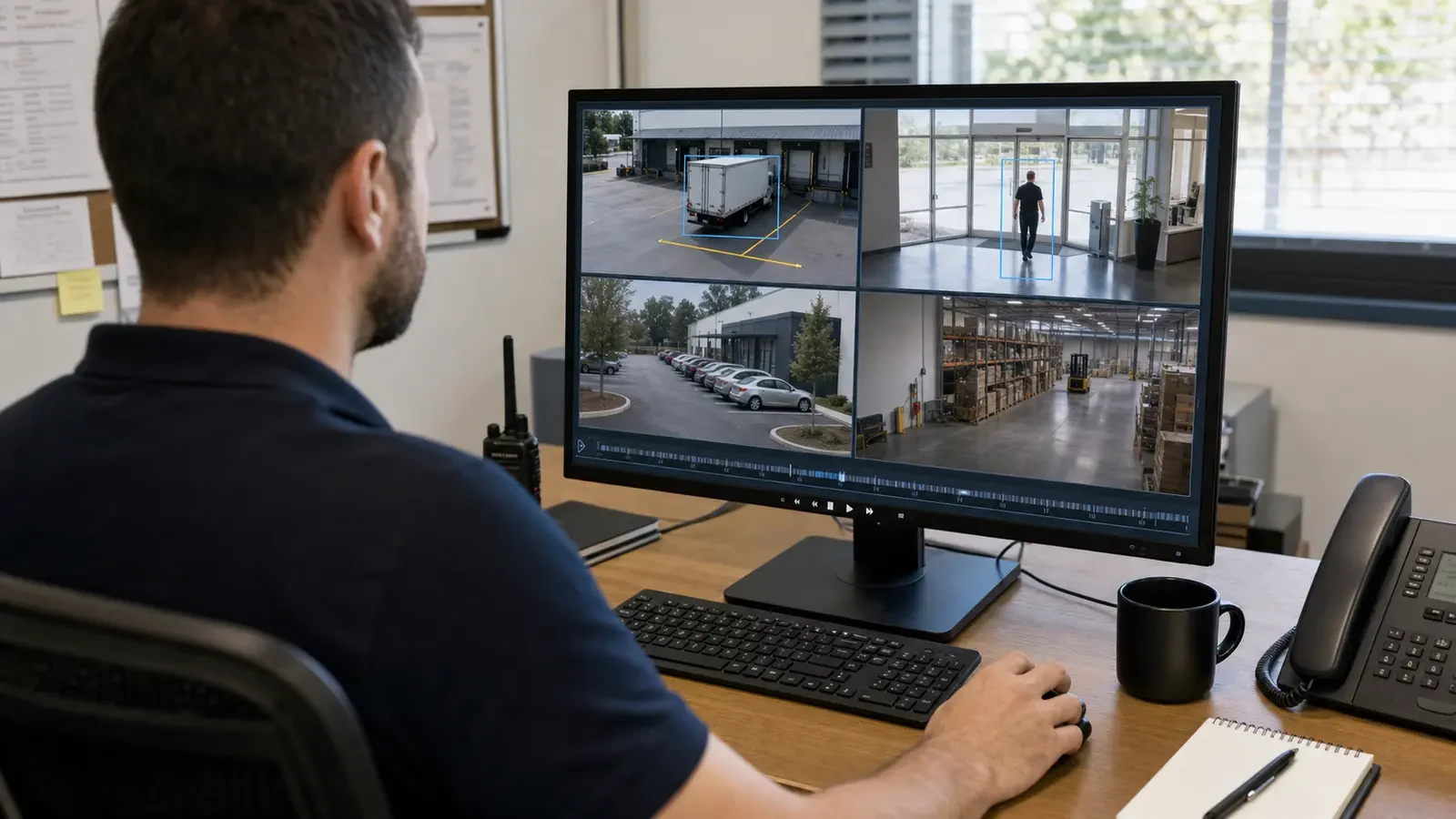
For Orlando property managers, a useful camera design is one that can be administered consistently across entrances, parking, shared amenities and vendor-access points without giving every user portfolio-wide control. Account ownership, site naming, remote review, vendor coordination and turnover records should be planned with the team responsible for each property.
Portfolio managers may find the multi-site, remote-administration, upgrade and documentation guides useful when support standards must survive vendor or tenant turnover.
Camera Services becomes useful when the property plan for portfolio standards or tenant and visitor access requires new views, changed recording or an upgrade.
A property assessment is useful when the required views around portfolio standards and tenant and visitor access cannot be confirmed without observing normal operations.
The property plan should follow normal activity around portfolio standards, tenant and visitor access and shared amenities, with permissions and review workflow shaped by vendor coordination and turnover documentation.
Inventory each site's camera platform, network, recorder and property layout before setting a portfolio standard. A small office, multifamily property and retail center may need different device counts even when administration is standardized.
Establish consistent camera names, user roles, retention assumptions and documentation so management can review sites without relearning each system. Keep site-specific exceptions visible instead of hiding them inside a nominal standard.
Plan access to telecom rooms, leased spaces, shared amenities and exterior areas with the parties responsible for each location. Turnover or vendor changes should not leave accounts, keys or system knowledge stranded.
Test that authorized property staff can reach the correct cameras, playback and exports at each site, then confirm account ownership and equipment records are current. This makes future service and management transitions easier to control.
Data Pro Communications - South Orlando is operated by Data Pro Communications. Florida low-voltage work is performed under FL License #EC13016138.
Define naming, supported equipment, recorder settings, account roles, export procedures and service records. Keep a property-specific exceptions list for amenities, entrances, networks and retained equipment.
On-site managers can be limited to their property, while regional staff may review multiple locations. Export and administration should remain with named roles rather than shared vendor or community accounts.
Define the incident questions, tenant and visitor boundaries, operating hours, responsible manager, privacy limits and who may review footage from each amenity.
Use named administrator accounts, multifactor authentication where supported, consistent site names and a scheduled access review. Remove credentials when employees, vendors or management companies change.
Coordinate tenant notice, work hours, room and ceiling access, equipment ownership, account changes, cleanup, testing and turnover records.
For turnover documentation, provide camera names and locations, account ownership, user roles, playback and export steps, test results, retained equipment and known limitations.
Keep device, naming and account standards consistent, but document exceptions for each property's amenities, parking, tenant circulation, connectivity and management responsibilities.
Package rooms, shared amenities, vehicle gates, lobbies and vendor entrances often need separate views because their activity, privacy limits and responsible managers differ.
Remove stale users, confirm administrator ownership and reissue only the permissions the new role needs. Shared passwords should not carry from one vendor or management team to the next.
Confirm the inventory, site and camera names, remote administration, playback, export, retention, open service issues and ownership of platform or network credentials.
If the property needs stronger evidence at portfolio standards or tenant and visitor access, request a site review built around those scenes, normal operating conditions and the people who use the footage.