
Commercial-First Planning
Projects are planned around property operations, infrastructure and the people responsible for the system.
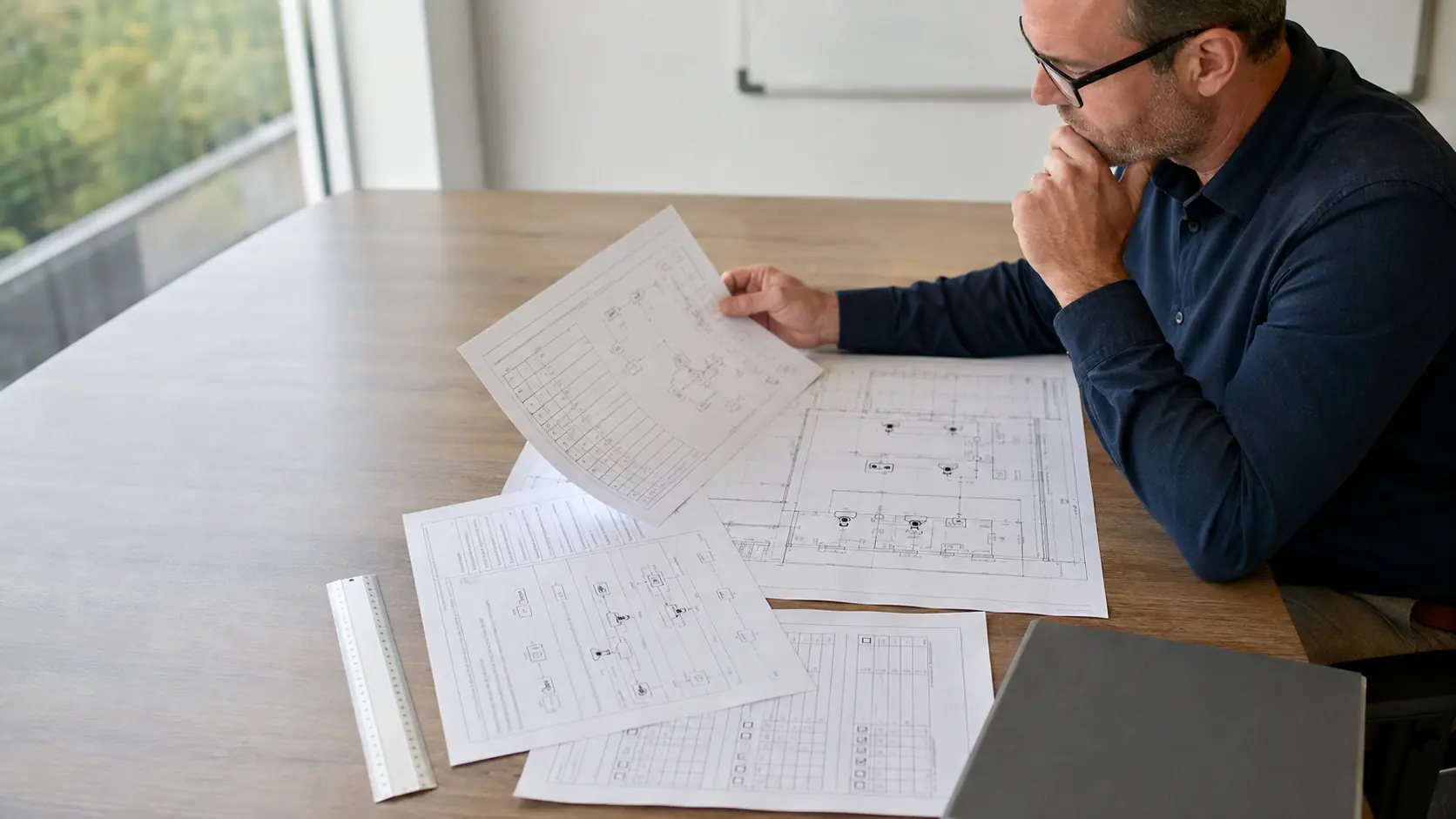
Commercial Camera Resource | Installation planning
A business should name an internal sponsor, define who may view video, coordinate property access, verify network and electrical readiness, plan for installation disruption and agree on acceptance and training before work begins.
An office sponsor can approve which managers receive export rights before accounts are created. Clear internal decisions require staff time, but they prevent technicians from making policy, access or user-permission choices on installation day.
Projects are planned around property operations, infrastructure and the people responsible for the system.
Data Pro Communications operates under FL License #EC13016138.
Testing, labeling, credentials and known limitations are organized for the people who will operate and support the system.
A business should name an internal sponsor, define who may view video, coordinate property access, verify network and electrical readiness, plan for installation disruption and agree on acceptance and training before work begins.
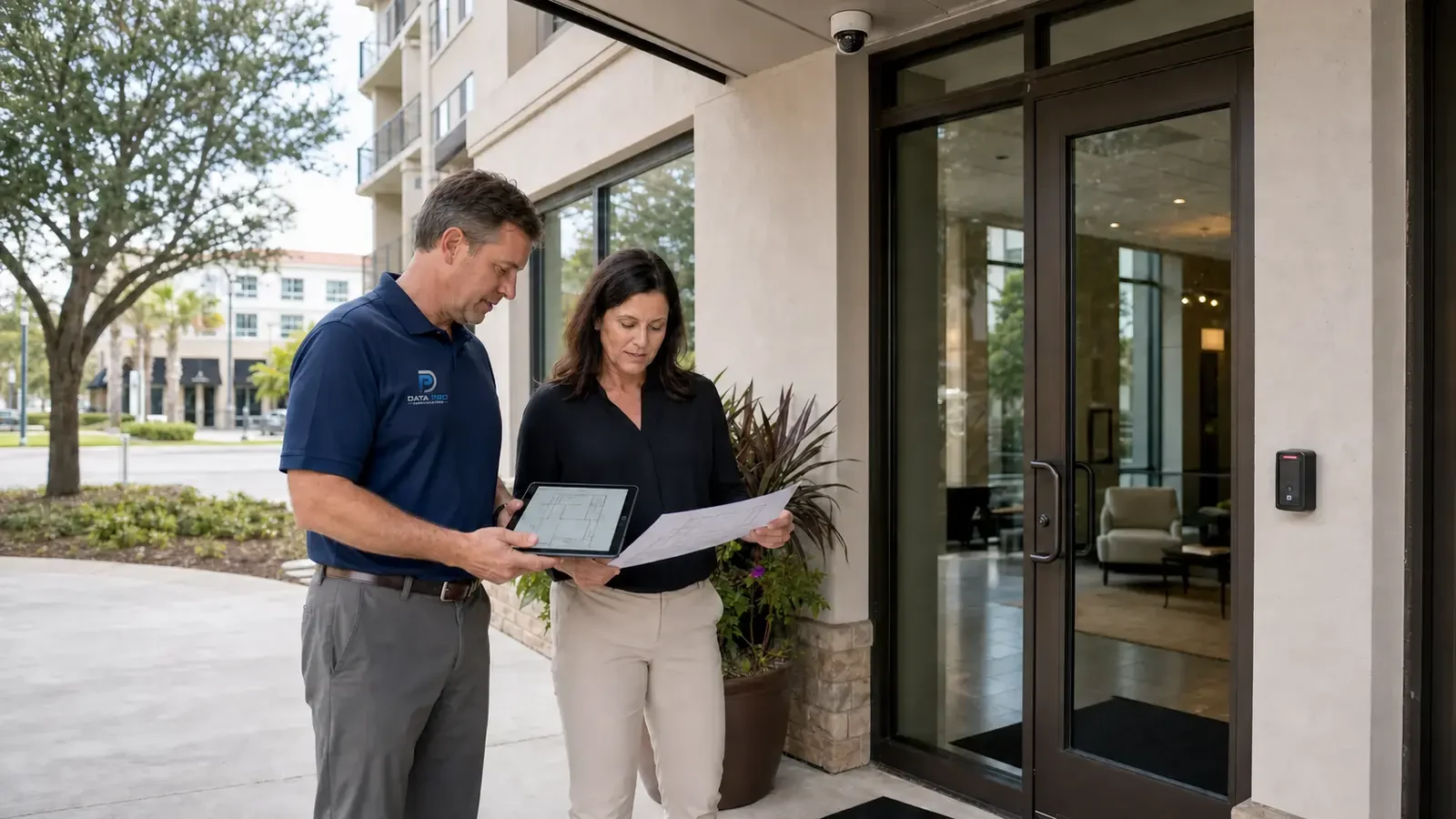
A camera project can drift toward equipment choices when no internal sponsor owns the business requirement and approval decisions.
Without a viewing policy, live view, playback and export privileges can spread beyond the roles that actually need them.
Installation can stop at locked telecom rooms, occupied ceilings or unavailable lifts when access has not been arranged with the site contact.
Verify spare switch capacity, PoE budget, outlets or circuits, rack space and backup power before installation so device load is not discovered after cameras are mounted.
Noise, ceiling access, lifts and short outages can affect customers, staff and deliveries even when the camera work itself is straightforward.
Leaving acceptance and training until the last day can expose missing users, unavailable witnesses and camera views that were never tested during normal activity.
Give the internal sponsor authority to approve camera objectives and resolve scope decisions rather than leaving technical choices without a business owner.
Write viewing permissions around live view, playback and export separately so staff receive only the level of access their role requires.
Confirm who can open telecom rooms, roofs, tenant areas and restricted spaces and when those areas are available so crews are not blocked after mobilization.
Calculate network and electrical readiness from device class, startup and auxiliary load, switch or local capacity, cable loss and backup-power requirements; then test a restart.
Schedule drilling, lifts, ceiling access and network interruptions around the times and areas where they will least affect customers, staff and normal operations.
Agree on the views, playback, export and user tasks that must work at handoff, then train the people who will actually review footage and administer accounts.
An office sponsor can approve which managers receive export rights before accounts are created.
A retail operator can schedule lift and ceiling work outside customer hours and identify a secure staging area for equipment.
Confirm who grants lift, ceiling, dock and telecom-room access and which warehouse periods cannot be interrupted.
Verify camera power, network capacity and electrical or PoE responsibility around customer and service areas before installation day.
Sequence multi-site work so each property retains priority coverage and has a local contact for approvals and exceptions.
Protect finished surfaces, identify retained equipment and schedule playback, export, account and training checks with the owner.
Administration of internal project sponsor requires account ownership, least-privilege roles, approval, revocation, export rights and audit history, with separate permissions for viewing, export and system changes.
Administration of authorized viewing policy requires account ownership, least-privilege roles, approval, revocation, export rights and audit history, with separate permissions for viewing, export and system changes.
Confirm keys, escorts, work areas, lift routes, allowed hours, protected operations and the person authorized to resolve a field-access issue.
Engineering inputs for network and electrical readiness include device power class, startup load, switch budget, cable loss, backup power and port behavior; confirm both per-port and total capacity and document restart behavior.
Sequence disruptive work around business activity, identify temporary protections and cleanup, and preserve priority coverage during each installation stage.
Schedule the operating representative, named user accounts, recorded-scene tests, playback and export checks, training tasks and final documentation before closeout.
Implementation of business pre-installation planning should coordinate authorized viewing policy, property access coordination and network and electrical readiness with the camera and recording platform.
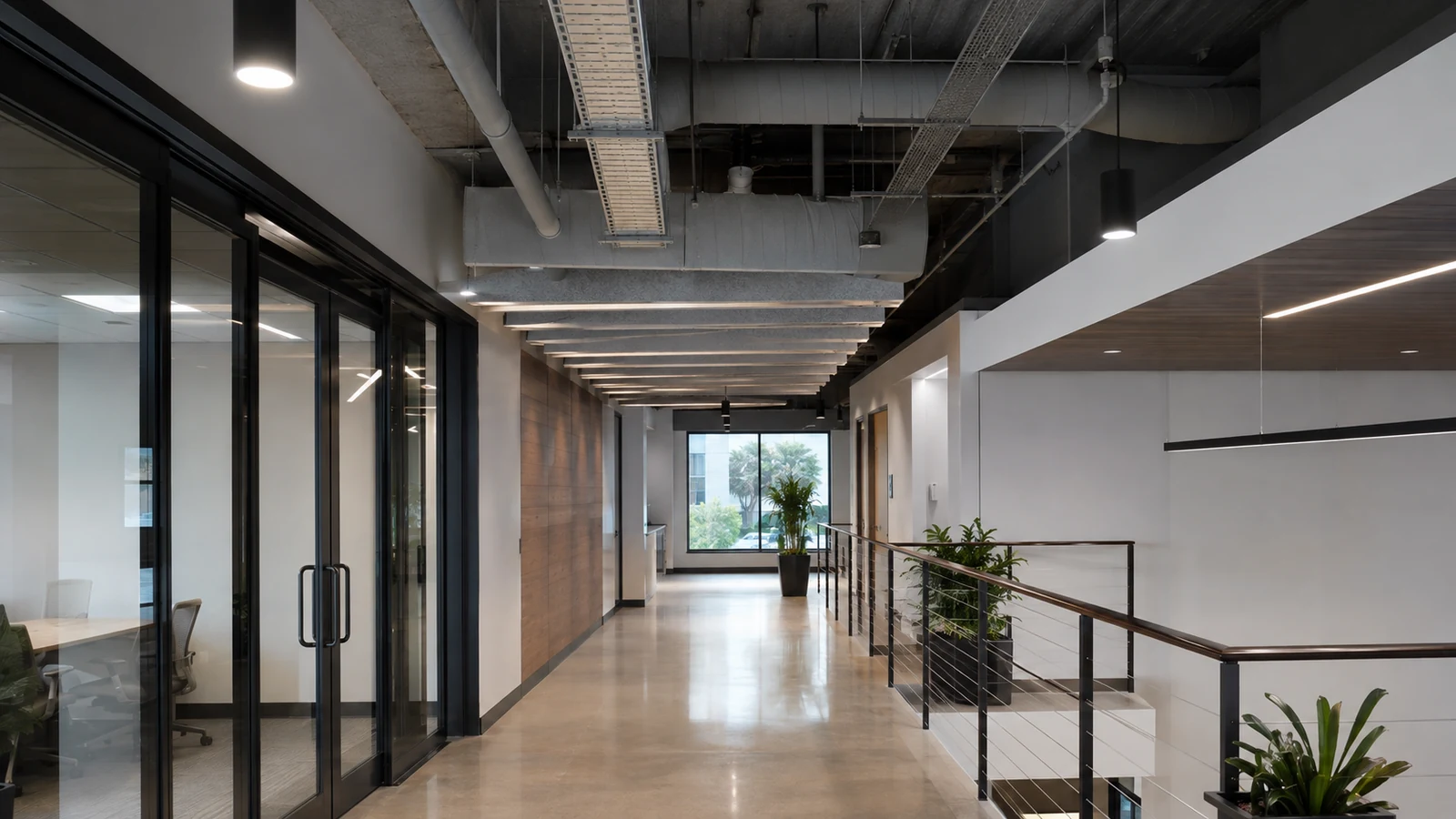
Before an Orlando business authorizes camera installation, the internal project sponsor should confirm who may approve views, who may access footage and how the crew will enter or work in restricted areas. Network readiness, telecom access, installation disruption and the acceptance process should be resolved with the property team before field work starts.
Businesses preparing for installation can use the placement, cabling, PoE and retention guides to resolve technical questions before access windows and training are scheduled.
Camera Services becomes the execution path after the business has approved views, access arrangements, user policy and the camera-system scope.
A site visit can resolve access restrictions, network readiness and representative test conditions before the business approves installation dates.
A buildable project resolves internal project sponsor, authorized viewing policy and property access coordination before field work and closes with verified installation disruption planning and acceptance and training plan.
Identify who can approve camera locations, who will administer accounts and who may review footage. Resolve privacy and access expectations before installation so technicians are not making policy decisions in the field.
Check ceiling and restricted-area access, PoE/network capacity, recorder location and any electrical dependencies before the installation date. Missing access or infrastructure can stop work even when the cameras themselves are ready.
Schedule work around customer and employee activity and decide when managers or IT staff need to be present. Training should be timed so the people receiving the system can practice playback, export and account tasks on the final configuration.
Review the agreed recorded views, verify retention and playback assumptions, test export and confirm user permissions. Open issues should be recorded and assigned before the project is treated as complete.
Data Pro Communications - South Orlando is operated by Data Pro Communications. Florida low-voltage work is performed under FL License #EC13016138.
The sponsor should approve areas in scope, operating impacts, viewing policy, work access, user roles and the person authorized to accept field changes.
Define who may view live video, search playback, export evidence and administer accounts, along with approval and revocation procedures.
For business pre-installation planning, confirm work hours, occupied rooms, ceiling and telecom-space access, keys or escorts, lift routes, cleanup and the person who can approve a field change.
For network and electrical readiness, add device and auxiliary load, compare it with switch or local-power capacity, account for cable loss and backup power, and observe restart behavior in business pre-installation planning.
For installation disruption planning, agree on work areas and hours, access and escorts, lift movement, temporary outages, noise and dust controls, cleanup and daily status updates.
For acceptance and training plan, verify the visible scene or system function under representative operation, review recorded playback, complete an export, check authorized accounts and document exceptions.
Confirm internal project sponsor, authorized viewing policy, property access coordination and the person who can approve access and field changes.
The internal sponsor should own the business requirement, the property contact should own access and scheduling, and IT or facilities should confirm the infrastructure that installation will depend on.
Yes. The business can first approve views, privacy and user roles, then resolve access, network, power and scheduling before crews arrive. Decisions that affect camera locations or pathways should not drift between stages.
Confirm cabling and pathways, PoE ports and wattage, rack and telecom-room space, uplinks, recorder channels, storage, backup power and ownership of network changes.
If records or a walkthrough cannot resolve internal project sponsor, authorized viewing policy and property access coordination, request a site survey before installation assumptions become committed labor or hidden work.