
Commercial-First Planning
Projects are planned around property operations, infrastructure and the people responsible for the system.
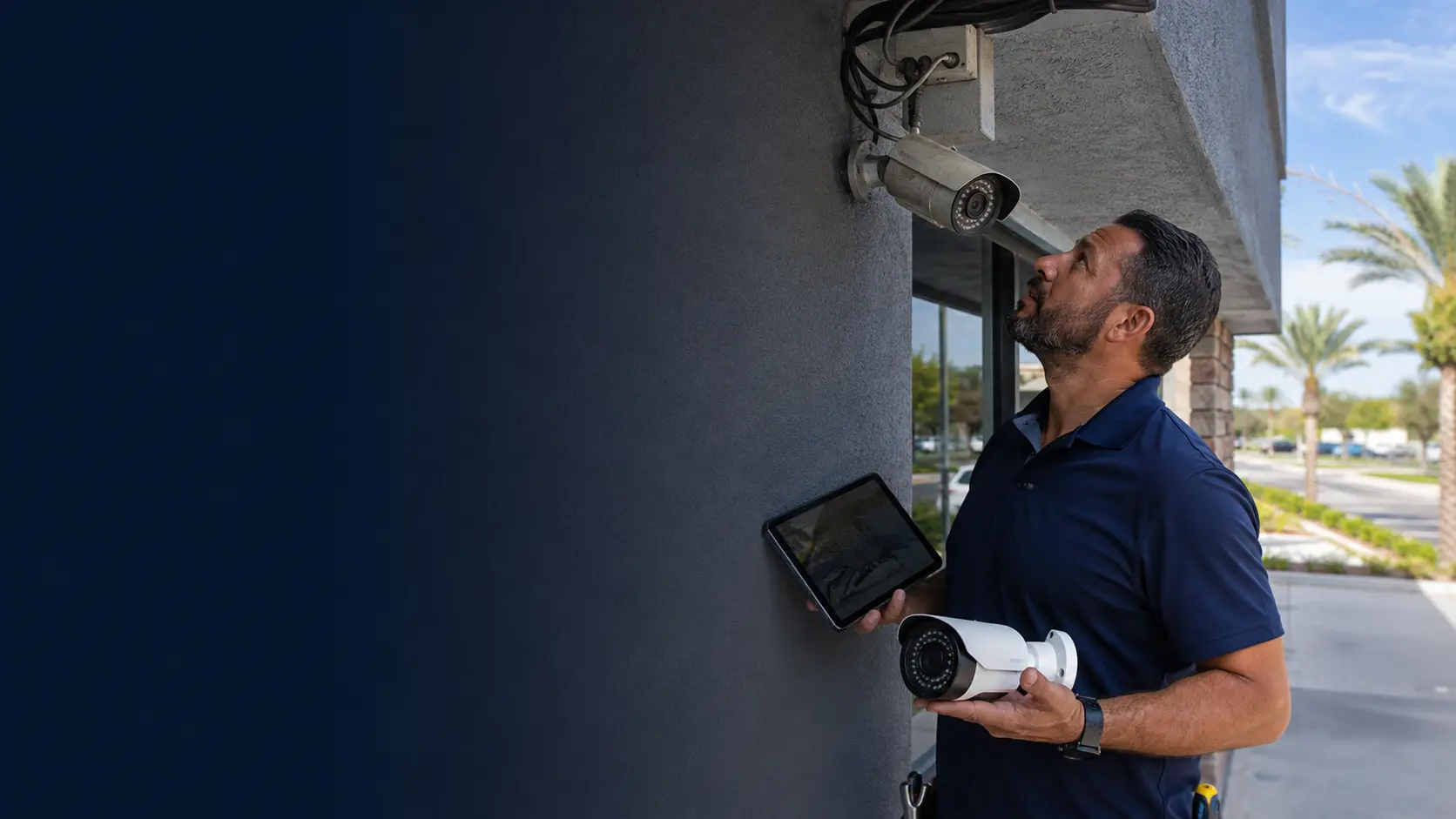
Commercial Camera Resource | Troubleshooting and maintenance
Upgrade when recurring faults, unsupported firmware, unhealthy recording, inadequate image detail, obsolete compatibility or rising repair effort prevents the system from meeting current needs. Repair remains sensible when the fault is isolated and the platform is supportable.
A failed power supply on a supported recorder may justify repair if storage, firmware and channel capacity still meet requirements. Replacement improves capability and supportability but can require new storage, network or cabling; repair costs less when the rest of the system remains healthy.
Projects are planned around property operations, infrastructure and the people responsible for the system.
Data Pro Communications operates under FL License #EC13016138.
Testing, labeling, credentials and known limitations are organized for the people who will operate and support the system.
Upgrade when recurring faults, unsupported firmware, unhealthy recording, inadequate image detail, obsolete compatibility or rising repair effort prevents the system from meeting current needs. Repair remains sensible when the fault is isolated and the platform is supportable.
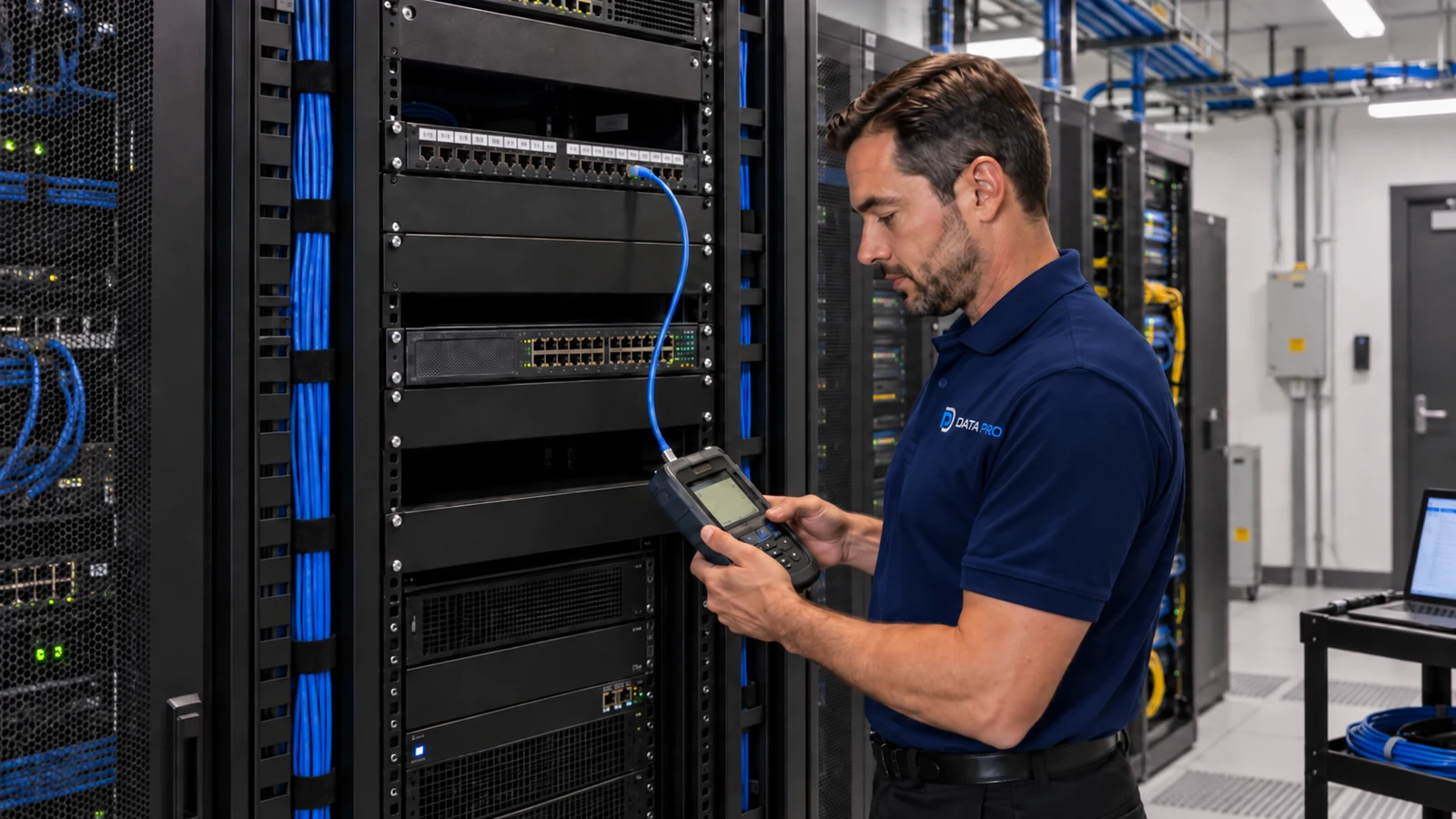
For fault isolation, document the exact failure, when it occurs and which devices are affected; isolate power, transport, configuration and recording layers, then repeat the original failure condition after correction.
An undersized or unstable power and cabling can restart cameras, disable auxiliary features or drop devices after an outage.
For firmware compatibility, record the current supported version, backup date and storage location, approved change history and a tested recovery method before an update is attempted.
Check recorder health through device status, warnings, capacity, logs and a real playback or export; record the corrective action and confirm the warning does not return.
Use service records to identify recurring devices, power or storage faults, previous corrective work and whether the same condition returned after verification.
Inspect replacement criteria against current status, supportability, recent changes and service history, then record the finding and follow-up owner.
Separate power, network, camera, recorder and account layers one at a time so the first visible symptom does not dictate the repair.
Calculate power and cabling from device class, startup and auxiliary load, switch or local capacity, cable loss and backup-power requirements; then test a restart.
Check the affected model, current firmware, recorder/VMS support and release notes before updating or downgrading a device.
Review disk status, recording continuity, system logs and playback across several channels to distinguish storage faults from camera-side problems.
Keep dates, symptoms, tests, changes and outcomes together so recurring failures can be compared instead of diagnosed as new incidents each time.
Replace equipment when repeated faults, unsupported firmware, unavailable parts or capacity limits make repair less reliable than a planned upgrade.
A failed power supply on a supported recorder may justify repair if storage, firmware and channel capacity still meet requirements.
Repeated camera drops, unsupported software and failing disks across an old platform may justify a planned replacement rather than serial repairs.
A changed view may come from a moved camera, dirty cover, focus drift, new signage, vegetation or another obstruction rather than an electronic fault. A changed view should trigger a physical inspection and compatibility review before firmware or replacement decisions are made.
When remote viewing fails while local recording still works, the fault is more likely in connectivity, account permissions or the remote-access path than in camera storage. Separate a remote-connectivity fault from recorder health by checking local recording, disk status, channel capacity and platform support.
A storage warning should be checked against disk health, usable capacity, the oldest retained footage and a real playback or export. Use recurring storage warnings and service history to decide whether a repair restores dependable retention or only postpones replacement.
Repeated visits need one maintenance history that connects the original symptom, prior changes, logs and the result of each follow-up test. Compare repeated faults, support status and capacity with replacement criteria, then document which components can remain during an upgrade.
Maintenance evidence for fault isolation includes symptom history, power, logs, firmware support, recurring conditions and verification after repair, with a repeatable check after any corrective action.
Engineering inputs for power and cabling include device power class, startup load, switch budget, cable loss, backup power and port behavior; confirm both per-port and total capacity and document restart behavior.
Maintenance evidence for firmware compatibility includes symptom history, power, logs, firmware support, recurring conditions and verification after repair, with a repeatable check after any corrective action.
Maintenance evidence for recorder health includes symptom history, power, logs, firmware support, recurring conditions and verification after repair, with a repeatable check after any corrective action.
Maintenance evidence for service records includes symptom history, power, logs, firmware support, recurring conditions and verification after repair, with a repeatable check after any corrective action.
Maintenance evidence for replacement criteria includes symptom history, power, logs, firmware support, recurring conditions and verification after repair, with a repeatable check after any corrective action.
The comparison for camera-system upgrade decisions should include compatibility with recorder health and service records only where those systems change reuse, migration or support.
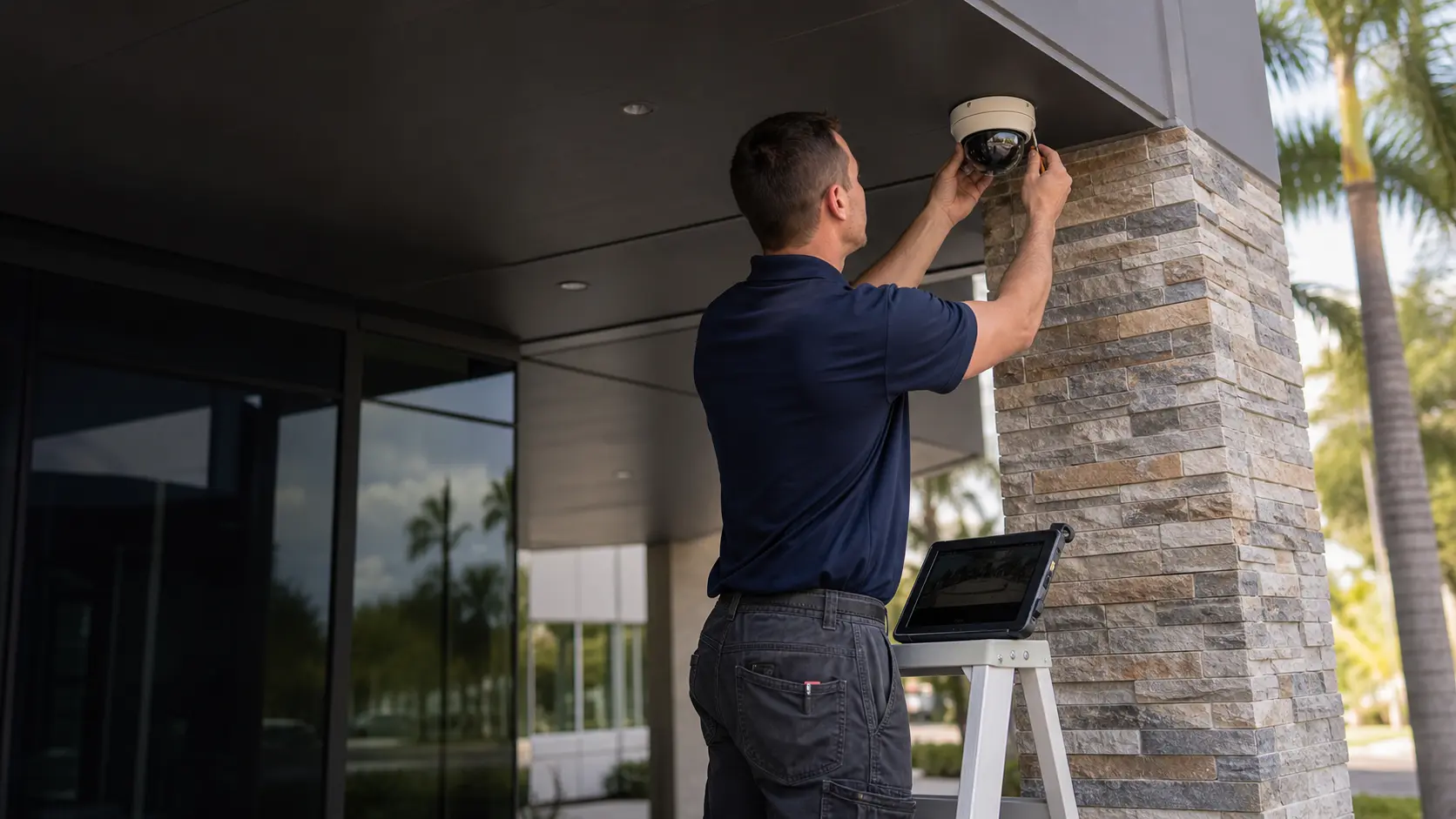
For an Orlando property considering a camera-system upgrade, replacement should follow evidence that the current platform cannot reliably meet the required function. Fault history, cabling and power condition, firmware support, recorder health and service records can separate a repairable problem from a compatibility or capacity limit that justifies upgrading.
Troubleshooting, maintenance, recorder and cabling guides help separate a repairable fault from a platform limitation before an upgrade is approved.
Camera Services can confirm repair and upgrade options when recurring faults, recorder limits or unsupported equipment drive the camera-system upgrade decisions decision.
A system assessment can compare repairable faults with platform limits before the property commits to another repair or a broader upgrade.
Reuse or repair is justified only when evidence for fault isolation, power and cabling and firmware compatibility shows the platform can still meet current needs; otherwise document the replacement path.
List recurring offline cameras, failed disks, image problems, unsupported devices and other symptoms, then distinguish repairable faults from limitations caused by the age or architecture of the system.
Verify the infrastructure behind a failing device so a bad cable, PoE port or recorder channel is not mistaken for a camera failure. Replacing endpoints without isolating the fault can leave the same problem in place.
Consider remaining support, storage capacity, image requirements, remote access, expansion and parts availability. A system may still record video but become expensive to maintain if every improvement requires workarounds.
After corrective work or replacement, repeat the original failure scenario and confirm recording, playback, export and required views. Use the result to update the equipment record and establish what remains on the old platform.
Data Pro Communications - South Orlando is operated by Data Pro Communications. Florida low-voltage work is performed under FL License #EC13016138.
Document the exact failure associated with fault isolation and affected devices, isolate power, cabling, network, configuration and recording layers, then repeat the original condition after correction.
For power and cabling, add device and auxiliary load, compare it with switch or local-power capacity, account for cable loss and backup power, and observe restart behavior in camera-system upgrade decisions.
For firmware compatibility, record current status, supportability, recent changes, recurring findings, assigned corrective work and the result of the follow-up check.
For recorder health, review status and warning logs, confirm usable capacity or device state, and complete a real playback or export relevant to camera-system upgrade decisions.
Look for repeated device, power, storage or software faults and whether previous repairs passed verification or only restored service temporarily.
For replacement criteria, record current status, supportability, recent changes, recurring findings, assigned corrective work and the result of the follow-up check.
Reuse depends on test evidence for fault isolation, power and cabling and compatibility with the proposed recorder, cameras and support plan.
For camera-system upgrade decisions, inventory and label the equipment, inspect its physical condition and pathways, test the appropriate system layer and check platform support.
Replacement is safer when firmware compatibility, recorder health or recurring faults prevent the system from meeting current operating needs.
Record the inventory, health findings, reusable components, incompatibilities, repair items and decision involving service records and replacement criteria.
If fault isolation, power and cabling or recorder health shows a recurring fault or an unsupported platform, request a system assessment to separate repairable problems from upgrade work.