
Commercial-First Planning
Projects are planned around property operations, infrastructure and the people responsible for the system.
Commercial Camera Resource | Coverage strategy
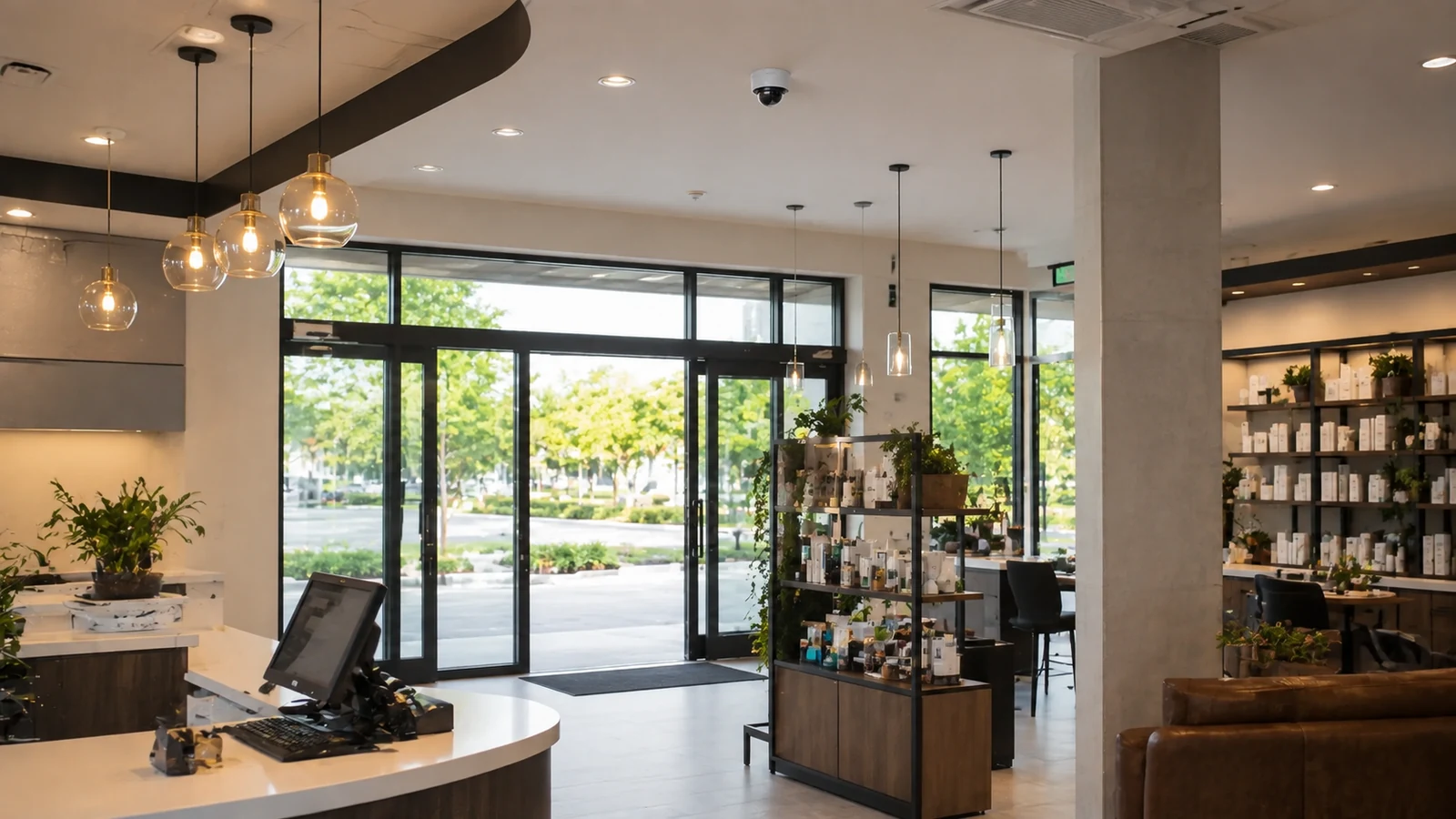
Cameras should be placed where they can answer defined questions at entries and exits, transaction or service points, parking approaches, restricted transitions and loading areas, while excluding private spaces and avoiding views too wide for the required detail.
A doorway camera can capture identification while a separate lobby camera explains what happened before and after entry. More viewpoints improve context, but every added camera increases infrastructure, storage and review effort; placement should prioritize decisive scenes.
Projects are planned around property operations, infrastructure and the people responsible for the system.
Data Pro Communications operates under FL License #EC13016138.
Testing, labeling, credentials and known limitations are organized for the people who will operate and support the system.
Cameras should be placed where they can answer defined questions at entries and exits, transaction or service points, parking approaches, restricted transitions and loading areas, while excluding private spaces and avoiding views too wide for the required detail.
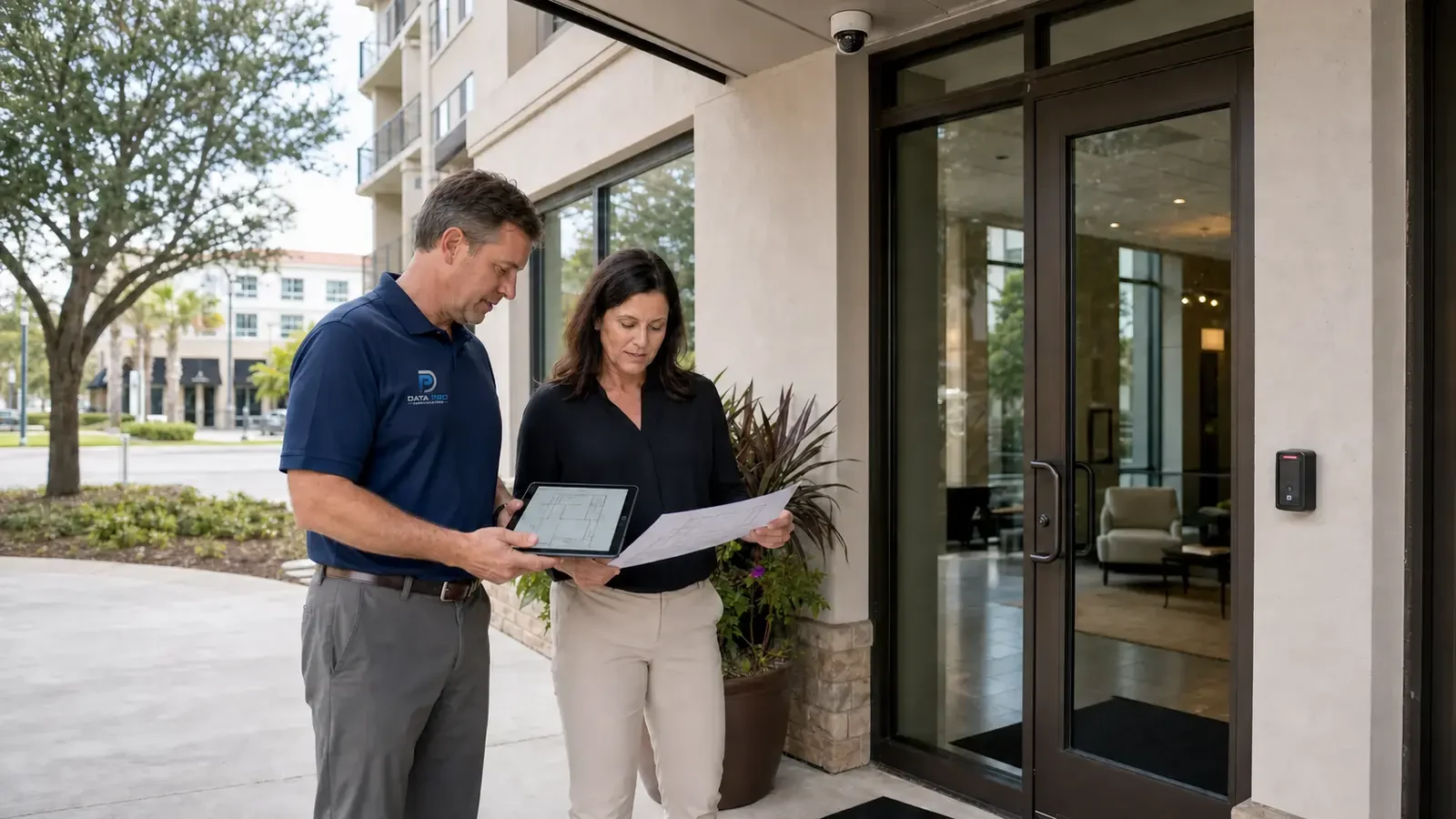
An entrance view can show that someone entered without providing identification detail if the angle, distance or lighting is wrong.
At counters and service areas, a view that lacks both participant context and usable detail can make a customer or asset dispute difficult to reconstruct.
An empty lot can make a wide camera view look useful even though parked vehicles later block the event area.
A closed or lightly used doorway can hide the crowding and door positions present when the restricted transition is active.
Loading zones often look open when idle, but trailers and staged goods can remove the view needed during an actual delivery.
Exclude restrooms, changing areas and other private spaces, and use camera angle or masking where needed so nearby required coverage does not capture more than the property intends.
Set the identification target at each entrance and verify angle, distance and lighting with a person moving through the normal path.
Frame counters and service areas around the interaction that may need review, then verify recorded detail at the normal standing or transaction position.
Set parking views from actual vehicle and pedestrian paths, checking distance, lighting, parked-car obstruction and the point where identification is required.
Place cameras where public circulation changes to staff-only or controlled access so the view shows the approach, doorway and immediate context without filming unrelated private areas.
Review dock doors, trailer positions, delivery lanes and staff paths so the camera can still show the event when loading activity is underway.
Set boundaries for privacy-aware exclusion areas from the required scene, private areas, authorized reviewers, export handling and documented retention purpose.
A doorway camera can capture identification while a separate lobby camera explains what happened before and after entry.
A parking overview can show movement, but a vehicle-identification view should be placed where cars slow and the angle is controlled.
Place overview and identification views according to vehicle speed, approach direction, obstruction and the controlled point where detail is needed.
A handoff view should show the item, people involved and transfer area with synchronized time and enough detail to reconstruct custody. Use dedicated views at doors, gates or custody changes where the item and people involved must be connected in playback.
An outdoor camera needs a view and mounting position that remain usable through weather, changing light, vegetation and vehicle obstruction. Choose mounting positions that preserve loading and delivery views through weather, vehicle obstruction and changing light.
At a restricted transition, the camera should connect the approach, controlled opening and authorized review workflow without covering unrelated private space. Cover the approach and controlled opening while masking or excluding unrelated private areas and limiting review to authorized roles.
Evaluate entry and exit identification views through scene width, target distance, lens, pixel density, light, compression and required detail; the accepted result should come from recorded playback in the actual scene.
Evaluate transaction and service points through scene width, target distance, lens, pixel density, light, compression and required detail; the accepted result should come from recorded playback in the actual scene.
Set parking views from actual vehicle and pedestrian paths, checking distance, lighting, parked-car obstruction and the point where identification is required.
Place cameras where public circulation changes to staff-only or controlled access so the view shows the approach, doorway and immediate context without filming unrelated private areas.
Review dock doors, trailer positions, delivery lanes and staff paths so the camera can still show the event when loading activity is underway.
Controls for privacy-aware exclusion areas should address camera purpose, field of view, private areas, authorized reviewers, retention and applicable property policy and exclude footage or access that is not needed for the documented purpose.
For commercial camera placement, coordinate camera views with the pathways, power, network and recording services that actually support entry and exit identification views and transaction and service points.
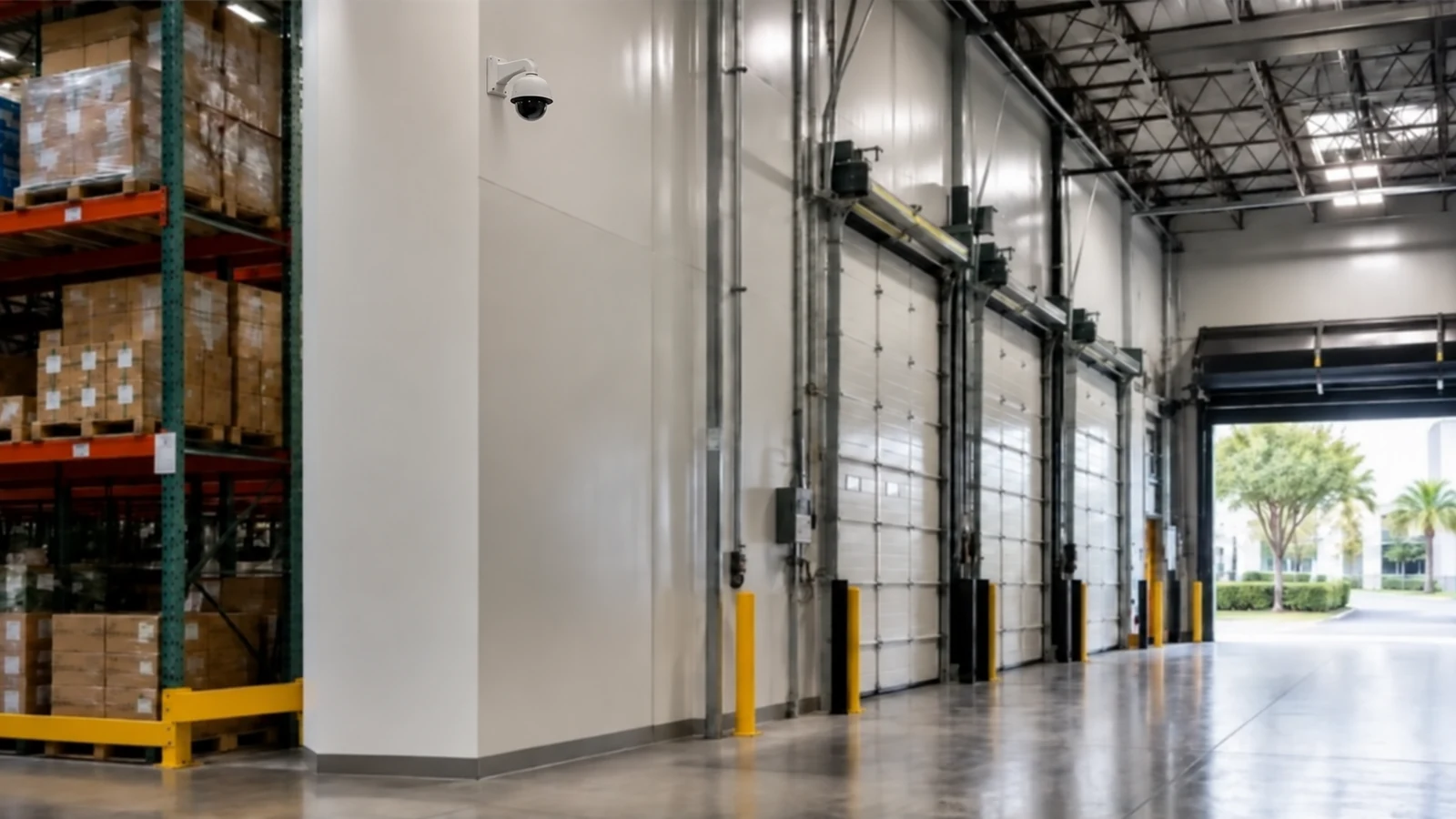
At an Orlando commercial property, camera placement should be driven by the activity and detail required at each location. Entrances, transaction or service points, parking approaches, restricted-area transitions and loading zones should be reviewed from the real direction of travel while privacy-sensitive areas are intentionally excluded from the view.
Resolution, lens, low-light and privacy guides can refine a placement decision when a proposed view still cannot answer the event the property needs to review.
Camera Services can implement new or revised views after the property has defined the event, target distance and area each camera must cover.
A site survey is valuable when distance, obstructions, lighting or privacy boundaries prevent the required view from being confirmed on drawings.
Coverage should improve the recorded answer at entry and exit identification views and transaction and service points, not merely add devices; verify the change under the conditions represented by loading and delivery zones and privacy-aware exclusion areas.
For every proposed view, state whether the camera needs to show entry, identify a person, follow vehicle movement, cover a transaction area or document another specific event. This prevents placement from defaulting to convenient building corners.
Walk the target path and look for columns, parked vehicles, shelving, doors, glare or backlight that can block useful detail. Check the scene from the actual mounting height rather than only from eye level.
Adjust the camera location and field of view so the target occupies enough of the image at the relevant distance. A wider overview may need a separate identification camera instead of one lens trying to do both jobs.
Review playback from representative activity and confirm that the intended event is visible without collecting unnecessary private areas. Reposition or mask views that fail the purpose or extend beyond the approved scene.
Data Pro Communications - South Orlando is operated by Data Pro Communications. Florida low-voltage work is performed under FL License #EC13016138.
For entry and exit identification views, start with the event the camera must explain, then check the approach path, normal obstructions, mounting position and recorded detail from the proposed view.
For transaction and service points, review playback under representative distance, lighting, movement and obstruction and compare it with the activity or identification detail the operator needs.
Use an overview for traffic direction and a focused camera where vehicles slow or stop if identification is required. Test glare, headlights, obstruction and target distance from the actual lane.
Cover the approach, controlled doorway or gate and the person or vehicle crossing it. Keep unrelated private areas outside the view and align playback access with the team responsible for that opening.
Account for trailers, service doors, vendor paths and staff handoffs. A wide dock view may need a second camera at the door or vehicle lane when identification detail is required.
For privacy-aware exclusion areas in commercial camera placement, define the required security scene, exclude private or unrelated areas, limit authorized reviewers and align retention with the documented property purpose.
Yes. Repositioning, a narrower lens or corrected lighting may resolve entry and exit identification views without adding another recording stream in commercial camera placement.
For commercial camera placement, record the event or detail that is missing, normal obstruction, scene width, target distance and the mounting or lighting condition involved.
In commercial camera placement, use a dedicated view when a wide overview cannot preserve sufficient detail at a controlled doorway, lane, transaction point or handoff area.
Review playback for entry and exit identification views and transaction and service points during normal activity, then check recording, export and user access.
If the property needs stronger evidence at entry and exit identification views or transaction and service points, request a site review built around those scenes, normal operating conditions and the people who use the footage.