
Commercial-First Planning
Projects are planned around property operations, infrastructure and the people responsible for the system.
Commercial Camera Resource | Coverage strategy
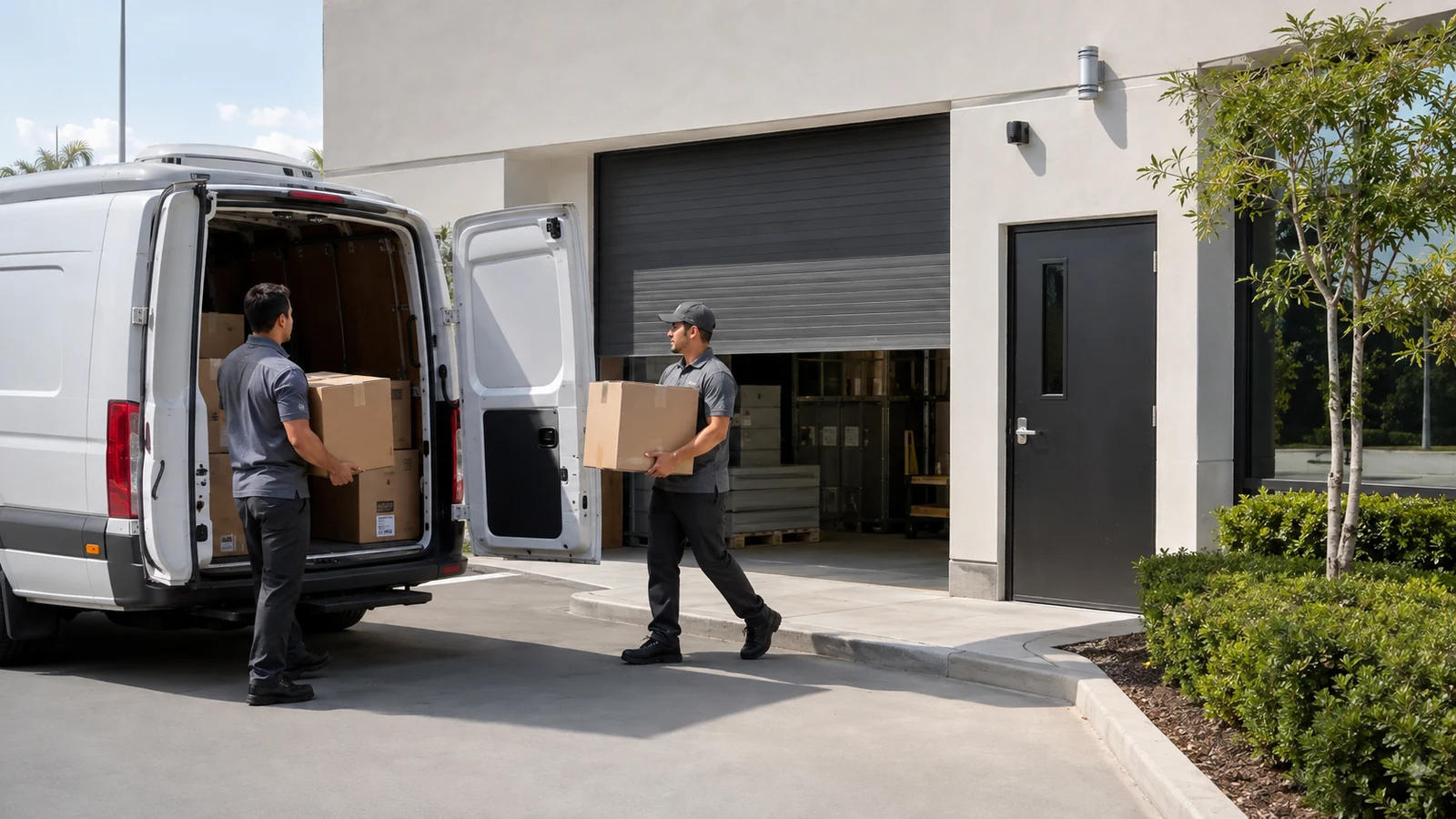
Camera coverage supports asset protection when it follows asset movement, custody-transfer points, stock or equipment zones and the moments staff need to search after a loss. It does not replace inventory controls or physical access procedures.
A tool room can pair a doorway identification view with a wider scene showing who removed equipment and when. Tighter coverage can improve review at handoff points, but broad surveillance without timestamps, ownership and a search workflow can create more footage than staff can use.
Projects are planned around property operations, infrastructure and the people responsible for the system.
Data Pro Communications operates under FL License #EC13016138.
Testing, labeling, credentials and known limitations are organized for the people who will operate and support the system.
Camera coverage supports asset protection when it follows asset movement, custody-transfer points, stock or equipment zones and the moments staff need to search after a loss. It does not replace inventory controls or physical access procedures.
If asset movement is not mapped, cameras may watch storage areas while missing the doors, counters or staging points where custody actually changes.
A handoff can remain ambiguous when the view shows only the item or only the person; the camera position needs enough context to connect both sides of the transfer.
Inventory areas can remain difficult to investigate when cameras show the room but not the aisles, racks or movement points where assets change location.
A handoff view that is too wide may show activity without showing the person, item or vehicle detail needed to establish custody.
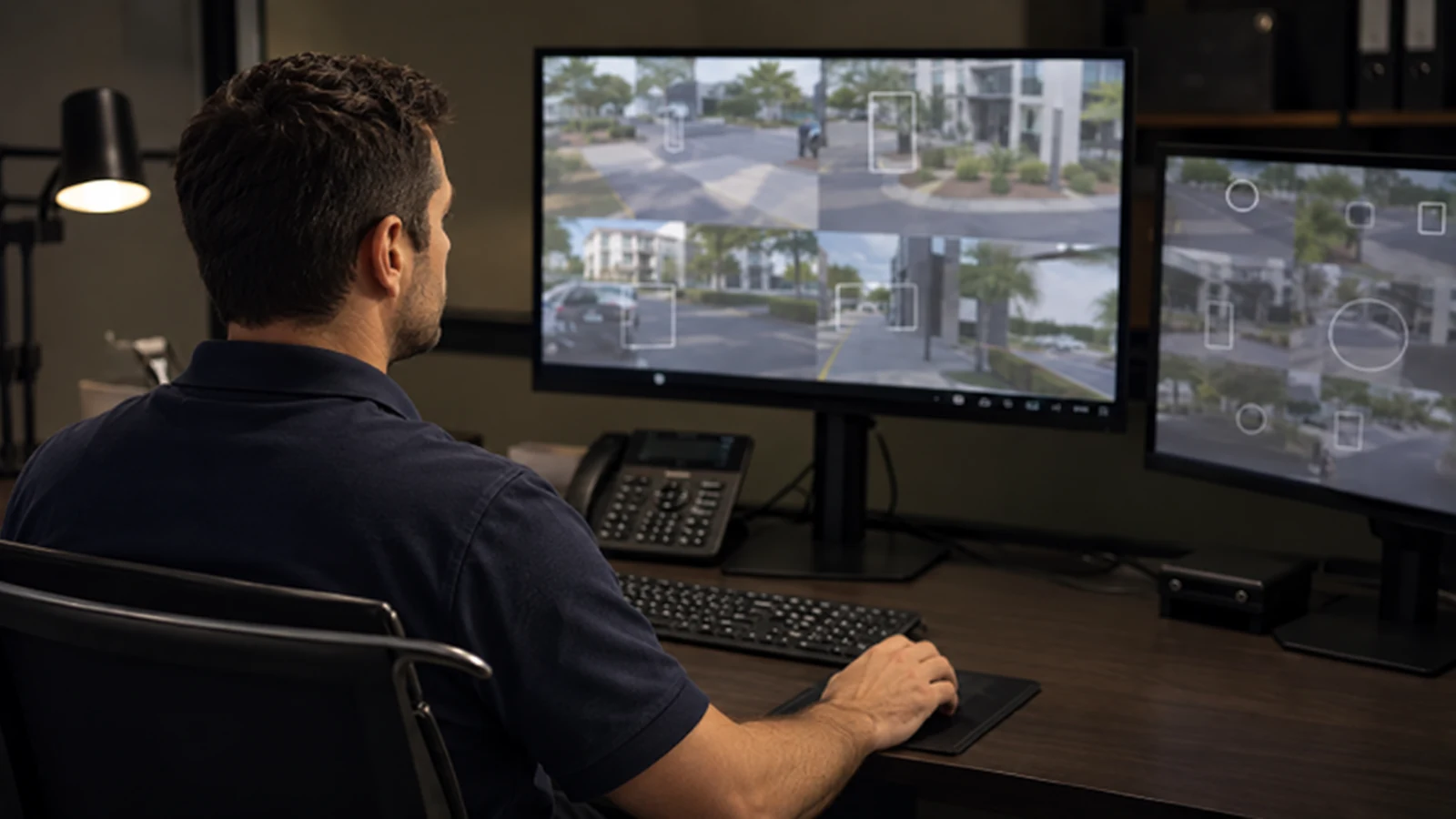
Incorrect or inconsistent timestamps can turn a short incident window into a long manual search, especially when staff must compare several cameras.
A loss investigation stalls when nobody owns the search, export and incident notes, even if the needed footage exists.
Map where assets enter, move, change custody and leave the property so camera coverage follows the points where responsibility can actually be established.
At handoff locations, capture the item plus the person, vehicle or receiving area involved, with enough lead-in and follow-up footage to explain the transfer.
Place views around storage aisles, cages, receiving and movement paths so footage follows assets through the locations where loss can occur.
Frame handoff areas so the item and the people or vehicles involved can be connected in the same review sequence.
Accurate camera time and consistent event markers let staff find the right footage quickly when a loss or transfer can be narrowed to a known time window.
Loss review should define who searches footage, how clips are exported and how findings are attached to the incident record so evidence does not remain unassigned.
A tool room can pair a doorway identification view with a wider scene showing who removed equipment and when.
A receiving area may need separate views for truck arrival, seal or package handoff and movement into storage.
Use separate views at stock, equipment or vehicle approaches so staff can follow movement without searching one property-wide overview.
A handoff view should show the item, people involved and transfer area with synchronized time and enough detail to reconstruct custody. Capture the item, people and transfer point with enough detail and synchronized time to reconstruct custody.
An outdoor camera needs a view and mounting position that remain usable through weather, changing light, vegetation and vehicle obstruction. Keep camera and business-system time aligned so outdoor movement can be compared with delivery, access or transaction records.
At a restricted transition, the camera should connect the approach, controlled opening and authorized review workflow without covering unrelated private space. Define who searches footage, how clips are exported and how unresolved events move between shifts or managers.
Map where assets enter, move, change custody and leave the property so camera coverage follows the points where responsibility can actually be established.
At handoff locations, capture the item plus the person, vehicle or receiving area involved, with enough lead-in and follow-up footage to explain the transfer.
Evaluate stock and equipment zones through scene width, target distance, lens, pixel density, light, compression and required detail; the accepted result should come from recorded playback in the actual scene.
Evaluate scene detail at handoff points through scene width, target distance, lens, pixel density, light, compression and required detail; the accepted result should come from recorded playback in the actual scene.
Accurate camera time and consistent event markers let staff find the right footage quickly when a loss or transfer can be narrowed to a known time window.
Loss review should define who searches footage, how clips are exported and how findings are attached to the incident record so evidence does not remain unassigned.
The operating workflow for asset-protection coverage may rely on custody transfer points, stock and equipment zones and scene detail at handoff points. Define which team owns configuration, connectivity and event response so a system alert reaches someone able to act.
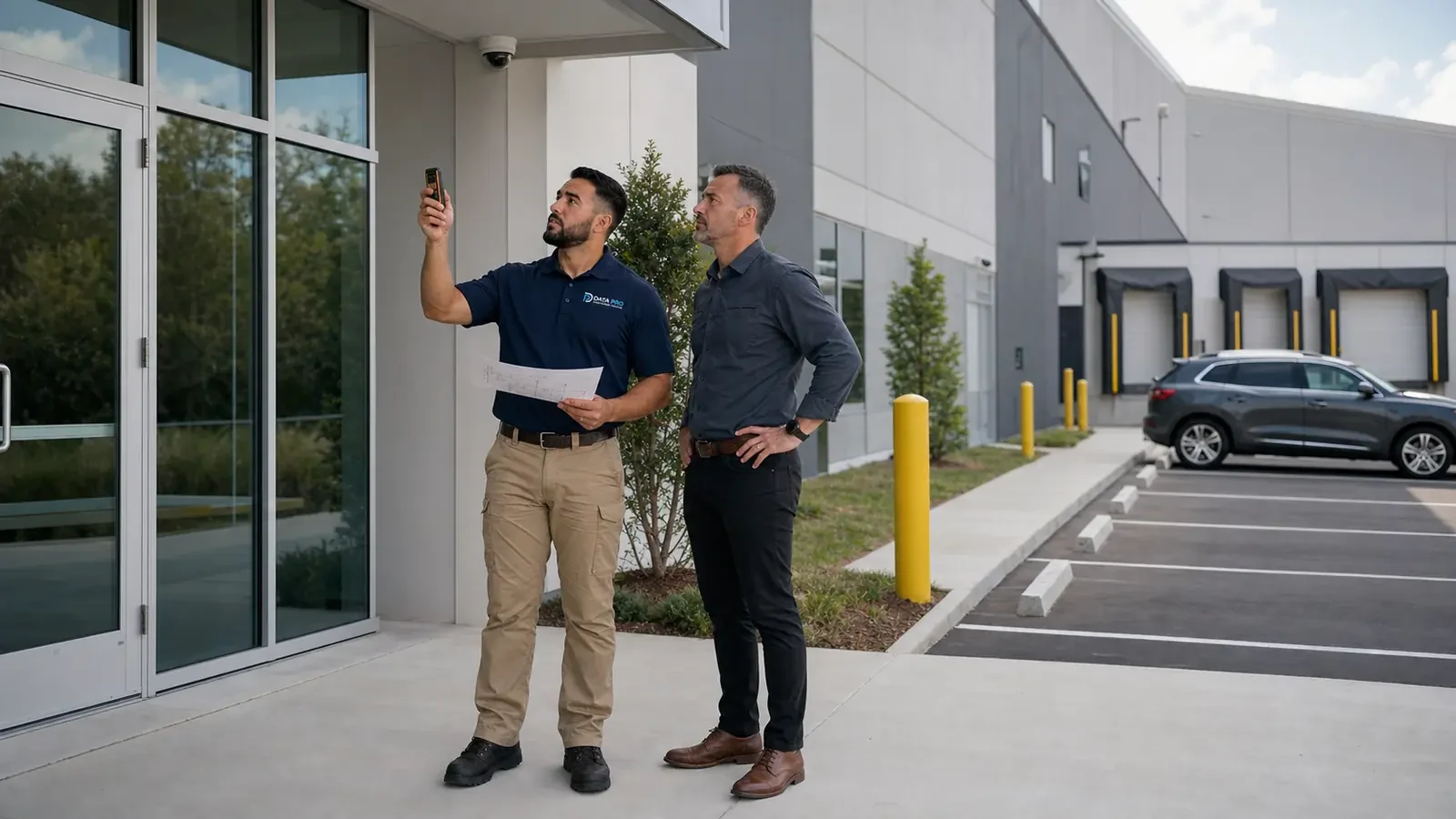
For Orlando businesses protecting movable assets, useful camera coverage should follow where equipment, inventory or other property changes custody or location. Receiving, storage, staging and handoff points should be connected to a review process so footage can help reconstruct movement instead of producing isolated views with no operational context.
Asset-protection planning can continue into placement, analytics, retention and remote-review topics when the property needs better visibility around custody or movement points.
Camera Services can address recorder configuration, remote access or device faults when the asset-protection coverage workflow cannot be corrected through operating rules alone.
A project consultation can resolve platform, connectivity and account questions when the operating team cannot establish a dependable asset-protection coverage response path.
The operating model succeeds when ownership for asset movement paths, custody transfer points and stock and equipment zones is clear and the records represented by searchable event timing and loss-review workflow remain usable after handoff.
Identify receiving points, storage areas, work zones and handoff locations where responsibility for equipment or inventory changes. These transitions are usually more useful than trying to cover every square foot equally.
Choose camera positions that can show who approached, what moved and where it went at each key custody point. Avoid views that are so wide that the asset or person cannot be distinguished during review.
Use consistent camera names, time synchronization and recording settings so staff can follow an event across multiple areas. Search is faster when the footage sequence mirrors the way assets actually move through the property.
Use a controlled movement or known event to confirm that authorized staff can trace the asset through the relevant cameras and export the required clips. Gaps in the sequence should drive targeted changes to coverage or naming.
Data Pro Communications - South Orlando is operated by Data Pro Communications. Florida low-voltage work is performed under FL License #EC13016138.
Place views at entry, storage, transfer and exit points so footage can connect possession and timing without relying on one wide overview.
It should show the asset, people involved and handoff area with enough recorded detail and synchronized time to reconstruct the transfer.
For stock and equipment zones, review playback under representative distance, lighting, movement and obstruction and compare it with the activity or identification detail the operator needs.
For scene detail at handoff points, review playback under representative distance, lighting, movement and obstruction and compare it with the activity or identification detail the operator needs.
Synchronized camera and business-system time narrows searches and helps operators compare footage with access, delivery or transaction records.
For asset-protection coverage, define who may search footage, the time and locations reviewed, how clips are exported, where evidence is stored and who receives the findings.
Assign a named role to asset movement paths and document when an event or exception is escalated, exported and closed.
Tune rules against representative activity and review how custody transfer points and stock and equipment zones behave during busy and quiet periods.
Keep the event or change time, reviewer, action taken, exception and evidence required by searchable event timing and loss-review workflow.
No. In asset-protection coverage, video and system events can provide awareness and evidence, but they still depend on a defined human response and other property controls.
If ownership for asset movement paths, custody transfer points or stock and equipment zones remains unclear, request a project review that includes the operating manager and the responsible IT or facilities contact.