
Commercial Camera-Service Guidance
Use the camera-service family to match the project to planning, installation, modernization, recording, analytics, upgrade or troubleshooting work.
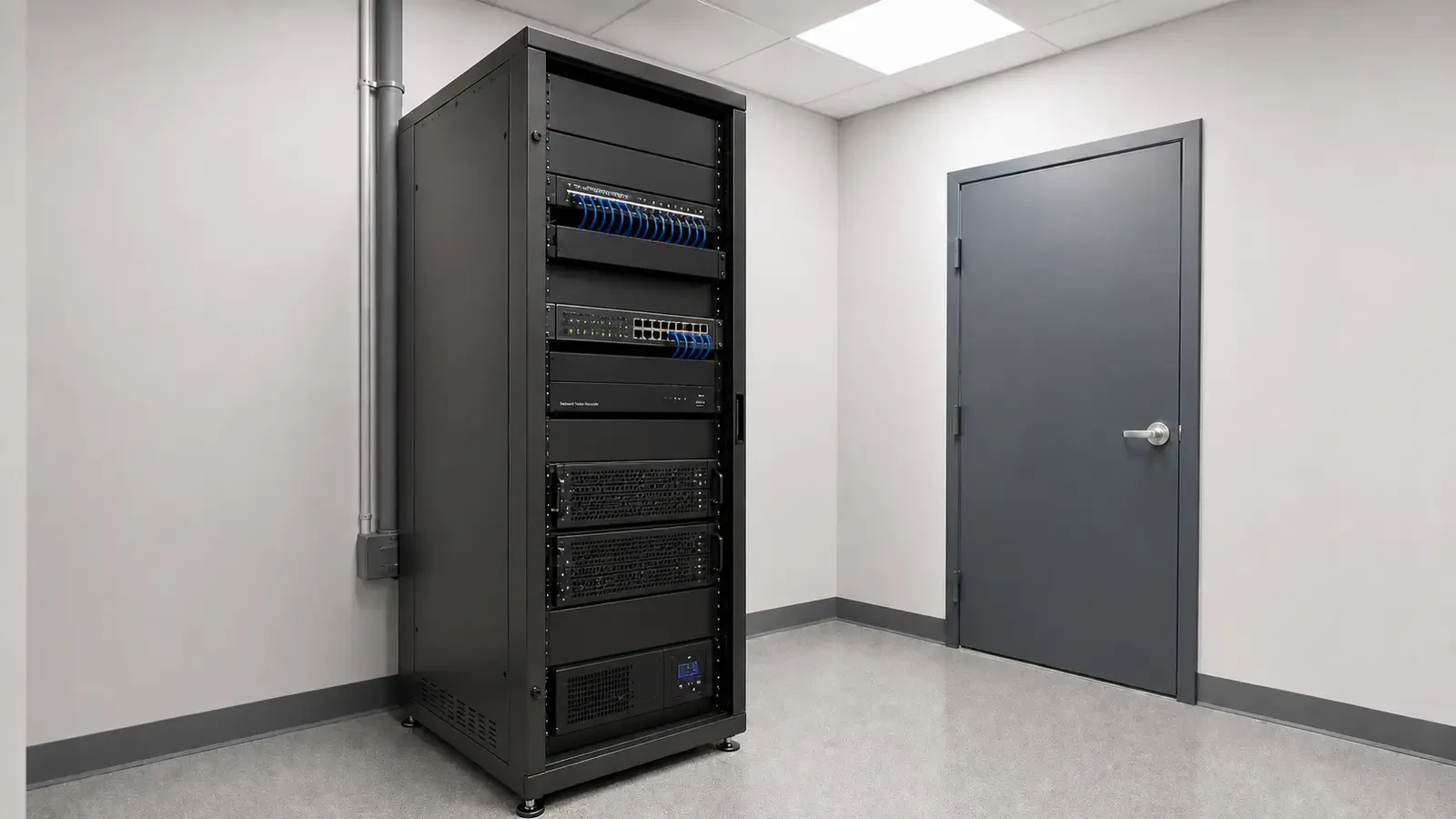
Orlando Commercial Camera Services
Camera Services helps Orlando businesses choose the right path for a commercial surveillance project without treating every need as the same type of installation. Use this hub to compare planning, new installation, IP video, CCTV modernization, analytics, recording, upgrades and troubleshooting.
Start with the problem you need to solve: a new system, an older system that needs modernization, a recording or remote-access requirement, or a fault that needs diagnosis. The service pages below explain what changes technically and what information is useful before a project is scoped.
Use the camera-service family to match the project to planning, installation, modernization, recording, analytics, upgrade or troubleshooting work.
Data Pro Communications operates under FL License #EC13016138.
Each child page owns a narrower technical purpose so buyers can understand what will be evaluated before requesting a project consultation.
Commercial camera work can begin in different places. A new property may need coverage planning and installation, while an existing site may need recorder migration, analytics, remote viewing, an upgrade path or fault isolation. This hub organizes those needs so buyers can move to the page that matches the actual project.
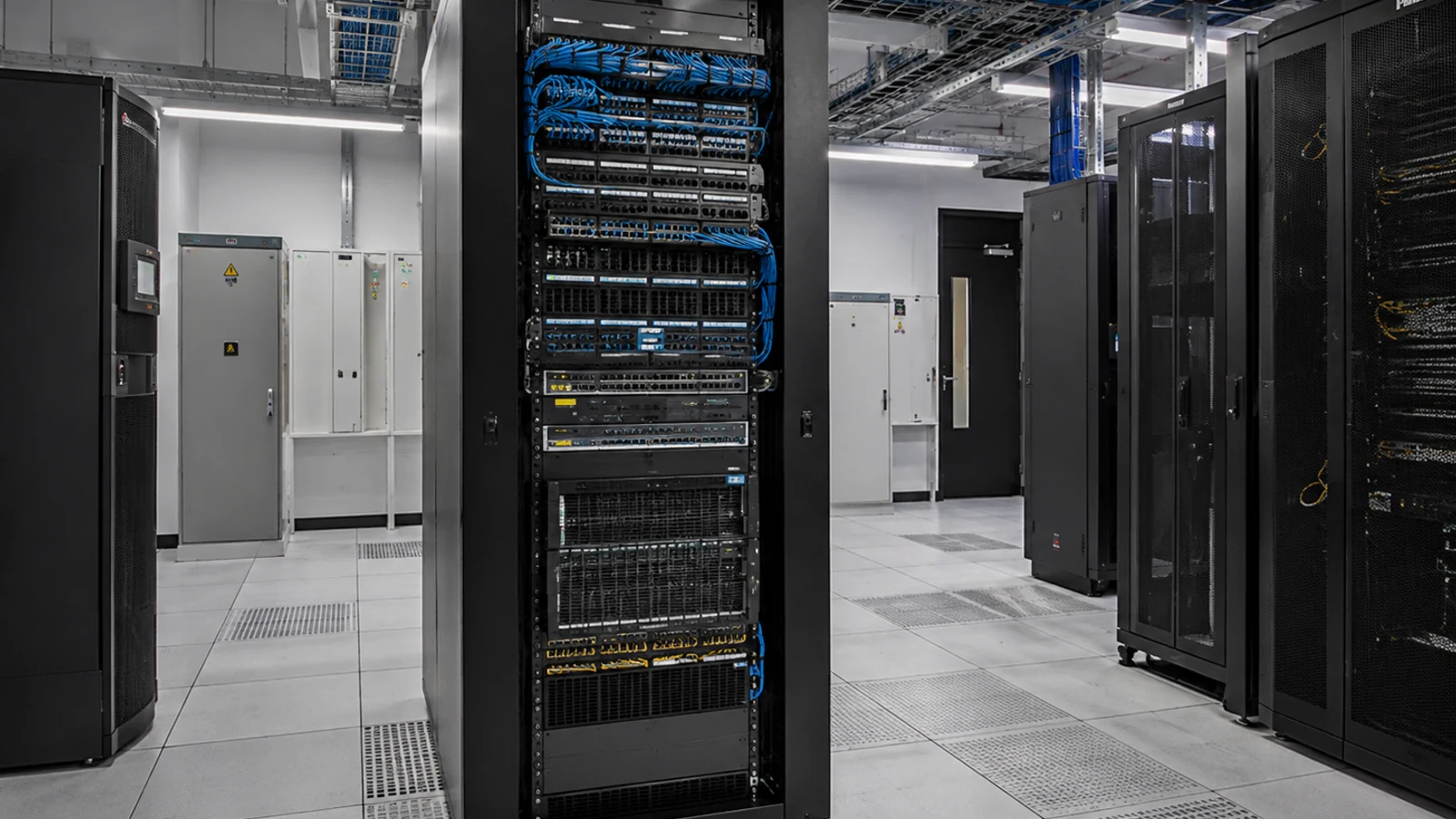
Choosing cameras before defining coverage, recording, remote access and operational needs can produce a system that looks complete on paper but misses the property’s actual priorities.
Existing coax, Ethernet, recorders, licenses and mounting locations can materially change an upgrade. Reuse decisions belong in an assessment before replacement equipment is selected.
Retention, export needs and user access affect recorder sizing and network design. Those requirements should be identified before the project is routed only as a camera-selection exercise.
Offline video, intermittent streams and remote-viewing failures may come from power, cabling, switching, storage or credentials. Troubleshooting should isolate the fault before equipment is replaced.
Analytics is useful when a property knows which events matter and who will review them. It is not a substitute for suitable camera views or an operational response process.
IP video, remote access and cloud-connected functions may depend on customer-managed networks, user accounts or cybersecurity policies. Those ownership boundaries should be clear early.
Use the planning route when coverage objectives, camera locations, lighting, pathways, network needs and recording requirements still need to be defined.
Use the implementation route when camera locations and scope are established and the work centers on mounting, cabling, connection, testing and handoff.
Commercial CCTV work can address analog, IP and hybrid environments, including recorder transitions and decisions about reusing existing coax or Ethernet infrastructure.
IP video work coordinates cameras with PoE, switching, bandwidth, recorder or VMS architecture, permissions and scalable network design.
Analytics and NVR/remote-viewing services address event rules, search workflows, retention, storage, users, permissions and secure access.
Existing systems may need staged modernization, compatibility review or diagnosis of camera, power, network, recording and storage faults.
Use planning and installation pages when the property needs new camera coverage, pathways, switching and recording from the ground up.
Use CCTV and upgrade pages when existing analog cameras, coax or recorders may remain in service during a phased modernization.
Use IP video and remote-viewing pages when switching, bandwidth, permissions and centralized access are part of the requirement.
Use the analytics page when the goal includes line crossing, intrusion events, object classification, search or other event-driven workflows.
Use the NVR and remote-viewing page when retention days, evidence export, user access or remote connectivity are driving the project.
Use troubleshooting when cameras are offline, video is intermittent, storage is failing or remote access no longer works as expected.
Identify whether the property has analog, IP or hybrid cameras, the recorder/VMS in use and any known failures or limitations.
Describe the areas or events that need to be seen. That distinction helps separate planning needs from equipment replacement or troubleshooting.
Retention days, recording mode and export expectations can determine whether the project needs recorder/storage work in addition to camera work.
Clarify who manages switching, internet access, firewall policy and user accounts when IP video or remote viewing is involved.
If existing cabling, mounts, cameras or recorders should remain, identify that requirement before a replacement path is recommended.
Explain whether the primary need is prevention visibility, investigation, remote management, system reliability, modernization or another defined outcome.
Camera projects often touch structured cabling, switching, access control or other low-voltage infrastructure. The relevant child page should identify those dependencies without turning the camera scope into a generic “all systems” project.
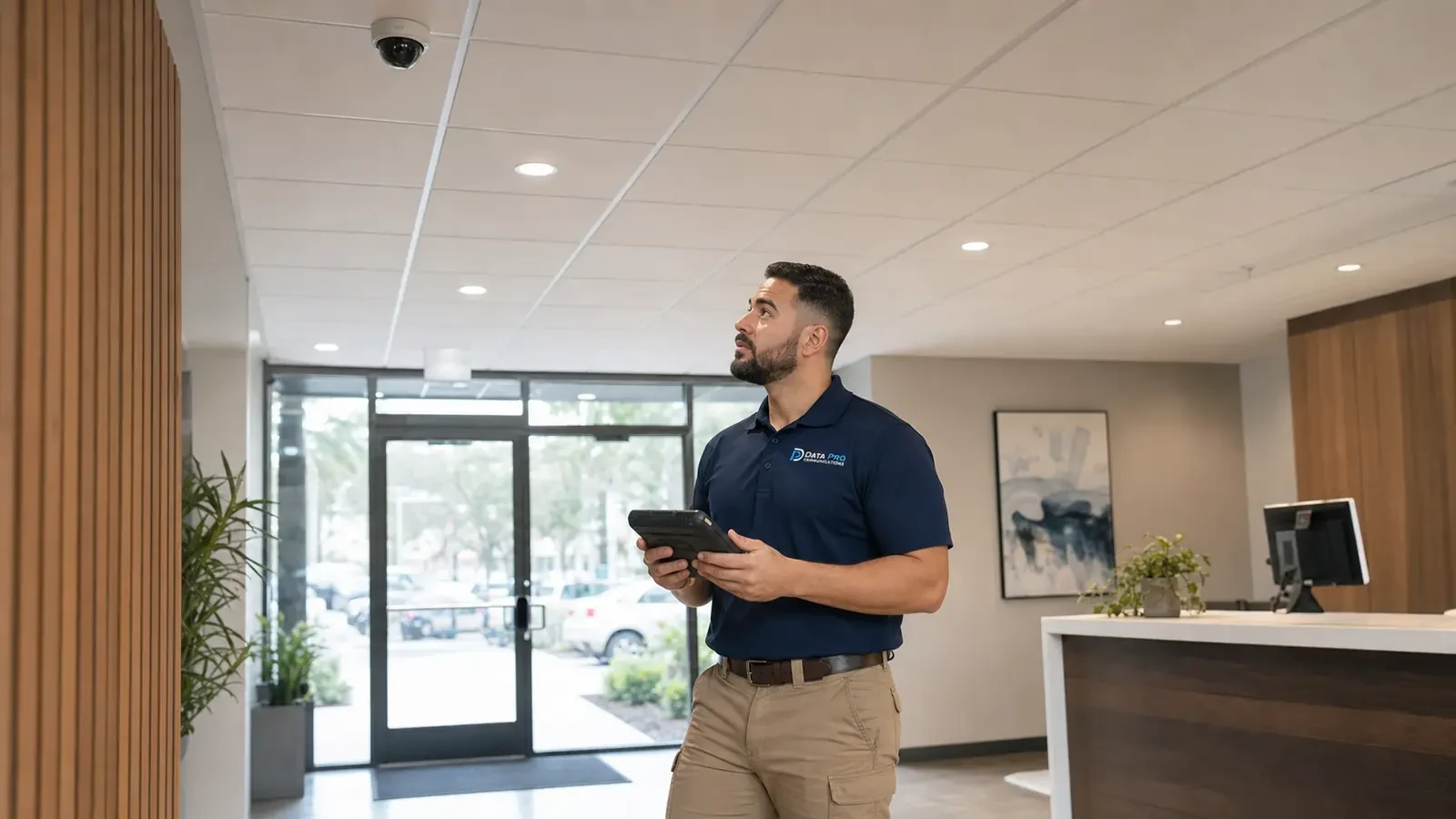
Orlando properties range from offices and retail locations to hospitality, warehouses and managed multi-building sites. The correct camera-service path depends on the property and the current system, not simply the city or ZIP code.
The Camera Services hub is the navigation point for choosing among the governed camera-service routes.
Contact is appropriate when the property need spans more than one camera-service category or requires a field review.
Integrated Solutions becomes relevant when camera work shares cabling, switching, access-control or other low-voltage infrastructure.
Different property types change which camera-service path makes sense. A warehouse may be driven by long pathways and loading areas, while a retail site may prioritize entrances, point-of-sale visibility and evidence review. The child service page should carry the technical detail from there.
Describe the property, existing system and the main outcome before choosing a specific camera-service route.
Compare the child services based on whether the need is planning, installation, modernization, analytics, recording, upgrade or troubleshooting.
Gather the information that can change the recommendation, such as current equipment, cabling, network ownership, retention or known faults.
Use the selected service page or contact path to move into a site survey, assessment, troubleshooting visit or project consultation as appropriate.
Data Pro Communications - South Orlando is operated by Data Pro Communications. Florida low-voltage work is performed under FL License #EC13016138. Final recommendations depend on the approved scope, site conditions and the responsibilities stated in the project documents.
Start with the planning page if coverage, camera locations, pathways, network requirements and recording goals are not yet defined. The implementation page is more appropriate once the installation scope is established.
Start with the upgrade page if the main goal is modernization or expansion. Use troubleshooting when the immediate problem is offline cameras, intermittent video, recording failure or remote-access trouble.
Commercial CCTV covers analog, IP and hybrid environments, including modernization of older systems. IP Video Surveillance focuses specifically on network-based cameras, PoE, switching, bandwidth and recorder or VMS architecture.
Analytics is useful when the property has a defined event or search need, suitable camera views and a workflow for reviewing alerts or recorded events. Scene quality and configuration affect results.
Use it when retention, storage sizing, evidence export, user permissions or secure remote access are central to the project.
Often it can, but the upgrade path depends on camera and recorder compatibility, cabling condition, power or PoE needs, storage and the equipment that must remain operational.
No. Power, PoE, cabling, switching, network settings, recorder storage, credentials and physical damage can all cause camera or viewing problems.
Sometimes. Reuse depends on cable type, condition, distance, connector quality and compatibility with the new equipment. Existing coax and Ethernet should be assessed before being assumed reusable.
Yes, camera projects can involve related low-voltage infrastructure. The camera scope should still identify which work belongs to surveillance and which belongs to the supporting network or cabling system.
Provide the property type, current camera or recorder information if available, the areas or problems involved, desired recording or remote-viewing outcome and any known schedule or access constraints.
Tell us whether you are planning a new system, modernizing an existing one, adding analytics or remote viewing, or trying to restore a system that is not working correctly. We can direct the request to the camera-service path that fits the actual need.