
Commercial-First Planning
Projects are planned around property operations, infrastructure and the people responsible for the system.
Commercial Camera Resource | Residential systems
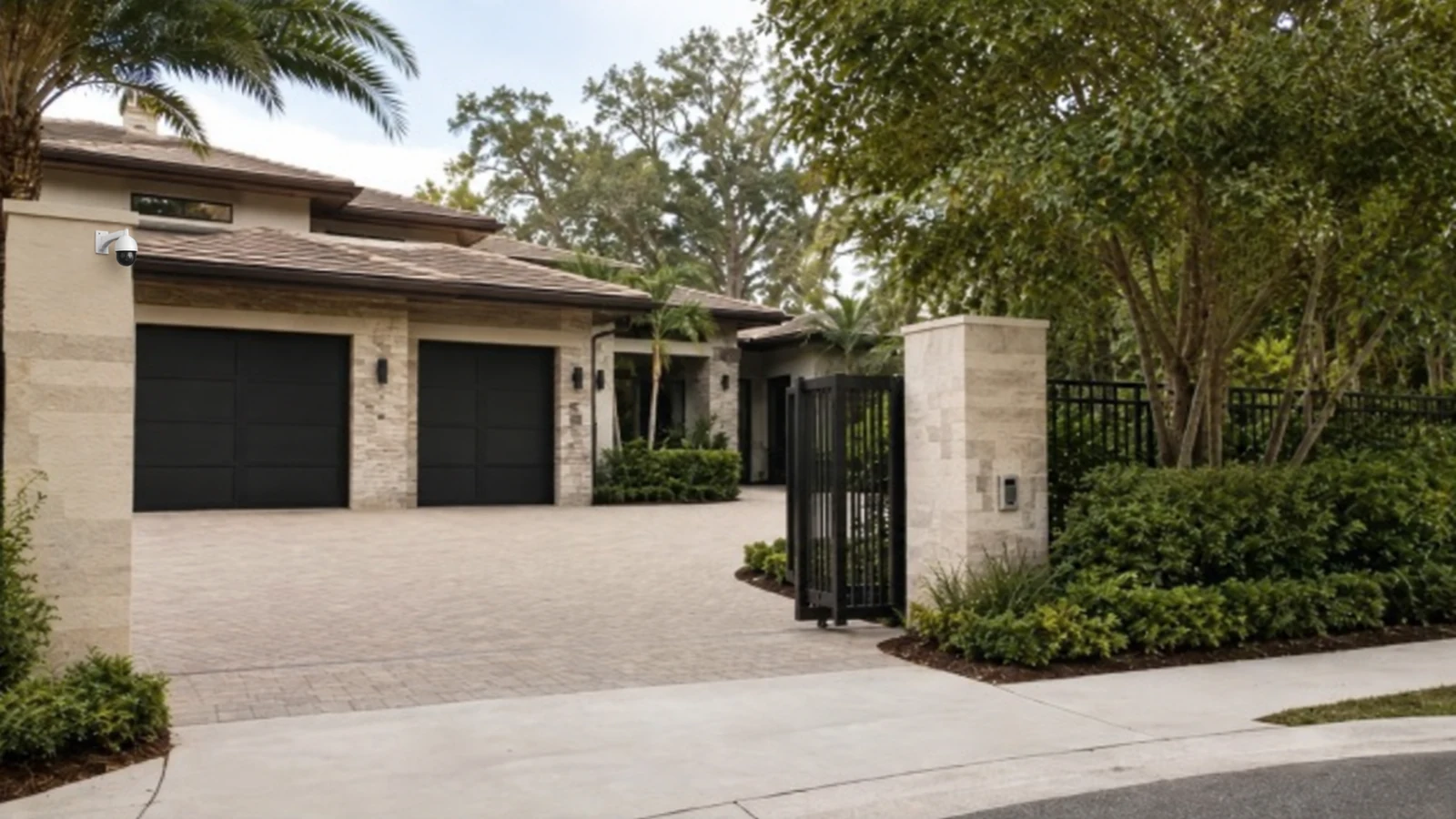
A professionally designed camera system is most useful for a larger home when the property has multiple buildings, long driveways, gates, permanent pathways, central recording or several people who need controlled access. A few simple views may not require that level of infrastructure.
A gated property with a detached garage may need fiber or a protected link rather than an overlength copper run. Professional systems improve serviceability and centralized control, but they require planned cabling, equipment space and clear household or staff permissions.
Projects are planned around property operations, infrastructure and the people responsible for the system.
Data Pro Communications operates under FL License #EC13016138.
Testing, labeling, credentials and known limitations are organized for the people who will operate and support the system.
A professionally designed camera system is most useful for a larger home when the property has multiple buildings, long driveways, gates, permanent pathways, central recording or several people who need controlled access. A few simple views may not require that level of infrastructure.
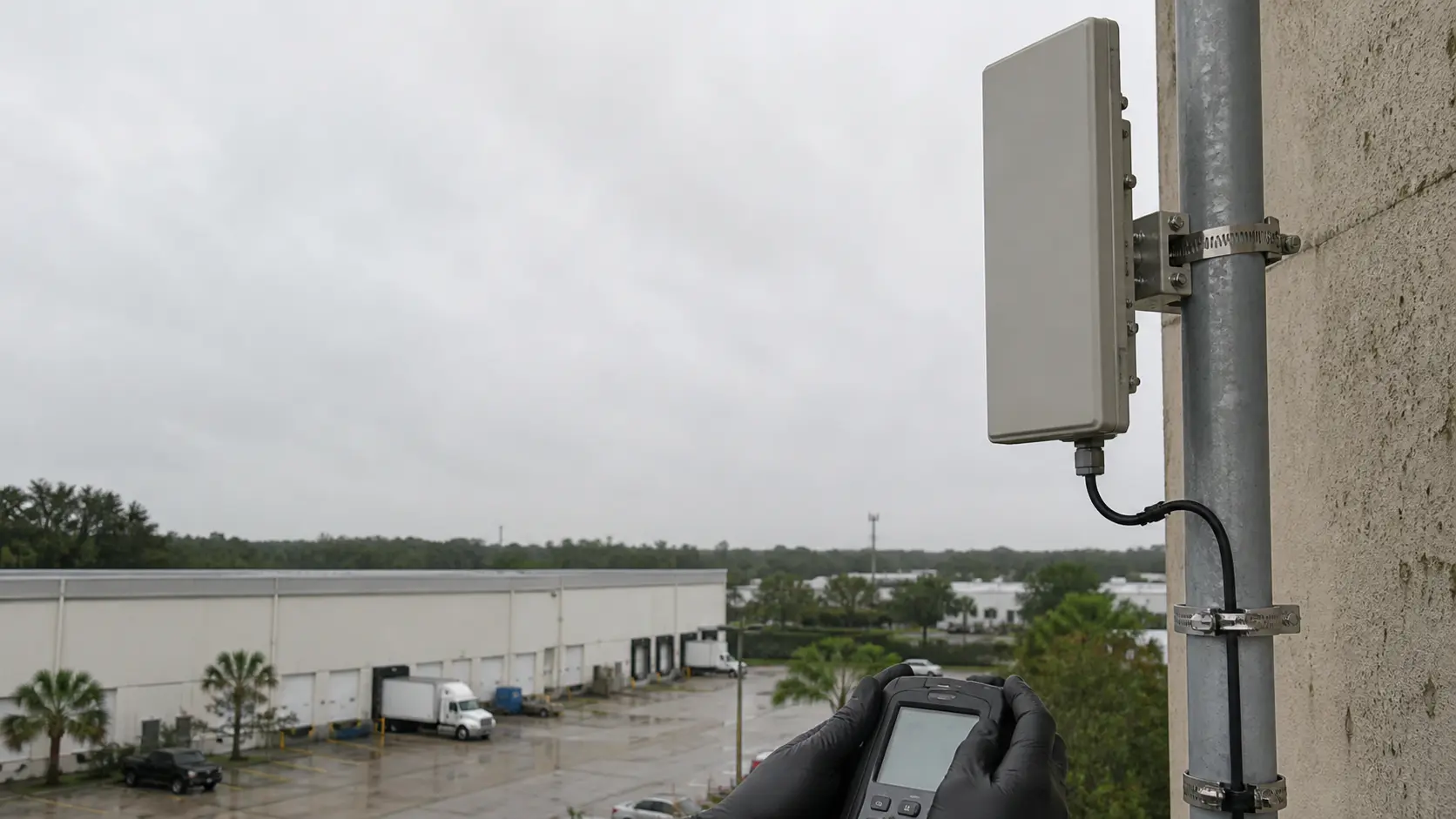
Coverage across separate buildings can fail when pathways, distance or network boundaries are assumed instead of verified, leaving gaps between otherwise well-covered areas.
Permanent pathways need capacity, support and accessible routing; temporary shortcuts create long-term service and expansion problems.
A larger-home recorder should be sized from actual camera count, recording mode and desired retention; an undersized recorder can force shorter history or lower stream settings.
A gate or intercom event can be difficult to review when its timestamp, user action and associated camera view do not align across systems.
Unconfirmed access to roofs, ceilings, gates or occupied rooms can stop work after the crew and equipment arrive. Agree on keys, escorts, work periods and protected areas in advance.
A camera mounted without safe reach, replaceable pathways or known account ownership may be expensive to maintain even when its initial view is acceptable.
Verify the pathway, power, network link and recording route for each building, then confirm that cameras remain reachable and recorded across the complete property.
Plan pathway capacity and accessible routing for the installed system and likely service points instead of leaving unsupported temporary runs.
Size centralized recording for the aggregate camera load and confirm that the recorder can sustain playback and export while it continues recording.
Confirm that gate or intercom events line up with the correct camera and timestamp, and verify what operators can still review if the entry system or network connection is unavailable.
Plan entry to garages, attics, gates, telecom spaces and finished interiors with the household or property representative before technicians arrive.
Use accessible mounting points, documented cable routes, named accounts and replaceable components so future repairs do not depend on destructive investigation.
A gated property with a detached garage may need fiber or a protected link rather than an overlength copper run.
A home with household staff can use separate viewing roles so administrative access is not shared with every user.
A long driveway may require a dedicated identification point because one wide overview cannot preserve useful detail across the full approach. Use a controlled entry or a narrower dedicated view for identification and select fiber or a managed link when the driveway exceeds practical copper distance.
Named permissions help distinguish everyday household use from administration, export and service access. Give household staff only the live-view, playback or gate permissions required for their role and keep administration with a named owner.
Guest arrivals may involve a gate, intercom or controlled entrance, so the camera view should support that workflow without covering unrelated private areas. Coordinate the camera with gate or intercom activity while excluding neighboring property and private household areas that do not serve the security purpose.
Boundary views should be limited to the security purpose and checked for neighboring or public areas that do not belong in the scene. Choose protected pathways and reachable mounts, and document accounts, retained equipment and the party responsible for future service.
Evaluate multi-building coverage through scene width, target distance, lens, pixel density, light, compression and required detail; the accepted result should come from recorded playback in the actual scene.
Approval of permanent cable pathways requires route length, test results, protection, termination, environmental exposure and service access, plus a test result appropriate to the copper or fiber medium.
Calculate central recording with camera count, resolution, codec, bitrate, recording schedule, usable capacity and retrieval period, using usable rather than headline capacity and a verification from the running recorder.
When cameras support a gate or intercom workflow, align timestamps and confirm which system provides the event, video view and user action so a visitor interaction can be reviewed later.
Access planning should identify rooms and exterior areas involved, the approved work window, escort or key requirements, lift routes and the contact who can resolve an access conflict.
Serviceability should be reviewed through mounting access, enclosure clearance, cable labels, telecom-room access, supported equipment and ownership of administrative credentials.
Implementation of professionally designed systems for larger homes should coordinate permanent cable pathways, central recording and gate and intercom interfaces with the camera and recording platform.
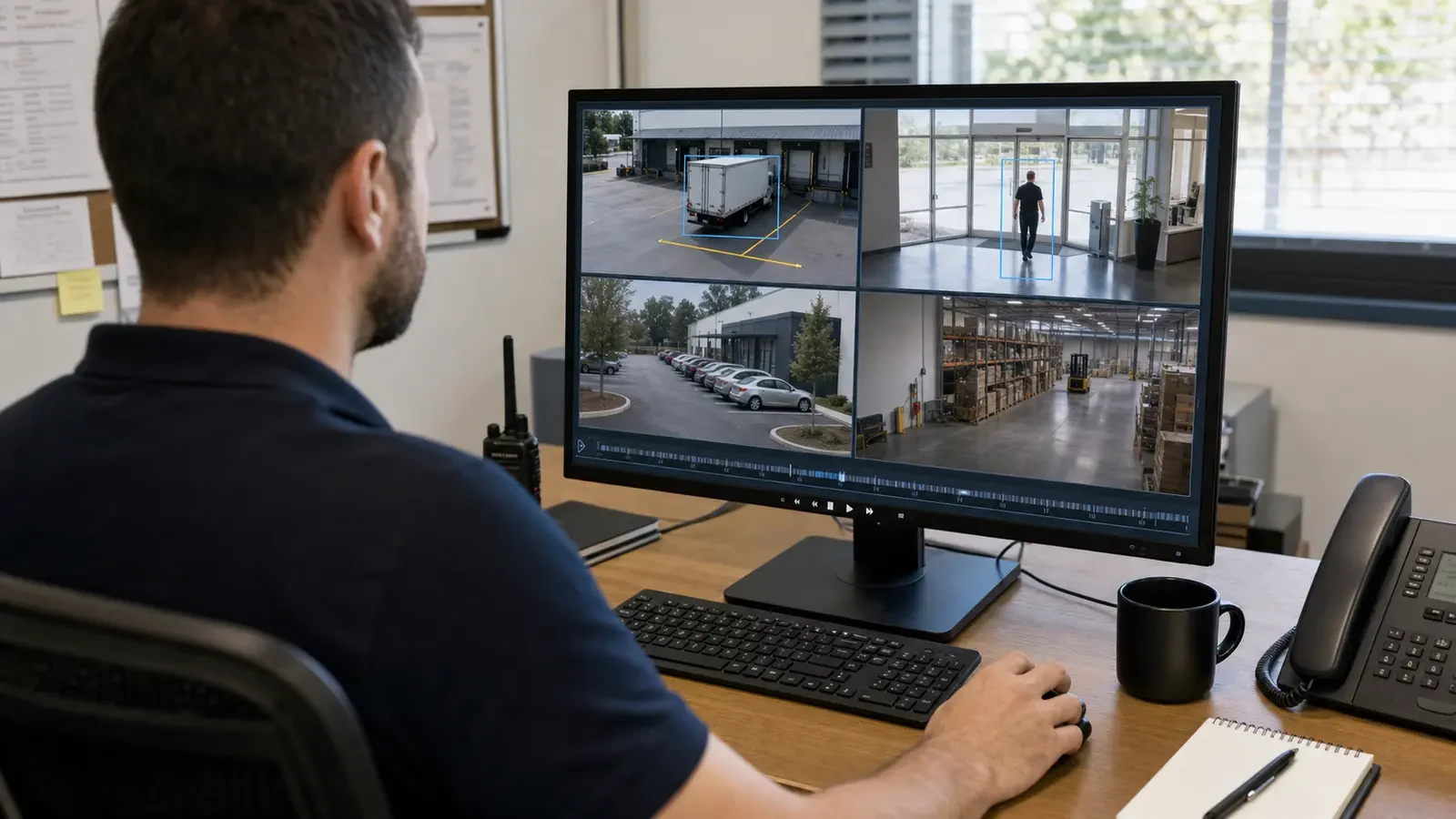
For a larger Orlando home or residential property, a professionally designed camera system becomes more useful when coverage extends across gates, detached structures or long cable routes that are difficult to manage as isolated devices. Planning should confirm permanent pathways, recording location, user access and how the system can be serviced without relying on undocumented consumer accounts or temporary links.
Residential-system research can continue into camera placement, structured cabling, remote viewing and retention when a larger property needs permanent infrastructure rather than consumer-device assumptions.
For a larger home, Camera Services can address permanent mounting, recorder changes and camera upgrades when the property has moved beyond consumer-device coverage.
A property visit can confirm building-to-building pathways, gate interfaces and privacy-sensitive views when a larger home has multiple structures or staffed access points.
A professional residential camera design makes sense when the property needs permanent pathways, centralized recording, controlled user access and serviceable equipment across more than one building or access point.
Identify the buildings, vehicle approaches, pedestrian entrances and shared exterior areas that need coverage, while excluding neighboring or private areas that should not be recorded. Larger residential sites often require more than a simple house-perimeter layout.
Check how cameras will reach the recorder or network from detached structures, gates and remote areas. Copper distance, conduit availability, fiber requirements and the location of network equipment can determine whether the design is practical.
Decide who can view footage and how camera review relates to gate, intercom or access events when those systems are present. Keep account ownership and permissions clear so household, property staff or service providers do not share unmanaged credentials.
Review recorded images from the actual approaches and verify that cameras, enclosures and network devices can be reached for cleaning, realignment or replacement. A system that cannot be serviced safely will become harder to maintain over time.
Data Pro Communications - South Orlando is operated by Data Pro Communications. Florida low-voltage work is performed under FL License #EC13016138.
For multi-building coverage, start with the event the camera must explain, then check the approach path, normal obstructions, mounting position and recorded detail from the proposed view.
For permanent cable pathways, trace and label the route, inspect protection and termination, measure distance, use the appropriate copper or fiber test and confirm future service access.
For professionally designed systems for larger homes, calculate central recording from camera count, resolution, codec, bitrate, recording schedule and usable capacity; verify the result through oldest-footage review and an export.
For gate and intercom interfaces, identify the owner on each side, interface or signal exchanged, timing and permissions, power and network boundary, failure behavior and acceptance test.
For professionally designed systems for larger homes, confirm work hours, occupied rooms, ceiling and telecom-space access, keys or escorts, lift routes, cleanup and the person who can approve a field change.
Review long-term serviceability for safe reach to cameras and enclosures, access to telecom rooms and credentials, replacement clearance, labeling and the party responsible for future service.
It is a fit when the property can support multi-building coverage, permanent cable pathways and central recording and the stated limitation is acceptable.
Cable pathways can be reused when their condition, distance and termination are suitable. Recorders, gate interfaces and network equipment also need compatible channels, capacity, protocols and continuing support.
Inaccessible mounts, undocumented pathways, shared administrator accounts and unsupported recording or gate equipment can make future service difficult. Clear ownership and replaceable components reduce that risk.
Review recorded video from the actual driveway, gate, guest and boundary approaches in daytime and low light. Test household permissions, remote viewing, playback and export with the people who will use them.
Before adopting professionally designed systems for larger homes, verify multi-building coverage, permanent cable pathways and central recording at the property; a project consultation can resolve the remaining infrastructure or compatibility questions.