
Commercial-First Planning
Projects are planned around property operations, infrastructure and the people responsible for the system.
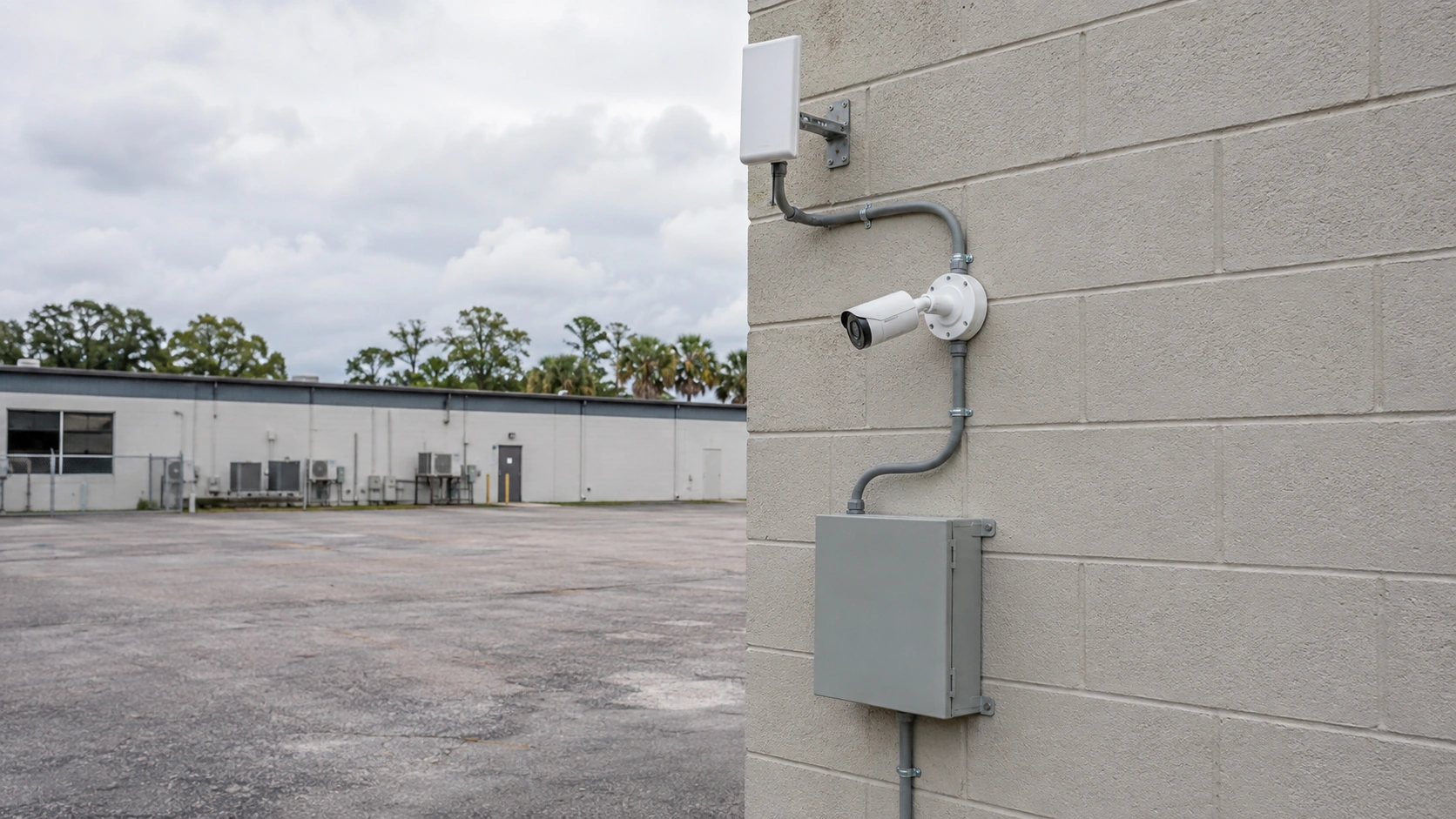
Commercial Camera Resource | Wireless systems
A commercial wireless camera system still needs a topology: cameras connect through access points or dedicated bridges, power is provided locally or through conversion equipment, traffic is encrypted, and link health is monitored. Calling a camera wireless does not remove those dependencies.
A point-to-point bridge can carry cameras from a powered outbuilding when trenching is impractical and line of sight is stable. Wireless links can cross locations where new cable is difficult, but throughput, interference, power and recovery after a link failure must be designed rather than assumed.
Projects are planned around property operations, infrastructure and the people responsible for the system.
Data Pro Communications operates under FL License #EC13016138.
Testing, labeling, credentials and known limitations are organized for the people who will operate and support the system.
A commercial wireless camera system still needs a topology: cameras connect through access points or dedicated bridges, power is provided locally or through conversion equipment, traffic is encrypted, and link health is monitored. Calling a camera wireless does not remove those dependencies.
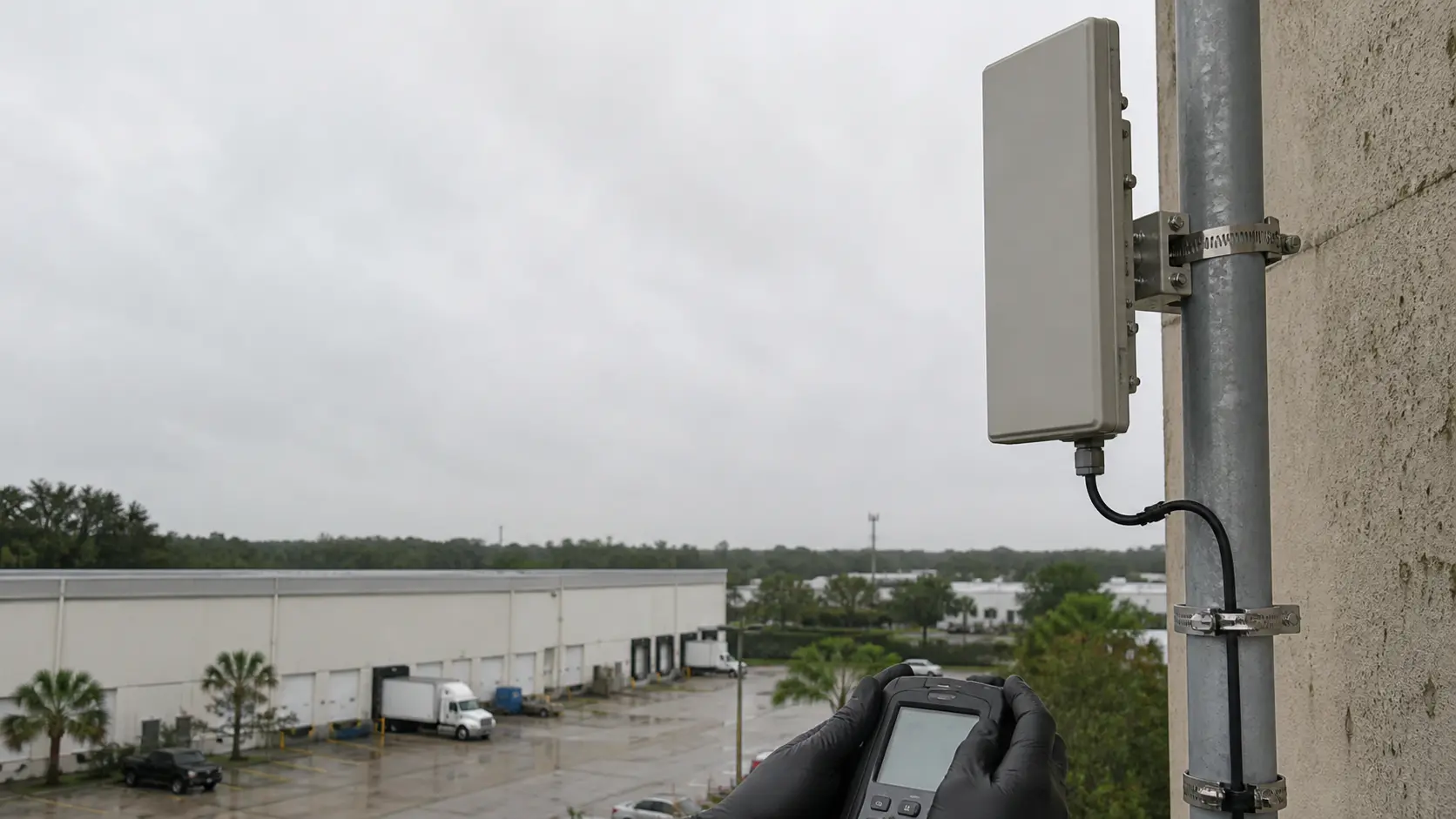
An undocumented wireless topology hides which access point, bridge, power source and backhaul path serves each camera, making outages harder to isolate.
Access points chosen from convenience rather than RF measurements can leave weak link margin, obstruction or overloaded airtime at the camera.
A bridge without clear line of sight, capacity or recovery planning can fail intermittently even when a short installation test passes.
An undersized or unstable local power or PoE conversion can restart cameras, disable auxiliary features or drop devices after an outage.
Unmanaged credentials or weak segmentation can expose camera traffic and administration beyond the people responsible for the system.
A wireless link can degrade through interference or obstruction before it fails completely. Without health thresholds, intermittent recording may go unnoticed.
Diagram each camera, power source, access point or bridge, backhaul, network segment, recorder destination and expected failure boundary.
Place access points from measured RF coverage, antenna pattern, obstruction, channel use, camera throughput and service-access requirements.
Design the bridge around line of sight, link margin, required throughput, local power, management access and recovery after interruption.
Calculate local power or PoE conversion from device class, startup and auxiliary load, switch or local capacity, cable loss and backup-power requirements; then test a restart.
Use managed encryption, unique credentials, segmented networks and restricted administration for wireless camera traffic.
Monitor signal quality, retries or loss, throughput and uptime with thresholds and an assigned owner for recurring degradation.
A point-to-point bridge can carry cameras from a powered outbuilding when trenching is impractical and line of sight is stable.
Several high-resolution cameras sharing a general office Wi-Fi network can overwhelm airtime and make recordings intermittent.
A parking-lot camera needs a dependable power source and a backhaul path that remains stable across the full outdoor route. Use a managed point-to-point bridge with verified line of sight, throughput and local power rather than extending ordinary building Wi-Fi to a distant pole.
Finished ceilings and changed room layouts can restrict new cable routes, radio placement and future service access. Confirm a stable power or PoE source and measure the wireless path after walls, furnishings and normal network activity are present.
Separate buildings require a documented path between local camera power, the network edge and the recording system. Document both bridge endpoints, encryption, segmentation, uplinks and recorder destination for each building-to-building camera path.
Temporary coverage still needs controlled accounts, reliable power and a plan for removing equipment and access when the need ends. Monitor signal quality, retries and uptime, and define what happens to recording when the temporary link or local power is lost.
Document camera endpoints, power source, radio association, access point or bridge, channel, backhaul, VLAN, recorder path and management owner.
Placement inputs include measured signal and noise, antenna pattern, obstruction, channel occupancy, camera bitrate, mounting exposure and service access.
Bridge design should record line of sight, Fresnel clearance where relevant, link margin, throughput, encryption, local power, management and failure recovery.
Engineering inputs for local power or PoE conversion include device power class, startup load, switch budget, cable loss, backup power and port behavior; confirm both per-port and total capacity and document restart behavior.
Security controls should include approved encryption, managed keys or credentials, segmentation, restricted administration, logging and an owner for updates.
Track signal strength and quality, retries, packet loss, throughput, uptime and outage duration; define thresholds and the response to recurring degradation.
Wireless camera transport depends on access point placement, dedicated wireless bridge and local power or PoE conversion. Document the access point or bridge, local power source, network segment and recorder path so a weak radio link is not confused with a camera or recording fault.
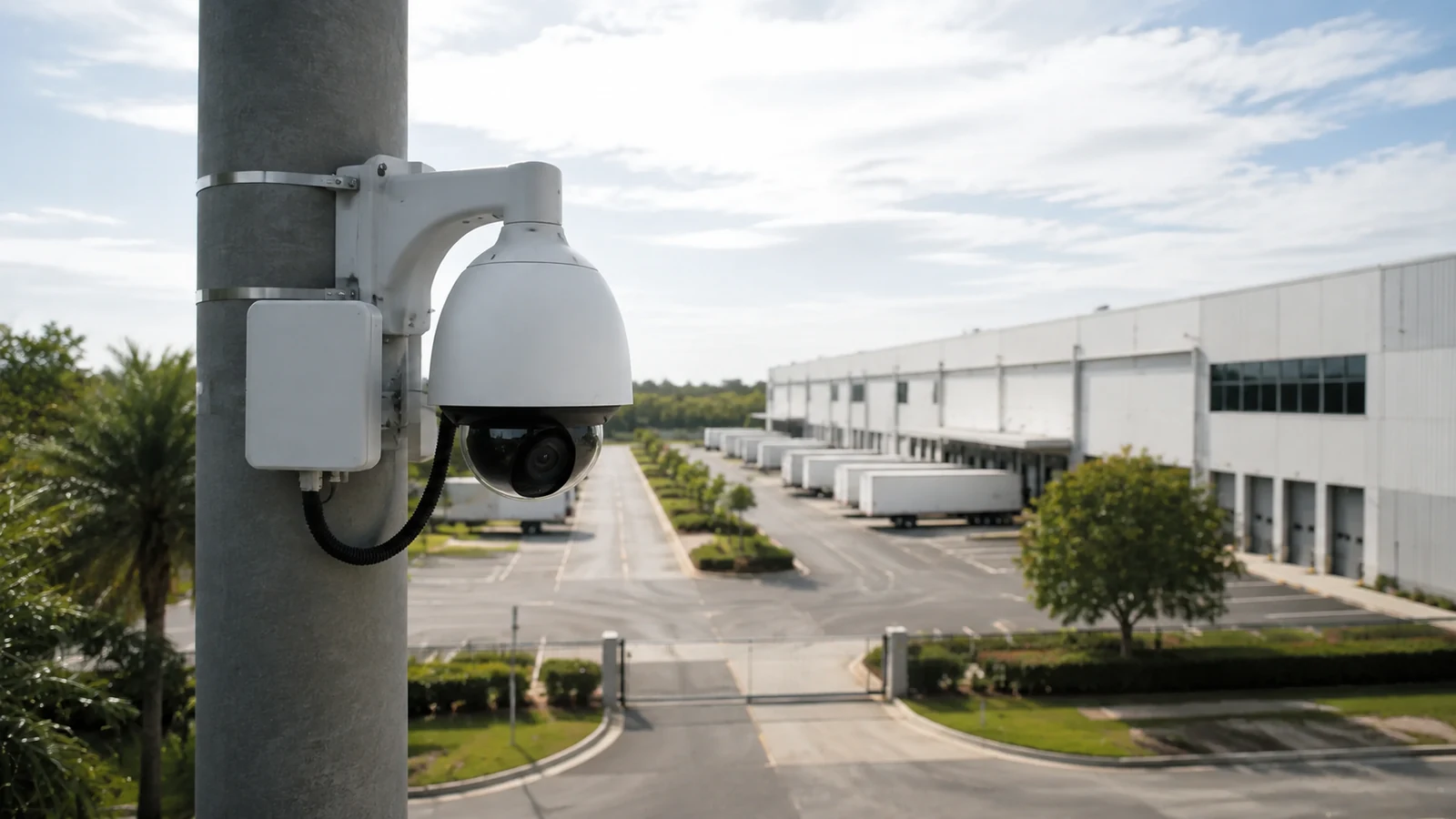
An Orlando wireless-camera design should be based on measured RF conditions, line of sight, local power and the recorder path at the property, including how the link behaves during normal network use.
PoE, wired network and structured-cabling guides provide useful alternatives when a wireless topology is limited by radio path, power or long-term support needs.
Camera Services can compare wireless and wired camera options when link measurements show that the proposed radio path will not be dependable enough for continuous video.
A site check can verify access-point placement, bridge line of sight, local power and RF interference before a wireless camera topology is committed.
A wireless camera system is supportable only when radio topology, access-point placement, power and encrypted transport remain stable under normal recording load and after a connection interruption.
Identify which cameras connect directly to Wi-Fi and which use a dedicated bridge, then show how each radio path reaches the wired network and recorder. This reveals shared links and failure points that are easy to miss in a device-only layout.
Check access-point or bridge placement from the intended camera position, including walls, vegetation, metal structures and exterior exposure. Confirm local power or PoE conversion is available where the radio equipment will actually be installed.
Use managed credentials, encryption and appropriate network segmentation for the camera link. Avoid treating the wireless connection as a transparent cable replacement when it introduces separate account, RF and recovery dependencies.
Run the expected streams over the link and watch throughput, packet loss or retransmissions during representative network use. Test playback and reconnection after an interruption so the design is evaluated under video load rather than a simple connectivity check.
Data Pro Communications - South Orlando is operated by Data Pro Communications. Florida low-voltage work is performed under FL License #EC13016138.
It identifies each camera, local power source, access point or bridge, backhaul path, network segment, recorder destination and failure boundary.
Use RF measurements, antenna pattern, obstruction, channel use, camera throughput, service access and the need for a stable link margin.
A managed bridge can fit a building-to-building or remote-camera link when line of sight, local power, capacity and recovery requirements are controlled.
For local power or PoE conversion, add device and auxiliary load, compare it with switch or local-power capacity, account for cable loss and backup power, and observe restart behavior in wireless camera-system design.
Use encrypted links, managed credentials, segmented networks, restricted administration and a documented process for firmware and key changes.
Track signal quality, retries or loss, throughput, device uptime and outages, with thresholds and an owner for investigating recurring degradation.
It is a fit when the property can support camera-to-radio topology, access point placement and dedicated wireless bridge and the stated limitation is acceptable.
It may support cameras when measured RF conditions, usable throughput, interference, security controls and local power are adequate at each device. Busy general-purpose Wi-Fi is not automatically a suitable camera backhaul.
Obstruction, interference, weak antenna alignment, congested channels, insufficient backhaul or loss of local power can interrupt the link. Link-health monitoring helps reveal degradation before video stops completely.
Test signal margin, throughput, retries and packet loss with every planned stream active. Confirm encryption, recording continuity and reconnection after a controlled radio, network or power interruption.
Before adopting wireless camera-system design, verify camera-to-radio topology, access point placement and dedicated wireless bridge at the property; a project consultation can resolve the remaining infrastructure or compatibility questions.